Service — Vector Tracing

Vector Image Tracing & Logo Vectorization Service

Turn any raster image, scanned logo or low-res artwork into a clean, infinitely scalable vector file — built by hand, node by node, not auto-traced.

Try 2 images free → Get a quote
✓ Manual editing only ✓ 24–48h delivery ✓ 1 free revision
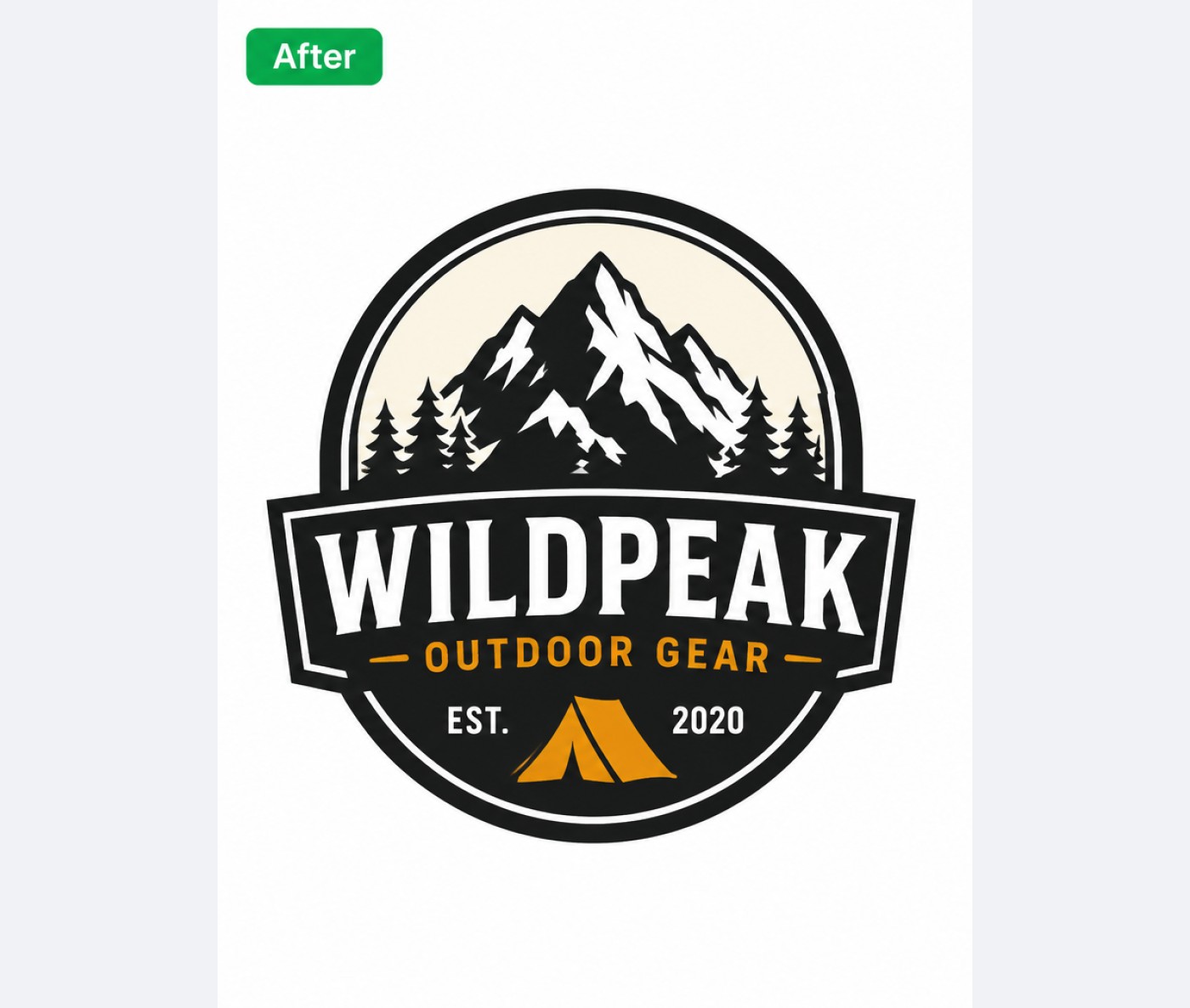
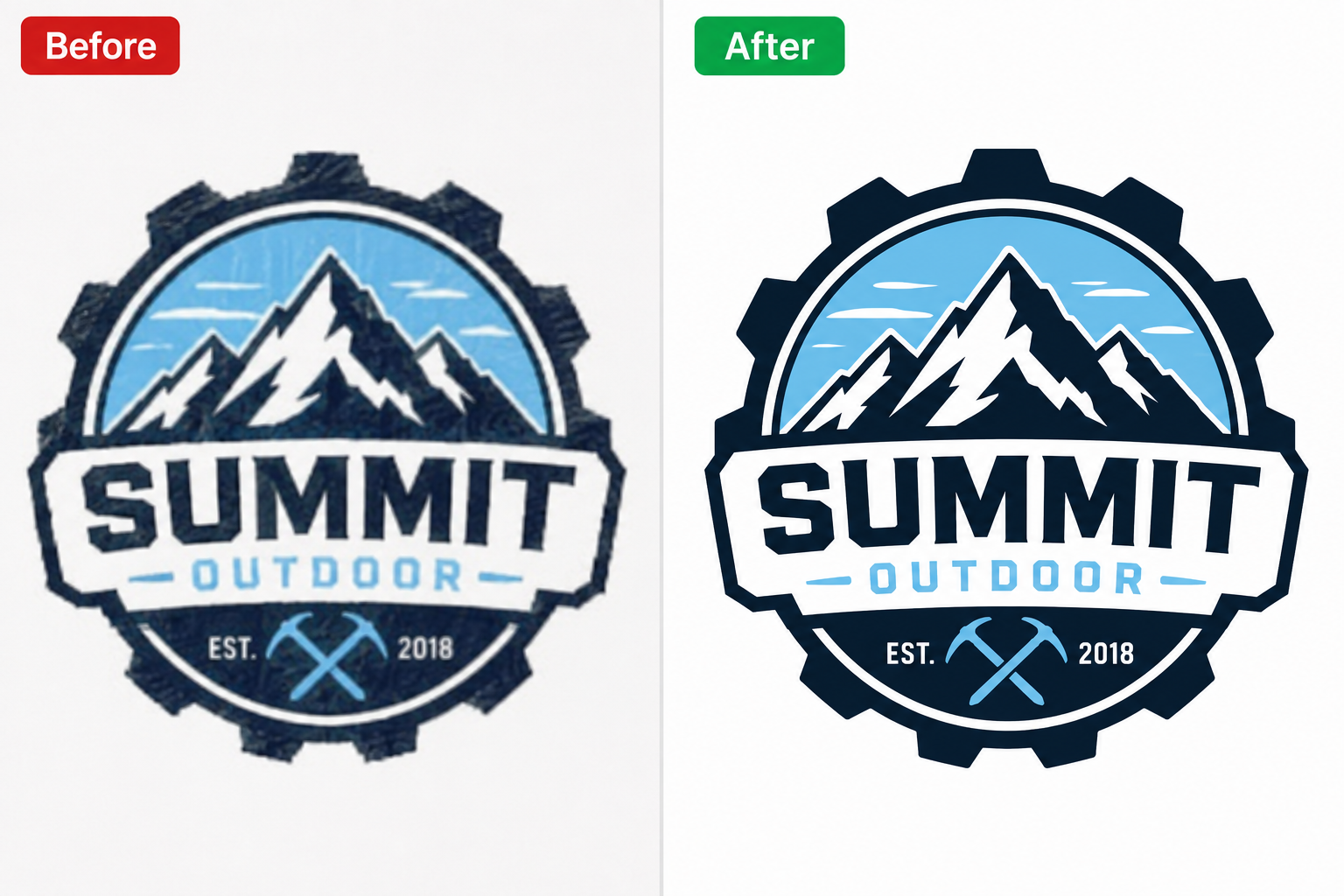
After — Vector Tracing service by PixelTrim Studio After
Before
⇔

What it is

What is vector tracing?

Vector tracing (or raster-to-vector conversion) redraws a flat image using mathematical paths instead of pixels — so the artwork can be scaled to any size, from a business card to a billboard, without ever losing quality.

We hand-trace every shape rather than relying on auto-trace software, which keeps curves clean and colors accurate — essential for logos, embroidery digitizing prep and print production.

Vector Tracing example

Why PixelTrim

What makes our Vector Tracing different.

📐

Hand-traced, not auto-traced

Every path is manually drawn for clean, accurate curves and shapes.

🖨️

Print & production ready

Delivered as AI, EPS, SVG or PDF — ready for large-format print or embroidery.

🎨

Exact color matching

Pantone or brand hex colors matched precisely across every element.

⚡

Fast turnaround

Simple logos delivered within 24 hours, complex artwork within 48–72h.

Vector Tracing use cases

Who it's for

Who uses our vector tracing service?

Vector art is needed anywhere a design has to scale cleanly across sizes and materials.

  • Businesses needing an old or low-res logo redrawn cleanly
  • Apparel brands prepping artwork for embroidery or screen printing
  • Sign shops and large-format print businesses
  • Product packaging designers needing scalable brand assets
  • Agencies converting hand sketches into finished digital artwork
Try free Get a quote

Our process

How Vector Tracing editing works.

The same four steps for a 2-image trial or a 5,000-image seasonal batch.

01

Send your raw images

Upload through the order form or share a Drive/Dropbox link — no software or account needed on your end.

02

We assess each image

An editor reviews every photo individually and applies the right technique — not a one-size-fits-all batch filter.

03

Manual vector tracing editing

Every edit is done by hand by a trained editor — the same standard whether it's your first trial image or your thousandth order.

04

Review & download

Get your edited files back in 24–48h, in the format you need, with one revision round included.

Results

Before & after examples.

Real images edited by our team — no filters, no tricks.

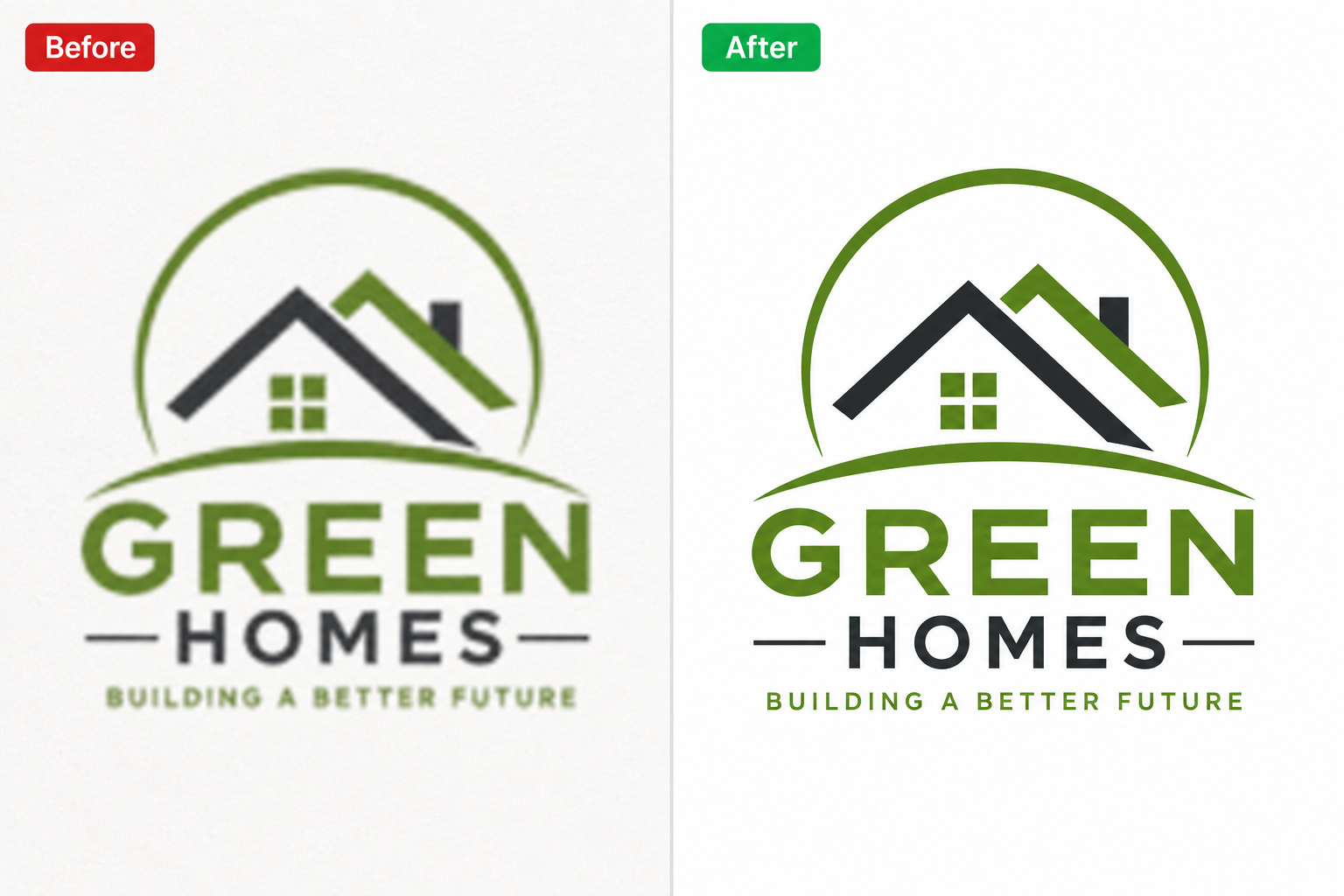
After — Vector Tracing editing After
Before
⇔
After — Vector Tracing editing After
Before
⇔
After — Vector Tracing editing After
Before
⇔
Try 2 of your own images free →

Pricing

Vector tracing pricing.

Priced by artwork complexity — simple single-color logos start from $4.99.

Simple

$4.99/ logo
  • 1–2 colors
  • Basic shapes & text
  • AI, EPS, SVG, PDF delivery
  • 1 revision round
Get a quote

Complex

$19.99/ artwork
  • Full-color illustrations
  • Photo-to-vector conversion
  • Embroidery-ready separation
  • Priority turnaround available
Get a quote
⏱️

Standard turnaround

24–48 hours for most orders, regardless of batch size.

🚀

Rush delivery

Mention your deadline in the order form — same-day delivery available on request for smaller batches.

📁

Delivery format

JPG, PNG (transparent background), layered PSD or TIFF — tell us what your workflow needs.

FAQ

Questions about Vector Tracing.

Can you vectorize a blurry or very low-resolution logo?+

Yes — since we hand-trace rather than auto-trace, we can rebuild clean vector art even from a poor-quality source image.

What file formats do you deliver?+

AI, EPS, SVG and PDF as standard. Additional formats available on request.

Can you match our exact brand colors?+

Yes — send Pantone codes or hex values and we'll match them precisely, or we can extract them from your existing print materials.

Do you offer embroidery digitizing?+

We prepare embroidery-ready vector separations; for full digitizing (stitch files) we can advise on next steps.

Ready to see the result?

Upload 2 images for a free trial edit — returned in under 24 hours with no obligation to pay.

Start free trial →

You might also need

Image Conversion Color Change Image Manipulation
Click image to zoom  ·  Click outside or press Esc to close