Service — Clipping Path

Professional Clipping Path Service for eCommerce & Photographers

The most precise background removal available — drawn by hand using the pen tool, not an AI background remover. Used by eCommerce sellers, catalog photographers and product studios worldwide.

Try 2 images free → Get a quote
Manual editing only 24–48h delivery 1 free revision
Clipping Path service by PixelTrim Studio

What it is

What is a clipping path?

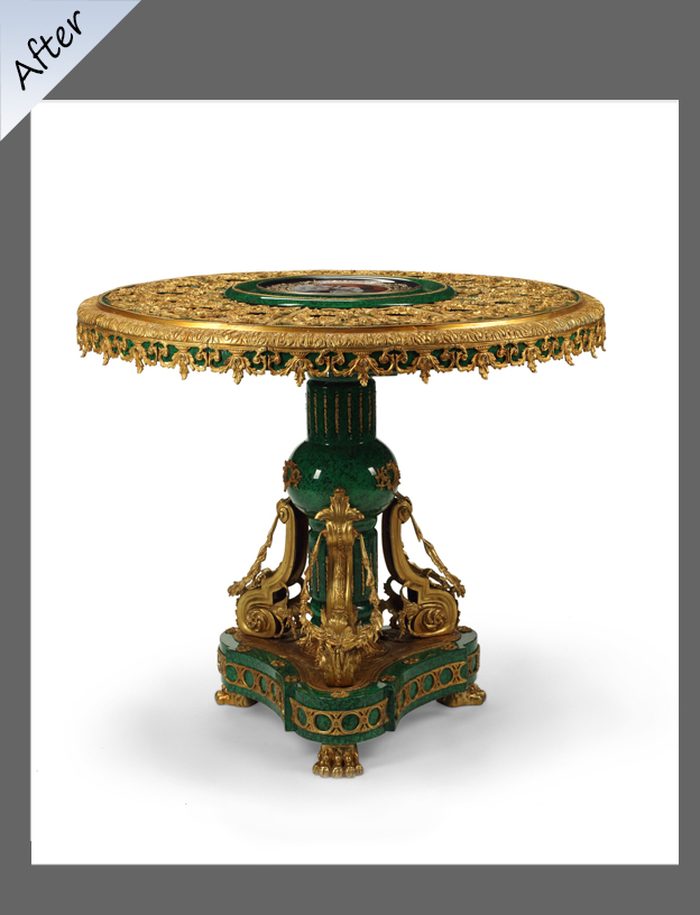
A clipping path is a vector outline drawn anchor-point by anchor-point around an object using Photoshop's pen tool. The path defines exactly what stays and what gets cut — giving you a perfectly clean edge on every side of the product.

Unlike AI background removers, a manual path doesn't guess. It doesn't leave fringing, haloing or artifacts on reflective surfaces.

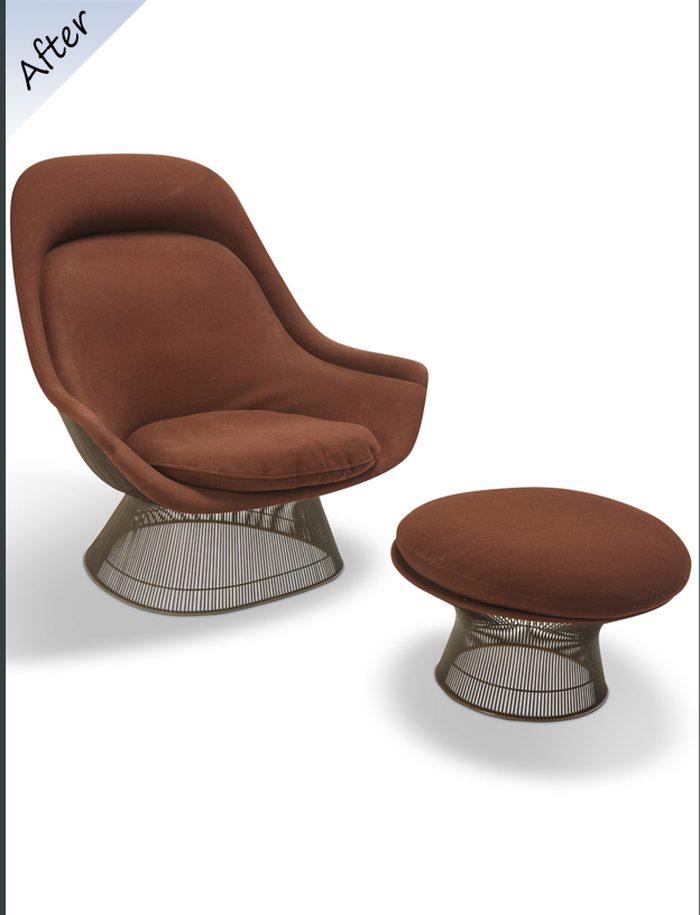
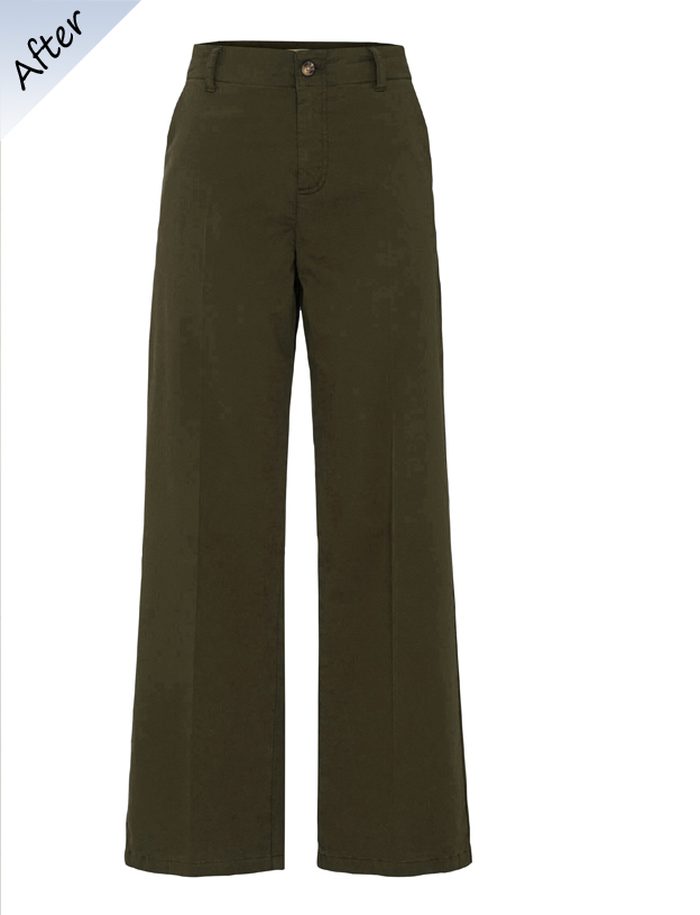
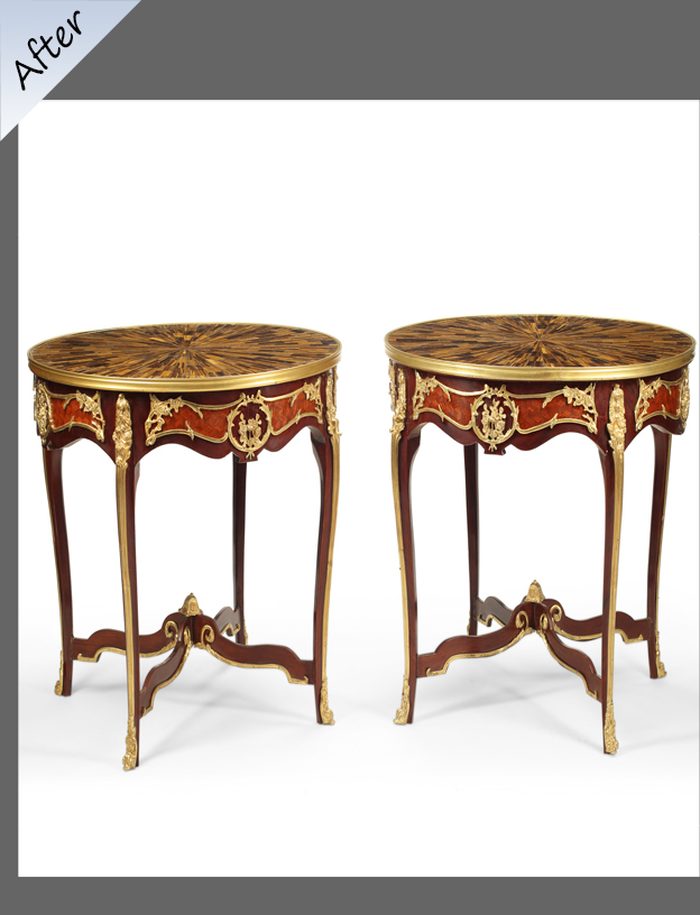
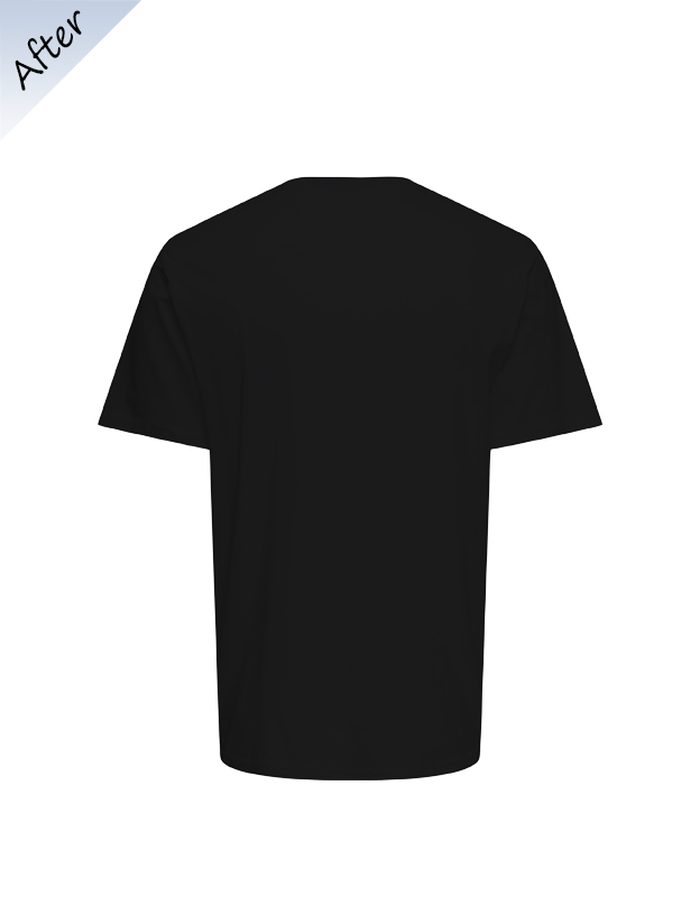
Clipping Path example

Why PixelTrim

What makes our Clipping Path different.

✂️

100% manual pen-tool work

Every anchor point is placed by a trained editor — no automation on the cutout.

24–48h turnaround

Most batches delivered next business day. Rush available on request.

🎯

Pixel-perfect accuracy

We zoom in and check every edge — no rough transitions, no background fringing.

📁

Any format & naming

Deliver JPG, PNG or PSD in your exact dimensions and naming convention.

Clipping Path use cases

Who it's for

Who uses our clipping path service?

Clipping path is the foundation of professional product photography — used at every stage from studio to listing.

  • Amazon, Shopify & Etsy sellers needing pure white backgrounds
  • Product photographers delivering client galleries
  • Catalog studios processing high volumes of SKUs
  • Fashion brands cutting out clothing for lookbook layouts
  • Advertising agencies preparing product shots for print
Try free Get a quote

Pricing

Clipping path pricing.

Priced per image based on complexity — simple shapes start from $0.39.

Simple

$0.39/ image
  • 1–3 path shapes
  • Plain product, solid edges
  • White or transparent BG
  • PNG or JPG delivery
Get a quote

Complex

$0.99/ image
  • Intricate shapes or holes
  • Jewelry, footwear, furniture
  • Layered PSD on request
  • Priority turnaround available
Get a quote

FAQ

Questions about Clipping Path.

What is the difference between clipping path and masking?+

A clipping path is a hard vector edge — best for solid, well-defined objects. Masking is pixel-level and used for hair, fur, mesh or transparent edges. We choose the right method for your image.

Can you handle bulk orders of 1,000+ images?+

Yes — large batches are handled by our team of 25+ editors. Mention your batch size and deadline in the order form.

What background do you replace with?+

Whatever you specify — pure white (#FFFFFF), transparent PNG, custom colour, or a provided background image.

How do you deliver the files?+

Via shared Google Drive or Dropbox in your preferred format, naming convention and folder structure.

Ready to see the result?

Upload 2 images for a free trial edit — returned in under 24 hours with no obligation to pay.

Start free trial →

You might also need

Image Shadow Image Masking Image Retouching