If you have ever looked at a product photo with a perfectly clean, sharp edge against a plain background, you have seen clipping path in action. It is one of the oldest and most trusted techniques in product photo editing, and it is still the backbone of how eCommerce brands, photographers, and agencies prepare images for online stores.
In this guide, we will break down exactly what clipping path is, how it works, when to use it, and how it compares to other editing methods, so you can make an informed decision for your product photos.
Table of Contents
What Is Clipping Path?
Clipping path is a photo editing technique used to isolate an object from its background by drawing a precise vector outline, or "path," around its edges. Once the path is created, everything outside it can be removed, replaced, or kept transparent. Editors typically use the Pen Tool in Photoshop to trace the shape by hand, point by point, which is why clipping path is known for delivering razor-sharp, accurate edges, especially around difficult shapes like jewelry, apparel, or products with fine details.
Unlike automated background removal tools, clipping path is done manually, which is exactly why it remains the preferred method for high-value product photography where accuracy matters more than speed. If you'd rather outsource this than do it in-house, see our clipping path service for pricing and turnaround.
How Clipping Path Works
The process generally follows a few consistent steps:
1. Selecting the Right Tool
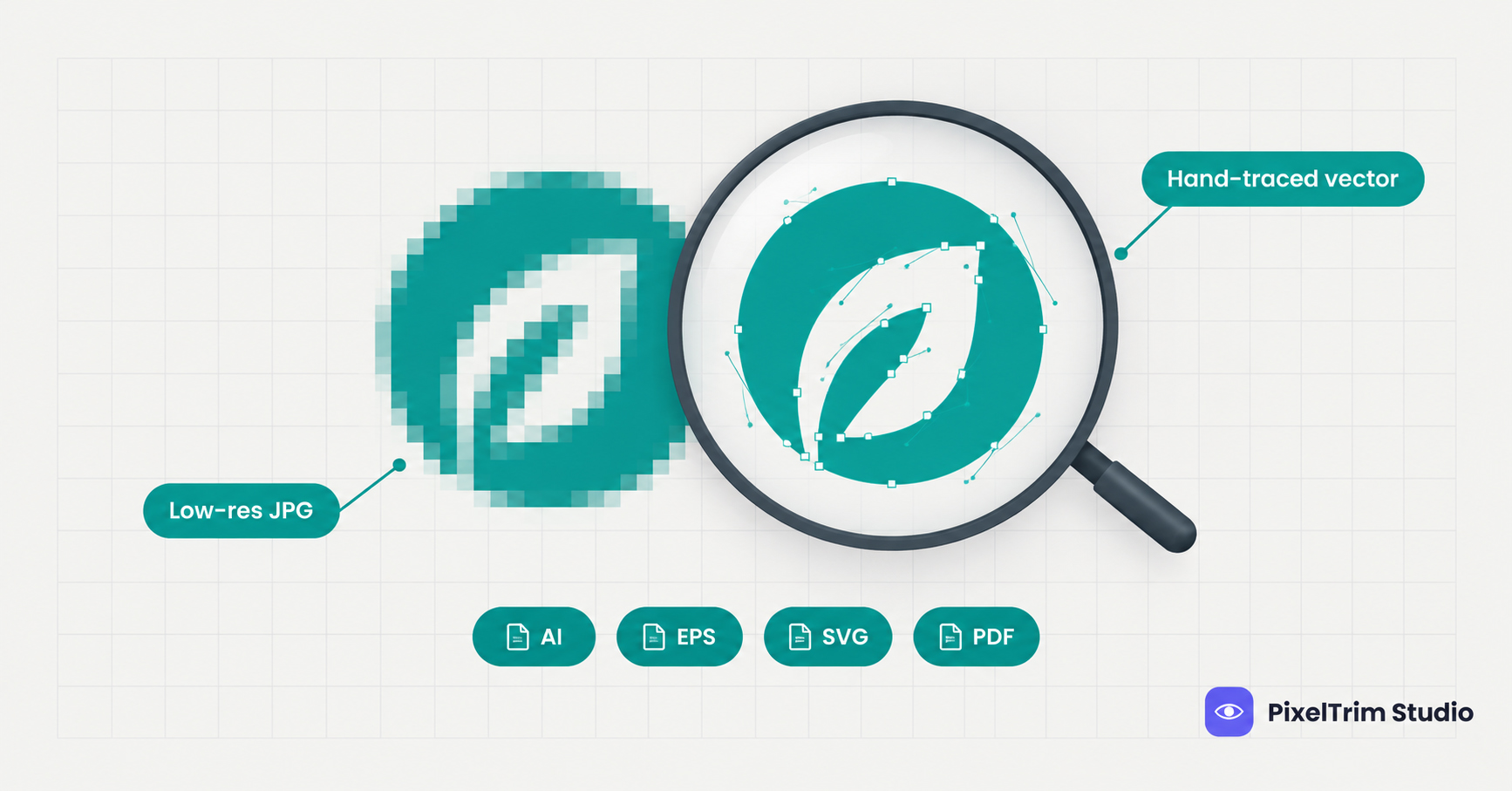
Most professional editors use the Pen Tool because it creates smooth, editable vector paths rather than pixel-based selections. This makes the final cutout cleaner and easier to adjust later.
2. Tracing the Object
The editor places anchor points along the edges of the product, following every curve, corner, and detail. For complex products like rings or bracelets, this step can take significantly longer since every gap and curve needs individual attention.
3. Refining the Path
Once the initial outline is complete, editors zoom in to fine-tune curves and smooth out any rough transitions, especially in areas with soft edges or reflections.
4. Applying the Path
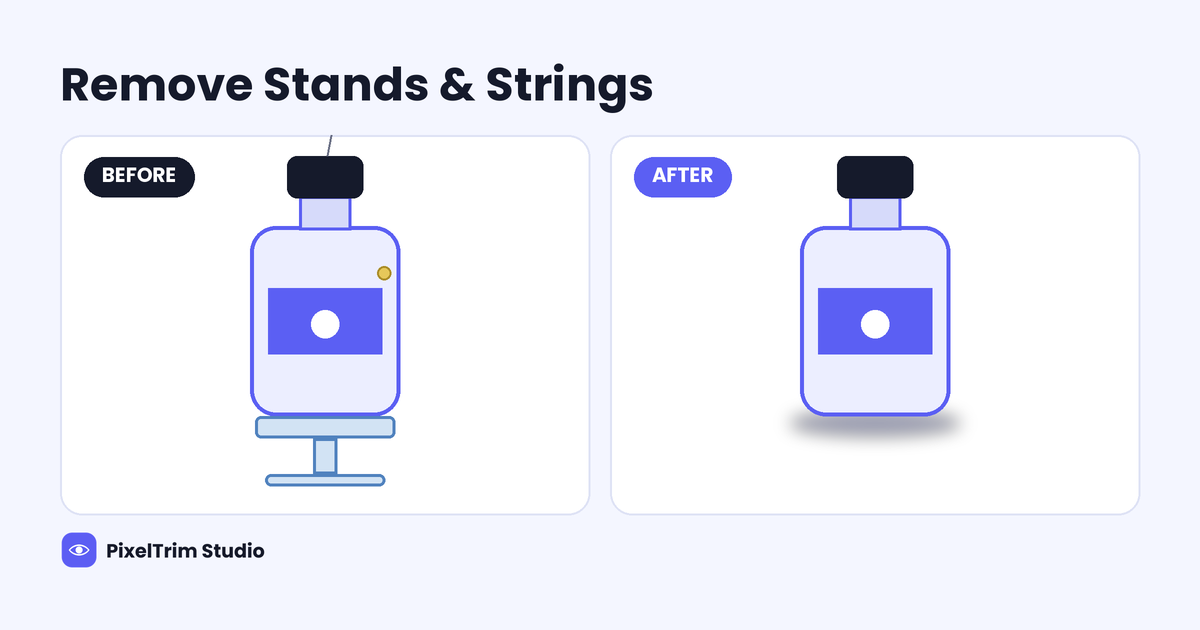
The finished path is then used to remove the background, place the product on a new background, or create a transparent PNG, depending on what the seller needs.
Why Clipping Path Matters for Product Photos
Clean, consistent product images directly affect how customers perceive a brand. A few reasons clipping path remains essential:
- Marketplace compliance: Platforms like Amazon require a pure white background for main listing images, which clipping path achieves precisely.
- Visual consistency: Brands with hundreds of SKUs need every image to look uniform across the catalog.
- Flexibility: Once a product is isolated, it can be placed on any background, lifestyle scene, or color, without reshooting.
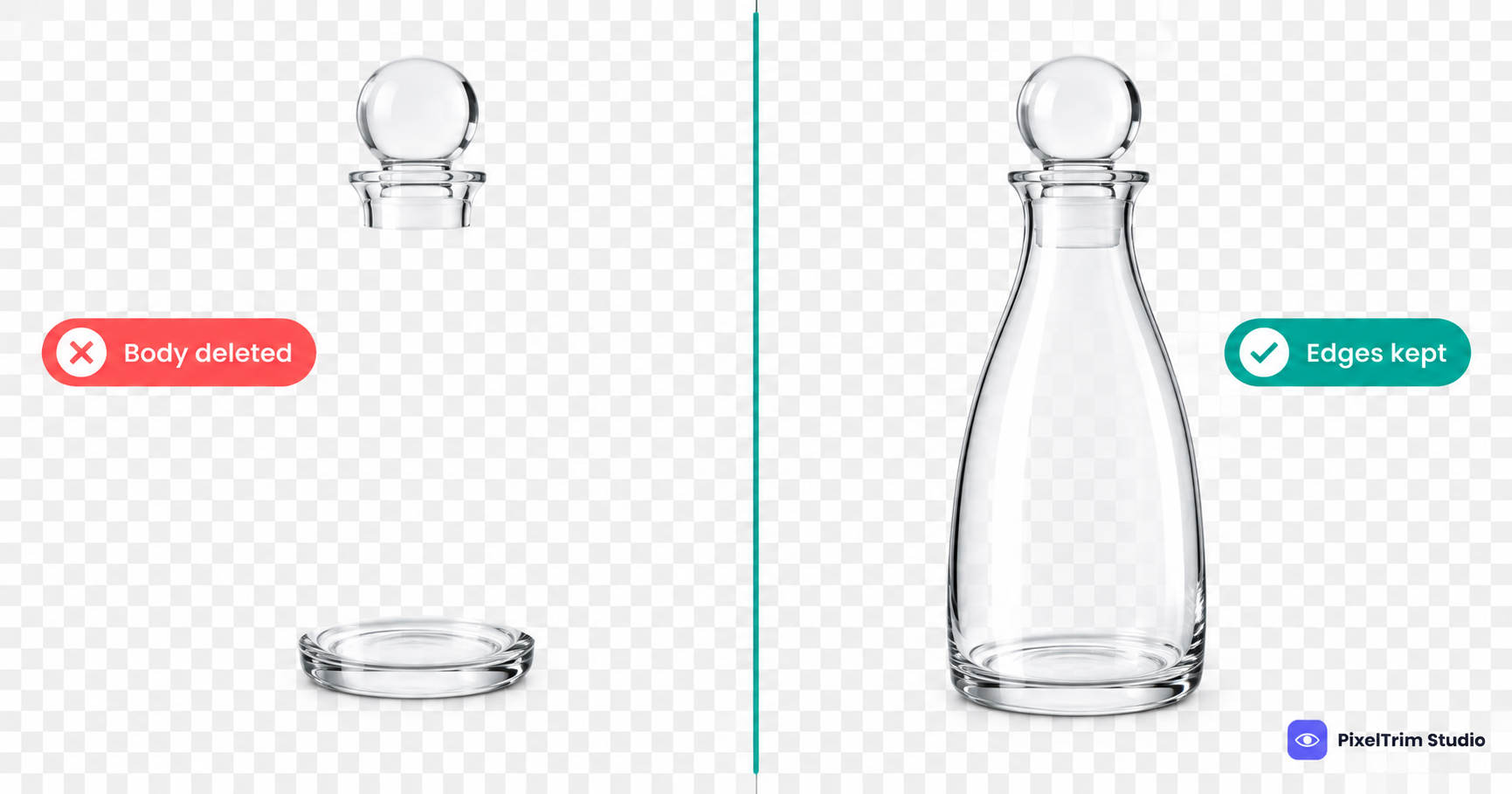
- Precision on complex shapes: Products with holes, thin edges, or reflective surfaces (like jewelry or eyewear) need manual accuracy that automated tools often miss.
Common Types of Clipping Path
Not every product needs the same level of detail. Clipping path work is generally categorized by complexity — see our full breakdown of clipping path techniques for a deeper look at each type:
Simple Clipping Path
Used for basic shapes with no holes or intricate curves, such as boxes or simple flat objects.
Medium Clipping Path
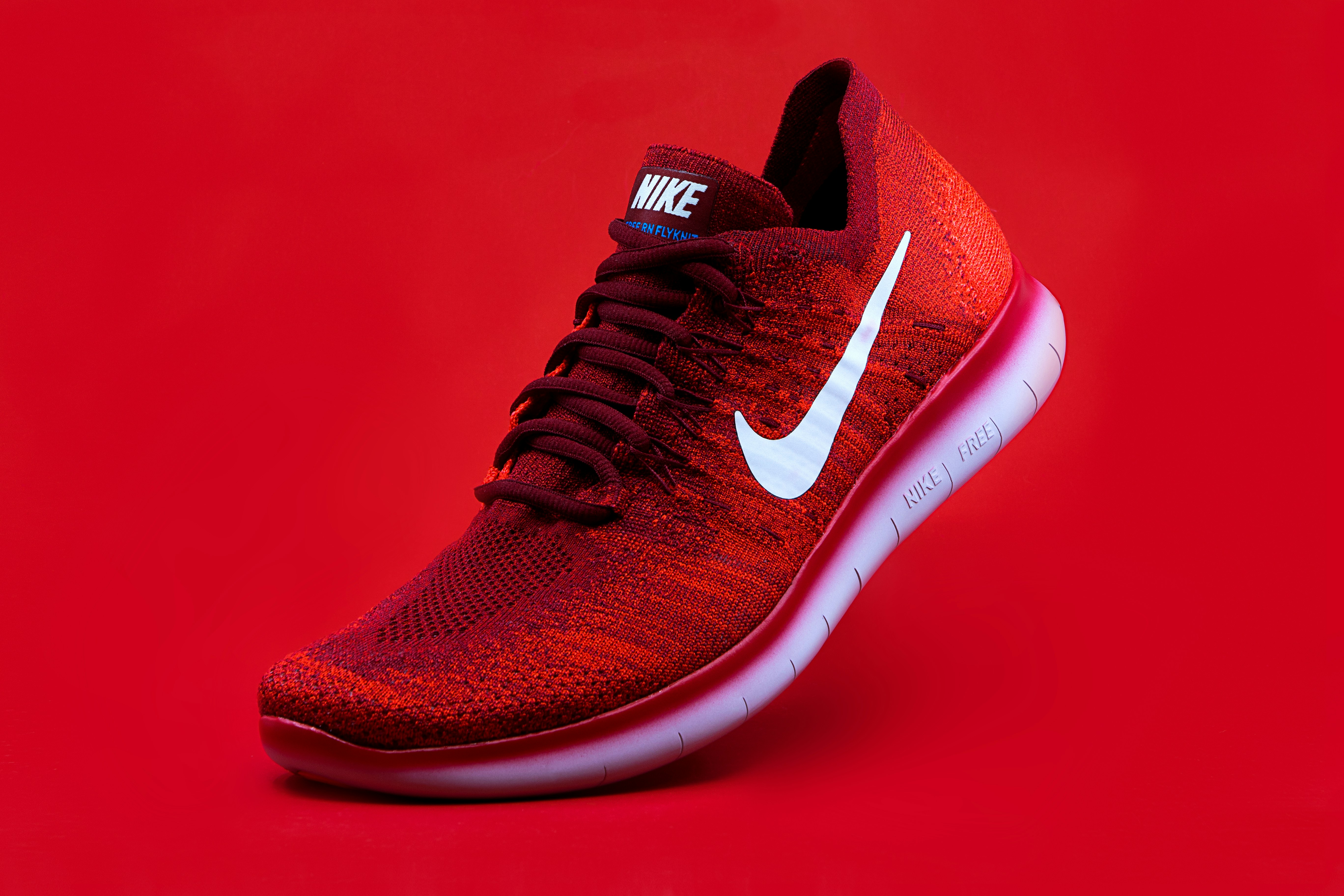
Used for shapes with a few holes or curves, like shoes or bottles.
Complex Clipping Path
Used for products with multiple layers, fine details, or transparent parts, such as jewelry, chains, or apparel with intricate patterns.
Multi-Clipping Path
Applied when different parts of the same image need separate color correction or background treatment, such as a product with multiple materials or finishes. Read more in our multi-clipping path guide.
Clipping Path vs Other Editing Methods
Sellers often compare clipping path with automated background removal or image masking. In short, clipping path is manual and precise, ideal for objects with sharp, defined edges. Image masking, on the other hand, is better suited for soft-edged subjects like fur, hair, or fabric with fine strands, since masking can retain semi-transparent detail that a hard path cannot. Automated AI tools are fast and low-cost but tend to struggle with fine detail, reflections, and complex shapes, often requiring manual cleanup afterward anyway — see our detailed manual vs AI background removal comparison for real examples.
When Should You Use Clipping Path?
Clipping path works best when:
- Your product has clean, defined edges (electronics, footwear, bottles, accessories)
- You need a pure white or solid color background for marketplace compliance
- You want to reuse the same product cutout across multiple backgrounds or campaigns
- Consistency across a large catalog is a priority
Not sure what it costs? Our clipping path pricing guide breaks down what to expect per image based on complexity.
Common Mistakes to Avoid
Many of these issues actually start before editing even begins. See our breakdown of common product photography mistakes that make editing harder and costlier.
- Using automated tools for complex products: This often leaves rough edges around jewelry, hair, or fine textures.
- Ignoring shadow and reflection cleanup: A clean cutout with a leftover shadow line still looks unfinished.
- Ignoring resolution: Low-resolution source images make it harder to achieve clean, sharp paths.
- Skipping color correction after cutting out: The product should still match its true color once placed on a new background.
Frequently Asked Questions
Is clipping path only for simple shapes?
No. While it works well for simple shapes, clipping path is also used for complex products like jewelry and apparel, though these require more time and skill.
Is clipping path better than AI background removal?
For products with fine detail or reflective surfaces, manual clipping path generally produces cleaner results than automated tools, which is why many professional sellers still rely on it.
How long does clipping path take?
This depends on the complexity of the product. A simple shape may take minutes, while a complex item like a bracelet with multiple gaps can take considerably longer.
Can clipping path be used for bulk product images?
Yes. It is commonly used for bulk catalog editing, especially when consistency across hundreds of SKUs is required.
Does clipping path work for transparent or reflective products?
Yes, though it requires more careful, detailed work compared to opaque objects.
What file format is best after clipping path editing?
PNG is commonly used when transparency is needed, while JPEG is used for solid background images intended for marketplaces.
Do I need clipping path for Amazon listings?
Yes, since Amazon's main image requirement is a pure white background, which clipping path is well suited to achieve accurately. For the full rules, see our Amazon listing image editing guide.
Can clipping path be combined with color correction?
Yes, and it often should be, since accurate colors matter just as much as clean edges for product listings — see our product color change service guide for how the two work together.
Conclusion
Clipping path remains one of the most reliable techniques for achieving clean, professional product images, especially for sellers who need consistency, accuracy, and marketplace compliance across their catalog. Whether you are editing a single hero image or preparing hundreds of SKUs, understanding what clipping path is and when to use it helps you make smarter decisions about your product photography workflow.
Related Reads
- Ghost Mannequin vs Neck Join: Which Editing Technique Does Your Apparel Brand Need?
- Shopify Product Photo Editing Service: How to Make Your Store Look Premium
- eBay Image Requirements Guide: What Sellers Need to Know
- Etsy Product Photo Background Removal: What Sellers Need to Know
Need clean, professional clipping path editing for your product catalog? Get a free sample edit from PixelTrim Studio and see the difference for yourself.
Tags
Ready to get your images edited?
Upload 2 photos for a free trial edit — returned in under 24 hours.
Start free trial →