If you sell on Amazon, your product images are doing more selling than your bullet points ever will. Amazon buyers scroll fast, compare fast, and click based almost entirely on the main image and thumbnail gallery before they read a single word of your listing. A professional Amazon listing image editing service is often the single highest-ROI fix a seller can make — and it's usually cheaper and faster than people expect.
Why Amazon Sellers Need Professional Image Editing
Amazon's algorithm and its shoppers both reward listings with clean, compliant, high-converting images. Poorly lit photos, inconsistent backgrounds, or images that don't meet Amazon's technical rules can quietly hurt your click-through rate, your conversion rate, and even your listing's eligibility to run PPC ads. Editing isn't cosmetic — it's a direct lever on sales.
What Amazon Actually Requires From Your Images
Amazon's main image rules are stricter than most other marketplaces. For a deeper look at the background rule specifically, see our pure white background guide. In short:
- Pure white (RGB 255,255,255) background for the main image
- Product fills at least 85% of the frame
- No text, logos, watermarks, or graphics overlaid on the main image
- Minimum 1000px on the longest side (for zoom functionality)
- JPEG, PNG, TIFF, or GIF format
Secondary/gallery images have more flexibility — lifestyle shots, infographics, and size charts are all allowed there, just not on the main image slot.
Core Editing Work That Makes Listings Convert
A proper Amazon listing image editing service typically covers:
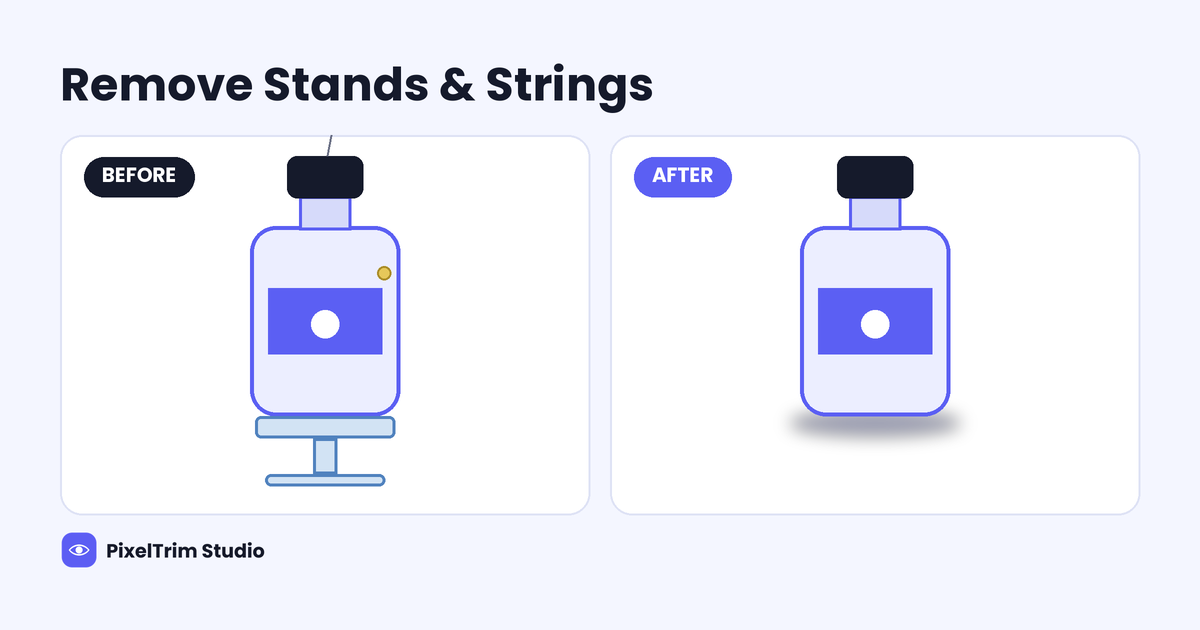
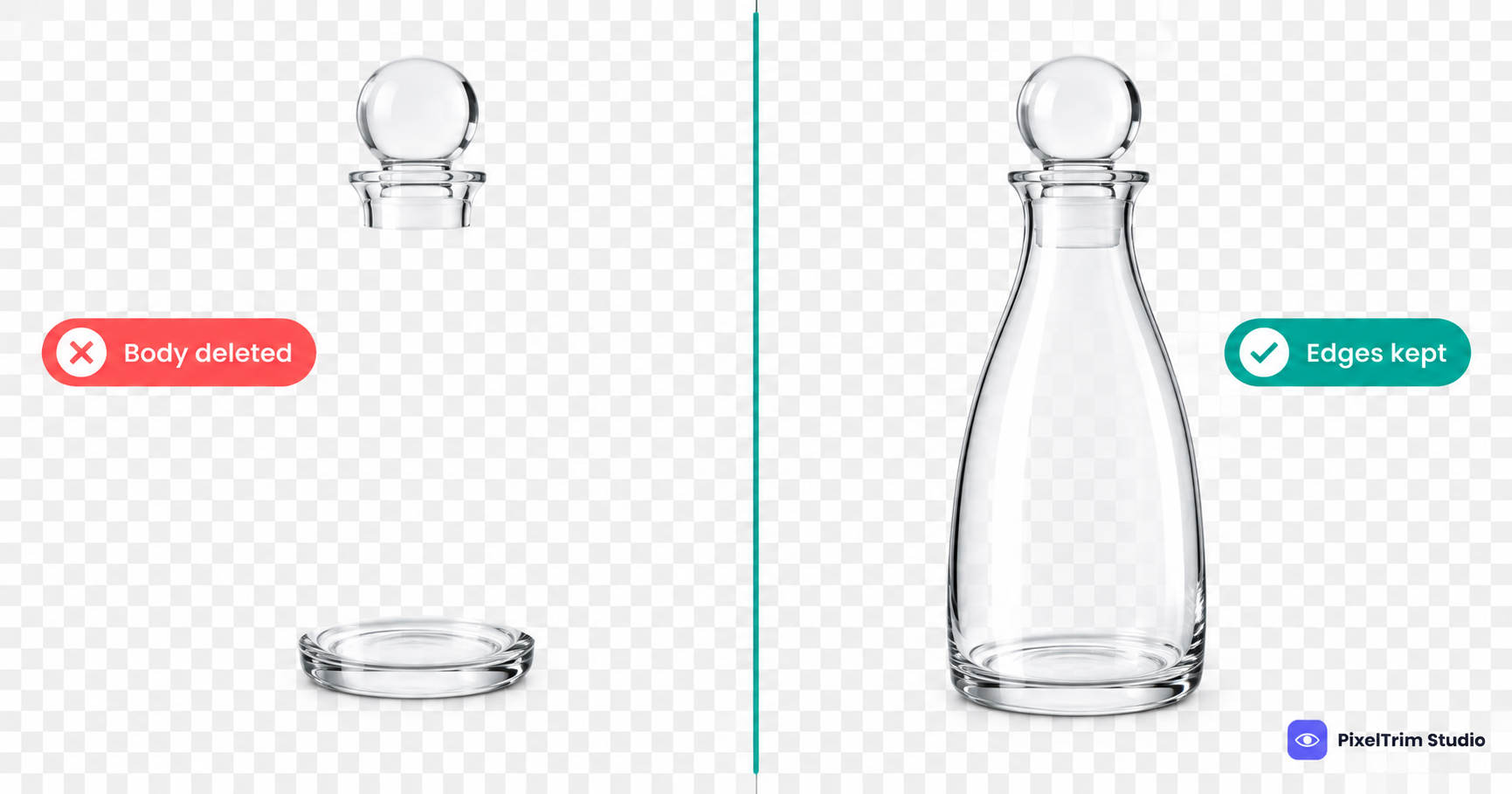
- Pure white background clipping — precise cutouts so edges look natural, not "pasted"
- Color correction & retouching — matching the product's true color and removing dust, scratches, or packaging blemishes
- Cropping & resizing — to Amazon's exact aspect ratio and zoom-eligible resolution
- Shadow work — subtle natural or drop shadows on lifestyle/secondary images for depth
- Batch consistency — every image in a listing (and across your whole catalog) matching in exposure, angle framing, and background tone
Common Mistakes We See in Seller-Submitted Photos
Most rejected or underperforming Amazon images share a few recurring issues: off-white or grey-tinted backgrounds instead of true pure white, visible shadows or reflections left behind from a home photo setup, product edges that look rough after a rushed background removal, and inconsistent image sizes across a single listing's gallery. Every one of these is fixable in editing without needing to reshoot — see our full breakdown of common product photography mistakes for more.
Pricing
| Package | Best For | Price |
|---|---|---|
| Simple | Single product, plain background, minor cleanup | $0.39 / image |
| Standard | Multiple products, shadows, standard retouching | $0.99 / image |
| Complex | Jewelry, transparent items, group shots, heavy retouching | $1.99 / image |
Frequently Asked Questions
Does Amazon require a pure white background on every image?
Only the main image needs a pure white (255,255,255) background. Secondary/gallery images can include lifestyle scenes, infographics, and size charts.
How fast can bulk Amazon listing images be turned around?
Most standard batches are delivered within 24 hours. Larger catalogs (500+ images) are typically split into daily batches and delivered on a rolling basis.
Can you fix images that were already rejected by Amazon?
Yes — rejected images are almost always fixable without a reshoot. The most common fixes are background purity, product-to-frame ratio, and removing stray text or watermarks.
Do you edit lifestyle and infographic images too, or just the main image?
Both. Main image editing follows Amazon's strict pure-white rule, while gallery/lifestyle and infographic images are edited for visual consistency and brand style.
Tags
Ready to get your images edited?
Upload 2 photos for a free trial edit — returned in under 24 hours.
Start free trial →