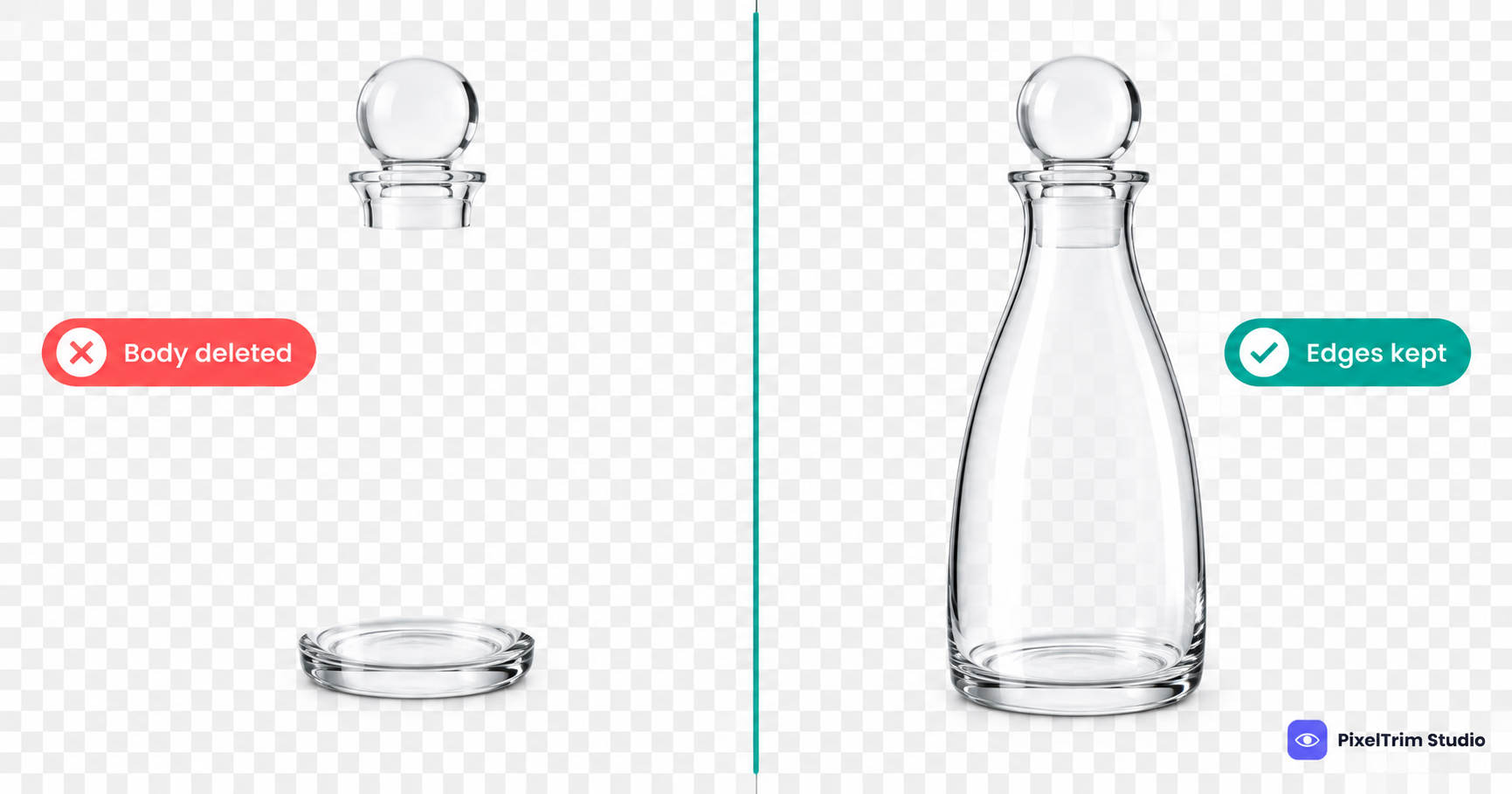
Glass is the product category where a background remover most often looks like it worked and still fails. The bottle comes out of the photo with a clean outline, you drop it on white, and something is wrong: the body looks hollow, the rim has disappeared, or the glass has turned into grey plastic. Sellers of bottles, glassware, perfume, candle jars, droppers and vases run into this every week.
This guide explains why glass breaks a normal cutout, what a manual editor does differently, how to check a glass cutout before you accept it, and what the work costs per image at PixelTrim Studio. For the wider technique, start with what image masking is; this post is the glass-specific version.
Why Glass Breaks a Normal Cutout
A box or a shoe has one clear boundary: product on one side, background on the other. Glass does not. Light passes through it, so the studio backdrop is visible inside the bottle, bent and tinted by the glass itself. Every pixel inside the body is a mix of product and background, and no single line separates them.
A glass product usually has three kinds of area:
- Solid parts — cap, label, base and handle. These have hard edges and behave like any other product.
- Edge zones — the rim, the outline and the bright highlight strips that tell the eye this is glass.
- See-through zones — the body and any liquid, where the background shows through at partial opacity.
An automatic remover has to decide, pixel by pixel, whether something is product or background. For solid parts that works. For the other two zones it has no good answer, so it picks one of two bad ones: it deletes the see-through body and leaves a hollow product, or it keeps the body fully opaque and carries the old backdrop colour into it, which gives a tinted, plastic-looking product.
Six Glass Cutout Failures and What Fixes Each
| What you see | Likely cause | What a manual editor does |
|---|---|---|
| Hollow bottle, cap and label floating | See-through body read as background | Builds a partial-opacity mask for the body instead of deleting it |
| Grey or coloured tint inside the glass | Old backdrop colour baked into the see-through pixels | Removes the colour contamination and rebuilds a neutral interior tone |
| Rim or edge highlight missing | Highlight is close to the brightness of a white backdrop, so it gets eaten | Recovers the highlight with a luminosity mask or repaints it |
| Glass looks like thick plastic | Transparency flattened to fully opaque | Restores the gradient and edge contrast so thickness reads again |
| Liquid line or contents cut off | Liquid surface treated as an outline | Masks the liquid separately from the glass wall |
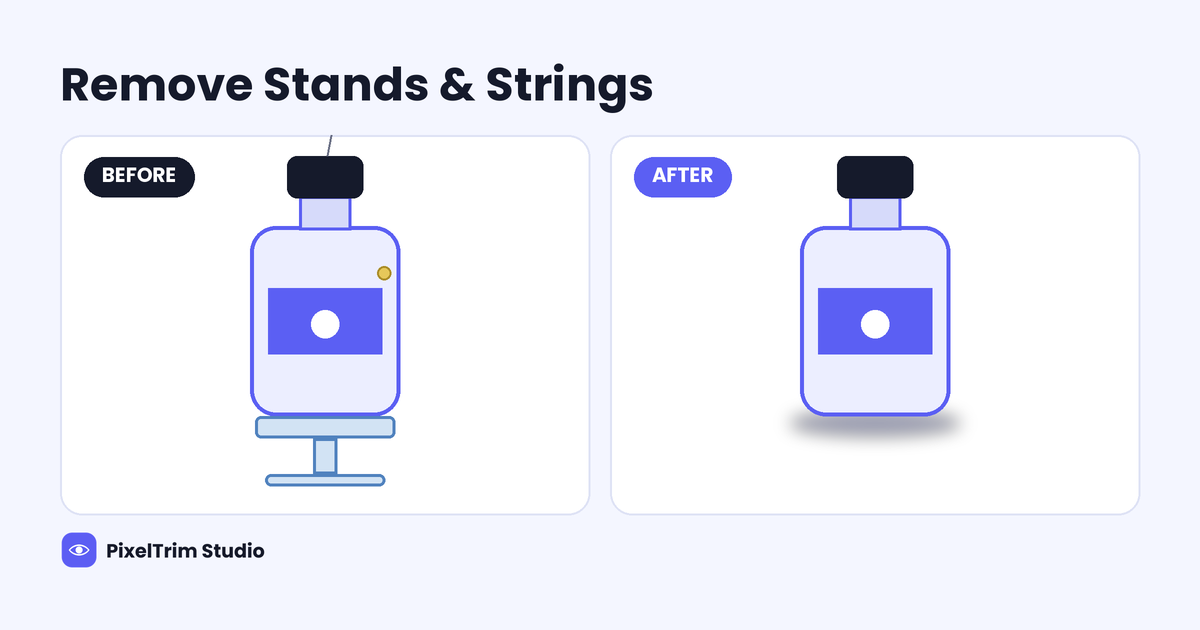
| Hard halo or floating base | Contact shadow or reflection merged into the cutout | Separates the base, then adds a controlled shadow or reflection |
How a Manual Editor Handles Glass
- Read the object. Mark the solid parts, the edge zones and the see-through zones before touching a tool.
- Cut the solid parts with a hard path. Cap, label and base need crisp edges, not soft ones.
- Mask the glass body. A luminosity or layer mask keeps partial opacity, so the new background shows through the glass at the right strength.
- Rebuild the edges. The rim and highlight strips are restored so the outline stays continuous.
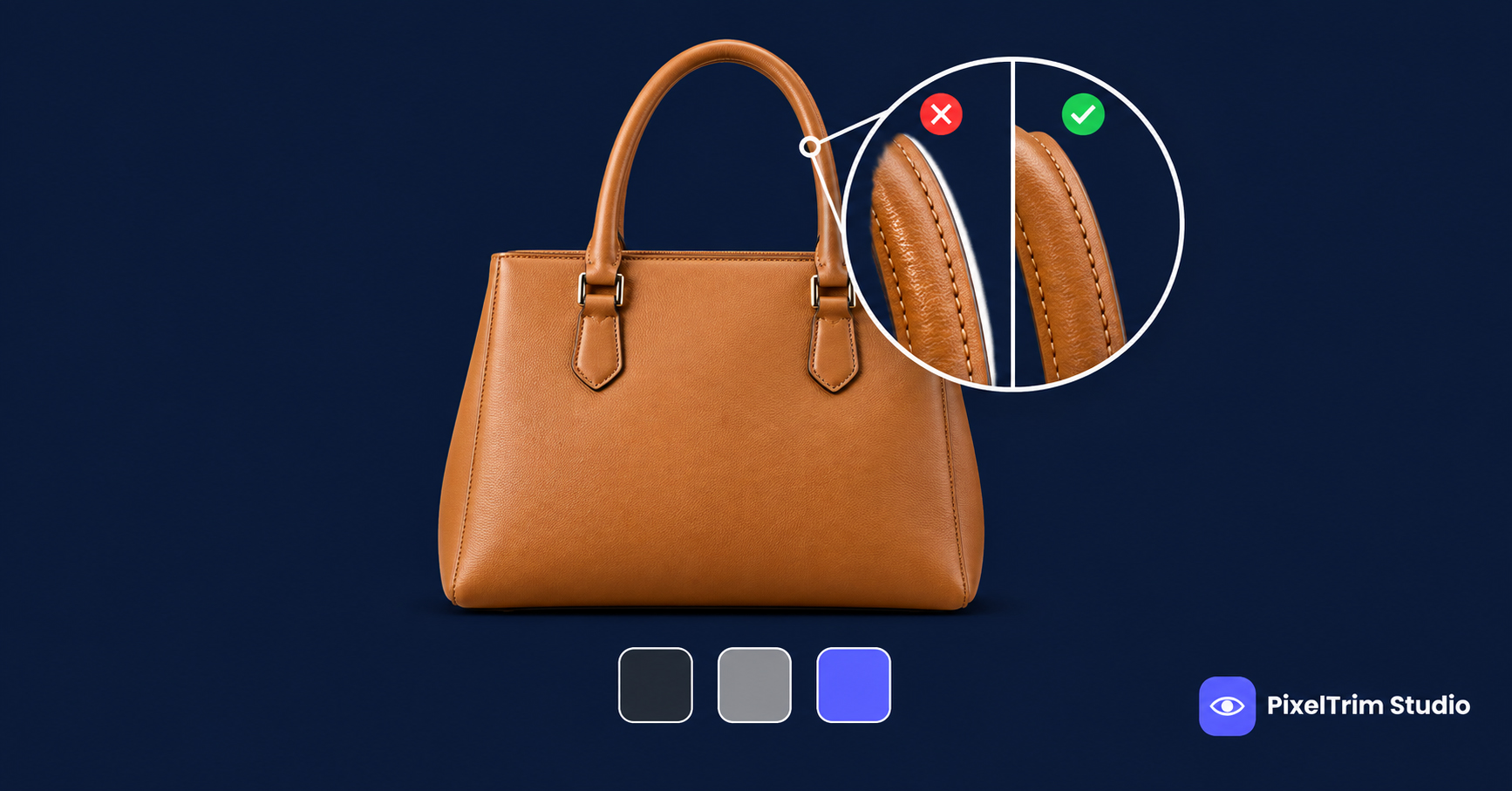
- Test on the final background. Transparent areas show whatever sits behind them, so the cutout is checked on white, mid-grey and dark before delivery.
This is the same pixel-by-pixel opacity logic we describe in our manual vs AI image masking comparison, applied to a material where every pixel counts. For an internal preview or a quick mock-up, an automatic cutout can be a fast draft. For a listing the shopper will zoom into, check the rim and the body at 200 percent before you trust it.
White Background, Transparent PNG or Reflection?
Glass behaves differently depending on where the image ends up:
- Pure white marketplace background. A see-through body placed on white can look empty, because the inside is white too. The glass has to be carried by edge definition and interior tone rather than by a shadow, since strict marketplaces limit shadows on the main image, as covered in our product photo shadow guide.
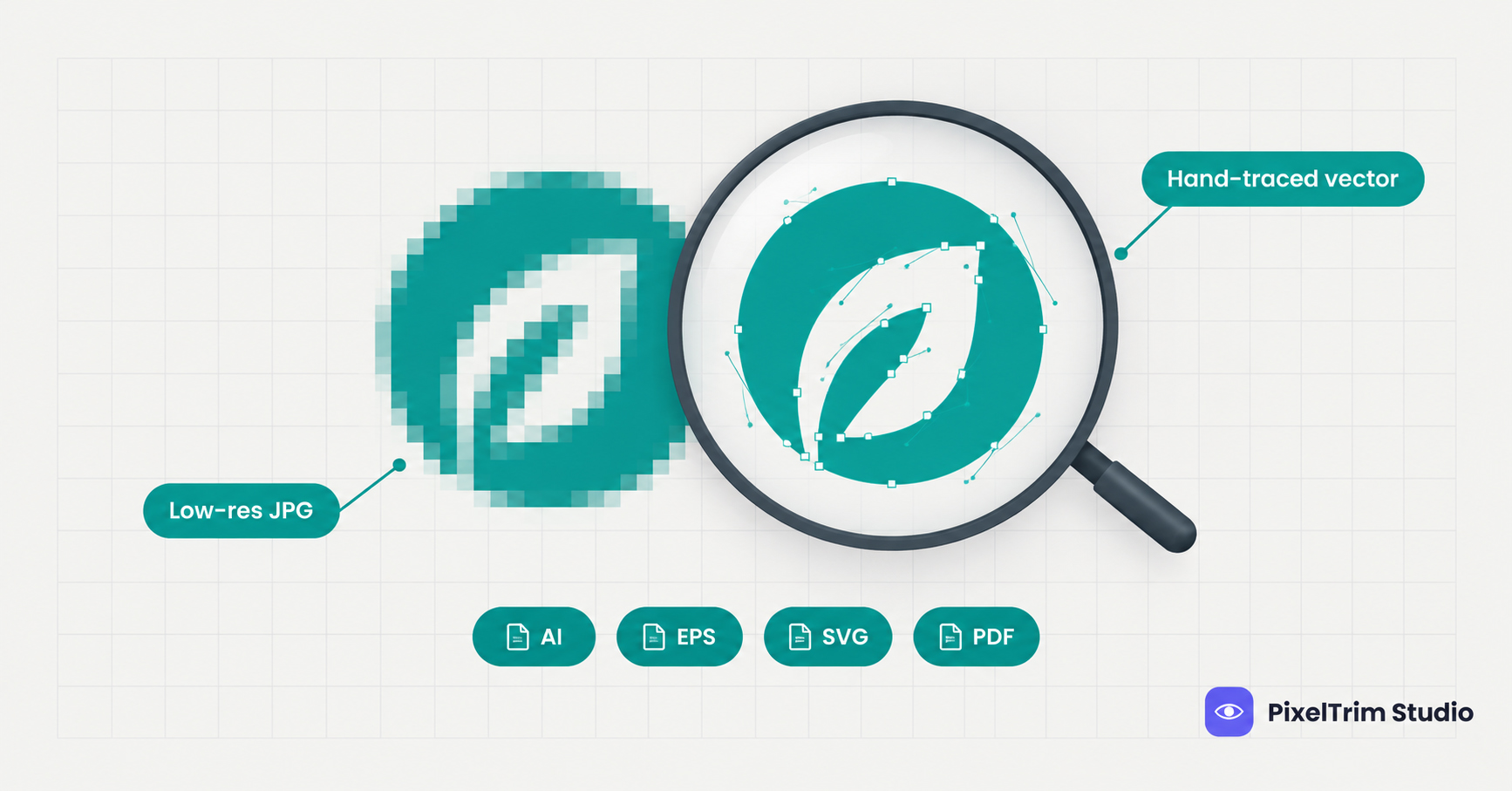
- Transparent PNG. The most flexible master file, but the glass is only as good as its opacity mask, and any leftover backdrop colour shows up on a dark page. Ask for a layered PSD when the file will be reused.
- Brand site or lifestyle background. This is where a reflection shadow earns its place, because it grounds the bottle on a glossy surface. Our image shadow service covers natural, drop and reflection shadows.
Shooting Glass So It Is Easier to Edit
- Clean the glass first. Dust and fingerprints show on every surface, and removing them before the shoot is cheaper than retouching them afterwards.
- Use a plain, light backdrop. Glass records whatever is behind it, so a cluttered room ends up inside the bottle.
- Keep the lighting consistent across a set. If the highlight strips sit in the same place on every bottle, the finished catalog looks uniform.
- Tell your editor where the image is going. Some editors can work from two frames of the same locked-off shot, one on white and one on black, to recover real transparency instead of guessing it.
What Glass Product Cutouts Cost
Glass sits at the top of the masking price range. At PixelTrim Studio, the Complex masking tier, listed for multi-layer or translucent edges, smoke, glass or veil, is $2.49 per image. Shadow is priced separately. Which tier a particular photo falls into depends on what is in the frame, so a sample edit is the reliable way to confirm it.
| Service | Price | Where it fits glass |
|---|---|---|
| Image masking, Complex tier | $2.49 / image | See-through body, rim and highlight work |
| Drop shadow | $0.49 / image | Consistent catalog and grid listings |
| Natural shadow | $0.89 / image | Shape-matched shadow for a realistic shot |
| Reflection shadow | $1.29 / image | Premium glass on a brand site or lifestyle background |
As a worked example, a Complex mask plus a reflection shadow comes to $3.78 per image, and a four-angle product to $15.12. With a drop shadow instead, the same image is $2.98. These are PixelTrim Studio's current published rates; other providers price differently. For how the masking tiers work, see our image masking pricing guide. Standard turnaround is 24 to 48 hours with one free revision round.
Checklist: Check a Glass Cutout Before You Accept It
- Zoom to 200 percent on the rim and the base. The outline should be continuous, not a broken stripe.
- Look at the body on a dark background. You should see the background through the glass, not a flat fill.
- Check for grey or coloured tint carried over from the original backdrop.
- Confirm the liquid line and any contents are intact.
- Check that the cap, label and base have crisp edges.
- View the cutout on white, mid-grey and dark backgrounds. It should hold up on all three.
- Confirm you received a transparent PNG or layered PSD, not only a flattened JPG.
Red Flags in a Glass Editing Quote
- One flat rate for every product, with no difference between a solid box and a glass bottle
- A quote that says only background removal, with no mention of the see-through body or edge highlights
- No sample edit on your own glass photos before a full batch
- No shadow or reflection option, so the product arrives floating
Get Started
Need glass, perfume or bottle photos cut out without losing the transparency? PixelTrim Studio's image masking service is 100% manual, priced by edge complexity, and starts with a free 2-image trial so you can check the rim and body on your own product before you commit to a batch.
FAQ
Why does background removal delete the inside of my glass bottle?
Glass is see-through, so the pixels inside the body are part product and part backdrop. An automatic remover has to label each pixel as one or the other, and it often labels the see-through body as background, which leaves a hollow product. A manual mask keeps partial opacity instead.
Can AI tools remove the background from glass products?
They can produce a quick draft, and simple opaque shapes usually work. Glass is a common failure case: tools often delete the see-through body, lose the rim highlight, or keep the old backdrop colour inside the glass. For a listing image, check the rim and body at 200 percent before using the result.
How much does glass product background removal cost?
At PixelTrim Studio, the Complex masking tier for translucent edges, smoke, glass or veil is $2.49 per image. A reflection shadow adds $1.29, a natural shadow $0.89 and a drop shadow $0.49, so a glass product with a reflection shadow comes to $3.78 per image at the Complex tier.
Should a glass product be on a transparent PNG or a white background?
Use a pure white background where the marketplace requires it, and keep a transparent PNG or layered PSD as the master file for reuse. A glass product on white needs strong edge definition and interior tone, otherwise the body reads as empty.
Do glass products need a shadow or reflection after the cutout?
Usually yes, except where a marketplace limits shadows on the main image. Without something grounding the base, a glass product looks like it floats. A reflection shadow suits premium glass on a brand site, while a drop shadow keeps a catalog grid consistent.
Tags
Ready to get your images edited?
Upload 2 photos for a free trial edit — returned in under 24 hours.
Start free trial →