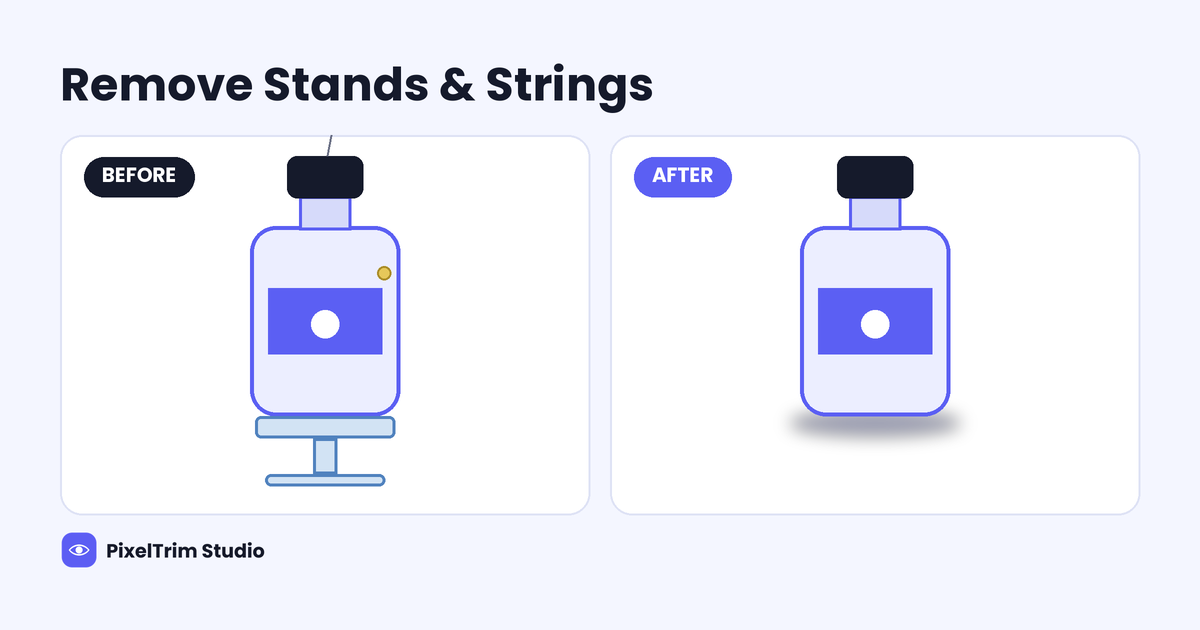
Floating shots are almost never floating. A fishing line holds the sneaker at an angle, a clear acrylic stand props up the bottle, a blob of putty keeps the watch from tipping, and a foam wedge props the bag open. The shoot needs those supports. The listing does not. Removing stands and strings from product photos is one of the most common retouching jobs we see, and also one of the easiest to get wrong, because a thin line crossing a logo or a clear stand sitting inside a reflection is harder to erase than it looks.
This guide covers what each type of support leaves behind, three ways to remove it, what manual object removal costs at PixelTrim Studio, and how to shoot so the edit stays short.
What You Are Actually Removing
Not every support is the same job. The material decides how much of the photo has to be rebuilt, not just painted over.
| Support | What makes it hard | How an editor handles it |
|---|---|---|
| Fishing line or wire | Very thin, but it often crosses stitching, text or a reflective edge | Patch or clone along the line, then rebuild any pattern it crossed |
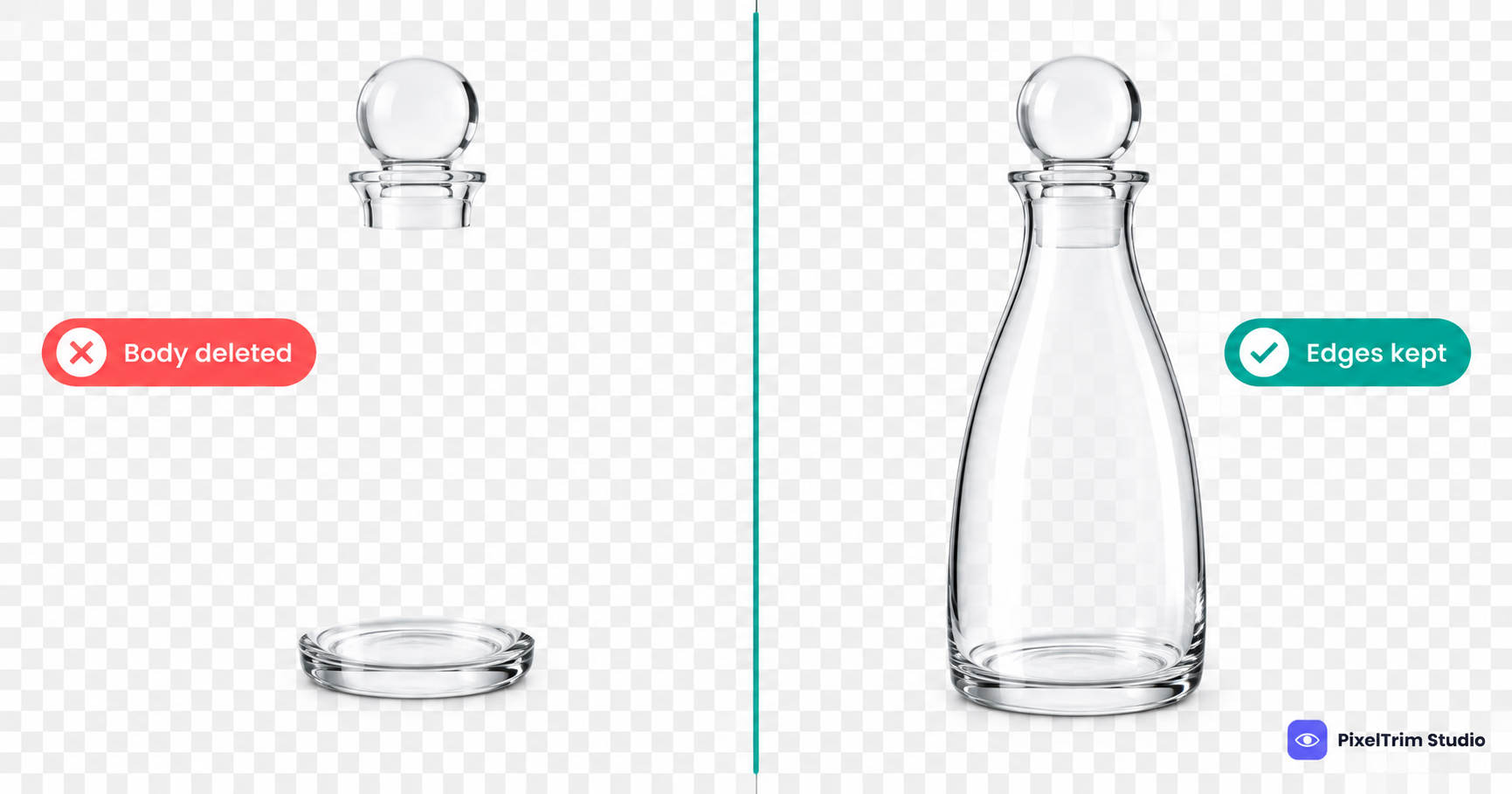
| Clear acrylic stand | Bends light, so the product behind it looks warped or doubled | Rebuild the hidden area and the reflection by hand |
| Putty, wax or tape | A small spot, but it sits on the product surface itself | Heal the surface and match the grain, gloss or fabric texture |
| Foam wedge or tissue stuffing | Sits inside shoes, bags and boxes, where the interior shows | Rebuild the inside lining or opening so it looks empty and natural |
| Clamps, rigs and hands | Large, and they hide real product detail | Rebuild the covered area, often from a second shot |
The rule of thumb: the thinner the support and the plainer the surface behind it, the faster the job. A line over a flat white wall is quick. A line across a woven logo patch is a rebuild.
3 Ways to Remove Stands and Strings
1. Shoot a Clean Plate So Nothing Needs Rebuilding
Take the product shot with the support in place, then take a second frame of the same setup with the product moved or the support out of the way, without touching the camera or lights. An editor can lift the clean area from the second frame instead of inventing it. It adds a minute at the shoot and removes the guesswork from the edit, especially for stands that sit in front of the product.
2. Manual Retouching by an Editor
A trained editor removes the support by hand: cloning and healing where the surface is plain, and rebuilding where the support crossed real detail such as a logo, a seam or a reflection. This is the method that holds up when the support passes through the product's edge or sits inside a glossy surface. It is also how we handle it at PixelTrim Studio, as part of our image manipulation service, where object removal is a listed task.
3. AI Object Removal Tools
One-click tools can erase a simple, isolated mark in seconds, and for a plain background and a clean surface that may be enough. They tend to struggle when the support crosses fine detail or sits behind transparent material, because the tool has to guess what was hidden. Zoom in on every result before you upload it: look for smeared textures, repeated patterns and edges that no longer line up.
What Does Object Removal Cost?
At PixelTrim Studio, removing stands, strings and similar supports falls under image manipulation, which is priced by complexity. These are the current tiers on our service page:
| Tier | Price | What it includes |
|---|---|---|
| Simple | $2.99/image | Object removal or swap, simple background replacement, basic composite |
| Standard | $7.99/image | Multi-element composite, lighting matched, shadow and reflection added |
| Complex | From $19/image | Full scene construction, 3+ source images, layered PSD |
A thin line over a plain area sits at the simple end. A clear stand that has to be rebuilt inside a reflection, or a support that hides real product detail, usually needs more editor time, so send a sample and ask for a quote on your actual photo rather than guessing the tier. Standard turnaround is 24 to 48 hours, with one free revision round.
If you also need the product cut out on a white background, add the clipping path service, which runs from $0.39 to $0.99 per image depending on complexity. For example, a complex-tier cutout at $0.99 plus a simple-tier removal at $2.99 comes to $3.98 per image before any bundle rate, so ask for the combined price when you request a quote.
How to Shoot So the Edit Stays Short
- Keep the support behind the product, not in front of it. A line or stand that never crosses a logo, label or seam is a quick fix.
- Use the thinnest support that holds the product. Less to remove means less to rebuild.
- Shoot a clean plate of the same frame without the support, with the camera and lights untouched.
- Flag what you used. Tell the editor whether it was line, putty, a clear stand or a wedge so nothing gets missed. Our footwear photography tips make the same point for shoes.
- Shoot the whole catalog the same way. A repeatable setup lets one editing recipe cover every image, as covered in our jewelry photography tips and our guide to product photography mistakes that make editing harder.
Add a Shadow After the Support Is Gone
Once the stand or string is removed, the product can look like it is hovering. A natural, drop or reflection shadow brings it back down to a surface. Our product photo shadow guide explains which type suits which platform, including the rule that Amazon's main image must have a pure white background with no visible shadow.
Quick Checklist Before You Approve the Edit
- Zoom to 200% and follow the area where the support used to be, edge to edge.
- Check that logos, stitching and text that the support crossed still line up.
- Look inside glossy surfaces and glass for leftover reflections of the stand.
- Look for smeared or repeated textures, which point to a rushed clone.
- Compare the edited image against the rest of the set for matching light and shadow direction.
Get Your Product Photos Cleaned Up
If you have a batch with stands, strings or putty marks, PixelTrim Studio edits them by hand. Start with a free 2-image trial, send your own photos and see the result before you commit. For a larger catalog, contact PixelTrim Studio for a quote based on your actual images. If you need the wider range of work this falls under, our image manipulation service guide covers what is included and how to choose a provider.
FAQ
How do you remove a fishing line from a product photo?
An editor patches or clones along the line where the background or surface is plain, and rebuilds the area by hand where the line crosses fine detail such as stitching, text or a reflection. A clean-plate frame shot without the support makes this faster.
Can you remove a clear acrylic stand from a photo?
Yes, but it is harder than a string because clear acrylic bends and reflects light, so the area behind and inside it has to be rebuilt. Shooting a second frame without the stand gives the editor real pixels to work from.
How much does it cost to remove stands and strings from product photos?
At PixelTrim Studio, object removal starts at $2.99 per image on the simple tier of our image manipulation service. Jobs that need a rebuilt reflection or a lighting-matched composite cost more, and a cutout is priced separately under clipping path.
Can AI tools remove stands and strings automatically?
For a simple mark on a plain background, often yes. When the support crosses fine detail or sits behind transparent material, the tool has to guess what was hidden, so check the result closely before you publish it.
Should I add a shadow after removing the support?
Usually yes, because without a support or a shadow the product can look like it is floating. Check the platform rules first, since Amazon's main image must not show a shadow.
Tags
Ready to get your images edited?
Upload 2 photos for a free trial edit — returned in under 24 hours.
Start free trial →