If you sell on Etsy, your product photos are competing in a feed full of busy, cluttered backgrounds. A clean, consistent look — especially a crisp white or transparent background — is one of the fastest ways to make your listings look more professional and trustworthy. This guide covers what background removal actually involves for Etsy sellers, when you need it, and what to watch out for.
Why background removal matters for Etsy listings
Etsy buyers scroll quickly through search results. Photos with messy backgrounds — a cluttered desk, uneven lighting, a shadow from a phone camera — pull attention away from the product itself. Removing the background and placing your item on a clean white or neutral backdrop puts the focus back where it belongs, and makes your shop's photo grid look cohesive when buyers browse your other listings.
What Etsy background removal actually involves
Proper background removal is a manual, layer-by-layer process for most handmade and craft items — not a one-click AI filter. Items with fine detail cause the most trouble:
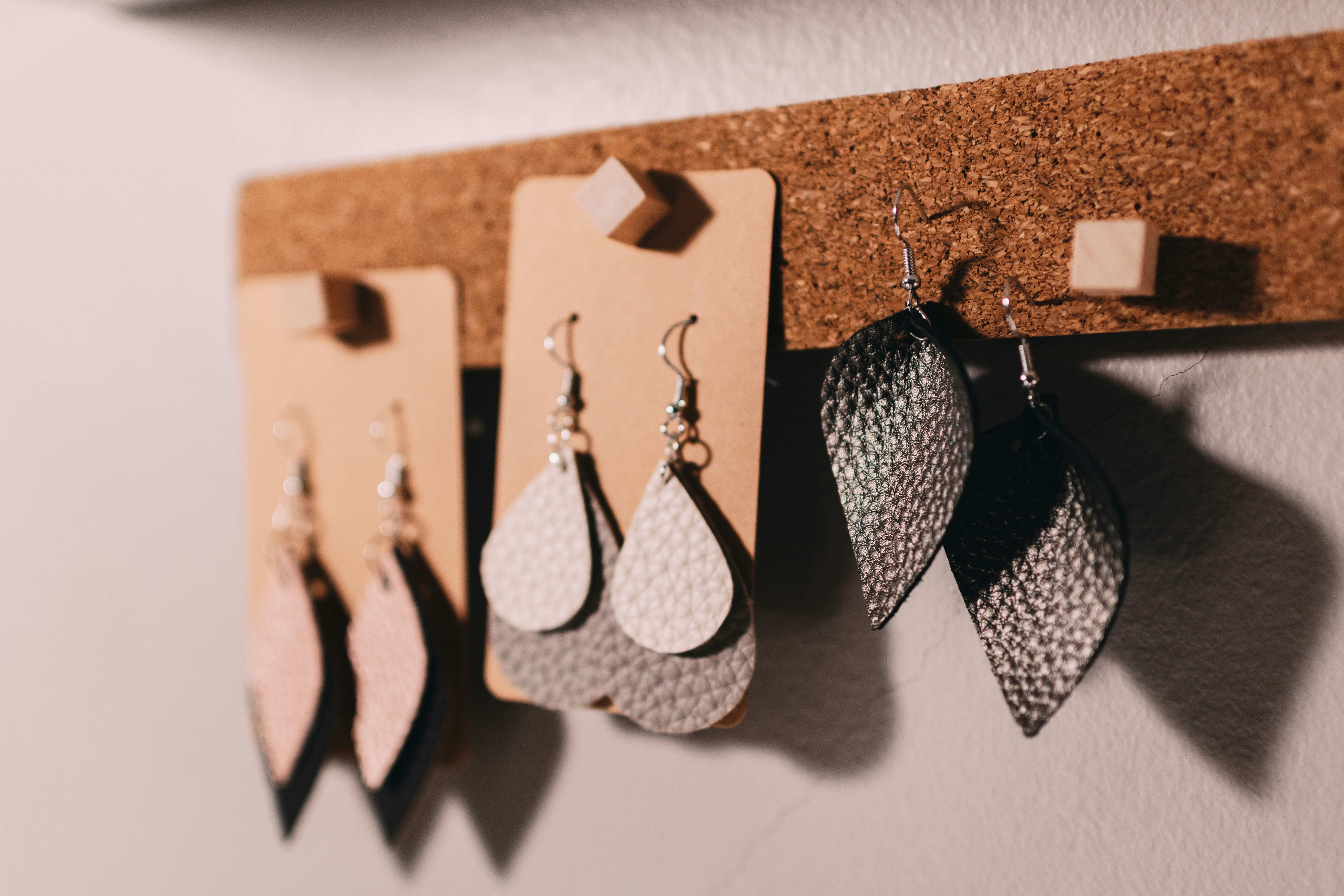
- Jewelry and thin chains — need precise path work around tiny gaps and links, as covered in our jewelry photo editing guide
- Fabric, knitwear, and crochet items — soft, uneven edges that automated tools tend to blur or cut too aggressively
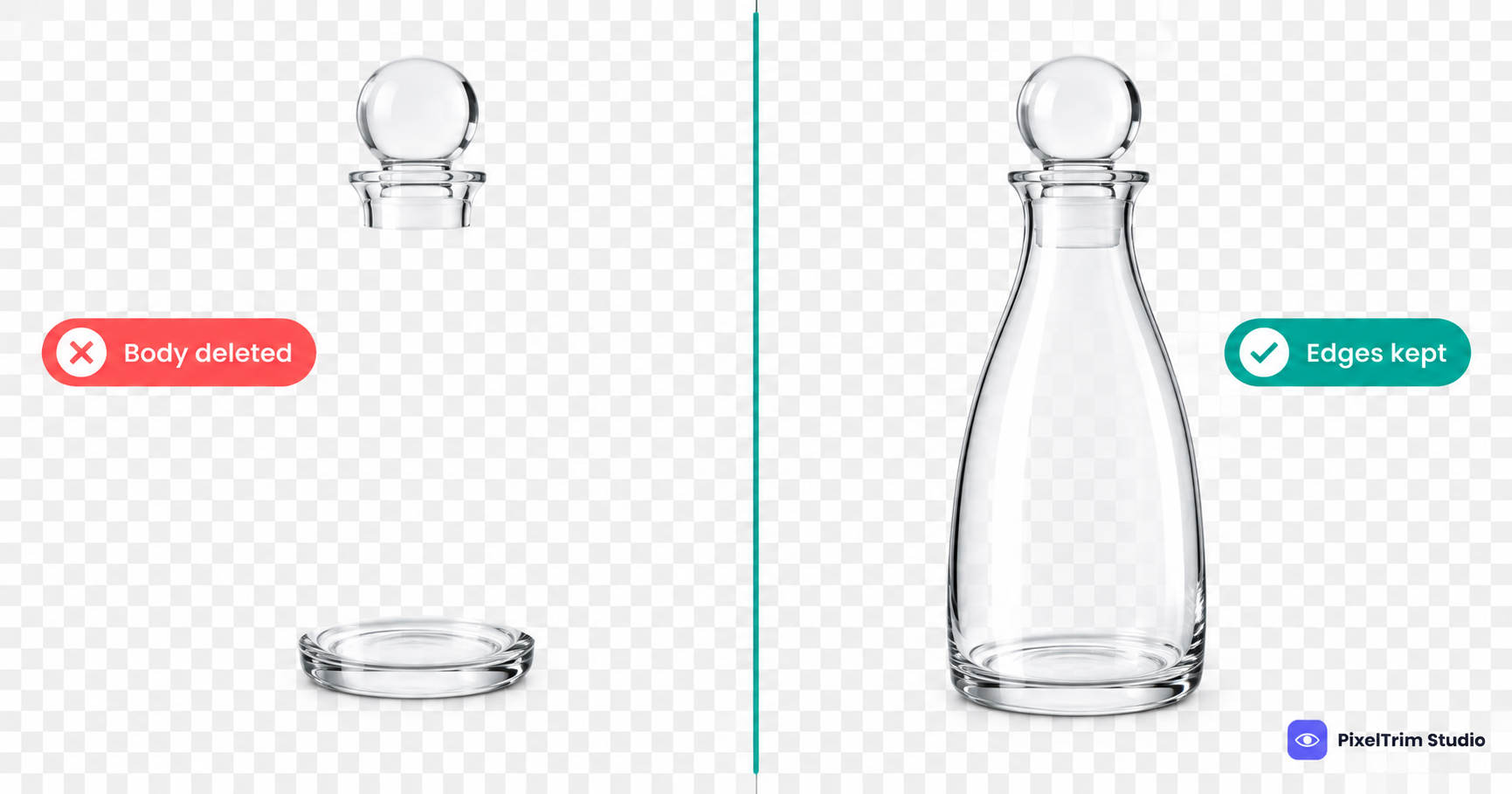
- Transparent or reflective items (glass, resin, ceramics) — reflections and highlights need to be preserved while the background disappears
- Multi-piece product shots — several items in one frame, each needing a clean individual cutout
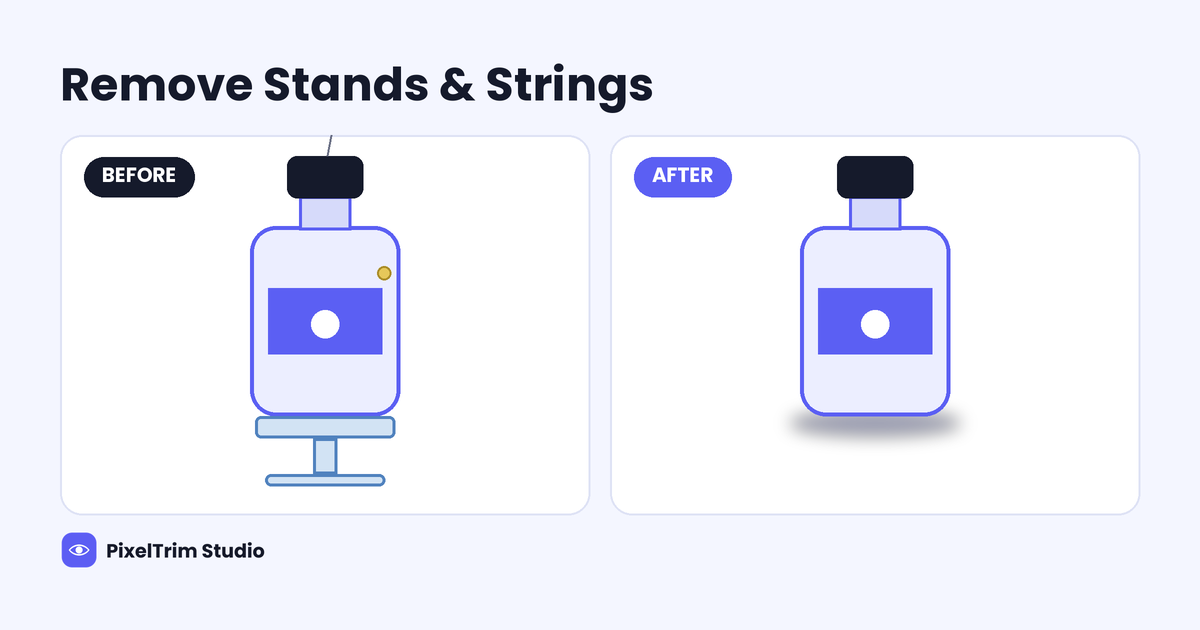
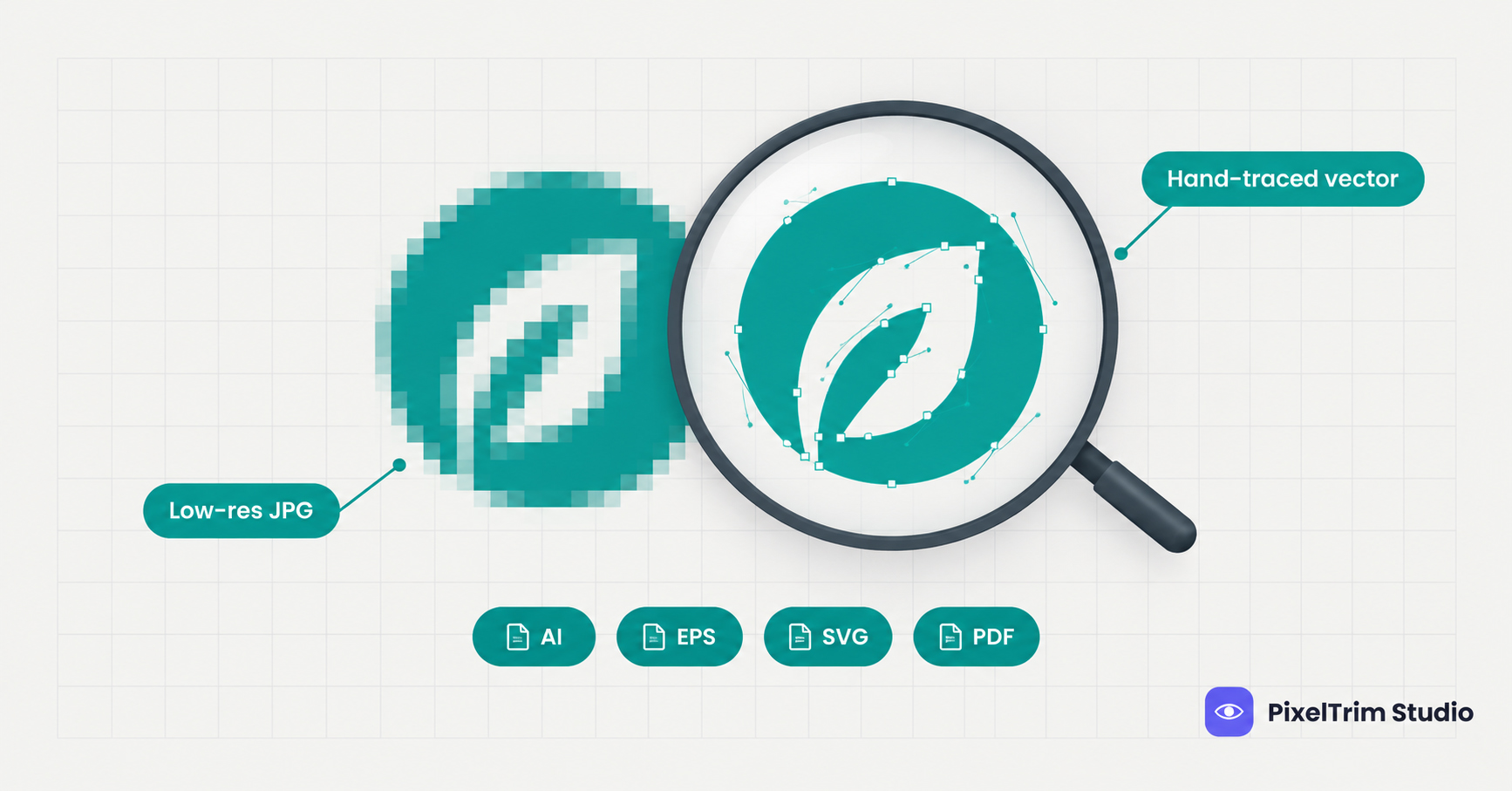
This is exactly the kind of work clipping path editing is built for — tracing the actual product outline by hand so edges stay sharp and natural, unlike automated background removers that often leave halos or clip off fine details.
White background vs. transparent PNG vs. lifestyle backdrop
Not every Etsy listing needs the same treatment:
- Pure white background — best for the main/first listing photo; gives a clean, catalog-style first impression
- Transparent PNG — useful if you plan to reuse the product cutout across banners, social posts, or a website later
- Soft neutral or lifestyle backdrop — works well for secondary photos that show scale or context (e.g. jewelry worn, a bag being carried)
A good mix is usually: one clean white/transparent hero shot, followed by 2–3 lifestyle or detail shots with the background either kept natural or lightly cleaned up.
Common mistakes Etsy sellers make
A few small shooting habits make editing harder and costlier down the line: shooting with the item too close to a busy backdrop, inconsistent lighting between the product and the background (making the edge line obvious after removal), and heavy shadows cast directly under the product that get left in after a quick auto-cutout. Shooting on a plain surface with even light gives an editor much more to work with.
Need clean, edited photos for your Etsy shop? Try our clipping path & background removal service.
See the Clipping Path service →What it typically costs
| Plan | What's included | Price |
|---|---|---|
| Simple | Single clipping path, plain background, white or transparent BG, JPG/PNG delivery, 24–48h turnaround | $0.39 / image |
| Standard | Masking or multi-path, shadow creation, color correction, 1 revision round | $0.99 / image |
| Complex | Ghost mannequin + neck join, hair/fur masking, heavy retouching, priority delivery available | $1.99 / image |
Current rates as listed on our Pricing page — most Etsy background-removal work falls under the Simple or Standard plan, depending on the item.
FAQ
Do I need background removal for every Etsy photo?
Not necessarily. Your main/hero photo benefits the most from a clean white or transparent background. Secondary lifestyle photos can often keep a natural setting if it's well-lit and uncluttered.
Can I just use an automatic background remover app?
Automatic tools work fine for simple, solid-shaped items, but they often struggle with fine detail — thin jewelry chains, fabric texture, or reflective surfaces — leaving rough edges or halos. Manual editing gives a cleaner result for these cases.
How long does editing take?
Turnaround is typically 24–48 hours depending on batch size and complexity.
Will the background be pure white or can it be a color?
Either works — pure white (#FFFFFF) is common for a catalog look, but a soft neutral tone or transparent PNG can also be requested depending on your shop's branding.
Do you handle bulk orders for a whole shop's product catalog?
Yes, bulk batches are handled regularly with consistent editing across every photo so your whole shop looks visually cohesive.
Tags
Ready to get your images edited?
Upload 2 photos for a free trial edit — returned in under 24 hours.
Start free trial →