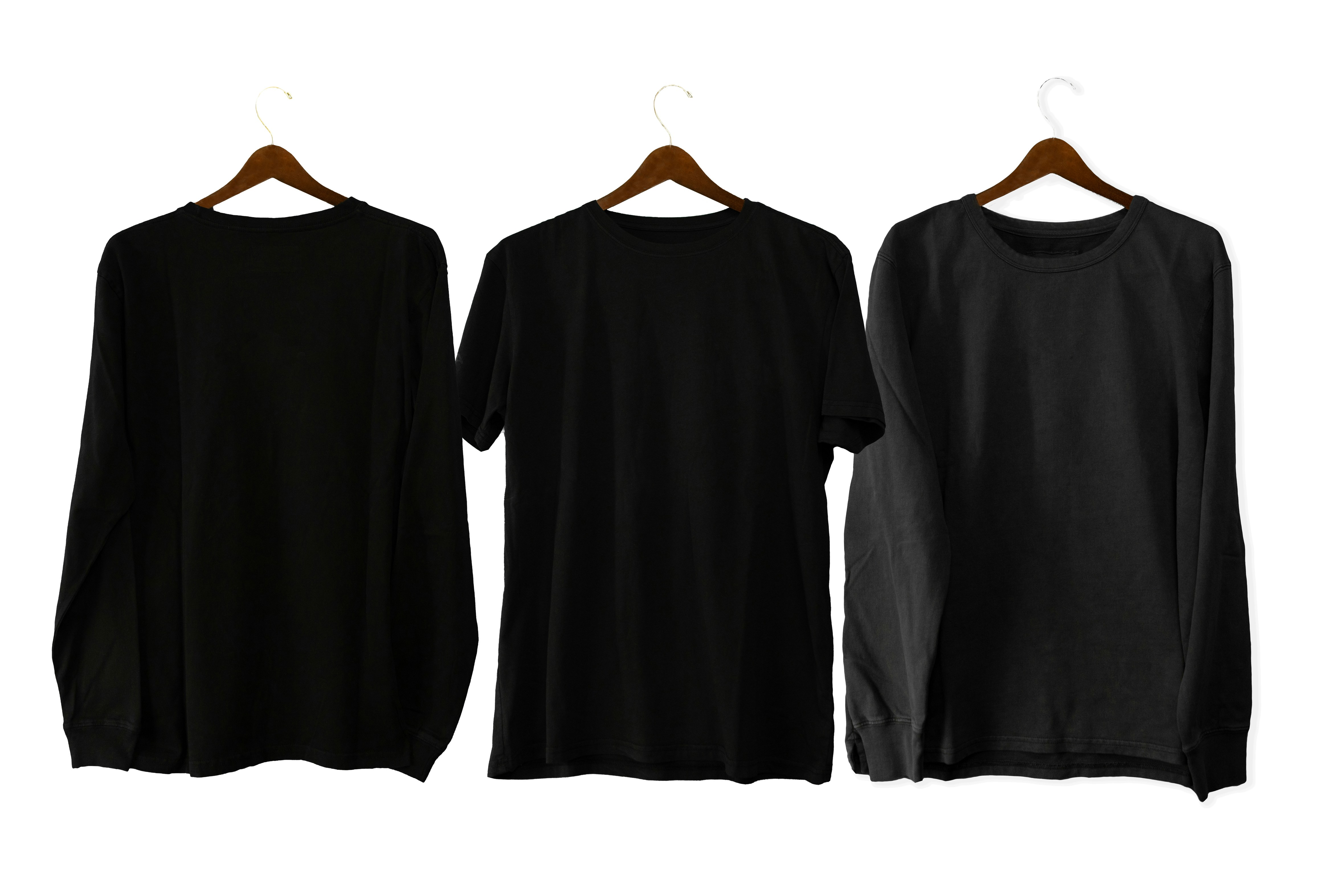
Your Shopify store lives or dies by its product images. Unlike Amazon or eBay, where customers are used to a plain marketplace feel, Shopify gives you full control over your brand's look — but that also means bad photos stand out more, not less. A cluttered background, inconsistent lighting, or crooked product shots can make even a great product look cheap.
In this guide, we'll break down exactly what a professional Shopify product photo editing service does, why consistency matters more on Shopify than anywhere else, and how to get your catalog looking retail-ready.
Why Shopify Sellers Need Photo Editing More Than Marketplace Sellers
On Amazon or eBay, the platform enforces a lot of visual rules for you — white backgrounds, size limits, standard layouts. On Shopify, there are no such guardrails. That freedom is powerful for branding, but it also means:
- Every inconsistency in your photos is visible to the customer
- Your competitors with polished, uniform catalogs will always look more trustworthy
- Mismatched backgrounds or lighting across product pages quietly hurt conversion rates
A store with 200 products photographed on 5 different days, in 3 different rooms, with 2 different phones — without editing — looks exactly like what it is: unplanned. Editing is what turns "a pile of product photos" into "a catalog."
What's Included in Shopify Product Photo Editing
1. Background Removal & Replacement
Whether you want a clean white background, a soft branded color, or a lifestyle scene, background editing is the foundation. It's what makes products from different shoots look like they belong in the same store.
2. Color Correction & Consistency
Fabric, jewelry, and cosmetics especially suffer from color shift under different lighting. Editing ensures the red dress on your product page is the same red the customer receives — reducing returns and complaints.
3. Shadow & Reflection Work
Natural-looking drop shadows or reflections add depth and make flat, cut-out product images feel three-dimensional instead of "pasted on."
4. Cropping & Sizing for Templates
Shopify themes often expect specific aspect ratios. Editing ensures every image fills its frame consistently — no awkward white space on some products and tight crops on others.
5. Retouching for Dust, Scratches & Imperfections
Especially for jewelry, electronics, and glossy products, small blemishes or dust specks that a camera picks up get cleaned so the product looks flawless.
The Cost of Skipping Editing
Store owners often underestimate how much unedited photos cost them — not in cash, but in conversion. A visually inconsistent store signals a smaller, less serious operation, even if the products themselves are excellent. Customers make trust decisions in seconds, and photos are the first thing they judge. The same trust-signal effect shows up on marketplaces too — see our Amazon listing image editing guide for the marketplace-side version of this.
How the Editing Process Works
- Upload your raw images — via Dropbox, Google Drive, or direct file transfer
- Define your style — pure white, branded color background, or lifestyle scene
- Editing pass — background, color correction, shadows, retouching applied per your brand guide
- Review & revisions — you approve or request tweaks
- Delivery — final images sized and formatted for direct Shopify upload
Try It Before You Commit
We offer a free sample batch edit so you can see exactly how your products will look before making any commitment. No pressure, no long contracts — just a clear before-and-after so you can decide for yourself.
If you're ready to give your Shopify store a more premium, consistent look, check out our editing services here and send us a few sample images to get started.
Tags
Ready to get your images edited?
Upload 2 photos for a free trial edit — returned in under 24 hours.
Start free trial →