If you sell products online or shoot product photography for a living, you've probably heard both terms thrown around — clipping path and image masking. They sound similar, they're both used to remove or clean up backgrounds, and most sellers assume they're interchangeable.
They're not. Using the wrong technique on the wrong image either wastes money on unnecessary work, or leaves you with a background removal that looks rough around the edges — literally. We've covered each technique in depth separately in What Is Clipping Path? and What Is Image Masking? — this guide focuses on telling them apart.
Here's the straightforward breakdown so you always know which one your photos actually need.
What is Clipping Path?
A clipping path is a vector outline drawn precisely around the edge of an object using anchor points (the same technology behind Photoshop's Pen Tool). Once that path is drawn, everything outside it can be removed, replaced, or made transparent with a perfectly clean, hard edge.
Clipping path works best on objects with well-defined, solid edges — think:
- Shoes, bags, electronics, bottles, tools
- Furniture and home goods
- Packaged products with straight or curved but solid outlines
- Vehicles (see our Car Retouch service)
Because the edge is a mathematical path rather than a pixel-by-pixel selection, clipping path gives you a crisp, scalable cutout — ideal for pure white background product listings on Amazon, Shopify, or eBay. Not every product needs just one path either — see our types of clipping path guide and our multi clipping path guide for products with several distinct parts.
What is Image Masking?
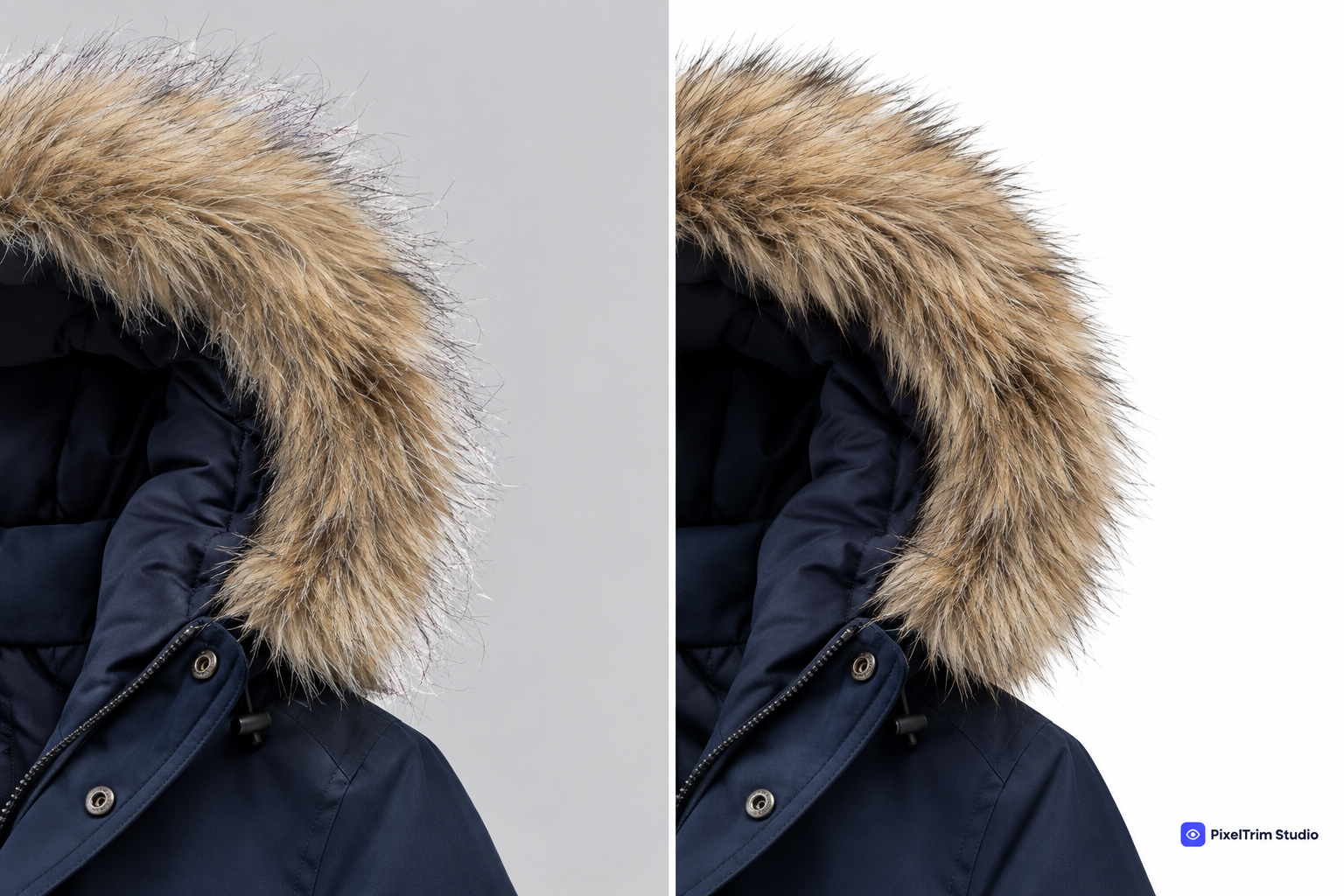
Image masking works at the pixel level instead of drawing a hard vector line. It's built for subjects where the edge isn't clean or solid — where light passes through, or where there are dozens of fine, irregular details a path simply can't trace.
Masking is the right call for:
- Hair, fur, and fine flyaway strands
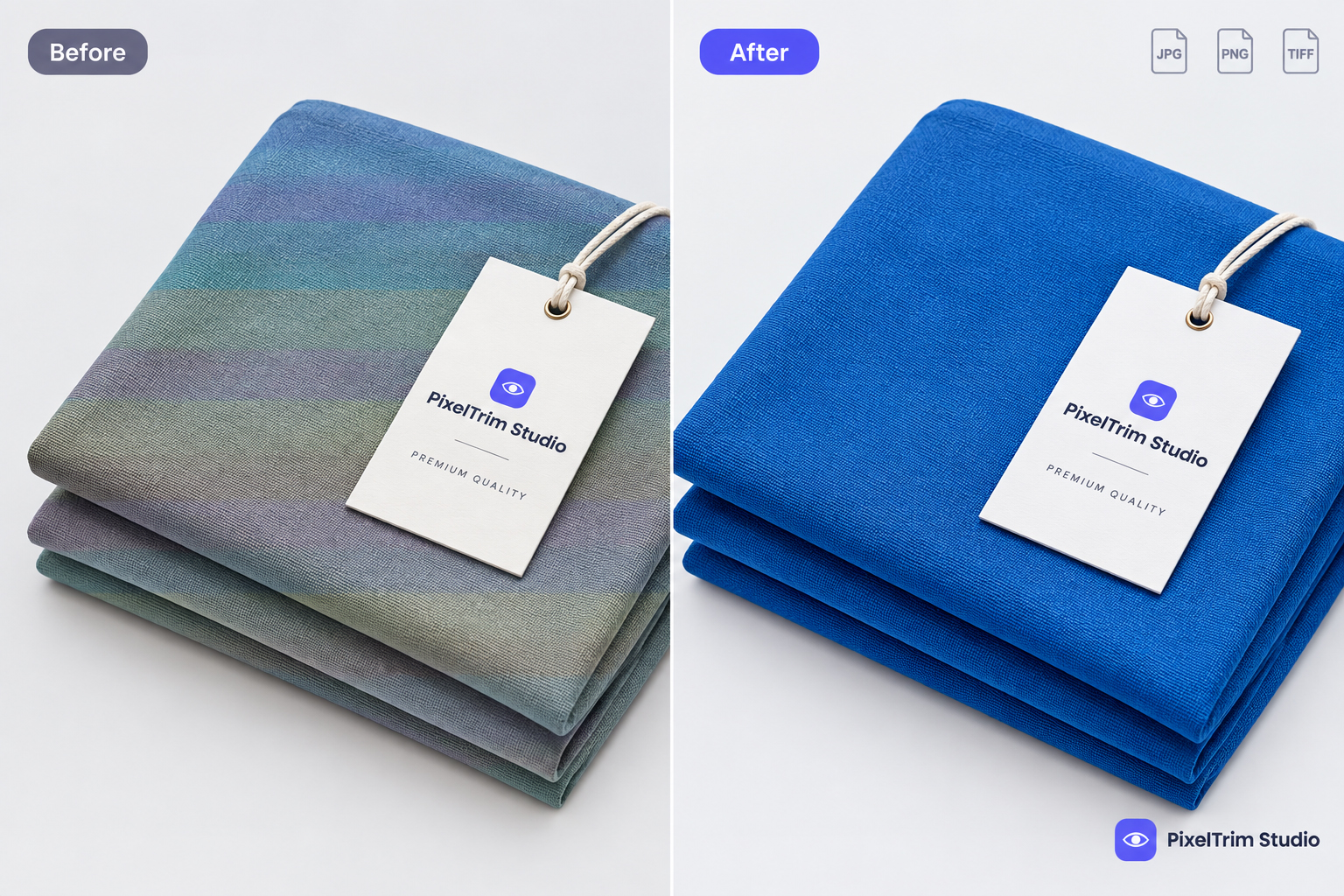
- Semi-transparent fabrics, veils, and mesh
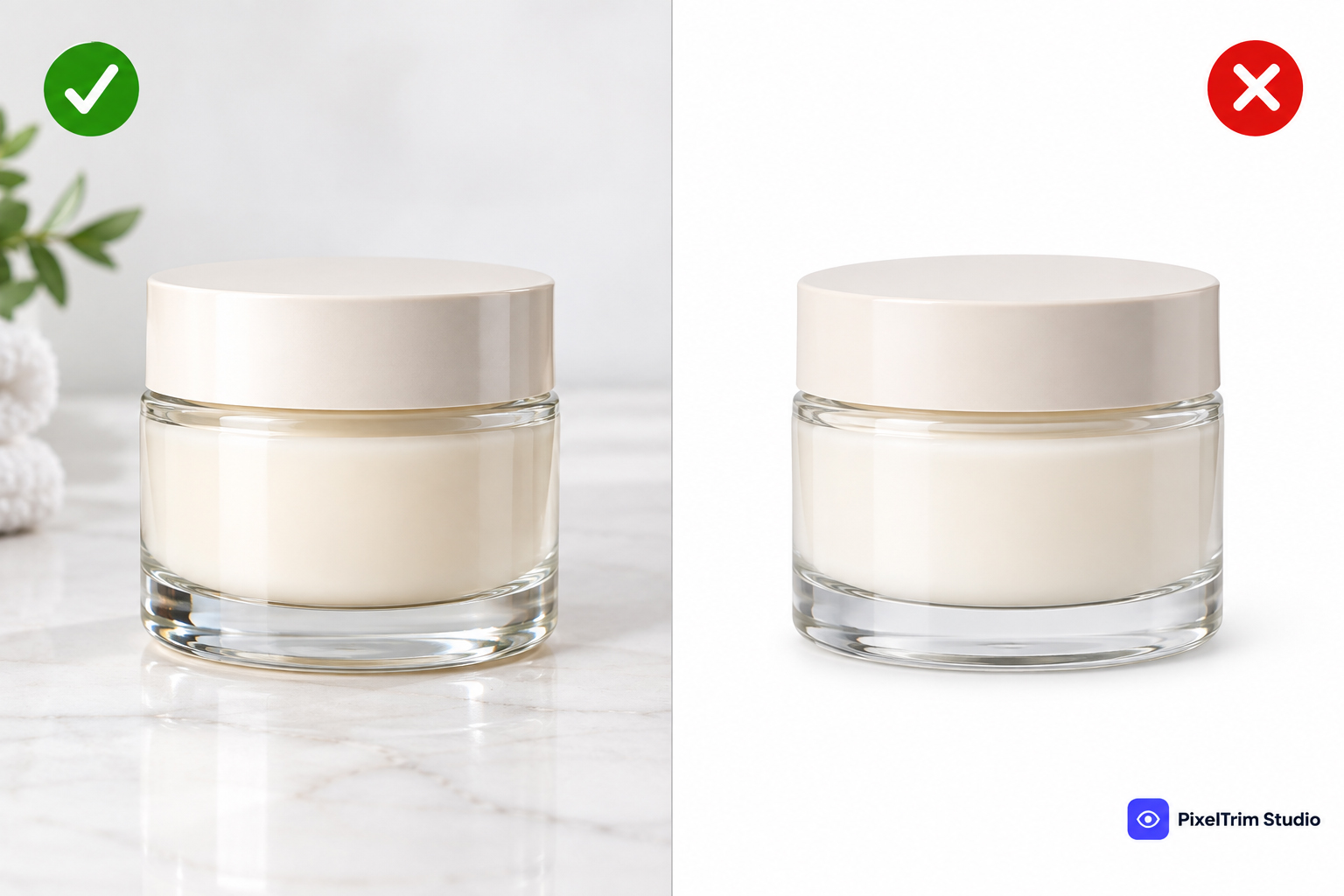
- Glass, smoke, and fog effects
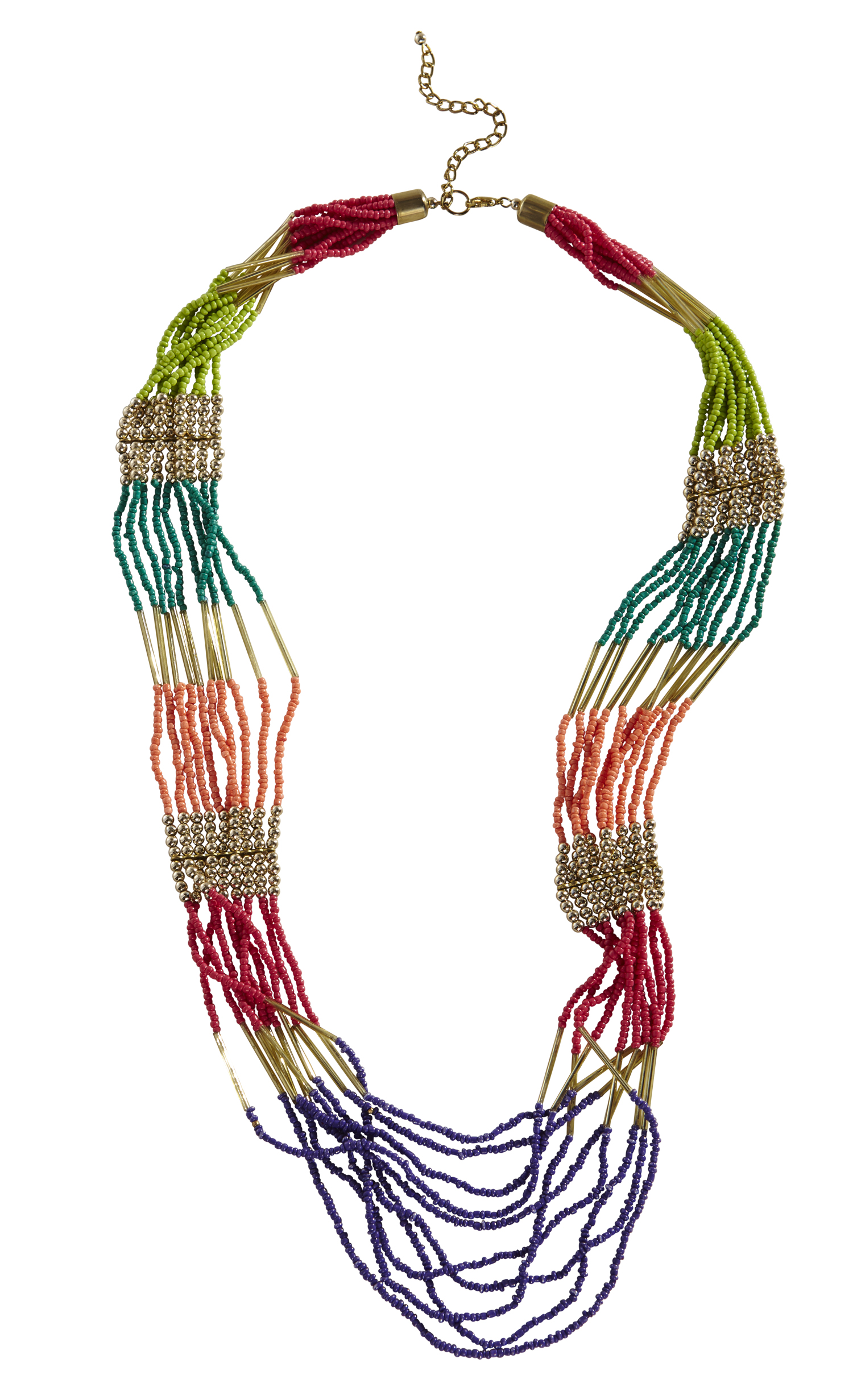
- Fine jewelry chains and intricate metalwork (see our Jewelry Retouch service)
- Products with soft, feathered edges
Because masking captures gradual transitions in opacity, it preserves natural detail that a clipping path would simply chop off.
Clipping Path vs Image Masking — Side by Side
| Factor | Clipping Path | Image Masking |
|---|---|---|
| Edge type | Hard, vector-based | Soft, pixel-based |
| Best for | Solid objects, clean outlines | Hair, fur, transparency, fine detail |
| Result | Crisp, scalable cutout | Natural, feathered transition |
| Typical use case | Amazon/eBay product listings | Fashion, jewelry, portrait-adjacent product shots |
| Turnaround | Usually faster | Slightly more time-intensive |
So Which One Do You Actually Need?
A simple way to decide: zoom into the edge of your product.
- If the edge is one continuous, solid line — you need a clipping path.
- If the edge has gaps, transparency, or fine strands (hair, fur, mesh, glass) — you need masking.
Many product catalogs actually need both, applied to different items. A shoe brand might need clipping path for the shoes themselves, but masking for a model shot showing fabric or hair detail. This is exactly why, at PixelTrim Studio, every image is reviewed individually before editing — we don't apply a one-size-fits-all technique to a whole batch. If you're weighing manual editing against automated tools for either technique, our manual vs AI background removal comparison covers where each approach holds up.
How We Handle It at PixelTrim Studio
- You send us your raw images (via the order form — no software or account needed on your end)
- We assess each photo and choose clipping path, masking, or a combination — whichever gives the cleanest result
- You get back marketplace-ready images — pure white background, transparent PNG, or whatever spec you need for Amazon, Shopify, Etsy, or your own catalog
If you're not sure which service fits your catalog, our Clipping Path and Image Masking pages both include a free trial — send 1-2 sample images and see the actual result before committing to a batch.
Frequently Asked Questions
Can one image need both clipping path and masking?
Yes — this is common on products with a solid body but soft edges somewhere (e.g. a bag with fringe, a shoe with laces). We combine both techniques on the same image when needed, at no extra complexity on your end.
Which one is cheaper?
Clipping path is generally faster to produce, so simple clipping path jobs tend to be priced lower than complex masking work. Exact pricing depends on the object's complexity — see our clipping path pricing guide, or check our Clipping Path and Image Masking pages for current rates.
Do I need to tell you which technique to use?
No — just send your raw images. Our editors assess each one and apply whichever technique (or combination) produces the cleanest result.
What file formats do you deliver?
JPG, PNG (with transparent background if needed), or TIFF — whatever your marketplace or workflow requires.
Ready to see the difference on your own product photos? Get a free trial edit and compare the result for yourself.
Tags
Ready to get your images edited?
Upload 2 photos for a free trial edit — returned in under 24 hours.
Start free trial →