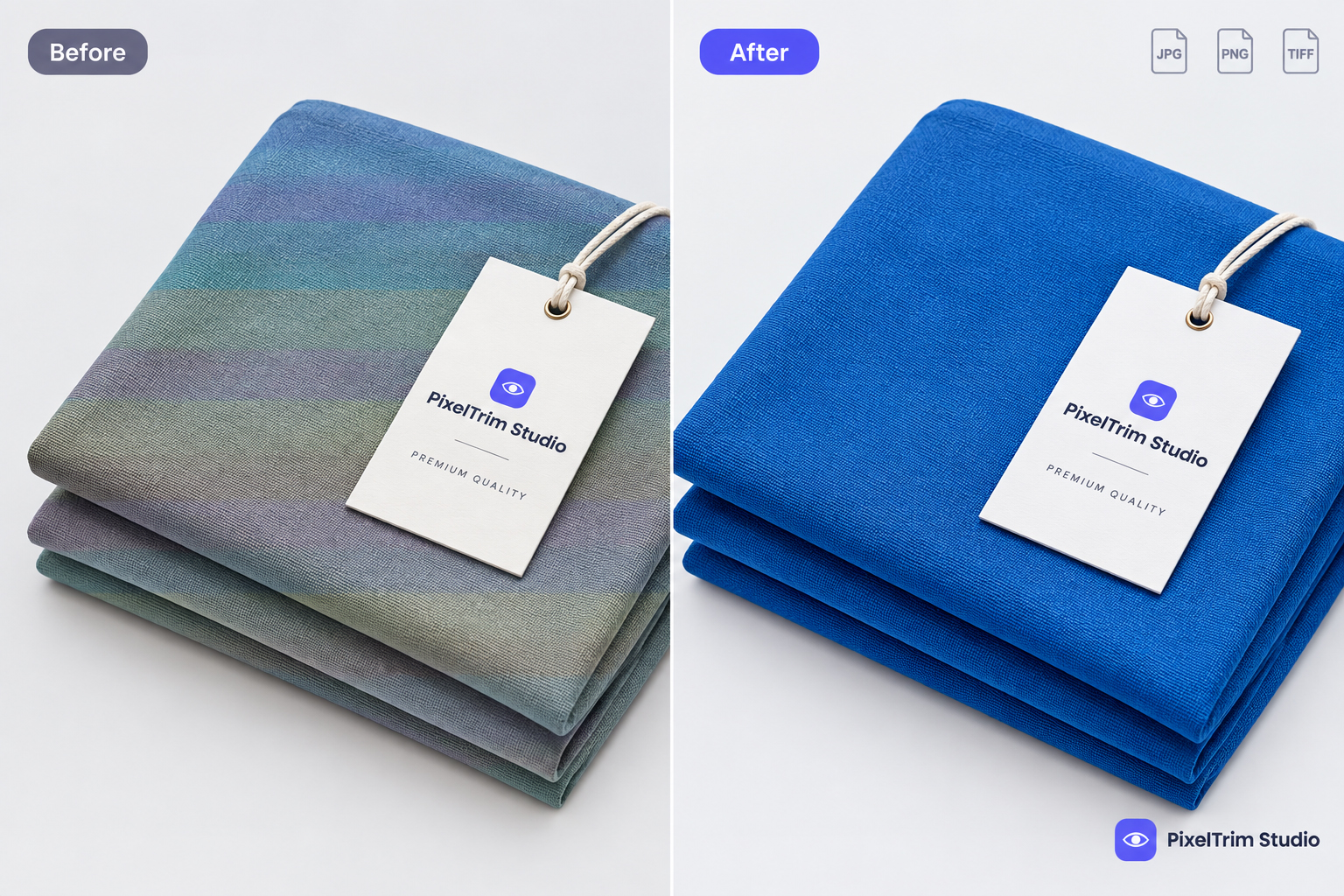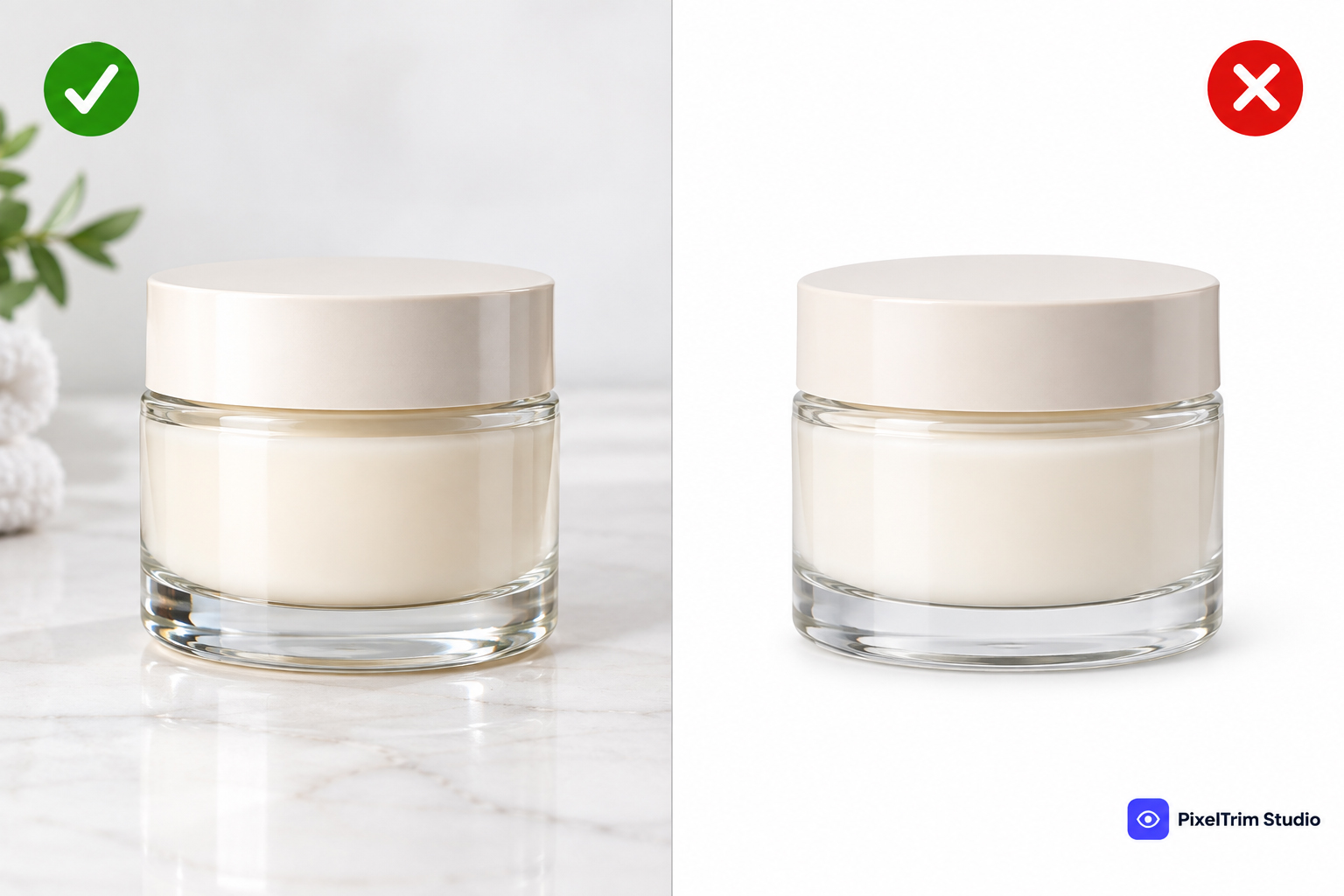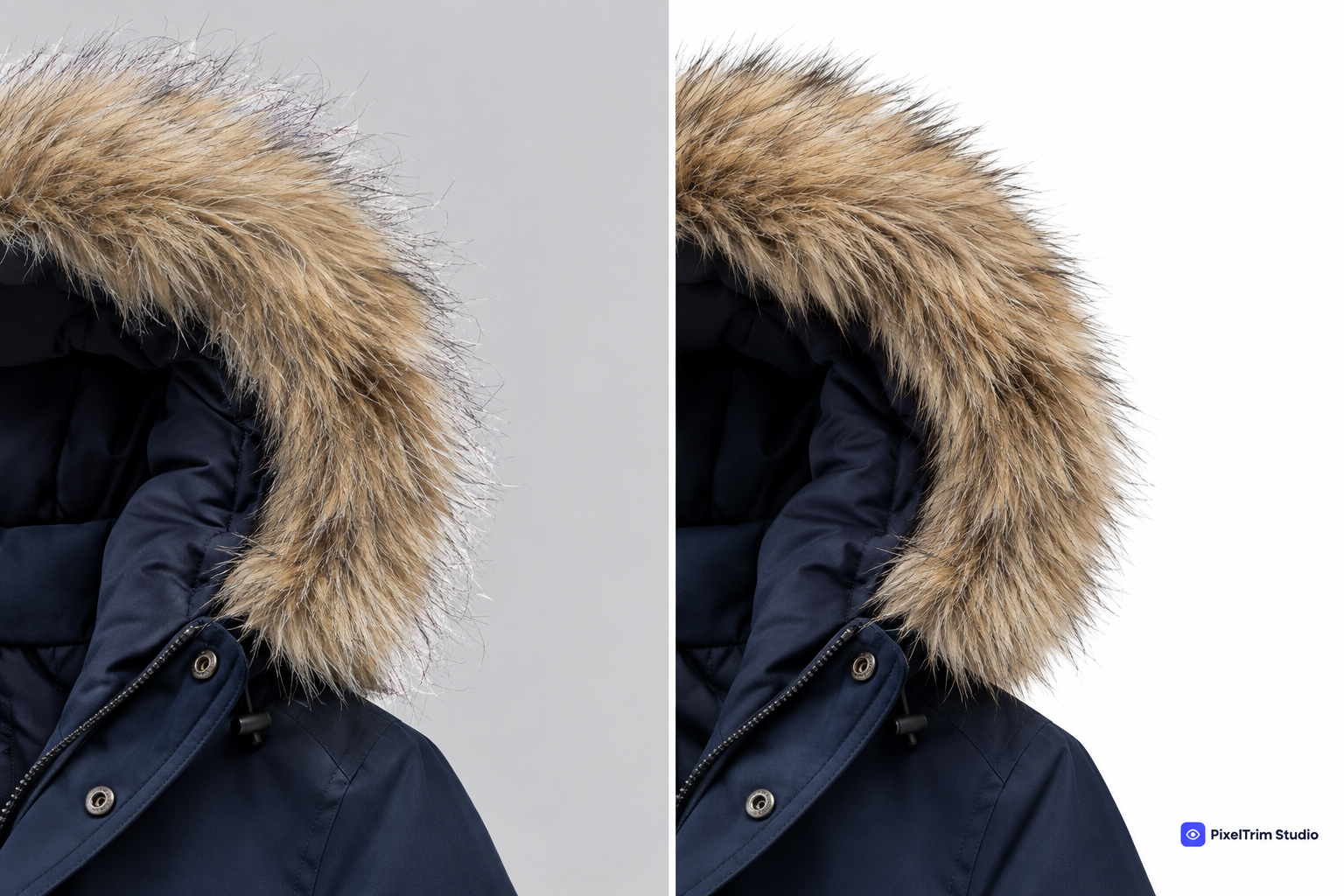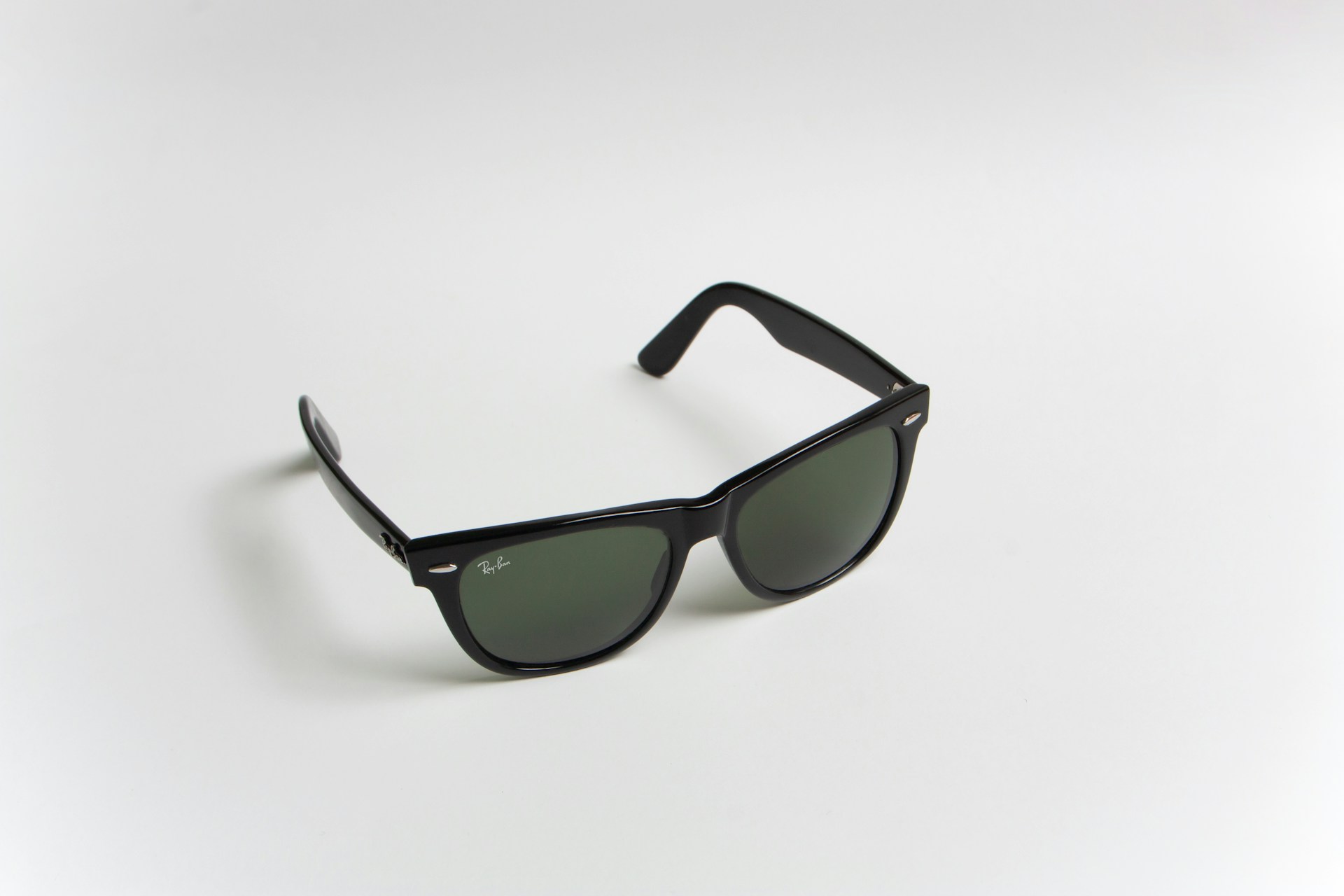
Image for illustration purposes only.
If you've ever asked a photo editor for a "clipping path" and gotten back a confused reply asking "which kind?" — you're not alone. Clipping path isn't one single technique. It's a family of methods, each built for a different level of image complexity.
Picking the wrong one usually means one of two things: you're overpaying for simple work, or you're underpaying for something that needed more care. Knowing the difference helps you brief your editor correctly and get consistent results across your catalog.
Table of Contents
- What Is a Clipping Path (Quick Refresher)
- Simple Clipping Path
- Complex Clipping Path
- Multiple Clipping Path
- Super Complex Clipping Path
- Layered Clipping Path
- Compound Path (Nested Path)
- Alpha Channel & Masking Combination
- Which Type Fits Your Product?
- Common Mistakes Sellers Make
- FAQs
- Conclusion
What Is a Clipping Path (Quick Refresher)
A clipping path is a vector outline drawn around a subject in an image, used to separate it from its background. Once that path exists, an editor can remove the background, change it, add a shadow, or place the product on a pure white e-commerce background. If you want the fundamentals in more depth, we've covered that separately in What Is Clipping Path?
What most sellers don't realize is that the type of clipping path depends entirely on the shape of the product — not the industry. A jewelry ring and a simple phone case might use the same technique; a wicker chair and a piece of jewelry with cutout gaps might not.
Simple Clipping Path
This is the entry-level type — used for products with basic geometric shapes and no holes or curves. Think: a box, a book, a bottle, a phone.
- When it's used: Products with 2-4 anchor points and smooth, uninterrupted edges.
- Turnaround: Fastest and cheapest of all types.
Complex Clipping Path
Once a product has curves, holes, or fine detail — like a chain-link necklace, a bicycle wheel, or a piece of furniture with gaps — the path needs far more anchor points and manual precision.
- When it's used: Jewelry, furniture, apparel with visible mesh or lace, anything with irregular edges.
- Turnaround: Slower, priced higher due to manual detailing.
Multiple Clipping Path
This isn't about one complex object — it's about multiple separate objects in a single image, each needing its own path. A group product shot (say, five earrings on one background) needs a multiple clipping path so each item can be edited independently — different colors, different shadows, or separated into individual product images later. This is closely related to what we cover in our multi-clipping path guide, for products that need more than one path treatment within the same image.
- When it's used: Group shots, product sets, catalog images with several SKUs photographed together.
Super Complex Clipping Path
This is the top tier — used for products with dense, intricate detail: fur, chains, filigree jewelry, fishing nets, or anything with dozens of tiny gaps and curves.
- When it's used: High-end jewelry, fashion accessories with intricate texture, decorative items.
- Turnaround: The most time-intensive and typically the most expensive category — see our clipping path pricing guide for how complexity affects cost.
Layered Clipping Path
Here, the image is separated into multiple layers — the product, the shadow, reflections, and background — each as an individual clipping path. This gives the client full control in post-production: they can swap backgrounds, adjust shadow intensity, or recolor parts without touching the rest of the image.
- When it's used: Brands running frequent seasonal campaigns who need to reuse the same product shot across multiple backgrounds.
Compound Path (Nested Path)
A compound (or nested) path handles products with cutout areas inside the main shape — like a donut, a ring, a picture frame, or a mug handle. The editor creates an outer path and an inner path, and the space between the two becomes transparent or background-colored.
- When it's used: Rings, handles, frames, any product with a visible "hole" through the middle.
Alpha Channel & Masking Combination
For products where clipping path alone can't handle the edge detail — like hair, fur, or transparent glass — editors often combine a clipping path for the solid parts with alpha channel masking for the soft or semi-transparent edges. If you're new to masking itself, see our what is image masking guide first.
When it's used: Fashion products with fur trim, glassware, products with soft or fuzzy edges. This overlaps with a separate discipline — if you want to understand the difference between path-based and mask-based work, see Clipping Path vs Image Masking.
Which Type Fits Your Product?
A quick way to self-check before ordering:
- No holes, simple shape → Simple Clipping Path
- Curves, holes, fine edges → Complex Clipping Path
- Multiple items, one image → Multiple Clipping Path
- Dense texture, chains, fur-like detail → Super Complex Clipping Path
- Need to reuse the shot across campaigns → Layered Clipping Path
- Product has a hole through it (ring, mug, frame) → Compound Path
- Hair, fur, or glass edges → Alpha Channel + Masking combo
Still deciding between manual editing and a quick automated tool? Our manual vs AI background removal comparison breaks down when each approach actually holds up.
Common Mistakes Sellers Make When Ordering Clipping Path
- Ordering "simple clipping path" for jewelry. Jewelry almost always needs complex or super complex work — under-ordering leads to rough, unusable edges.
- Not specifying group shots need multiple paths. If five products are in one frame, say so upfront, or you'll get one path around the whole group instead of five separate ones.
- Ignoring shadow requirements. A clean clipping path with a flat-pasted product (no shadow) looks unnatural on a white background — always ask about shadow type separately.
- Assuming one file format works everywhere. Some marketplaces need a flattened JPEG; others want a layered PSD for future edits. Confirm the deliverable format before the job starts.
FAQs
1. What's the difference between simple and complex clipping path?
Simple path is for products with smooth, geometric edges and no holes. Complex path is for irregular shapes, curves, and fine detail requiring far more manual anchor points.
2. Do I need multiple clipping path for a single product photo?
Only if there are several separate items in one frame that need independent editing. A single product, even a complex one, doesn't need "multiple" — it needs the complexity tier that matches its shape.
3. Is compound path the same as masking?
No. Compound path is still vector-based (like regular clipping path) but handles inner cutouts. Masking is a separate, non-vector technique often used for soft edges like hair or fur.
4. Which type of clipping path is used for jewelry?
Most jewelry needs complex or super complex clipping path, depending on how much fine detail (chains, filigree, stones) is present.
5. Does clipping path type affect pricing?
Yes. Simple paths are the cheapest and fastest. Complex, super complex, and layered paths cost more because they require significantly more manual editing time — see our pricing guide for exact ranges.
6. Can one image need more than one type of clipping path technique?
Yes — for example, a fur-trimmed jacket might use complex clipping path for the fabric and alpha channel masking for the fur edges, combined in a single deliverable.
7. How do I know which type my product needs before ordering?
Look at the shape: smooth and simple, or full of curves, holes, and texture. When unsure, send a sample image to your editing service and ask them to classify it — most professional teams do this for free before quoting.
Conclusion
Clipping path isn't a one-size-fits-all service — it's a spectrum, from a two-minute simple path to hours of manual work on a super complex piece. Knowing which type your product needs helps you brief editors accurately, avoid re-do requests, and keep your catalog looking consistent.
Not sure which clipping path type your product needs?
Get a free sample edit from PixelTrim and we'll tell you exactly what it takes — no obligation.
Tags
Ready to get your images edited?
Upload 2 photos for a free trial edit — returned in under 24 hours.
Start free trial →