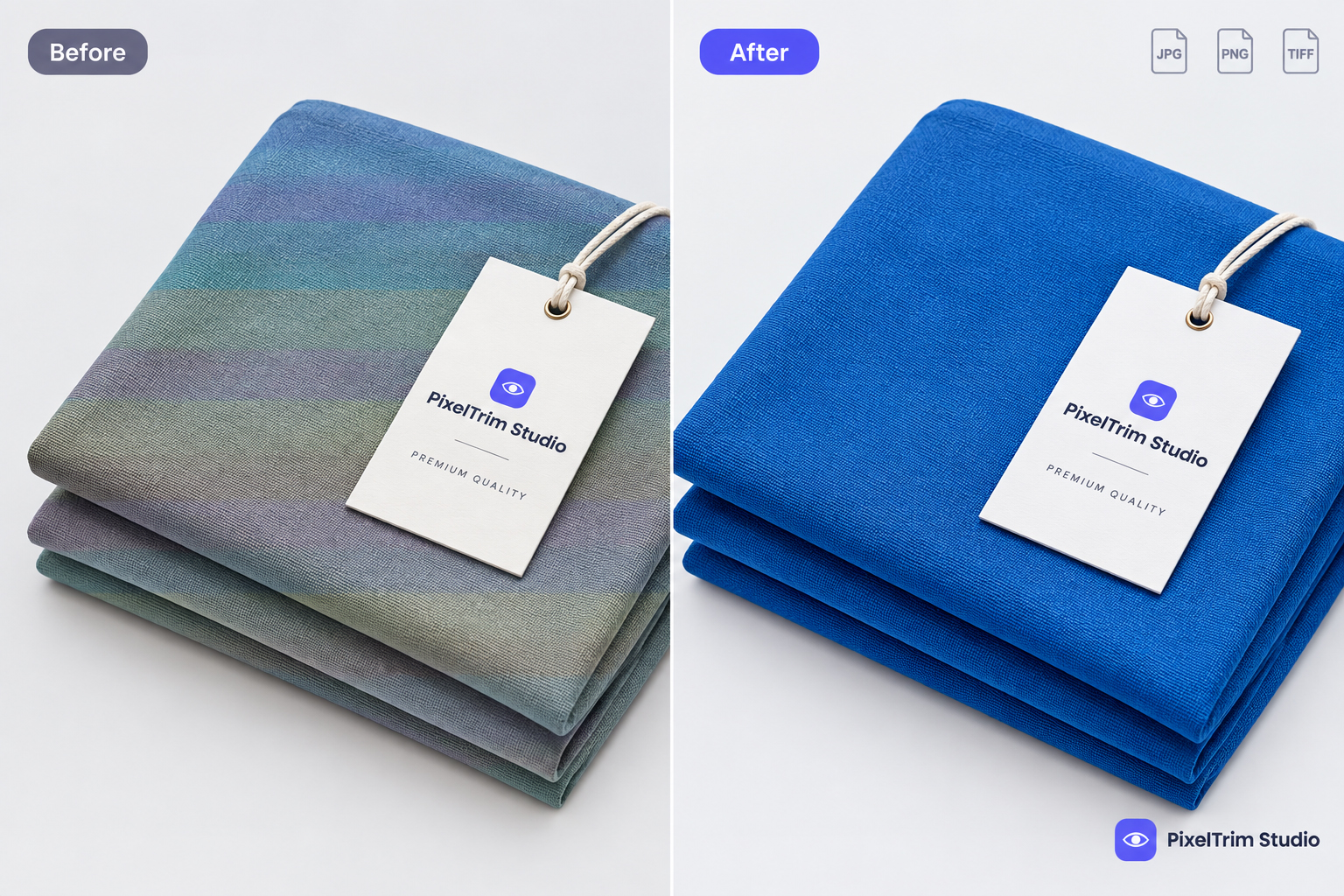
Image for illustration purposes only.
If you sell on Amazon, Etsy, or Shopify, you've probably tried at least one "one-click" AI background remover. They're fast, free, and tempting. But when your product photo needs to be pixel-perfect for a listing, does AI actually get the job done — or are you still paying for manual clipping path work without realizing it?
Let's break down the real difference. For the broader manual-vs-AI question across all product categories, see our manual vs AI photo editing guide.
What Is Manual Clipping Path?
Manual clipping path is a technique where a trained editor uses the Pen Tool in Photoshop to draw a precise vector path around a product, separating it from its background pixel by pixel. Because it's hand-drawn, the edges are exact — no fuzzy pixels, no leftover shadows, no accidental cropping of fine details like jewelry prongs, fabric threads, or curved product edges.
What Is AI Background Removal?
AI background removal uses machine learning models trained to detect the "subject" in an image and remove everything else automatically. Tools like this can process hundreds of images in minutes with zero manual work. For simple shapes on high-contrast backgrounds, results can look surprisingly clean.
Where AI Background Removal Falls Short
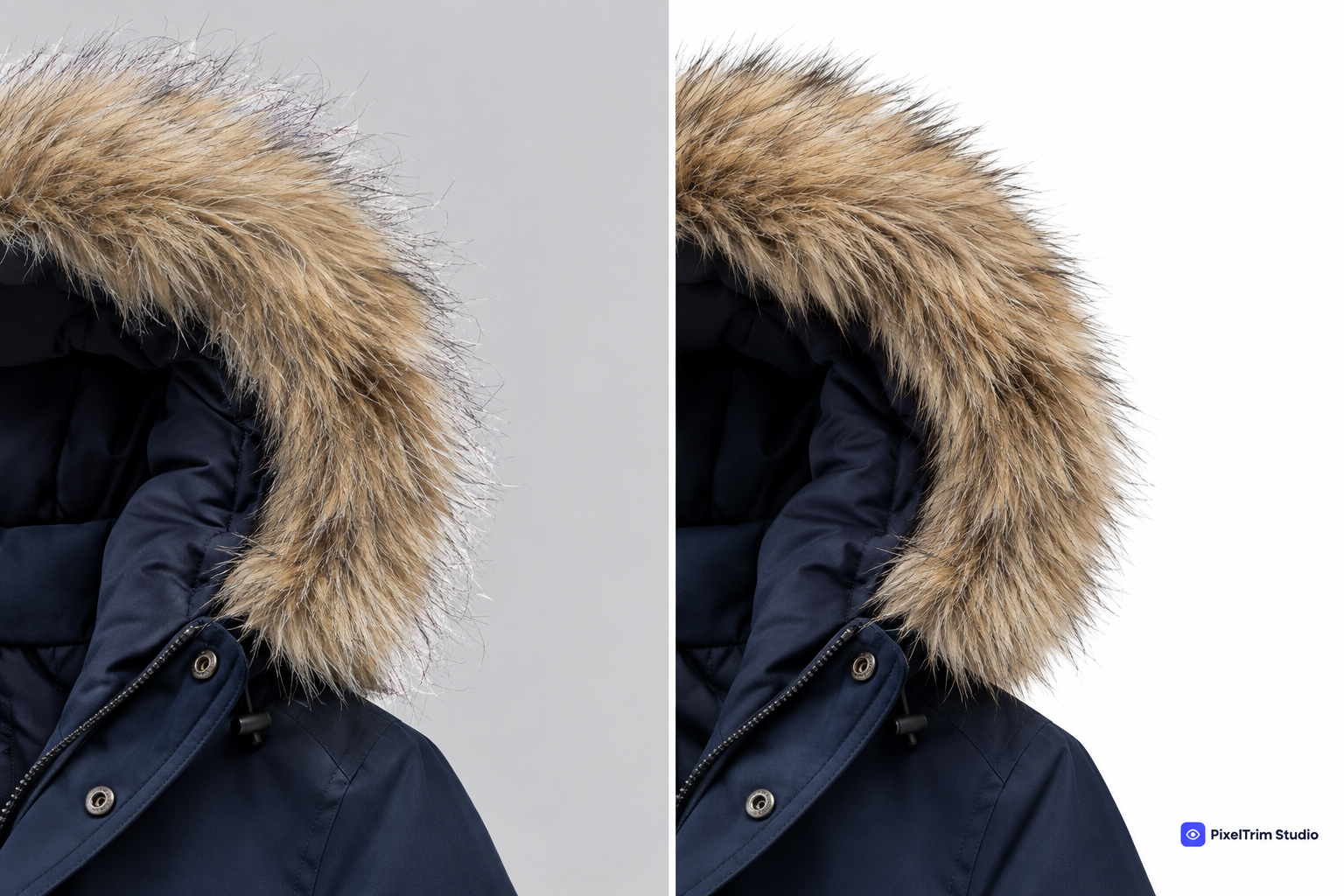
- Fine detail loss — thin edges like hair-like fabric strands, chain links, or lace patterns often get chewed up or blurred. This is exactly the gap image masking is built to close.
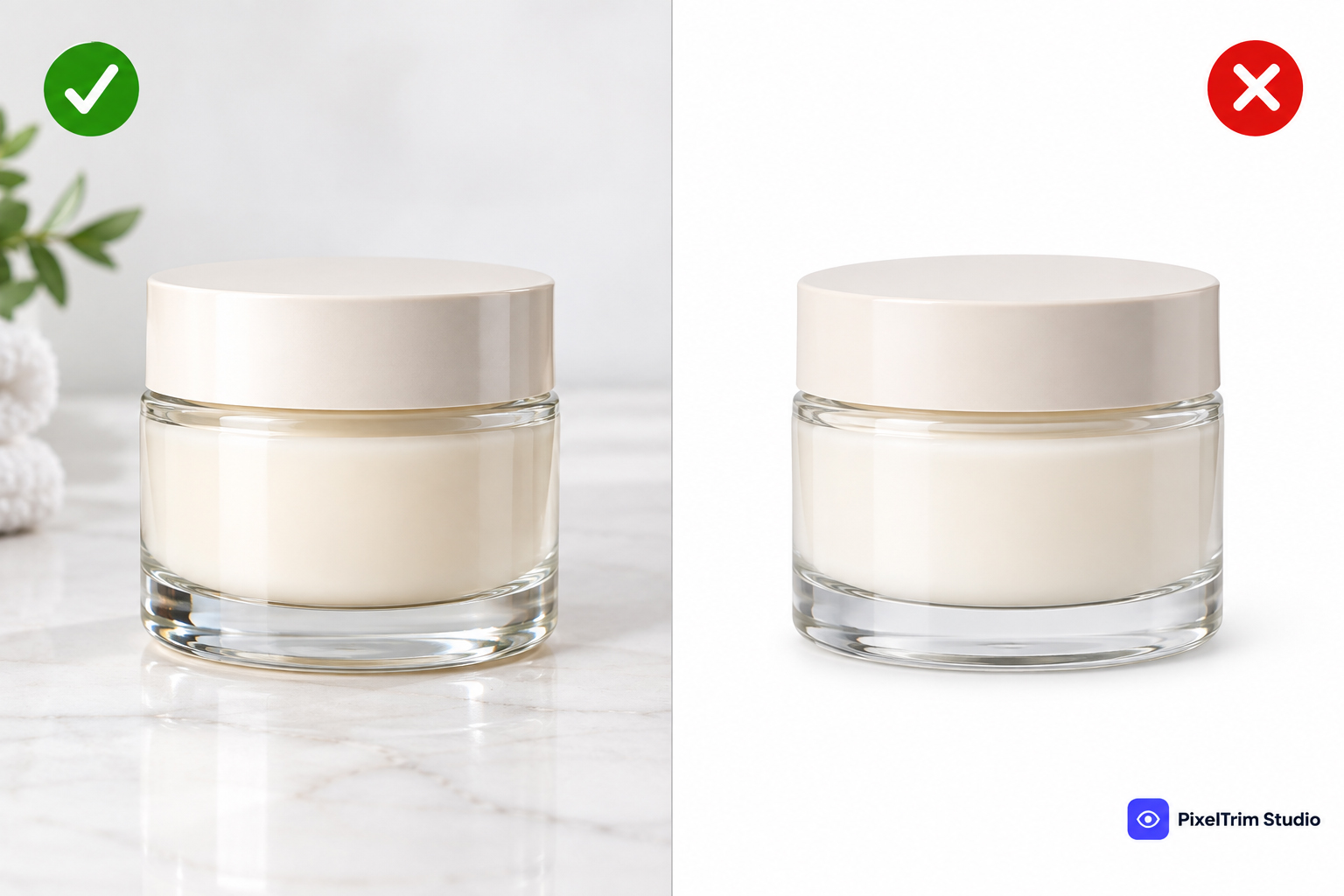
- Transparent and reflective products — glass, jewelry, and clear packaging confuse AI models, leaving halos or missing sections.
- Complex or busy backgrounds — when the product color is close to the background color, AI often removes part of the product itself.
- Inconsistent results at scale — one photo comes out clean, the next from the same batch has visible artifacts, which creates an inconsistent look across your store.
Where AI Background Removal Actually Works Fine
To be fair, AI tools are genuinely useful for quick internal previews, social media drafts, or products with simple, well-lit, high-contrast shapes — think a solid-color mug on a plain table. For low-stakes, non-listing use, AI can save real time.
Why Manual Clipping Path Still Wins for Listings
Marketplaces like Amazon have strict image compliance rules — pure white backgrounds, no watermarks, no stray pixels. See our Amazon listing image editing guide for the full requirements. A single failed or rejected listing photo can delay a launch or hurt conversion. Manual clipping path guarantees:
- Marketplace-compliant, pure white or transparent backgrounds
- Clean edges on complex shapes — jewelry, apparel, electronics with cutouts
- Consistent quality across your entire catalog, not just individual images
- Room for further edits — shadow creation, color correction, or ghost mannequin work — without re-editing from scratch
Cost and Speed: The Honest Trade-off
AI is cheaper and near-instant. Manual clipping path takes longer and costs more per image because a real person is doing the work — see our clipping path pricing guide for what to expect by complexity. But for product photos that directly represent your brand and drive purchase decisions, the extra accuracy usually pays for itself in fewer returns and a more professional storefront.
Which Should You Choose?
A simple rule of thumb: if the photo is going live on your store or marketplace listing, go manual. If it's for a quick internal draft or social preview, AI is fine. Many sellers actually use both — AI for speed during content planning, and manual clipping path for final, publish-ready images. If your catalog mixes simple and complex products, our clipping path vs image masking guide can help you match the right technique to each shot, and our multi-clipping path guide covers products that need more than one treatment in a single image.
Not sure which your catalog needs? See our clipping path service or read more about what clipping path actually is and the different types of clipping path techniques we use.
Frequently Asked Questions
Is AI background removal good enough for Amazon listings?
Usually not on its own. Amazon requires pure white backgrounds with no stray pixels or shadows, and AI tools often leave small imperfections that get listings flagged.
Is manual clipping path expensive?
It's priced per image based on complexity, but for most sellers it's a small cost compared to the return-rate and brand-trust benefits of clean, consistent photos.
Can AI and manual clipping path be used together?
Yes — AI for quick drafts, manual clipping path for final listing-ready images, is a common and efficient workflow.
What kind of products need manual clipping path the most?
Jewelry, apparel, glassware, electronics with cutouts, and anything with fine edges or transparency benefits most from manual editing.
Want to see the difference on your own product photos? Get a free sample edit from our team and compare it yourself.
Tags
Ready to get your images edited?
Upload 2 photos for a free trial edit — returned in under 24 hours.
Start free trial →