You drew the logo, mascot or badge on paper, and now the printer, embroidery shop or sign maker asks for a vector file. A phone photo of your sketch is not a vector file. Paper grain, pencil shading and shaky lines all turn into pixels, and pixels blur the moment you enlarge them.
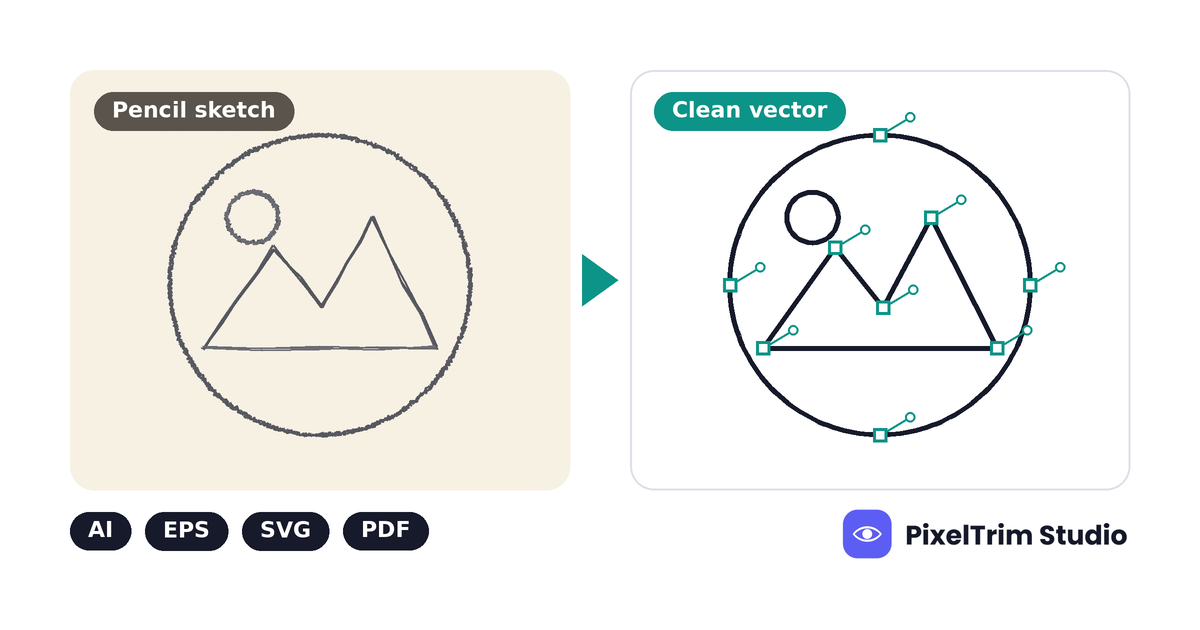
The fix is a hand rebuild: an editor redraws your lines as clean paths, node by node. Run these 5 checks before you order and the result will match what you had in mind, with fewer revision rounds. If your starting file is a blurry logo rather than a drawing, read our guide on how to vectorize a low-resolution logo instead.
Why a Sketch Needs a Rebuild, Not a Filter
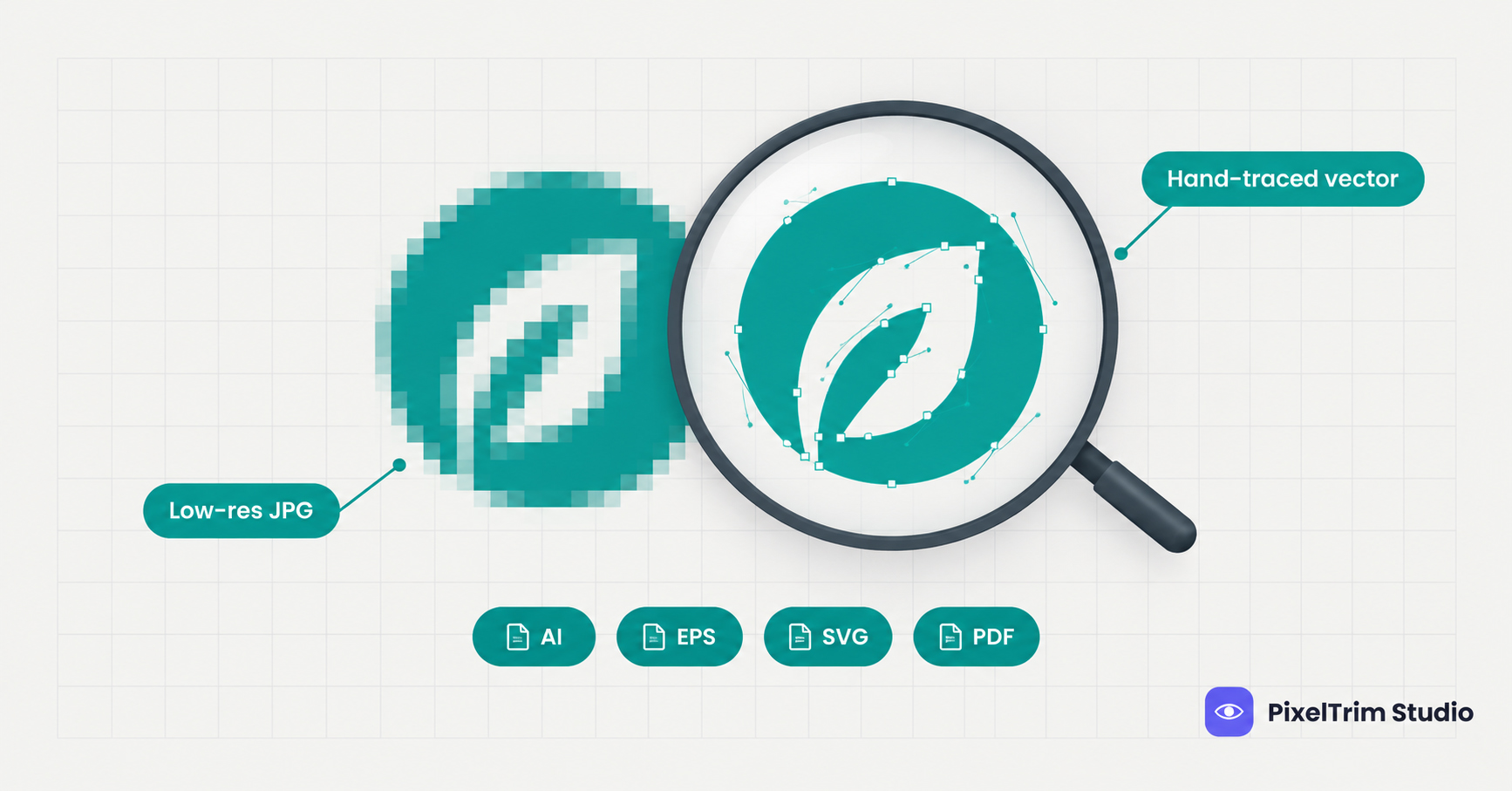
A scan or photo stores your drawing as a grid of colored pixels. Automatic tracing tools tend to follow every pixel they see, so they copy the paper texture, smudges and wobble along with the lines you meant. A rebuild stores the drawing as paths and curves, so it can scale from a favicon to a banner without losing sharpness. For a closer look at what automatic tools miss, see our comparison of manual tracing vs AI vectorization.
Check 1: Decide What "Clean" Means for This Drawing
Hand-drawn lines are rarely perfect, so the editor needs to know how much of that to keep. Decide first, because it changes the whole job.
| Style | What the editor does | Good for |
|---|---|---|
| Keep the hand-drawn feel | Removes scan noise only and keeps the natural wobble and varied line weight | Illustrated brands, craft shops, character art |
| Light cleanup | Smooths shaky curves and closes small gaps while keeping the overall character | Most logo sketches and mascots |
| Fully geometric | Redraws straight lines, circles and symmetry exactly | Corporate marks, icons, signage |
Put your choice in one sentence in the order notes, such as "keep the rough pencil character" or "make both sides perfectly symmetrical."
Check 2: Capture the Sketch Properly
The better the capture, the less the editor has to guess. A flatbed scanner is best, and a phone works if you control the light.
| Capture problem | What it causes | Fix |
|---|---|---|
| Shadows or a curled page edge | Dark patches that look like extra lines | Lay the page flat and use even daylight with no flash |
| Photo taken at an angle | Shapes lean and circles turn into ovals | Shoot straight down, or use a scanner |
| Light pencil on grey paper | Faint lines the editor has to guess at | Go over the final lines with a dark pen, or mark which pencil lines count |
| Low-resolution scan | Soft lines and lost fine detail | Scan at 300 dpi or higher, a common rule of thumb for line art |
| Cropped edges | Parts of the drawing are missing | Leave a margin of blank paper around the drawing |
Always send the original scan or photo file, not a screenshot of it. Screenshots add compression and lose the fine lines that are hardest to recover.
Check 3: Mark Up Your Intent Before You Send It
A sketch shows shapes, but it does not show your decisions. Add this information so the editor does not have to ask.
| What to send | Why it helps |
|---|---|
| Colors as Pantone codes or hex values | A pencil drawing has no real colors, so without codes they are guessed |
| The font name, or the exact wording of any lettering | Hand lettering is either kept as drawn or replaced with a real font, and you should choose |
| Where it will be used, such as a shirt, sign, packaging or website | Fine lines that look good on a screen can disappear when stitched, cut or printed small |
| A marked-up copy that circles stray marks and labels each color area | Guide lines, eraser smudges and margin notes are not meant to be traced |
| Rough alternatives, if you drew more than one version | The editor can use the best parts of each instead of choosing for you |
Check 4: Match the Tier to the Drawing
Vector tracing is priced by artwork complexity, not by file size. These are the current rates from the vector tracing service page, with the kind of sketch that usually fits each tier:
| Tier | Price | What is included | Usual sketch |
|---|---|---|---|
| Simple | $4.99 per logo | 1 to 2 colors, basic shapes and text, 1 revision round | A one-color badge, monogram or icon |
| Medium | $9.99 per logo | 3 to 6 colors, gradients, fine detail, font recreation, 2 revision rounds | A mascot or emblem with shading and lettering |
| Complex | $19.99 per artwork | Full-color illustrations, photo-to-vector, embroidery-ready separation | A detailed illustration with many colors |
The last column is a rule of thumb. The tier that fits your drawing is set by what is actually on the page, so ask for a quote based on your real file. As a worked example, three designs at Simple, Medium and Complex cost $4.99 + $9.99 + $19.99 = $34.97. Simple logos are usually delivered within 24 hours, and complex artwork takes 48 to 72 hours.
If you are still comparing providers, our guide to vector tracing services and how to choose a provider lists the questions to ask. For file formats and pricing background, see the vector tracing guide.
Ask for the formats that match your use:
- AI or EPS for print production, signage and design software
- SVG for websites and apps
- PDF for vendors who do not have design software
Once you own the vector, you can export it as PNG or JPG at any size. If you need many sizes or color modes for different printers and platforms, that is format work rather than tracing, and our image conversion service handles it in batches.
Check 5: Review the Proof Before You Approve
- Overlay your original at reduced opacity. The new paths should sit on your lines.
- Check symmetry and straight lines if you asked for a geometric result.
- Look at line weight. Thick and thin strokes should be there on purpose, not by accident.
- Zoom to 400 percent on curves and corners. Edges should stay smooth.
- Read all the text and compare it to your wording.
- Check every color against your Pantone or hex values.
- Use your revision round before you approve, not after the printer starts.
Common Mistakes With Sketch Files
- Sending a shadowed phone photo instead of a flat scan
- Not saying how clean the result should be, so the editor has to guess between rough and perfect
- Skipping color codes and expecting colors to be read from pencil
- Leaving stray marks such as guide lines and margin notes unmarked
- Approving without a proof check and finding a lopsided curve at the printer
Get Your Sketch Turned Into a Clean Vector
Have a hand-drawn logo, mascot or badge that needs to become a clean vector file? PixelTrim Studio hand-traces every design, matches your brand colors and delivers AI, EPS, SVG and PDF files. Try 2 images free, with no software or account needed on your end.
See vector tracing pricing and start a free trial →
FAQ
Can a hand-drawn sketch be turned into a vector file?
Yes. An editor redraws your lines as clean paths, so the sketch does not need to be perfect. The clearer the drawing and the scan, the less guessing is involved, and you should approve a proof before the final files are delivered.
Is it better to scan my sketch or take a photo of it?
A flatbed scanner gives the most even result. A phone photo also works if the page is flat, the light is even and you shoot straight down, so shadows and tilted shapes do not become part of the drawing.
Will the vector keep my hand-drawn style?
It can. Tell the editor whether to keep the natural wobble, lightly clean the lines or make everything geometric. Without that note, the editor has to guess how clean you want it.
How much does it cost to turn a sketch into a vector?
Pricing follows complexity. Simple 1 to 2 color designs start at $4.99, medium designs with 3 to 6 colors, gradients and fine detail are $9.99, and full-color illustrations are $19.99.
Which file formats should I ask for?
AI or EPS for print production and design software, SVG for websites, and PDF for vendors without design software. A complete delivery usually includes all four.
Tags
Ready to get your images edited?
Upload 2 photos for a free trial edit — returned in under 24 hours.
Start free trial →