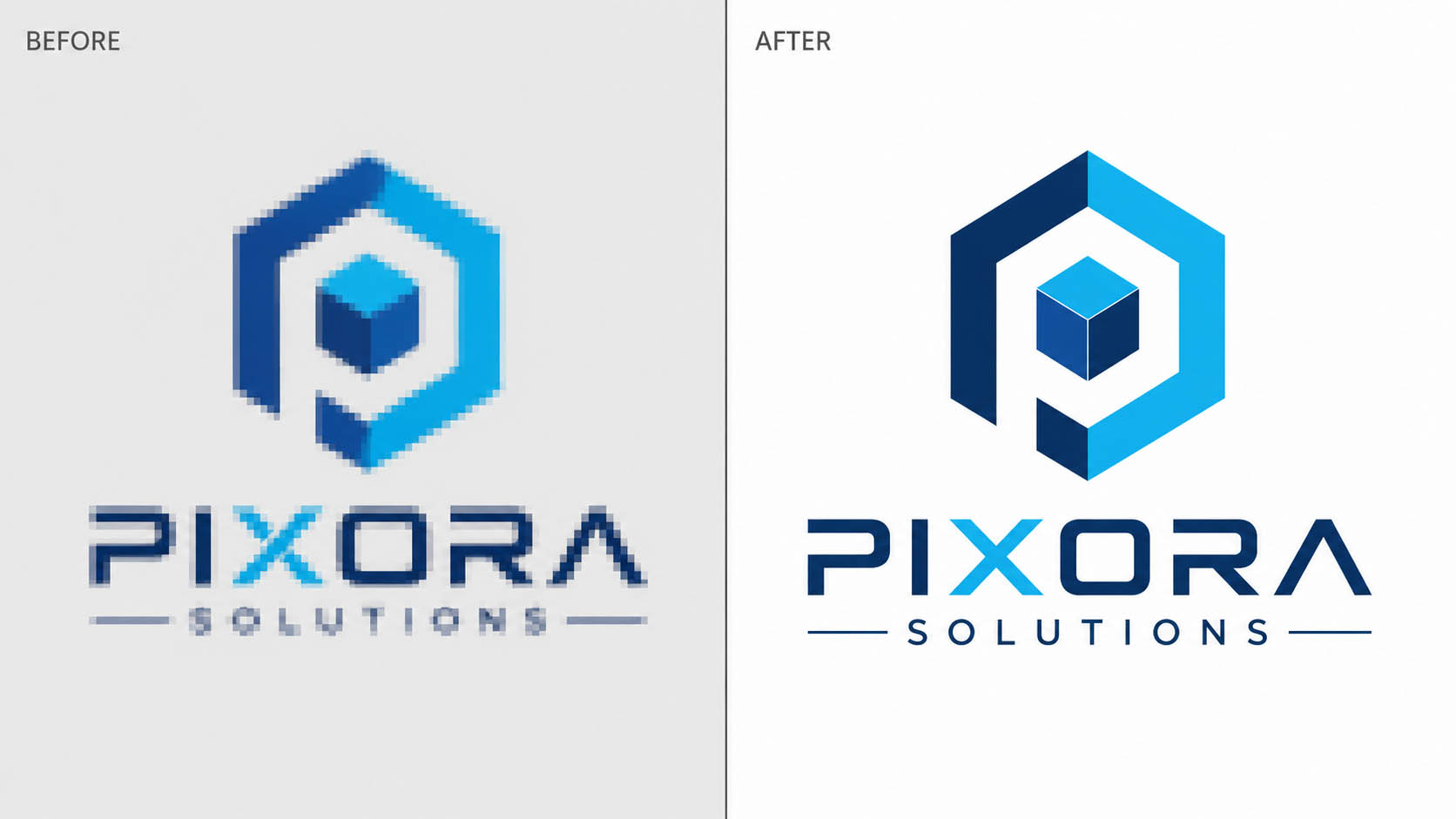
If you've ever tried to resize a logo for a billboard and watched it turn into a blocky, pixelated mess, you already know why vector tracing exists. It's the process of redrawing a flat, pixel-based image using mathematical paths instead of pixels — so the artwork scales to any size, from a business card to a storefront sign, without ever losing quality.
This guide covers what vector tracing actually is, when you genuinely need it (and when you don't), what it costs, and why hand-traced work holds up better than auto-trace software for anything client-facing.
What Is Vector Tracing?
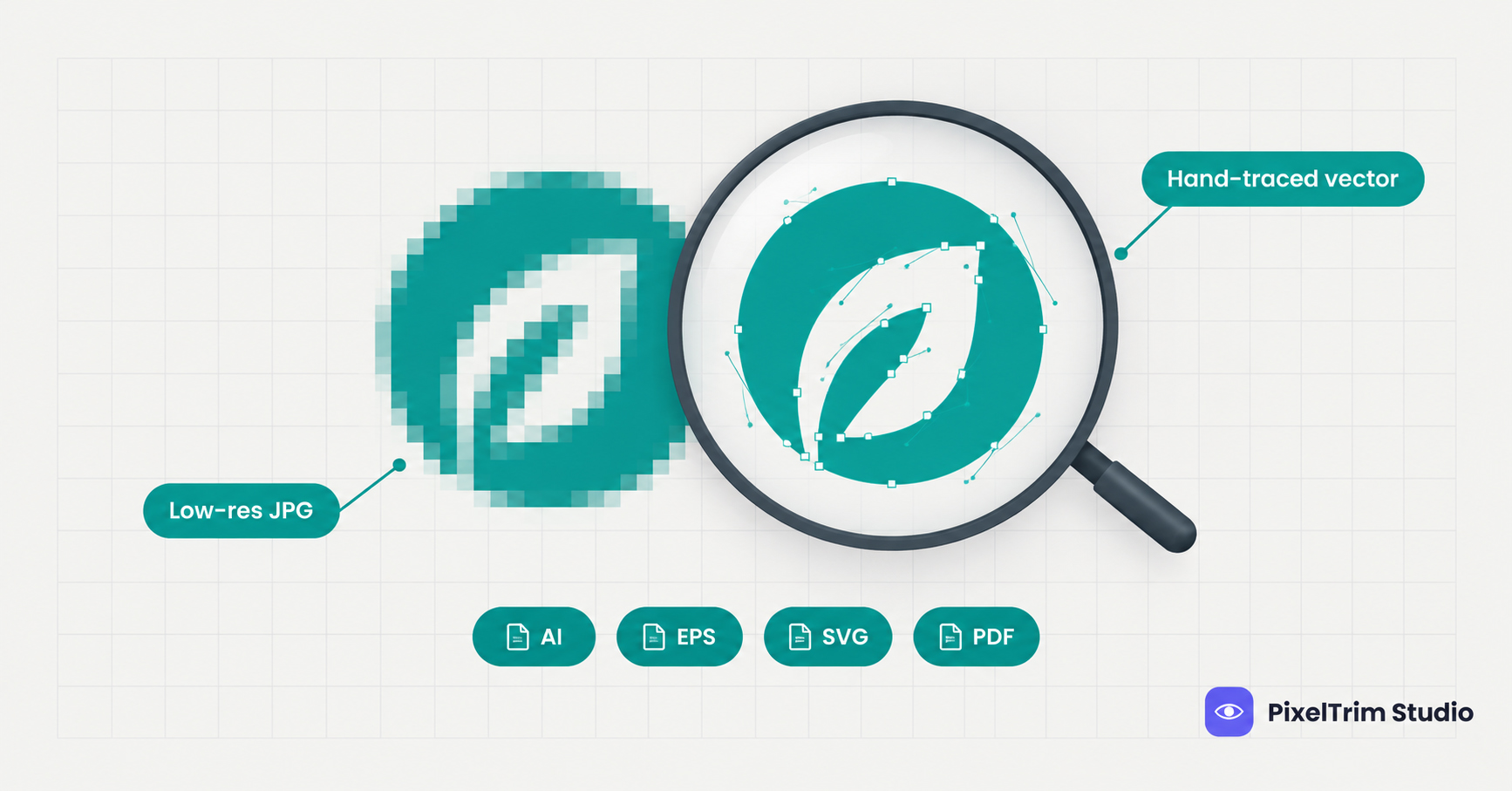
Vector tracing — sometimes called raster-to-vector conversion or logo vectorization — takes a raster image (JPG, PNG, a scanned sketch, even a low-res screenshot) and rebuilds it as a set of scalable paths, curves, and shapes. The result is a file like AI, EPS, SVG, or PDF that stays sharp whether it's printed at one inch or one hundred feet wide.
Most free online tools do this with auto-trace software — an algorithm that guesses at edges and colors. It's fast, but it tends to round off sharp corners, merge similar colors, and leave jagged curves on anything more complex than a basic shape. Manual, hand-traced work avoids all of that because a real editor is drawing each node by hand — the same reason manual editing consistently outperforms AI tools across product photo editing too.
When You Actually Need Vector Tracing
Not every image needs to be vectorized. It's worth the cost when the artwork has to scale, reproduce in a different medium, or survive a process that raster files can't handle:
- Old or low-resolution logos — a company logo that only exists as a blurry JPG from 2009 needs to be rebuilt before it can go on anything new
- Embroidery and screen printing prep — apparel decoration processes need clean vector separations, not raster files
- Sign making and large-format print — billboards, vehicle wraps, and storefront signage require artwork that won't pixelate at scale
- Packaging and brand assets — dielines and print-ready packaging need precise, editable vector shapes
- Hand sketches going digital — agencies converting a client's napkin sketch or hand-drawn concept into finished, usable artwork
If you just need a photo's background removed for an online listing, that's a different job — see our guide on what clipping path actually is and when it's the right tool instead.
Vector Tracing vs Clipping Path vs Image Masking
These three sit in the same "Cutout & Path" family but solve different problems, and mixing them up is a common ordering mistake:
- Clipping path cuts a subject out from its background using a pen-tool path — used for product photos with hard edges. See our breakdown of the 8 types of clipping path.
- Image masking handles soft, fine-detail edges like hair or fur that a hard path can't capture cleanly — full comparison in clipping path vs image masking.
- Vector tracing doesn't cut anything out — it rebuilds the entire image as scalable paths, usually for logos and artwork rather than product photography.
Vector Tracing Cost: What It Actually Runs
Pricing is based on artwork complexity, not file size or turnaround speed:
| Tier | Price | What's included |
|---|---|---|
| Simple | $4.99 / logo | 1–2 colors, basic shapes and text, AI/EPS/SVG/PDF delivery |
| Medium | $9.99 / logo | 3–6 colors, gradients and fine detail, font recreation included |
| Complex | $19.99 / artwork | Full-color illustrations, photo-to-vector conversion, embroidery-ready separation |
These prices track closely with what we've seen across the rest of the pricing cluster — see the full product photo editing pricing guide for how this compares to clipping path, retouching, and ghost mannequin costs, or the dedicated clipping path pricing guide if cutouts are what you actually need.
File Formats You Should Ask For
Not every vector format works for every use case:
- AI / EPS — best for print production and professional design software (Illustrator, CorelDRAW)
- SVG — best for web use, scales cleanly in browsers without extra plugins
- PDF — best for sharing with vendors who don't have design software installed
If you're not sure which one your printer or embroidery shop needs, ask them directly — sending the wrong format is one of the most common (and easily avoided) delays in production.
Common Mistakes That Make Vector Tracing Harder
- Sending a screenshot instead of the original file — screenshots compress detail that's hard to recover
- No color reference — without a Pantone code or hex value, color matching becomes guesswork
- Relying only on auto-trace software — it's fine for a quick draft, but it leaves rounded corners and merged colors that need manual cleanup anyway
- Vectorizing a photo instead of flattening it first — full photographs need a different approach than logos or line art; ask before ordering if you're unsure which applies
FAQ
Can you vectorize a blurry or very low-resolution logo?
Yes. Because the work is hand-traced rather than auto-traced, an editor can rebuild clean vector art even starting from a poor-quality source image.
What file formats do you deliver?
AI, EPS, SVG, and PDF as standard, with additional formats available on request.
How long does vector tracing take?
Simple logos are typically delivered within 24 hours; complex, full-color artwork can take 48–72 hours.
Is vector tracing the same as clipping path?
No. Clipping path cuts a subject out from its background; vector tracing rebuilds an entire image as scalable paths, most often for logos and artwork rather than product photos.
Can you match our exact brand colors?
Yes — send a Pantone code or hex value and it will be matched precisely, or the color can be extracted from existing print materials.
Need a logo or artwork file rebuilt as clean, scalable vector art? Try 2 images free — no software or account needed on your end.
See vector tracing pricing and start a free trial →Tags
Ready to get your images edited?
Upload 2 photos for a free trial edit — returned in under 24 hours.
Start free trial →