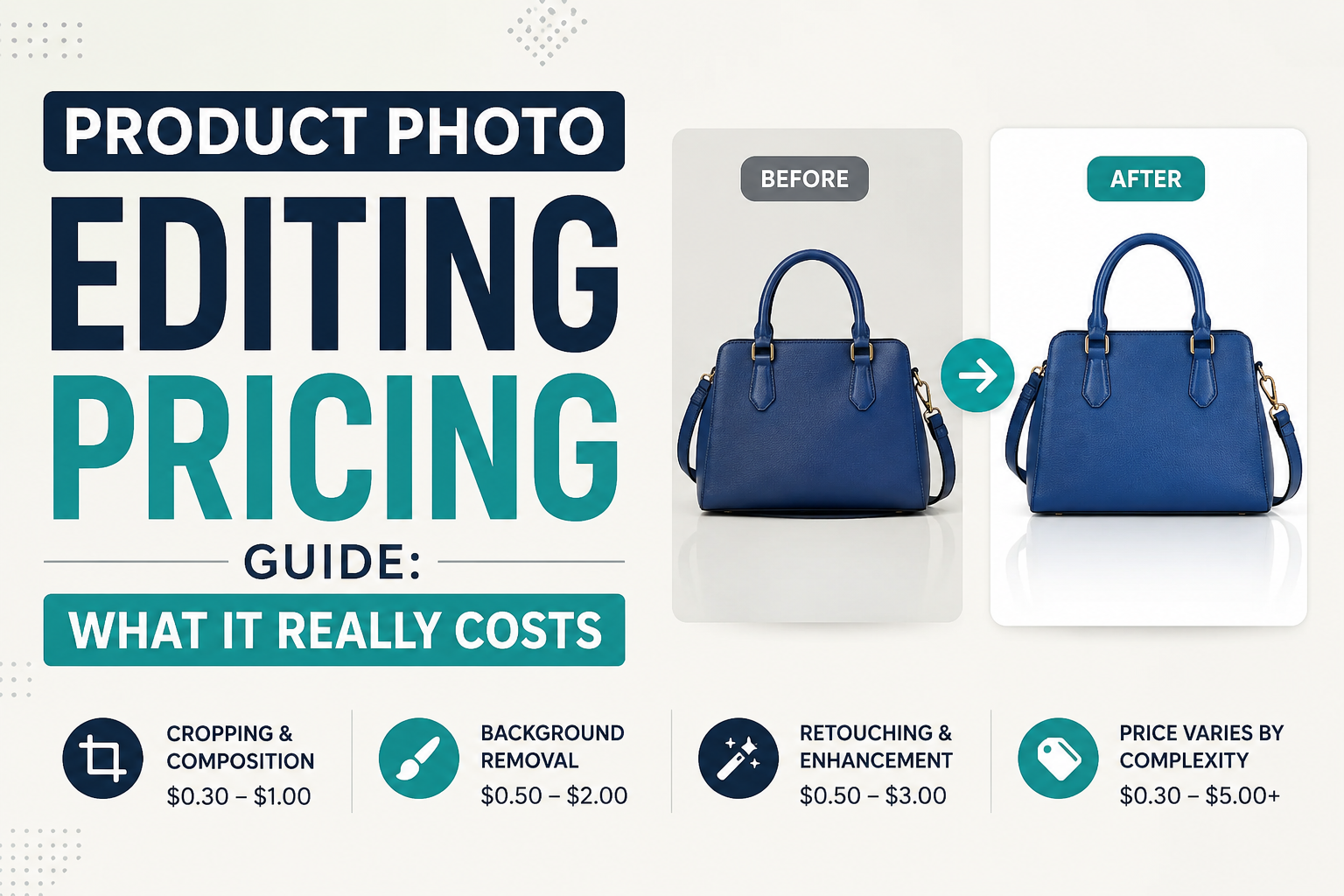
"How much should product photo editing cost?" is one of the most common questions we get from Amazon, Etsy, and Shopify sellers — and the honest answer is: it depends on the service, the volume, and who's doing the editing. This guide breaks down real per-image pricing ranges so you can budget accurately and spot a deal that's too cheap to be safe.
What Actually Drives the Price
Product photo editing isn't priced the same way across the board. A few factors move the number up or down more than anything else:
- Type of edit — a simple background removal costs far less than multi-path clipping, ghost mannequin work, or detailed jewelry retouching.
- Image complexity — busy edges (fur, hair, jewelry chains, transparent fabric) take longer than a solid-shape product on a plain background.
- Volume — most editing services offer per-image discounts once you're ordering in batches of 50, 100, or more.
- Turnaround time — rush/same-day delivery almost always carries a premium over standard 24–48 hour turnaround.
- Revisions included — some quotes are "one and done," others include 1–2 rounds of free revisions built into the price.
Typical Price Ranges by Service
| Service | Typical Price Range (per image) | What Affects It Most |
|---|---|---|
| Basic background removal | $0.50 – $1.50 | Edge complexity, batch size |
| Clipping path (single/multi) | $0.50 – $3.00+ | Number of paths, object shape — see our clipping path pricing guide |
| Ghost mannequin editing | $3.00 – $8.00 | Neck join complexity, fabric texture — full breakdown in our ghost mannequin cost guide |
| Jewelry retouching | $3.00 – $10.00+ | Dust/scratch removal, color accuracy — see our jewelry retouching cost guide |
| Color correction / matching | $1.00 – $3.00 | Number of shades, brand color guide accuracy |
| Shadow creation (drop/reflection) | $1.00 – $2.50 | Natural vs. reflection shadow style |
| Full retouching (skin, blemish, detail) | $2.00 – $6.00 | Number of touch-up areas per image |
These are general market ranges, not fixed quotes — always confirm current pricing directly with your editing provider.
Manual vs AI Editing: Why the Price Gap Exists
AI background removal tools are often free or a few cents per image, while manual editing costs more. That gap exists because AI tools still struggle with fine detail — stray hairs, transparent fabric edges, jewelry chains, reflective surfaces. For simple, solid-shape products, AI can be a reasonable low-cost option. For anything with complex edges or brand-critical color accuracy, manual editing pays for itself in fewer rejected listings and reshoots. We cover this trade-off in more detail in Manual vs AI Photo Editing.
Red Flags: When "Cheap" Becomes a Problem
- No sample or trial offer — a confident editor will happily edit 1–2 sample images before you commit to a batch.
- Unclear revision policy — if revisions aren't mentioned upfront, ask before ordering, not after.
- Prices that seem too low for the volume — extremely low bulk rates sometimes mean AI-only processing marketed as "manual," or outsourced, unreviewed work.
- No format/spec confirmation — Amazon, Etsy, and Shopify each have different image requirements; a provider who doesn't ask about your platform may deliver the wrong spec.
How to Budget for Editing
A simple way to estimate: multiply your monthly image volume by the per-image rate for the service you need, then add a small buffer (10–15%) for occasional complex images or rush requests. Sellers who batch their editing weekly or monthly (instead of one-off orders) generally get better per-image rates and more consistent turnaround.
Frequently Asked Questions
Is product photo editing pricing per image or per project?
Most professional editors price per image, though large projects (like full catalog re-edits) sometimes get a flat project quote based on total image count.
Why do ghost mannequin and jewelry editing cost more than basic background removal?
They require more manual precision — neck join blending, fabric texture matching, or dust and scratch removal at high zoom — which takes significantly more editing time per image than a simple cutout.
Does ordering in bulk actually lower the price?
Yes, in most cases. Editors can work more efficiently across a consistent batch, and many offer tiered discounts starting around 50–100 images per order.
Should I always choose the cheapest option?
Not necessarily. Factor in revision policy, turnaround reliability, and platform-spec accuracy — a slightly higher price with fewer rejected listings or reshoots is often cheaper overall.
Not sure what your editing volume would cost?
Send us a few sample images and we'll give you a straightforward quote — no obligation, no guesswork.
Get a Free QuoteTags
Ready to get your images edited?
Upload 2 photos for a free trial edit — returned in under 24 hours.
Start free trial →

