If you're cross-listing the same product photos from Amazon or Shopify to Walmart Marketplace, don't assume the image rules carry over. They mostly overlap — but Walmart enforces a few things Amazon doesn't, and a small mismatch (wrong aspect ratio, a stray shadow) is one of the more common reasons a new listing sits stuck in "Unpublished" status with no obvious explanation.
Here's the exact spec, pulled directly from Walmart's own seller documentation, plus the content rules that trip sellers up even when the technical file passes.
Walmart's Technical Image Requirements
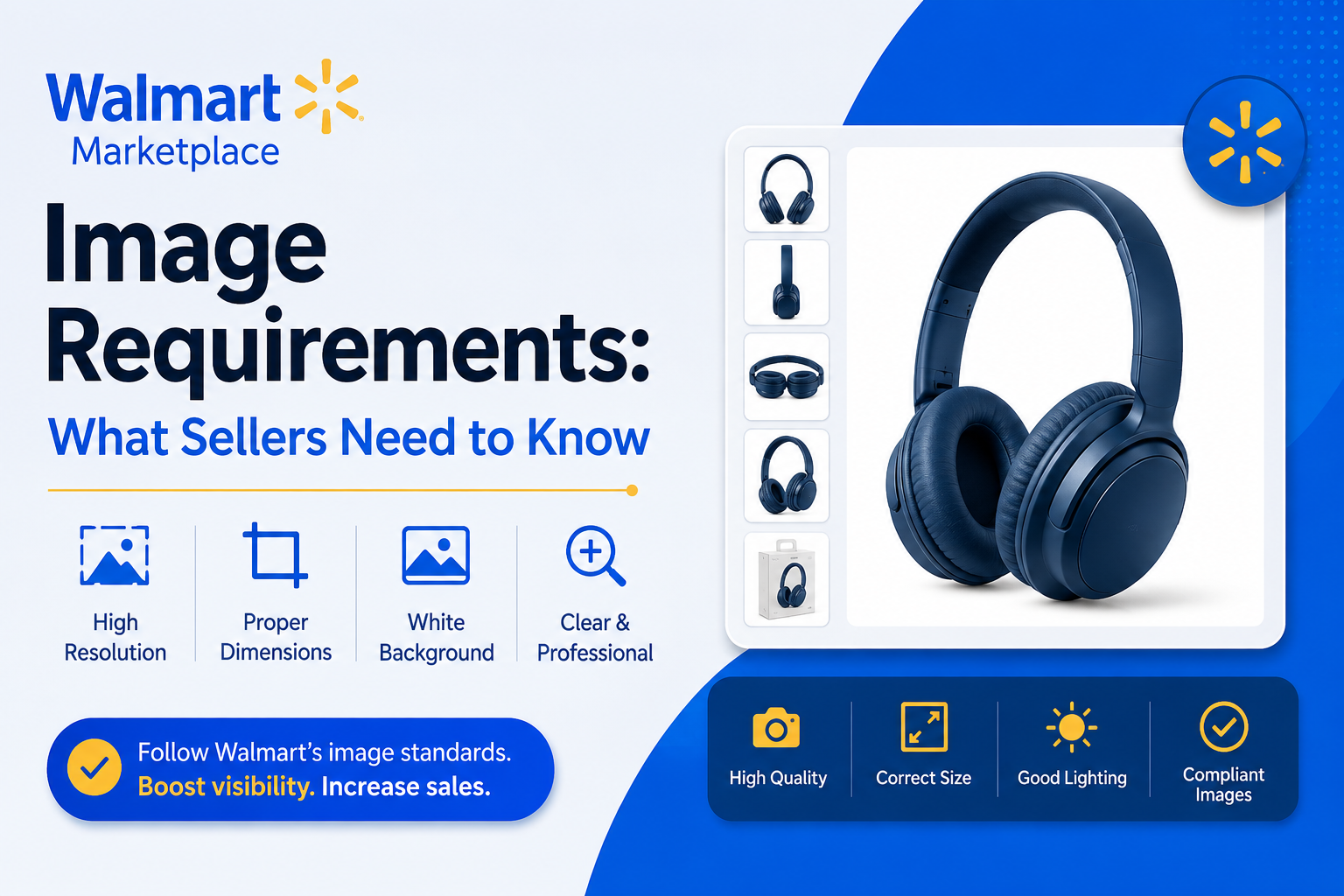
These are Walmart's official specs for Marketplace product images:
| Requirement | Spec |
|---|---|
| File format | JPEG, JPG, PNG, or BMP (GIF is not permitted) |
| Color format | RGB |
| File size | 5MB or less |
| Bit depth | 8 bits per pixel |
| Pixel dimensions | 2200px x 2200px (recommended) |
| Minimum for zoom | 1500px x 1500px |
| Swatch image size | 100px x 100px |
| Aspect ratio | 1:1 (square) — hard requirement, not a suggestion |
| Background | Seamless white, RGB 255/255/255 |
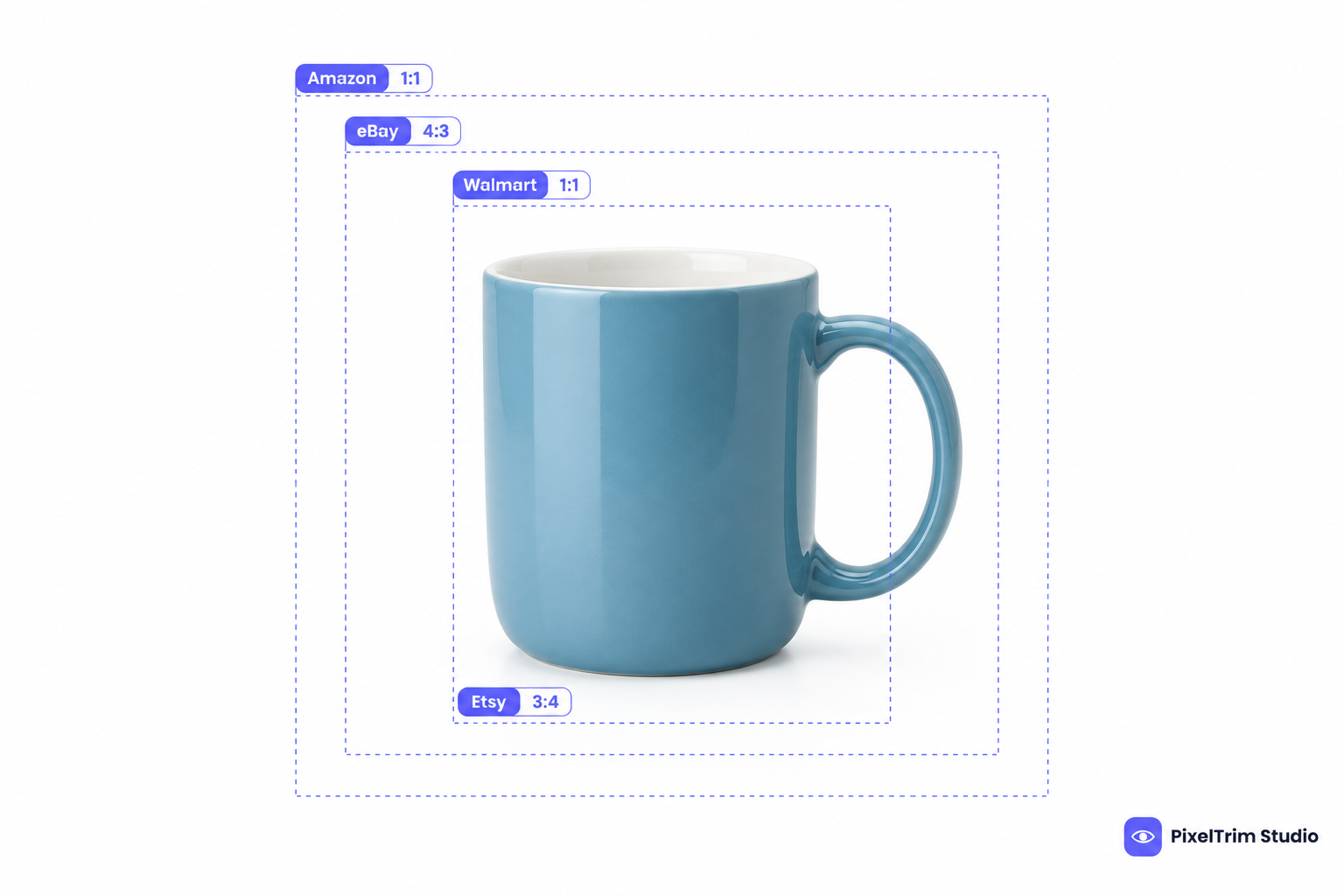
The 1:1 square ratio is worth calling out specifically, since it's one of the bigger differences from Amazon: Amazon will accept and pad a non-square image, Walmart generally won't. If your source photos aren't shot square, plan on a crop or a background extension pass before upload, not just a resize.
Background & Content Rules
Beyond the technical file spec, Walmart's content guidelines cover what's actually allowed in the frame:
- Seamless white background on the main image — no gradients, no visible shadows, no off-white tint
- Frontal view for the primary image, with the product filling the frame (avoid excessive empty background space)
- No watermarks, logos, or text overlays — including your own store name or branding
- No accessories or props that aren't included with the item — this is treated as potentially misleading, not just a style note
- No stock photos — Walmart requires actual photos of the specific product being sold
- No placeholder images except Walmart's own designated placeholder, and only temporarily — the listing won't go live until it's replaced
- English-only text anywhere in the image, including on visible packaging
- Images must be in focus and professionally lit — this is checked, not just recommended
Walmart recommends at least four images per listing, though the platform allows more. Secondary images have more room — they can show the product in a realistic setting or environment — but that flexibility applies to positions 2 and beyond, not the primary image. If you're also planning video or 360-spin content for your listings, that falls under a separate spec — see our Walmart rich media guide for the enhanced content requirements.
Why Listings Get Unpublished
Noncompliant images are one of the most common reasons a new Walmart listing fails to publish, and it's rarely one dramatic mistake — it's usually one of these:
- Background isn't pure seamless white (a faint shadow or off-white tint is enough to fail)
- Image falls below the minimum pixel dimensions
- Aspect ratio isn't square
- A watermark, logo, or promotional text is baked into the image
- The image shows an accessory or prop not included with the product
- A stock photo was used instead of an actual product photo
Because Walmart's Trust & Safety review isn't purely automated, a borderline image sometimes passes and sometimes doesn't — which is exactly why "close enough" white backgrounds cause so much back-and-forth. Getting it clean the first time avoids the review cycle entirely.
Walmart vs Amazon: What Actually Differs
If you already prepare Amazon-compliant white background images, most of that work carries over — both platforms require a pure white, seamless background on the primary image. For the full Amazon-side spec, see our Amazon image requirements guide. The differences that actually cause rejections when cross-listing:
- Aspect ratio: Walmart requires a strict 1:1 square. Amazon is more forgiving of near-square images.
- File formats: Walmart accepts BMP alongside JPEG and PNG; most other platforms have dropped BMP support.
- Minimum size for zoom: Walmart's zoom threshold (1500px) is close to Amazon's, but always confirm against the current spec above before a bulk upload — platform requirements do get revised.
See our Amazon listing image editing guide for the Amazon-side spec if you're preparing both from the same shoot. Cross-listing to eBay as well? Our eBay image requirements guide covers that platform's rules, which differ from both Walmart and Amazon in a few key ways — most notably eBay's more relaxed minimum pixel size.
Getting Your Images Walmart-Ready
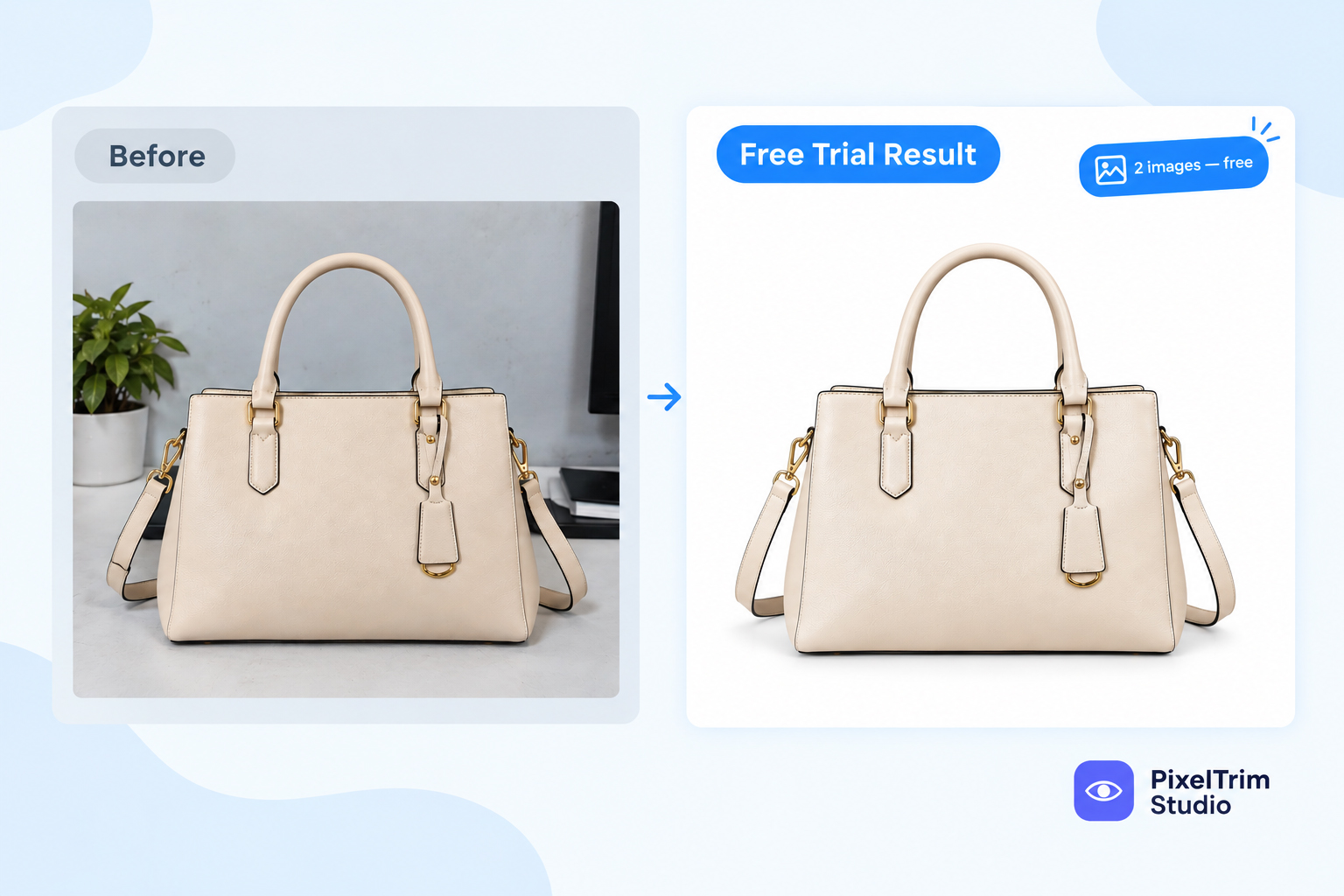
Most of the fixes above come down to two editing steps: an accurate clipping path to isolate the product cleanly, and a true seamless white background with no gradient or shadow residue. Both are quick to get wrong with an automated tool and quick to get right with manual editing — see our clipping path pricing guide for what that typically costs per image.
If you're squaring off non-square source photos for Walmart's 1:1 requirement, that's usually a background extension rather than a crop — cropping tighter can cut off part of the product, which creates its own compliance problem.
Frequently Asked Questions
What is Walmart's exact image size requirement?
Walmart's recommended pixel dimensions are 2200px x 2200px, with a minimum of 1500px x 1500px to enable zoom. The aspect ratio must be 1:1 (square).
Does Walmart require a white background like Amazon?
Yes. The primary image needs a seamless white background at RGB 255/255/255 — the same pure-white standard Amazon uses.
Can I use the same images for Amazon and Walmart?
Often yes for the background and lighting, but check the aspect ratio first — Walmart's 1:1 square requirement is stricter than Amazon's, so a non-square Amazon-ready image may need to be re-squared before it passes on Walmart.
Why was my Walmart listing unpublished after I uploaded images?
The most common causes are a background that isn't pure seamless white, an image below the minimum pixel size, a non-square aspect ratio, or a visible watermark/logo/text on the main image.
How many images does Walmart require per listing?
Walmart recommends a minimum of four images per listing, though more are allowed. Only the primary image must meet the strict white-background rule — secondary images can show the product in context.
Can I use AI-generated product images on Walmart?
Walmart's policy requires that AI-generated content be truthful, accurate, and not misleading — it isn't banned outright, but it's held to the same accuracy standard as a real photo, and stock photos specifically are not allowed regardless of how they were produced.
Need your product photos Walmart-compliant before your next bulk upload? Get a free sample edit from PixelTrim Studio and see the background and crop done right on your own images.
Tags
Ready to get your images edited?
Upload 2 photos for a free trial edit — returned in under 24 hours.
Start free trial →