Fruugo is a global marketplace where shoppers in dozens of countries buy from retailers around the world. Its image rules are short, and the useful part sits on a single Retailer Support page. This guide follows that page, Fruugo's feed specification and its Premium Storefront page, and it labels anything that comes from a partner guide instead. Fruugo's wiki carries an older update stamp on the Images page, so confirm borderline numbers in your Retailer Portal before a large upload.
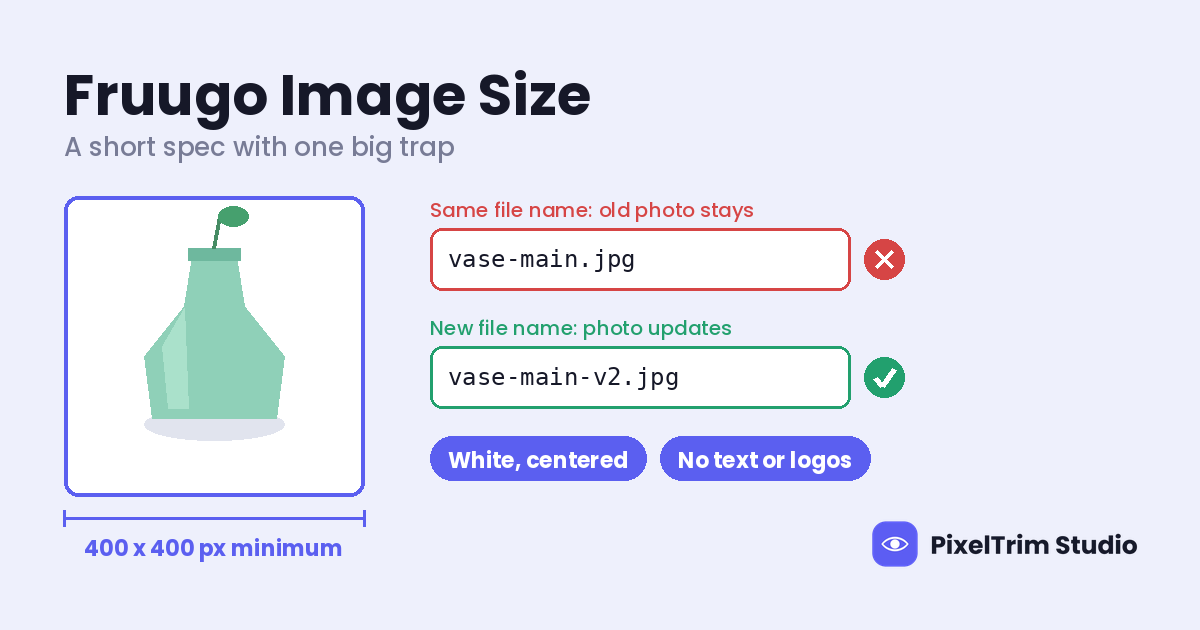
One rule matters more than the size. Fruugo says images are only updated if the file name is changed. A corrected photo saved under the old name may never replace the old one.
Fruugo Image Specs at a Glance
| Item | What it says | Source and confidence |
|---|---|---|
| Minimum size | 400 x 400 px, with the highest resolution available | Fruugo Retailer Support wiki (Images page and feed specification). Official. High. |
| Background | White, with the product centered | Fruugo wiki. Official. High. |
| Content on images | No watermarks, text or overlays such as logos, icons and tags | Fruugo wiki. Official. High. |
| Placeholder images | Not permitted | Fruugo wiki. Official. High. |
| Number of images | Image URL 1 is mandatory, Image URLs 2 to 5 are recommended | Fruugo feed specification. Official. High. |
| Image link length | 150 characters at most | Fruugo wiki. Official. High. |
| Replacing a photo | Only updates when the file name changes | Fruugo wiki. Official. High. |
| File format | JPEG, GIF or PNG | Feedonomics guide (third party). Medium. |
| File size | No cap stated, best kept under 3 MB | Feedonomics only. Low. |
| Pixel ceiling, aspect ratio | Not stated | We could not find either on a Fruugo page. |
What Fruugo Does Not State
The Images page is brief. It does not give a file size cap, a maximum pixel size, an aspect ratio, a product fill percentage or a list of file formats. We do not guess at these. The rows above marked third party are advice, so upload one test product before you send a full feed.
The File-Name Rule That Catches Sellers
Fruugo's Images page says images will only be updated if the file name is changed. This is easy to trip over when your feed pulls images by link. You retouch a photo, save over the same file, re-send the feed, and the old picture can stay in place because the link and the name did not change.
The fix is to version the file name every time you replace a photo, for example from sku-main-v1.jpg to sku-main-v2.jpg, and then update the image link in your feed. Keep the whole link inside the 150-character limit, because the domain, folder path and file name all count. Whether a feed tool or connector changes this behavior is not covered on Fruugo's page, so test the change on one product first.
White Background and Content Rules
Fruugo asks for every image to be centered on white, with no watermarks, text or overlays. Logos, icons and tags count as overlays, so sale badges and brand stamps do not belong on any image. Placeholder images are not permitted either.
Fruugo does not give an exact color value for white. If your background only looks white, check it with a color picker instead of trusting your screen. Our pure white background guide shows how. It was written for Amazon, but the check works for any marketplace that asks for white.
Where the Wording Differs
- All images or only the main image: The Images page says to center all images on white. The feed specification describes white for the primary image link, and a Sello guide says main images must be white. Treat every image as white-background to stay safe.
- 400 x 400 px or the shortest side: The Images page and the feed specification say 400 x 400 px. A Fruugo wiki page about a feed-manager listing service words the same limit as 400 pixels along the shortest dimension. A square export of 400 px or more passes both readings.
- File size: Feedonomics advises staying under 3 MB because larger files can cause resizing issues. Fruugo's own pages give no cap.
Premium Storefront Image Sizes
Fruugo offers Premium Storefronts to merchants at Silver, Gold or Platinum performance level. Its page lists a logo of at least 150 x 150 px and a banner of at least 1920 x 1080 px, both as JPG, PNG or WebP. The logo must be no larger than 50 KB and the banner no larger than 150 KB. If your files do not meet this, Fruugo adds a generic logo or banner instead.
A 150 KB cap on a 1920 x 1080 px banner is tight. Flat colors and simple artwork compress far better than a busy photo, so design the banner for the cap.
A Master File That Clears Every Reading
This is our suggestion, not a Fruugo number. Our marketplace image size cheat sheet recommends one 2,000 x 2,000 px square JPEG in sRGB, on pure white and under 2 MB, as a master for most platforms. That file clears Fruugo's 400 px floor and the 3 MB advice. Add a version suffix to the name and keep the large original in your archive.
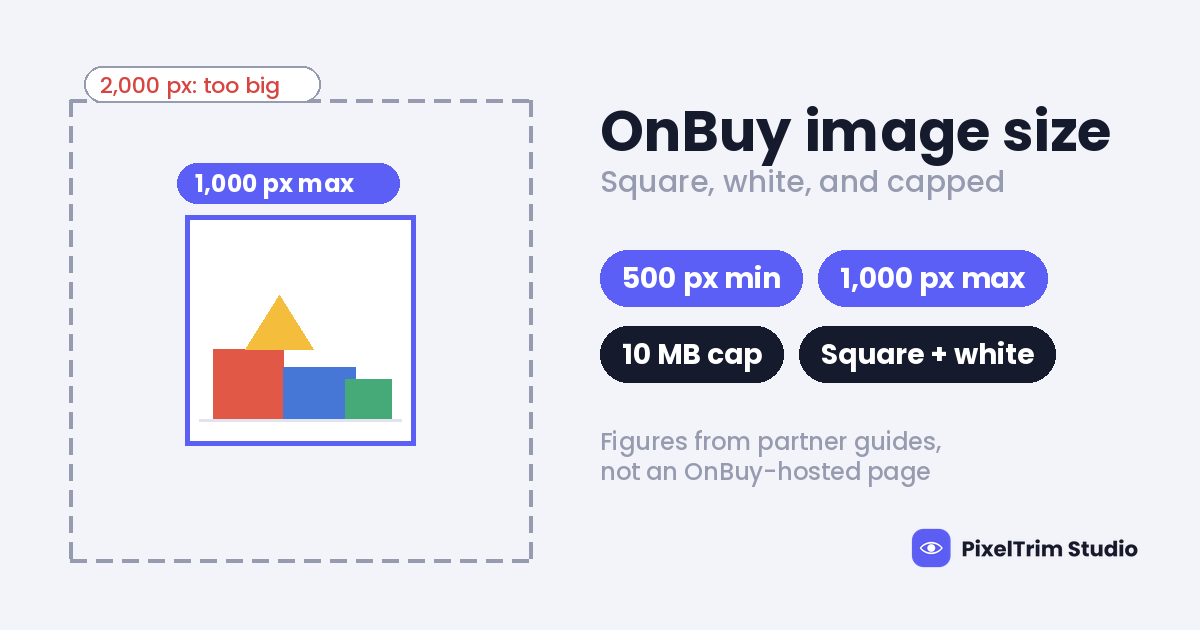
Other UK and European marketplaces differ, so one master does not always fit. Partner guides give OnBuy a 1,000 x 1,000 px ceiling, as our OnBuy image requirements guide explains, and the bol.com image requirements guide covers a platform with a 500 px minimum and a 1200 px zoom size. Plan one export per platform from the same original.
Pre-Upload Checklist
- Every image at least 400 x 400 px, exported from the highest resolution you have
- Product centered on a background that reads exactly white
- No watermark, text, logo, icon, tag or placeholder on any image
- Image 1 filled in, with extra angles and feature shots in links 2 to 5
- Each file saved as JPEG, GIF or PNG and kept under 3 MB
- Every image link under 150 characters
- A new file name, with a version suffix, on every replaced photo
- One test product uploaded before the full feed
What Fruugo-Ready Edits Cost
Photos that miss these rules usually need two jobs: a clean cutout onto white, and a resize, export and rename to your naming rule. PixelTrim Studio prices both per image:
| Service | Simple or basic | Medium or standard | Complex |
|---|---|---|---|
| Clipping path (cutout onto white) | $0.39 per image | $0.69 per image | $0.99 per image |
| Image conversion (resize, format, rename) | $0.19 per image | $0.39 per image (adds color mode, DPI and profile) | Volume rate on request for 500+ images |
Basic conversion includes renaming files to your convention, which is how a versioned name like sku-main-v2.jpg gets applied across a batch. As an illustration, not a quote: 40 products with simple shapes need 40 cutouts at $0.39 and 40 resize and rename jobs at $0.19. That is $15.60 plus $7.60, or $23.20 for the set. Medium and complex shapes cost more per image. Turnaround is 24 to 48 hours with one free revision, and you can send 2 images for a free trial edit before you commit to a batch.
FAQ
What size should Fruugo product images be?
Fruugo's Retailer Support wiki says to provide the highest resolution available, with a minimum of 400 x 400 px, centered on a white background. It gives no maximum size or aspect ratio on the pages we opened, so a large square export, such as 2,000 x 2,000 px, is a safe choice.
Does Fruugo require a white background?
Yes. Fruugo's Images page says to center every image on a white background, and its feed specification asks for the primary image on white. Watermarks, text and overlays such as logos, icons and tags are not permitted, and neither are placeholder images.
How many images can I add to a Fruugo product?
Fruugo's feed specification has one mandatory image link and four recommended extra links, so five image fields in total. Fruugo also advises using multiple images that show different angles and features. We did not find a stated maximum beyond those five fields.
Why is my old product photo still showing on Fruugo?
Fruugo's Images page says images are only updated if the file name is changed. If you retouch a photo and re-send it under the same name, the old image may stay in place. Save the corrected file under a new name, such as a version suffix, and update the image link.
What is the file size limit for Fruugo images?
Fruugo's Images page states no file size cap. A third-party guide from Feedonomics says Fruugo accepts JPEG, GIF and PNG and that it is best not to go over 3 MB, because larger files can cause resizing issues. Treat that as advice, not a Fruugo rule.
What size are the Fruugo Premium Storefront logo and banner?
Fruugo's Premium Storefront page lists a logo of at least 150 x 150 px and a banner of at least 1920 x 1080 px, both as JPG, PNG or WebP. The logo must be no larger than 50 KB and the banner no larger than 150 KB. Storefronts are offered to merchants at Silver, Gold or Platinum performance level.
Tags
Ready to get your images edited?
Upload 2 photos for a free trial edit — returned in under 24 hours.
Start free trial →