Most Amazon listing suppressions don't happen because the product photo looks bad — they happen because it breaks a rule the seller never read closely. Amazon's main image spec is short, but it's enforced by an automated system that checks pixel-level details: background color, frame fill, file size, and what's allowed to appear in the shot. Miss one line item and the listing gets flagged, sometimes without a clear explanation of why.
This guide covers the requirements that apply across almost every Amazon category, the differences between the main image and secondary images, and the mistakes that most commonly trigger a rejection.
Why Amazon Enforces Image Rules So Strictly
Amazon's image policy isn't about aesthetics — it's about consistency and trust at scale. A shopper scanning a search results page needs every thumbnail to represent the actual product, at a comparable size, without misleading props or watermarks competing for attention. Amazon also uses the main image across search, category pages, and sponsored ad placements, so a single non-compliant image can affect visibility in more places than sellers usually expect.
Main Image Requirements
The main image (the first image slot, sometimes labeled "MAIN") is held to the strictest standard on the platform. Every one of these needs to be true at the same time:
| Requirement | Standard |
|---|---|
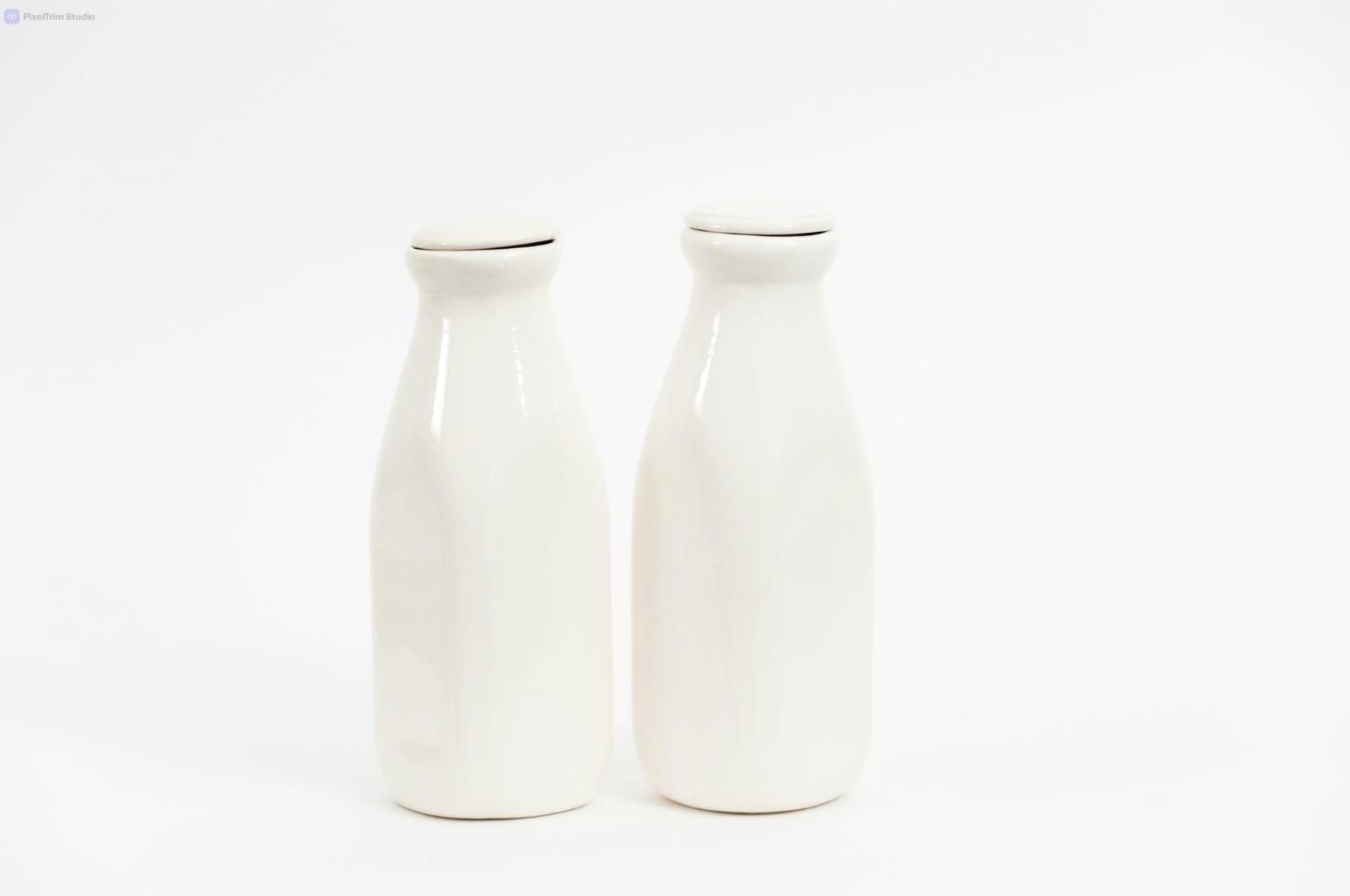
| Background | Pure white — RGB 255, 255, 255 exactly, not off-white or light gray |
| Frame fill | Product should occupy at least 85% of the image frame |
| Minimum size | 1,000 px on the longest side (zoom feature requires this minimum) |
| Recommended size | 2,000 px or larger on the longest side, for a sharper zoom experience |
| File format | JPEG is the most reliable choice; file size typically capped around 10 MB |
| Color space | sRGB, not CMYK |
| What's shown | Only the actual product being sold — no illustrations, mockups, or placeholder graphics |
| Not allowed | Text, logos, watermarks, borders, or props/accessories not included in the sale |
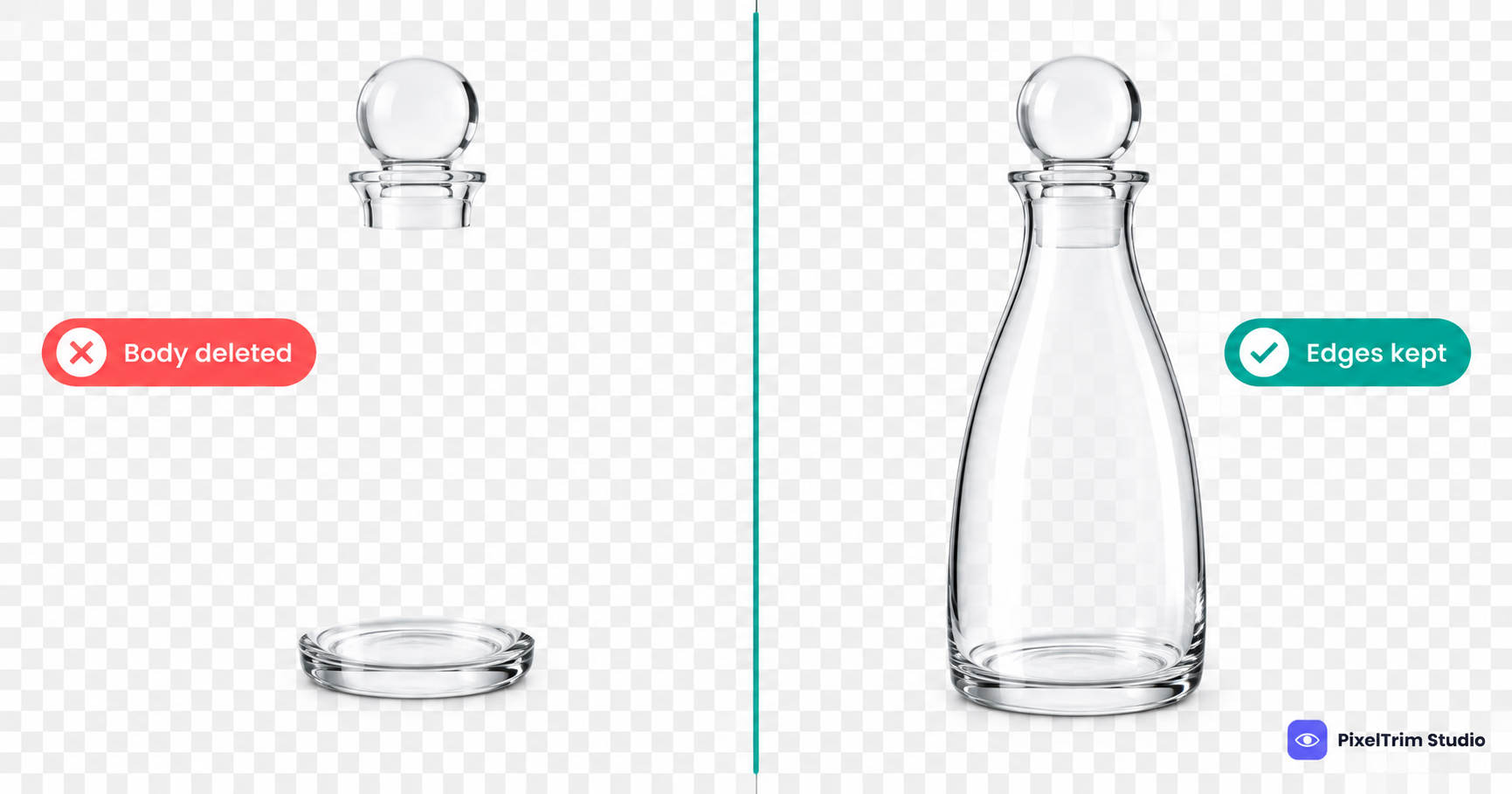
A transparent PNG is a common mistake here — some marketplaces render transparency as intended, but Amazon's system can convert transparent pixels to black or gray, which instantly fails the pure-white requirement. Always flatten the image to a solid white background before uploading, rather than uploading a cutout with transparency and assuming Amazon will handle it.
Secondary and Additional Image Requirements
Images beyond the main slot have more creative freedom. These can include:
- Alternate angles — front, back, side, top-down views of the product
- Lifestyle shots — the product in use or in context, which can include models, settings, and props
- Close-up/detail shots — texture, material, or feature call-outs
- Scale reference images — showing size relative to a common object, useful for reducing size-related returns
- Infographic-style images — text overlays highlighting features or specs (not allowed on the main image, but generally permitted in secondary slots)
The same minimum pixel and file-format standards from the main image still apply here — the relaxed rule is about background and content, not technical spec.
Common Reasons Amazon Images Get Rejected
- Off-white, cream, or gray-tinted background instead of true RGB 255,255,255
- Product filling less than 85% of the frame — too much empty space around the item
- Image below 1,000 px on the longest side
- Watermark, studio logo, or text baked into the main image
- Props, packaging, or accessories in the main image that aren't part of what's sold
- Transparent PNG uploaded as the main image and rendered with a dark background
A Quick Pre-Upload Checklist
- Confirm the main image background reads as pure white, not just "close to white"
- Check the product fills roughly 85% or more of the frame
- Upload at 2,000 px+ on the longest side where possible, not just the 1,000 px minimum
- Remove any watermark, logo, or embedded text from the main image
- Flatten transparent PNGs to a solid white background before uploading
- Save secondary/lifestyle images for context — keep the main image product-only
Selling across multiple marketplaces? The core photo principles overlap, but each platform enforces its own specifics — see our eBay image requirements guide and Walmart marketplace image requirements before you reuse the same image set across listings.
If you're handling this in-house, our guide on getting a true pure white background for Amazon walks through the editing side in more detail. And if the background isn't the issue but the cutout itself needs cleaning up — loose threads, uneven edges, shadows — that's usually a clipping path job, not just a background swap.
If you'd rather skip the trial and error, our Amazon listing image editing service handles both the technical compliance and the visual cleanup in one pass — pure white backgrounds, correct sizing, and edge cleanup that holds up at 2,000px zoom.
Not sure if your current images would pass? Send 1-2 sample images and we'll edit them to Amazon's exact spec, free.
FAQ
What's the minimum image size Amazon accepts?
1,000 pixels on the longest side is the technical minimum, and it's what activates Amazon's zoom feature. Most sellers upload at 2,000 pixels or larger for a sharper result on modern screens.
Does the main image background have to be pure white?
Yes. Amazon requires an exact RGB 255,255,255 background for the main image. Off-white, cream, or light gray tones are treated as non-compliant, even if they look close to white to the eye.
Can I use a transparent background PNG for my main image?
It's not recommended. Amazon's system can render transparent pixels as black or gray instead of white, which fails the background requirement. Flatten the image to a solid white background before uploading.
Can lifestyle photos with models or props go in the main image slot?
No — the main image must show only the product being sold, with no props, accessories, or people that aren't part of the purchase. Lifestyle and context shots belong in the secondary image slots.
Why does frame fill matter?
Amazon requires the product to occupy at least 85% of the image frame. Too much empty space around the product makes the thumbnail harder to read at small sizes, especially in mobile search results.
Ready to get your images edited?
Upload 2 photos for a free trial edit — returned in under 24 hours.
Start free trial →