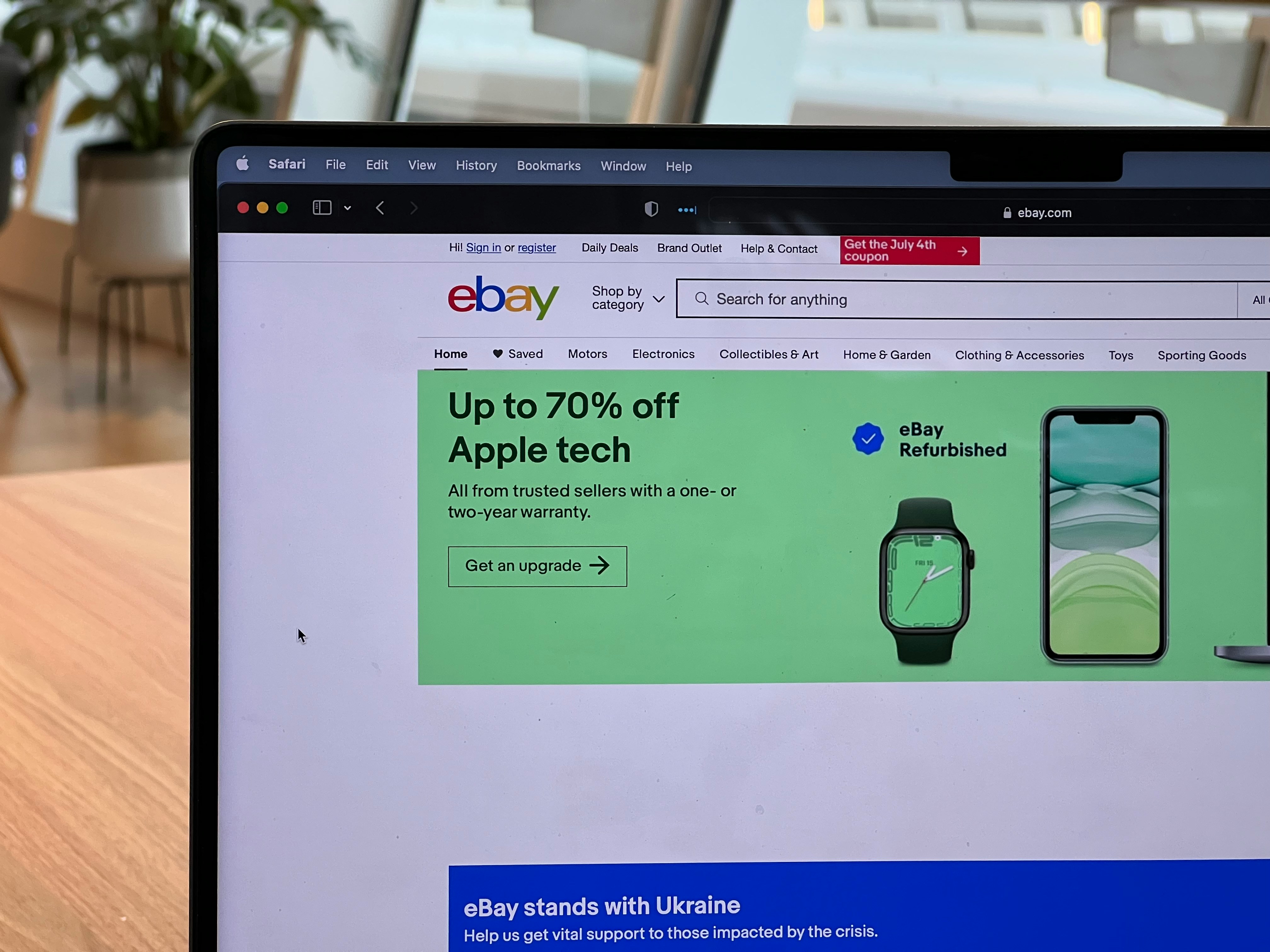
Selling on eBay is unforgiving when it comes to photos. Listings with dull, inconsistent, or non-compliant images get buried under competitors with clean, professional shots — even if the product itself is identical. If you've ever wondered why a nearly-identical listing outsells yours two-to-one, image quality is usually the first place to look.
This guide breaks down eBay's actual image requirements, the editing standards that top sellers quietly follow, and how outsourced photo editing fits into a scalable listing workflow. If you also sell on Amazon or Walmart, our Amazon listing image editing guide and Walmart marketplace image requirements guide cover the platform-specific rules there.
eBay's Official Image Requirements
eBay's policy is stricter than most sellers realize. Key rules every listing photo should meet:
- Minimum 500 x 500 pixels (1600px on the longest side recommended for zoom to work properly) — see our eBay photo size guide for the full breakdown by listing type
- JPEG, PNG, GIF, or TIFF format — JPEG is the safest default
- No borders, watermarks, text overlays, or added graphics on the main image
- No stock photos or manufacturer catalog images used as your primary image unless you're the only seller of that exact item
- Pure white or plain background recommended for the main listing photo — see our pure white background guide for how to get this right consistently
- Photo must show the actual item being sold — not a similar or "for reference" item
Listings that violate these can get flagged, demoted in search, or removed entirely — which is why editing isn't optional polish, it's compliance.
Why Editing Matters Beyond Compliance
Meeting the minimum requirement gets you listed. It doesn't get you clicked. Buyers scan search results fast, and a handful of editing choices consistently correlate with higher click-through and conversion:
- Pure white background — matches eBay's own visual style and looks native to the platform
- Consistent lighting and color correction across all photos in a listing
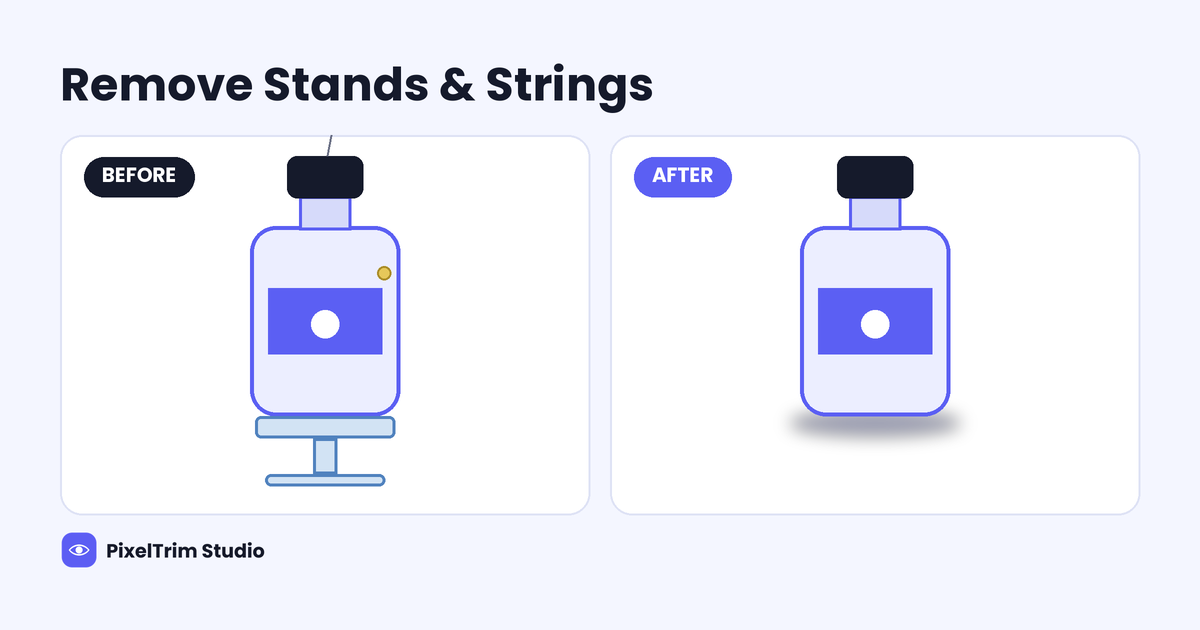
- Shadow retention or subtle drop shadow so the product doesn't look "cut out and floating" — our product photo shadow guide breaks down natural, drop, and reflection shadow styles
- Dust, scratch, and blemish removal for used or refurbished items — critical for trust
- Cropping and centering so the product fills the frame consistently across a catalog
Batch Editing for Multi-Listing Sellers
Sellers running 50, 500, or 5,000 SKUs can't hand-edit every photo. The realistic workflow is:
- Shoot on a consistent setup (same lighting, same distance, same background)
- Send the raw batch to an editing service with a documented style guide (background, shadow style, crop ratio)
- Receive a consistent, ready-to-upload set with matching visual style across the whole catalog
This is exactly where outsourced photo editing pays for itself — a consistent look across hundreds of listings is very hard to hit manually, and inconsistency is one of the fastest ways to look unprofessional next to a competitor.
| Package | Best For | Price / Image |
|---|---|---|
| Simple | Plain background removal, basic clean-up | $0.39 |
| Standard | Background removal + color correction + shadow | $0.99 |
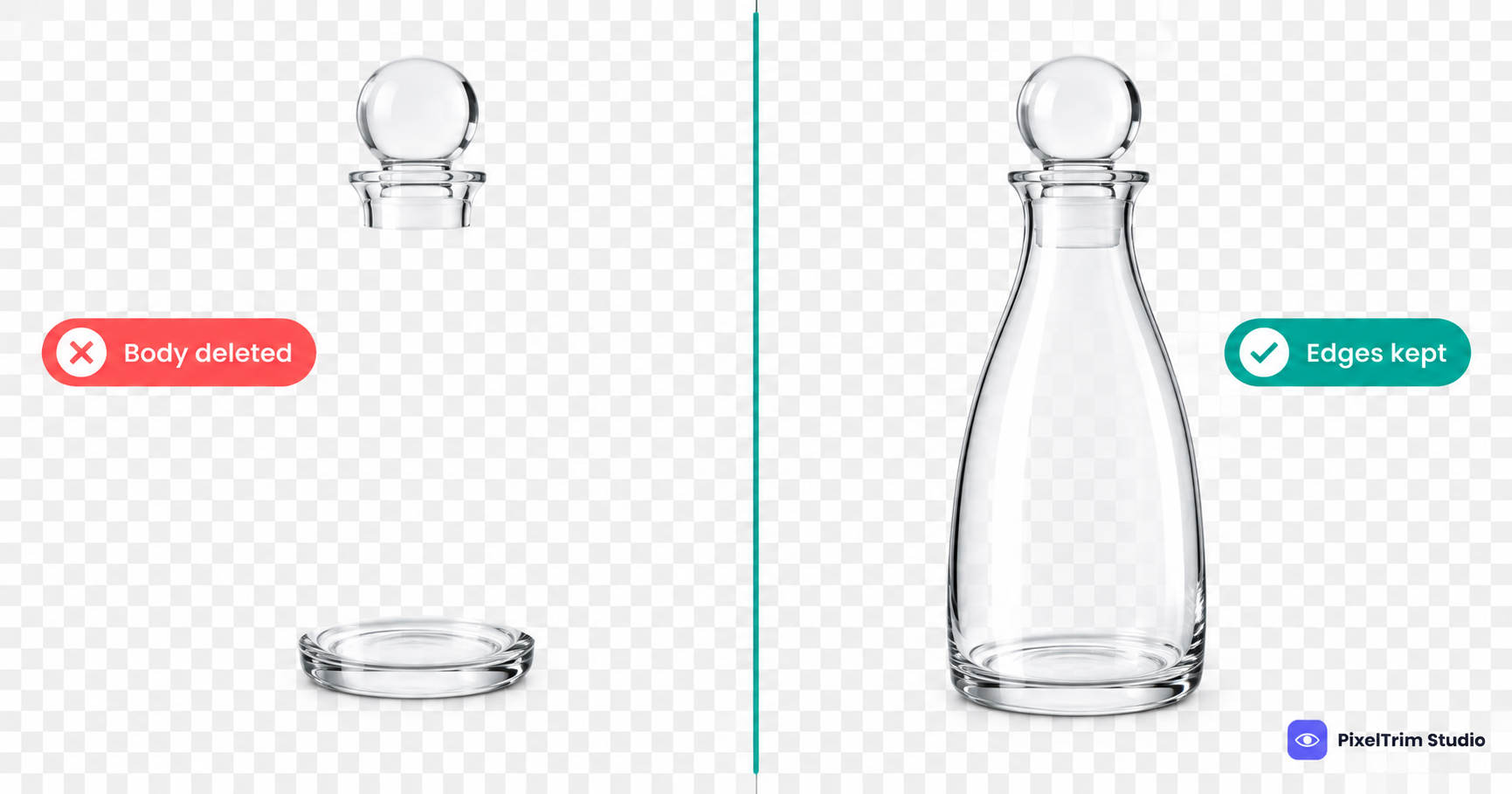
| Complex | Multi-object, transparent items, detailed retouching | $1.99 |
Need consistent, eBay-compliant product photos at scale?
See our Clipping Path & Background Removal service →Frequently Asked Questions
Does eBay penalize sellers for low-quality images?
eBay doesn't issue a direct "penalty," but search ranking and click-through are both influenced by image quality, and listings that violate the image policy (watermarks, stock photos, wrong item shown) can be removed or demoted.
Can I use the manufacturer's stock photo instead of my own?
Only if you are the sole seller of that exact item in that exact condition. In almost every competitive category, eBay expects a photo of the actual unit being sold.
What background color performs best on eBay?
Pure white is the safest and most common choice for the main image, since it matches eBay's native visual style and keeps focus on the product.
Is it worth outsourcing image editing for a small store?
Even at low volume, consistent editing (same background, same crop, same lighting look) meaningfully affects buyer trust — and outsourcing at per-image pricing is often cheaper than the time cost of manual editing.
Tags
Ready to get your images edited?
Upload 2 photos for a free trial edit — returned in under 24 hours.
Start free trial →