Most sellers know eBay wants "good photos," but very few know the exact pixel dimensions eBay's own zoom feature depends on. Upload the wrong size and your image either gets stretched, cropped oddly by eBay's system, or fails to zoom sharply — even if the photo itself is technically compliant.
This guide breaks down the exact size, aspect ratio, and pixel dimensions eBay expects, separate from the general policy rules we already covered in our eBay image requirements guide.
eBay's Exact Photo Size Requirements
- Minimum: 500 x 500 pixels — this is the absolute floor eBay enforces
- Recommended: 1600 x 1600 pixels on the longest side — this is what actually triggers eBay's zoom-on-hover feature
- Maximum file size: 12MB per image, JPEG/PNG/TIFF/GIF accepted (JPEG is safest)
- Square (1:1 aspect ratio) is what eBay's gallery and search thumbnails are built around — non-square photos get letterboxed or cropped unpredictably in the grid view. Walmart Marketplace enforces an even stricter version of this rule — see our Walmart image requirements guide if you're cross-listing there too
Why 1600px (Not Just the 500px Minimum) Matters
eBay only activates pinch-to-zoom and hover-zoom when your image clears roughly 1600px on the long edge. Upload exactly 500x500px and technically you're compliant — but buyers lose the ability to zoom in on stitching, texture, or fine print, which is one of the quiet reasons near-identical listings convert differently. If you're also cross-listing on Amazon, our Amazon image requirements guide covers their equivalent pixel minimums, which are close but not identical.
Gallery Thumbnail & Cover Photo Size
The first photo in your listing becomes the gallery/cover thumbnail shown in search results. eBay crops this to a square automatically, regardless of your uploaded photo's shape. This is the single most common size mistake we see:
| Mistake | What Happens | Fix |
|---|---|---|
| Uploading a rectangular product shot as photo #1 | eBay auto-crops to square, often cutting off part of the product | Pre-crop to 1:1 before upload |
| Product photographed off-center | Square crop cuts a corner or edge | Center product with even margin on all sides |
| Upload below 1000px | Zoom feature disabled or blurry on zoom | Export at 1600px longest side |
Getting Consistent Sizing Without Manual Cropping Every Photo
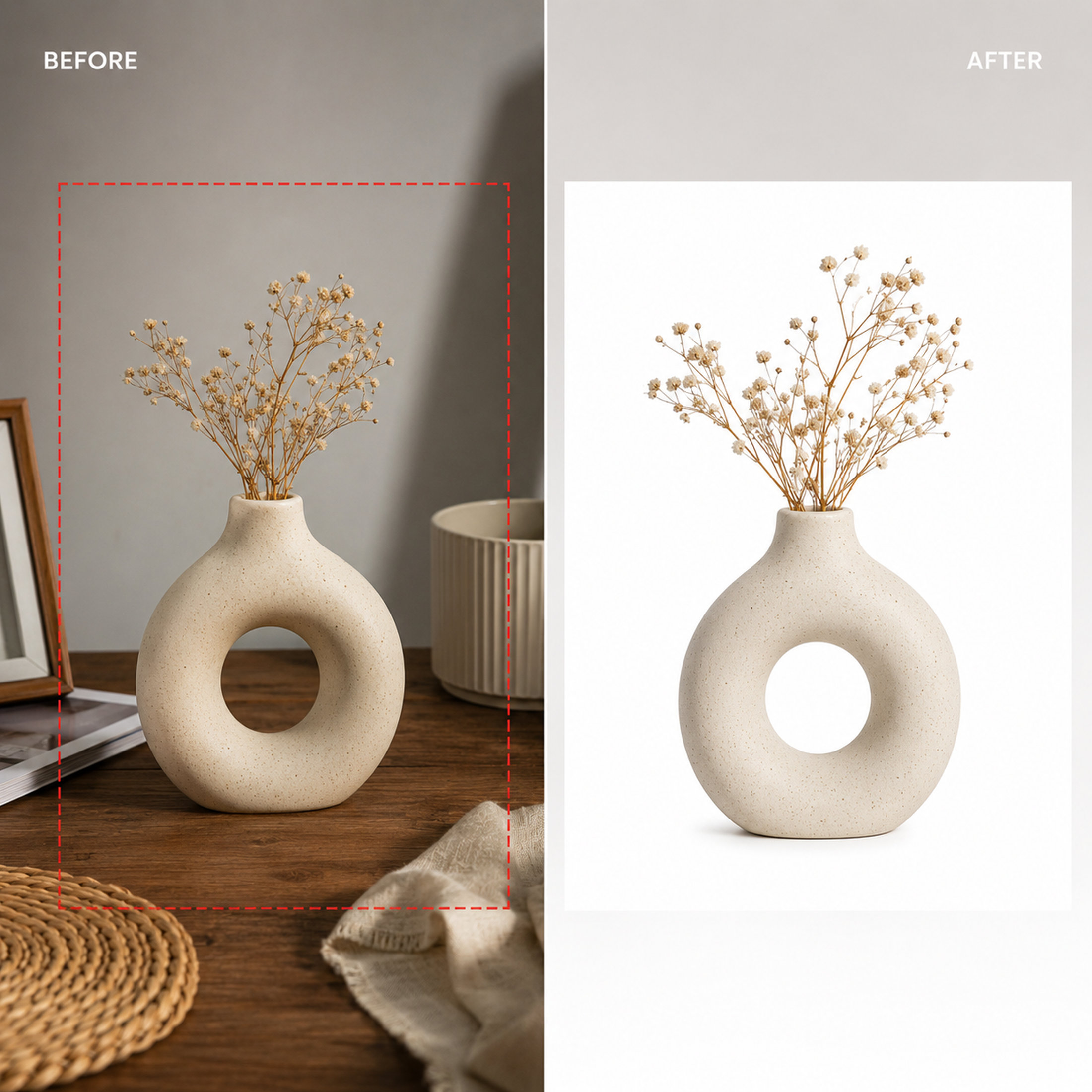
For sellers running more than a handful of SKUs, manually resizing and centering every shot eats hours. A clipping path and background removal service handles the crop, centering, and square-canvas resize as part of the same edit — so every photo in your catalog lands on a consistent 1600x1600px canvas without you touching Photoshop, typically at a per-image cost lower than the time it would take to do it manually. This pairs naturally with a pure white background, which is also eBay's recommended default for the main image.
Frequently Asked Questions
What is the ideal eBay photo size in pixels?
1600 x 1600 pixels on the longest side is ideal — this is the threshold that activates eBay's zoom feature. The hard minimum eBay accepts is 500 x 500 pixels.
What aspect ratio does eBay use for listing photos?
Square, 1:1. eBay's gallery grid and search thumbnails are built for square images — non-square photos get auto-cropped, which can cut off parts of the product if it isn't centered.
Does eBay resize my photos automatically?
Yes, but automatic resizing/cropping is unpredictable for off-center or non-square source images. It's safer to pre-crop and resize to 1600x1600px before uploading than to rely on eBay's auto-crop.
Why does my eBay zoom look blurry even though the photo is sharp?
Zoom sharpness depends on pixel dimensions, not just visual quality. If the uploaded file is below roughly 1000-1600px on the long edge, the zoomed-in view will look soft or pixelated regardless of the original photo's resolution.
Need your whole catalog resized to a consistent 1600x1600px square?
See our Clipping Path & Background Removal service →Tags
Ready to get your images edited?
Upload 2 photos for a free trial edit — returned in under 24 hours.
Start free trial →