AI-powered "vectorizer" tools have exploded in the last year — upload a logo, click a button, get an SVG back in five seconds. It sounds like it should have killed off manual hand-tracing entirely. So does an AI vectorizer actually hold up once that file has to go to a printer, an embroidery machine, or a large-format sign shop — or are you still going to need a human editor before it's usable?
Here's an honest, file-by-file breakdown.
What Is Manual Vector Tracing?
Manual vector tracing is when a trained editor rebuilds a raster image node by node, by hand, using design software — placing each anchor point and curve deliberately rather than letting software guess at edges. We've covered the full process, pricing, and file formats in our vector tracing guide.
What Is AI Vectorization?
AI vectorization (also called auto-trace) uses an algorithm to detect edges and color regions in a raster image and automatically convert them into vector paths — no human editor involved. It's instant and often free, which is exactly why it's tempting for a quick logo cleanup.
Where AI Vectorization Falls Short
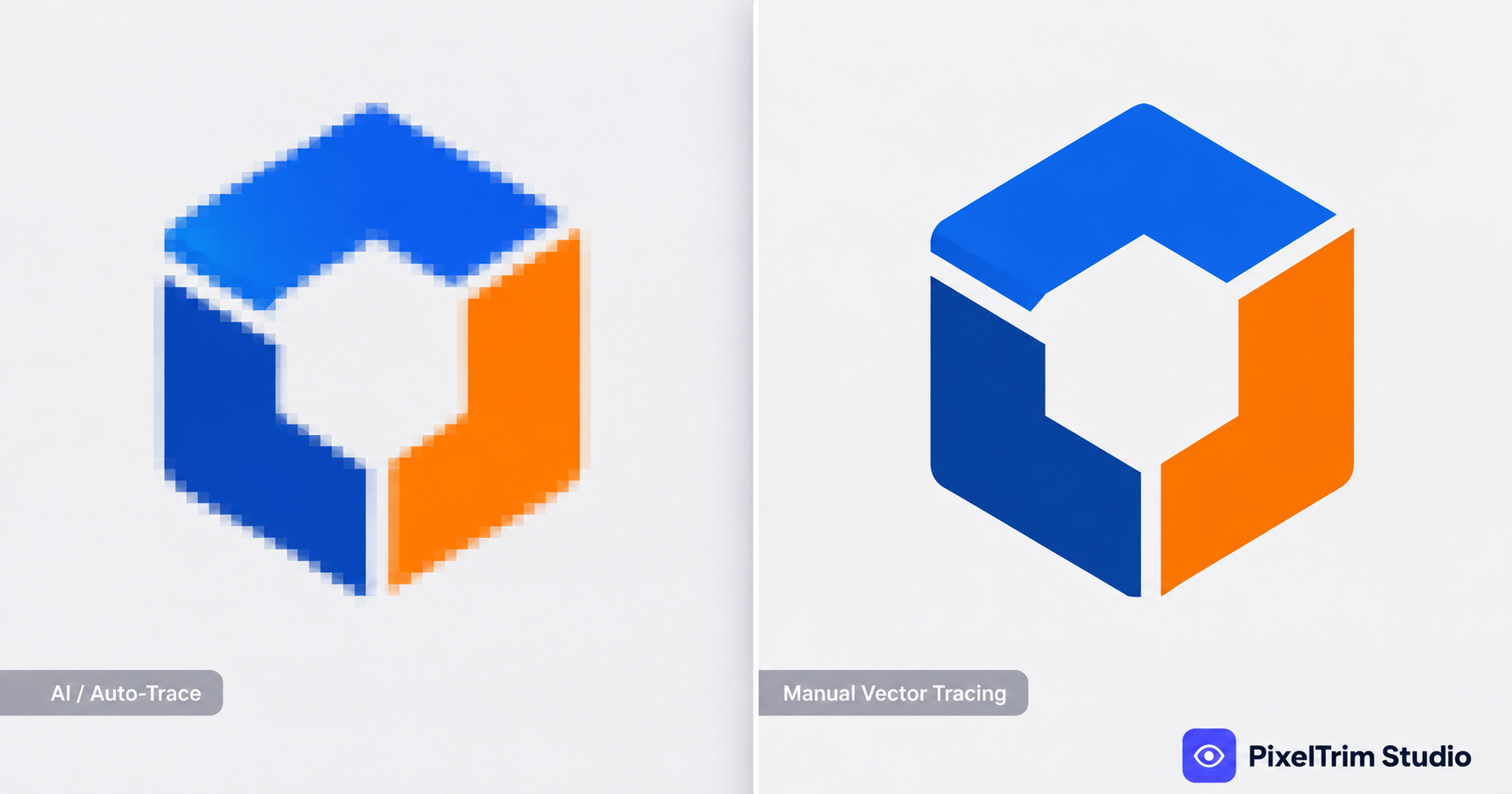
- Rounded or merged corners — auto-trace algorithms tend to smooth sharp corners into curves and merge fine details that should stay separate, especially on text-heavy logos.
- Color accuracy — AI tools often approximate colors instead of matching an exact Pantone or brand hex value, which is a real problem when a logo has to match packaging or signage elsewhere.
- Complex or gradient artwork — full-color illustrations, gradients, and photo-to-vector conversions confuse auto-trace software, producing messy, overlapping paths that are harder to clean up than tracing from scratch.
- Embroidery and print prep — files meant for embroidery digitizing or large-format print need clean, separated shapes; AI output frequently needs a human editor to fix it before a print shop or digitizer will accept it.
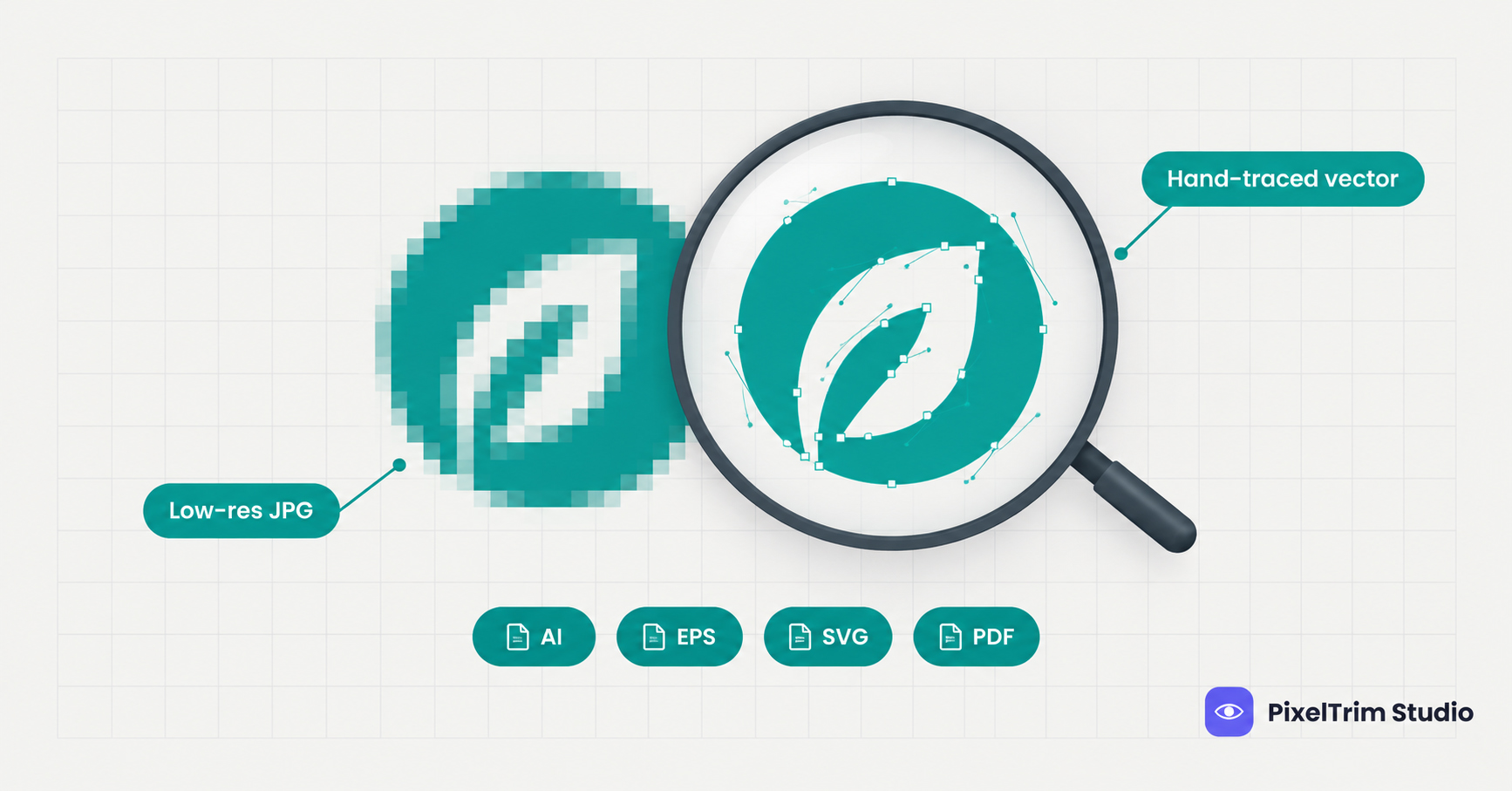
- Low-resolution or damaged sources — a blurry scan or old low-res JPG gives an auto-trace algorithm very little to work with, so it guesses — and it shows.
Where AI Vectorization Actually Works Fine
For a simple, single-color, high-contrast shape — a basic icon or a quick internal mockup that doesn't need to go to print — an AI vectorizer can save time and looks passable. For low-stakes, non-production use, that's often good enough.
Why Manual Vector Tracing Still Wins for Production Files
Anything that has to scale to a billboard, get digitized for embroidery, or reproduce your exact brand color needs a level of precision auto-trace software doesn't reliably deliver. Manual tracing gives you:
- Clean, exact node placement with no rounded corners or merged shapes
- Precise Pantone or hex color matching, not an algorithm's approximation
- Embroidery-ready separations and print-production-ready files
- Consistent quality even from a blurry or damaged source image
This is the same reason manual clipping path still wins over AI background removal and manual ghost mannequin editing beats AI tools for listing-ready images — hand work catches what an algorithm approximates.
Cost and Speed: The Honest Trade-off
AI vectorization is free or near-free and instant. Manual vector tracing costs more and takes longer because a real editor is placing every node by hand — starting around $4.99 for a simple logo, scaling up for color count and complexity. See the full vector tracing pricing breakdown for exact tiers. For a print-ready or embroidery-ready file, that cost difference is usually smaller than the cost of a rejected print run or a botched digitizing job.
Which Should You Choose?
If the vector file is going to a printer, a sign shop, an embroidery digitizer, or anywhere your exact brand colors matter, go manual. If you just need a rough vector for an internal mockup or a quick draft, an AI vectorizer can save time. Many businesses use both — AI for a fast first look, manual tracing for the final production file. For a broader look at where AI genuinely helps versus where it still falls short across product photo editing overall, see Manual vs AI Photo Editing.
Not sure what your logo or artwork needs? See our vector tracing service for pricing and turnaround.
Frequently Asked Questions
Can AI vectorizers handle a low-resolution or blurry logo?
Usually not well. AI tools have very little detail to work from, so results often come out with rounded corners or merged shapes. Manual tracing can rebuild clean vector art even from a poor-quality source.
Is AI vectorization good enough for print or embroidery?
Rarely on its own. Print shops and embroidery digitizers generally need clean, separated, precisely colored vector files — AI output usually needs manual cleanup before it's accepted.
Can AI vectorizers match my exact brand color?
Not reliably. Most AI tools approximate colors rather than matching an exact Pantone or hex value, which manual tracing can do precisely from a color reference.
Can AI and manual vector tracing be combined?
Yes. A common workflow is using an AI vectorizer for a quick internal preview, then manual tracing for the final, production-ready file.
How much does manual vector tracing cost compared to AI tools?
AI vectorizers are typically free or near-free. Manual tracing starts around $4.99 for a simple one to two color logo and scales up with color count and detail — see the vector tracing guide for the full pricing table.
Want to see the difference on your own logo or artwork? Get a free sample edit from our team and compare it yourself.
Tags
Ready to get your images edited?
Upload 2 photos for a free trial edit — returned in under 24 hours.
Start free trial →