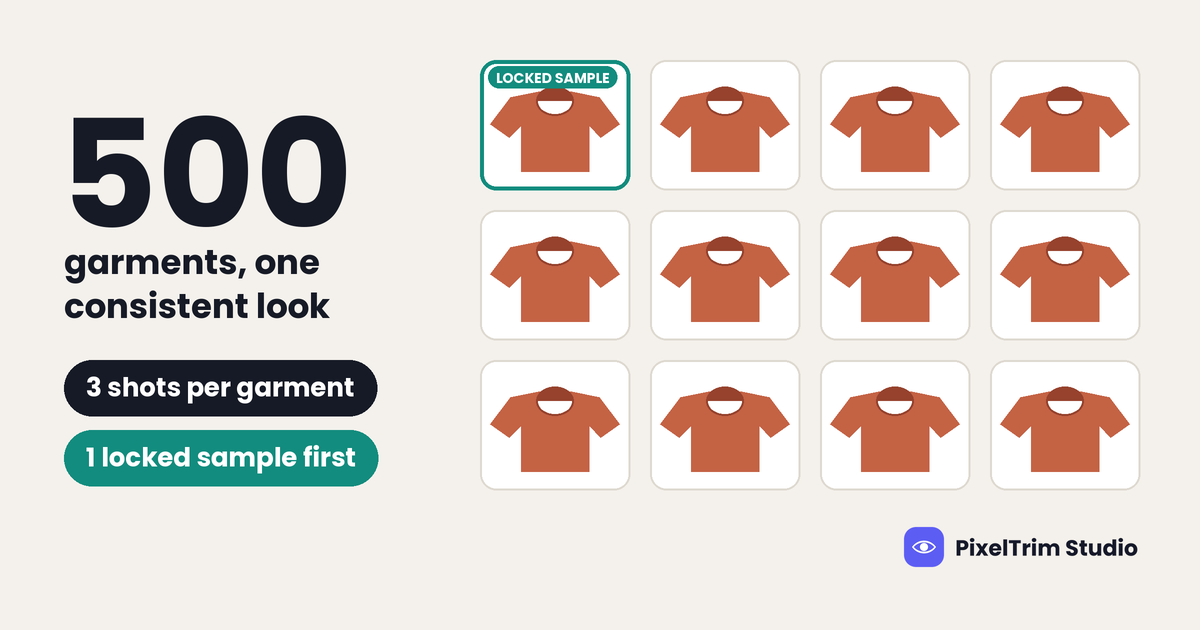
A 20-garment shoot is one editing job. A 500-garment seasonal drop is a project: hundreds of mannequin shots, each needing a clean hollow collar, and every one of them has to look like it came from the same studio on the same day. In bulk ghost mannequin editing, the hard part is rarely one difficult garment. It is drift: the neckline on garment 40 looks different from garment 400, and a shopper clicking through your collection notices.
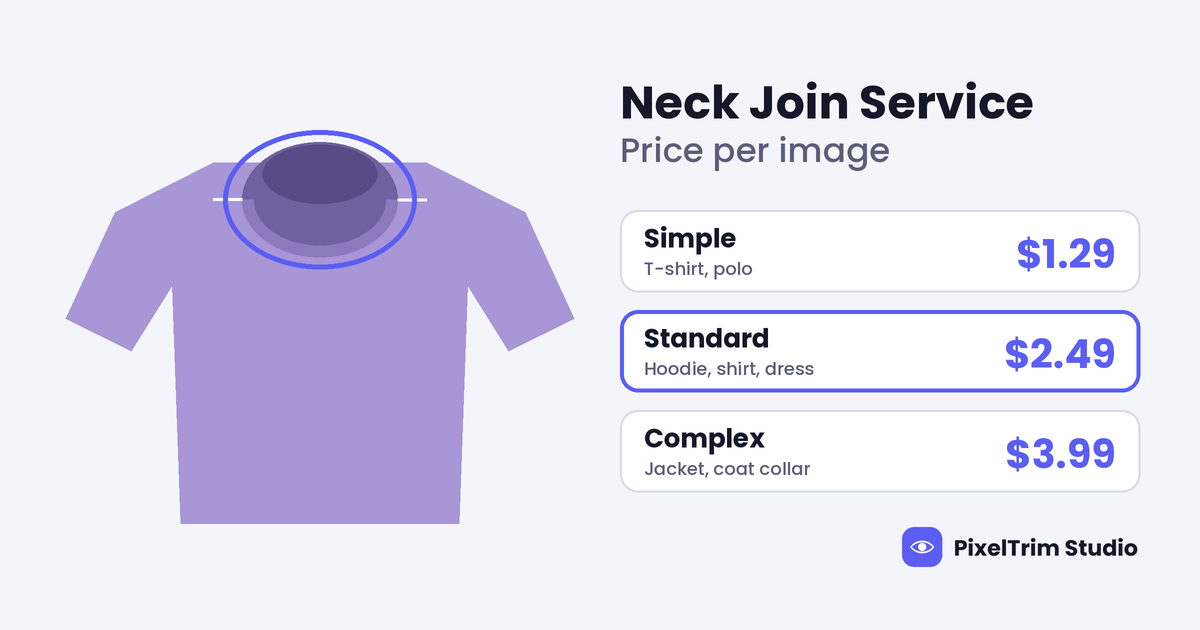
This guide covers what changes at volume and how to plan a large order so the finished set looks consistent. For tier prices see our neck joint service price guide, and for what drives ghost mannequin cost see the ghost mannequin editing cost breakdown. This post stays on the workflow.
What Changes When a Ghost Mannequin Order Goes From 20 Garments to 500
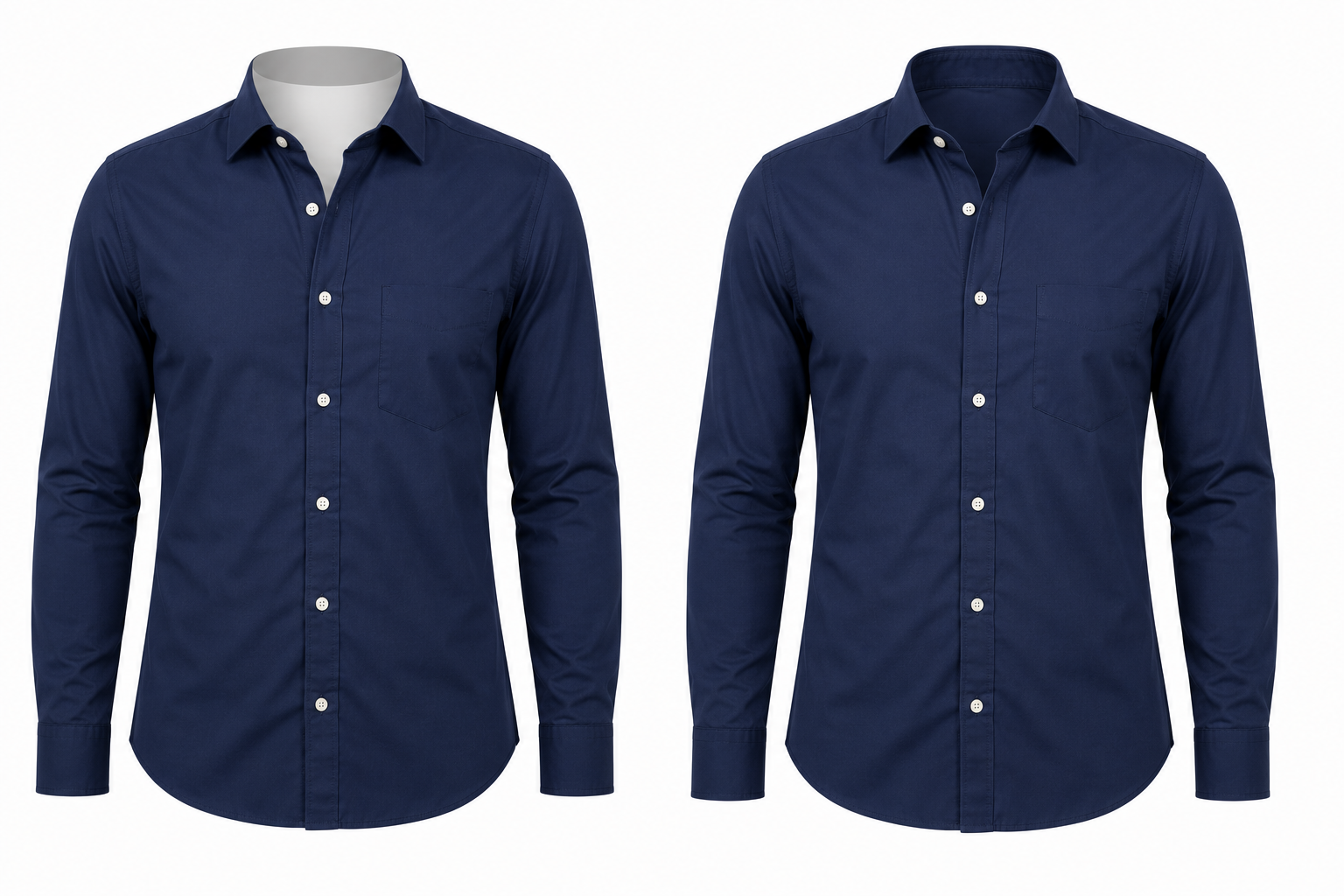
Ghost mannequin editing combines several photos of one garment into a single hollow-form image. The usual source set is a front shot on the mannequin, a back shot, and a close-up of the inside collar, as covered in our ghost mannequin and neck join shooting guide. At volume, those three shots per garment multiply fast:
| Garments in the drop | Source shots per garment | Raw files to send | Final images (front only) | Final images (front and back) |
|---|---|---|---|---|
| 100 | 3 | 300 | 100 | 200 |
| 250 | 3 | 750 | 250 | 500 |
| 500 | 3 | 1,500 | 500 | 1,000 |
Fifteen hundred files is where small habits break down. A missing inner-collar shot, a renamed folder or a mismatched back view each cost a round of messages. The five steps below keep that from happening.
Step 1: Sort Garments by Collar Type Before You Send Anything
Collar construction decides how much work a garment needs, so group your drop by it. Editors can then settle one neckline style at a time instead of switching between a tee and a coat on every file.
| Group | Typical garments | What to tell the editor |
|---|---|---|
| Flat necklines | T-shirts, polos, basic tops | Straight neckline, single inner collar |
| Hooded and structured | Hoodies, shirts, dresses with straps or lining | Inside hood or placket needs blending, folds must stay |
| Layered collars | Jackets, coats, blazers | Several layers to keep distinct, fine texture |
| Open or unusual necks | Wide or off-shoulder tops | Flag these; they may need a reference shot |
Grouping also makes your budget honest. Price follows garment complexity, so a drop that is 70% tees costs very differently from one that is 40% jackets.
Step 2: Lock a Sample Batch Before the Full Drop
Do not send 500 garments and hope. Pick about 10 garments that cover every group: one tee, one hoodie, one jacket, one dress, plus your darkest and lightest colors. Have them edited first and approve the result.
Use the approved sample to confirm the details that drift most across a large set:
- Collar shape: how open the hollow neck looks and how deep the inside back neck sits
- Body and sleeve volume: full enough to look worn, not inflated
- Shadow and background: same style on every file
- Crop and spacing: same margins and garment size in the frame
- Labels: whether the inside tag stays visible or is removed
Once approved, those 10 images are your reference for the other 490. PixelTrim Studio offers a free 2-image trial and includes one revision round, so you can test the look on your own garments before committing the drop. The general rules for a locked style guide are covered in our bulk product photo editing guide; the list above is the garment-specific part.
Step 3: Name Files So 1,500 Images Can Be Matched Automatically
Name files before you send them, and do not rename anything afterward. A pattern that works for ghost mannequin sets:
| File | Example name |
|---|---|
| Front shot | TEE204-NAVY_front.jpg |
| Back shot | TEE204-NAVY_back.jpg |
| Inside collar | TEE204-NAVY_collar.jpg |
The style code and color stay the same across all three files, and only the last word changes. Put each collar group from Step 1 in its own folder. If the delivered files keep the same names, you can match them to your product feed without opening a single image.
Step 4: Send the Drop in Waves, Not One Folder
A large drop goes better in stages, because a problem caught in the first wave is a small fix and a problem caught in the last wave is a delay.
| Wave | What goes in | Why |
|---|---|---|
| Sample | About 10 garments across all groups | Lock the look before volume |
| Wave 1 | The largest, simplest group (often tees) | Confirms pace and file matching |
| Wave 2 | Hooded, structured and layered garments | Harder collars, reviewed against the sample |
| Last wave | Late styles, reshoots, fixes | Keeps stragglers from blocking the rest |
For large orders, tell the editor your launch date up front. PixelTrim Studio asks for the deadline on 500+ image orders and confirms a realistic timeline before you commit, instead of promising one number for every size of batch. If the collection is unreleased, ask for an NDA; it is available on request.
Step 5: Review the Delivered Batch Like a Catalog, Not Like Single Images
Single images can each look fine while the set looks uneven. Put each collar group on a contact sheet or a grid and scan for outliers, then spot-check at full size.
| Check | Clean result | Red flag |
|---|---|---|
| Neck shape | Same hollow shape across one group | One collar looks flat or pasted on |
| Mannequin traces | No leftover shoulder, arm or base marks | A grey edge at the shoulder or hem |
| Symmetry | Sleeves and hem balanced | One sleeve longer or twisted |
| Color | Matches the physical swatch | Shifts between front and back views |
| Shadow and crop | Identical across the set | Garment size or shadow drifts |
| File names | Match your style codes | Missing or duplicated files |
Send your list of fixes in one batch per wave. That way a single revision round covers everything instead of being spent on the first thing you notice.
How to Budget a Bulk Ghost Mannequin Order
Pricing is per image, so the math is simple: final images multiplied by the rate for each collar group. PixelTrim Studio lists ghost mannequin with neck join at a starting rate of $1.99 per image in its pricing section, and the final price follows garment complexity. There is no minimum order. Our ghost mannequin service guide explains what a complete edit includes and how to compare providers.
Two planning shortcuts help:
- Decide first whether you need the back view edited. It can double the final image count, as the table above shows.
- Every $0.10 per image moves a 1,000-image order by $100, so compare quotes by the garment mix you actually have, not by the headline rate.
If you will send drops every season, ask about a standing rate. Recurring clients at PixelTrim Studio get dedicated editors, which helps the style stay the same order after order.
Manual or AI for 500 Garments?
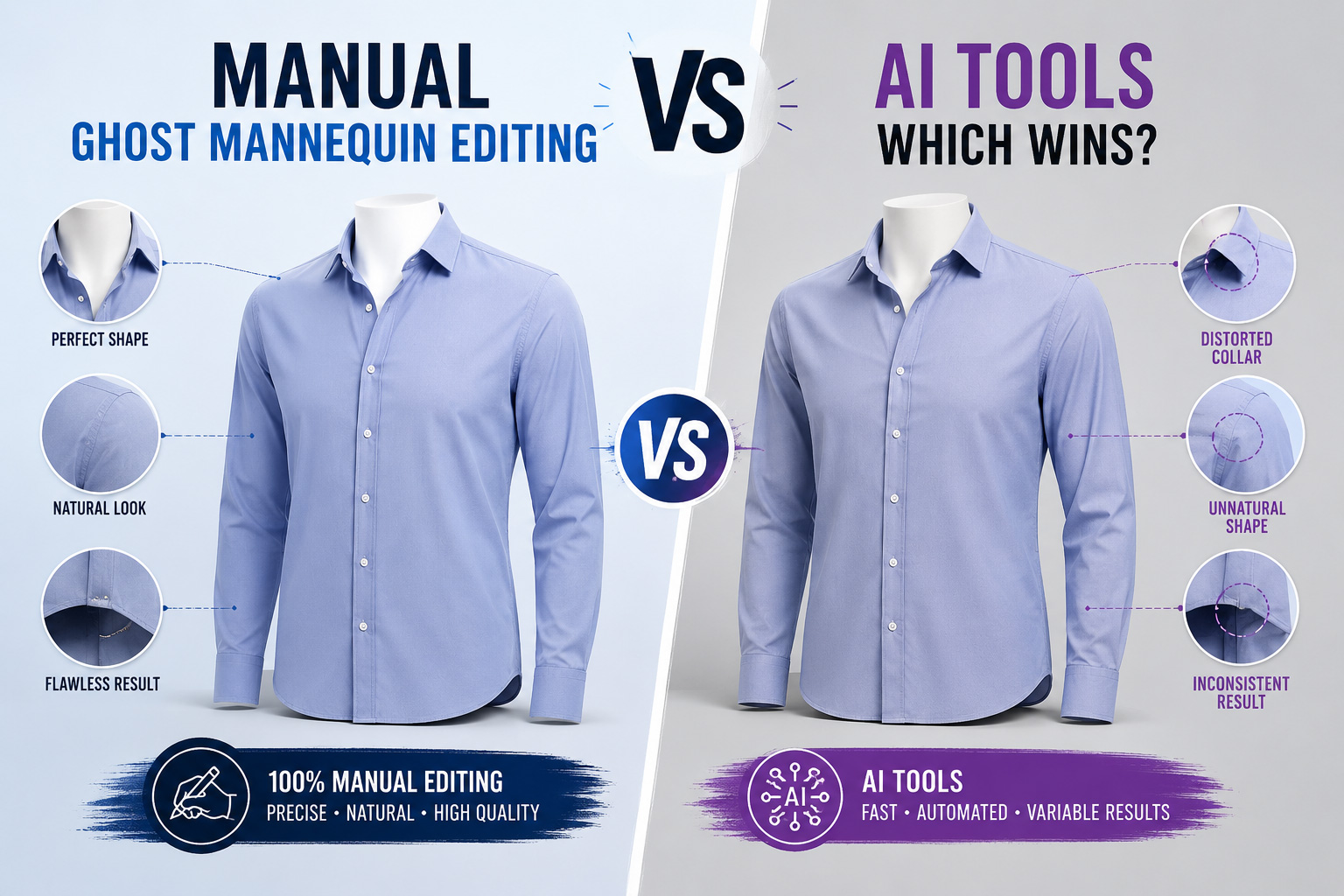
At volume, speed is tempting, but the collar is where automated tools usually fail. They tend to generate a hidden interior instead of blending your real inner-collar shot, so the neck can look slightly different on every file. A mismatch you would never notice on one image is easy to see across a full collection page. Every ghost mannequin edit at PixelTrim Studio is done by hand.
Plan Your Drop With a Free Test
Have a seasonal collection to edit? Send 2 garments with their front, back and inner-collar shots and see the result before you plan the full drop. Start your free trial.
Bulk Ghost Mannequin Editing: Frequently Asked Questions
What counts as bulk ghost mannequin editing?
There is no fixed cut-off. In practice it means a seasonal drop or catalog refresh large enough that one consistent look has to hold across hundreds of garments. PixelTrim Studio has no minimum order and prices per image, so a 5-garment test and a 500-garment drop follow the same rules.
How many source photos does each garment need?
Three: a front shot on the mannequin, a back shot in the same light and angle, and a close-up of the inside collar. Without the inner-collar shot the editor has to estimate the interior, which takes longer.
How long does a 500-garment batch take?
Standard turnaround is 24 to 48 hours for most orders. For 500+ images, tell the editor your deadline and ask for a realistic timeline before you commit, then send the drop in waves.
Should I send everything at once or in waves?
Waves. Approve a sample of about 10 garments first, then send the simplest group, then the harder collars. Problems found in an early wave are cheap to fix, and one revision round per wave stays manageable.
Can I keep an unreleased collection confidential?
Yes. PixelTrim Studio handles unreleased product shots and pre-launch apparel drops under an NDA on request.
Does price change between garments in the same order?
Yes. Price follows garment complexity, so a flat tee costs less than a layered jacket. Grouping garments by collar type, as in Step 1, makes the total easy to estimate before you send files.
Tags
Ready to get your images edited?
Upload 2 photos for a free trial edit — returned in under 24 hours.
Start free trial →