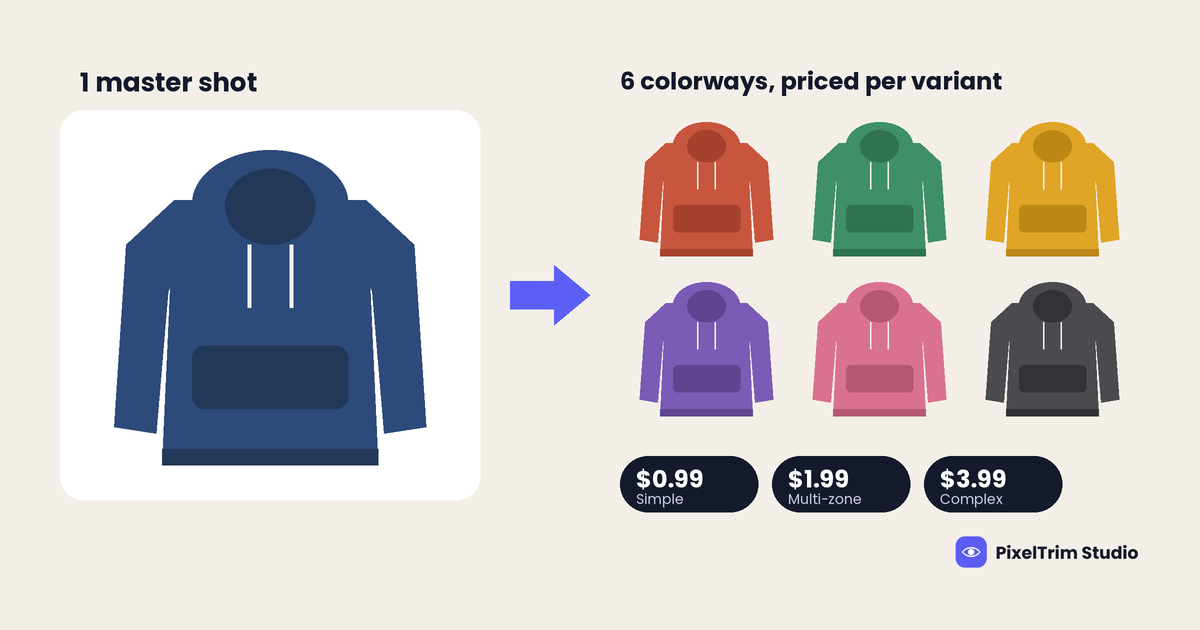
You shot the navy version of a hoodie and it looks great. Now the buyer wants it in five more colors, and the sample room has only one piece in stock. Reshooting every colorway means steaming, styling, lighting and editing the same garment again and again. Recoloring the finished master image is the other route, and it is priced per variant, so you can work out the bill before you commit.
This guide uses the live color change service rates ($0.99, $1.99 and $3.99 per variant) to show what apparel colorways cost, which garments recolor cleanly, and how to shoot the master so every color holds up. For why accurate color matters in the first place, see our product color change service overview. This post stays on cost and workflow.
Recolor vs Reshoot: Where the Cost Hides
A reshoot looks cheap until every step is counted. Each extra colorway repeats the same chain of work:
| Cost item | Reshoot each color | Recolor one master |
|---|---|---|
| Sample garment | One physical sample per color | One sample, shot once |
| Steaming and styling | Repeated for every piece | Done once |
| Studio or mannequin time | Repeated per color | Done once |
| Cutout, ghost mannequin, retouching | Edited again for every color | Edited once, then recolored |
| Match between colors | Light and fold can drift | Identical folds and shadows |
| Price you can predict | Varies by shoot day | Flat rate per variant |
The last two rows matter most for a storefront. When colorways come from one image, a shopper switching between swatches sees the same garment in the same pose, and the only thing that changes is the color.
Colorway Pricing at a Glance
PixelTrim Studio prices color change per variant. The base image is the one you provide, and the rate applies to each color you order:
| Tier | Price per variant | Typical apparel | What is included |
|---|---|---|---|
| Simple | $0.99 | Solid-color tee, sweatshirt or dress | Single color surface, fabric, white or transparent background, PNG or JPG |
| Multi-zone | $1.99 | Hoodie with contrast drawstrings, color-block jacket | 2 to 4 color zones, matching shade selection, 1 revision round |
| Complex | $3.99 | Leather, satin or metallic-finish pieces | Reflective or complex texture, full shade consultation, layered PSD on request |
Standard turnaround is 24 to 48 hours, and a batch of 5 color variants is usually delivered the same day. Bulk variant orders are discounted, so the totals below are the ceiling, not the floor.
Worked Example: One Style in Eight Colors
Say you shot a solid hoodie in one color and need seven more. This is an illustration using the listed rates, not a quote:
| Hoodie type | Tier | Variants | Cost |
|---|---|---|---|
| Solid color throughout | Simple, $0.99 | 7 | $6.93 |
| Contrast drawstrings and pocket trim | Multi-zone, $1.99 | 7 | $13.93 |
| Satin or metallic finish | Complex, $3.99 | 7 | $27.93 |
To compare with a reshoot, add up what your shoot day really costs per colorway: sample, steaming, studio or mannequin time, and editing. If that came to $40 per color, seven colors would be $280 before any rework, against $6.93 to $27.93 for recoloring. The $40 is an assumption to show the method. Replace it with your own number.
Worked Example: A 40-Style Season With Six Colors Each
A seasonal range multiplies fast. Forty styles in six colors means one master per style and five extra variants each, or 200 variants. If most styles are plain and a few have trim zones or special finishes, the budget might look like this:
| Variant mix | Tier | Variants | Cost |
|---|---|---|---|
| Solid tees, sweatshirts, dresses | Simple, $0.99 | 120 | $118.80 |
| Trim, color-block, two-tone | Multi-zone, $1.99 | 60 | $119.40 |
| Satin, leather, metallic | Complex, $3.99 | 20 | $79.80 |
| Total | 200 | $318.00 |
That averages about $1.59 per variant. The 20 Complex variants are only 10% of the images but about 25% of the cost, so count your special-finish pieces first when you compare quotes.
Which Garments Recolor Cleanly (and Which Cost More)
| Garment | Likely tier | What to watch |
|---|---|---|
| Solid cotton tee or sweatshirt | Simple | The easiest case: one surface, visible texture |
| Hoodie with contrast strings | Multi-zone | Each zone needs its own target color |
| Color-block or two-tone jacket | Multi-zone | Confirm which blocks change and which stay |
| Printed or striped garment | Multi-zone or quote | If the print colors change too, each print color counts as a zone. Send a sample for a tier |
| Satin, sequins, leather, metallic | Complex | Highlights and reflections must be rebuilt, not just tinted |
| White or black garments as the master | Depends on the target | Very light or very dark masters hold less shading, so shoot a mid-tone instead |
| Sheer or lace pieces | Send a sample first | Background shows through the fabric, so the color shifts in layers |
Shoot the Master So Every Colorway Holds Up
A recolor can only work with the shading it is given. Four habits make every variant look like a real photo:
- Choose a mid-tone color as the master. A mid-tone navy, grey or teal keeps both highlights and shadows, so it can move lighter or darker. A pure white or deep black master has less shading to work with.
- Keep the garment smooth and well lit. Steam it, use soft even light, and avoid clipped highlights. Wrinkles and folds are kept in every variant, so fix them before the shoot.
- Finish the structure edits first. If the garment is a ghost mannequin shot, complete the collar blend on the master, then recolor. That way the neckline is only joined once. Our neck joint service price guide shows what that step costs.
- Photograph a physical swatch of each target color under the same light, so there is a real reference for the match.
Send Color Targets, Not Color Names
"Burgundy" means a dozen different reds. Give the editor a hex code, a Pantone number or a reference swatch for each color, and they will match it as closely as the fabric allows. Screens differ, so approve the first variant against your physical swatch before you release the rest of the order. A locked first variant is the same idea as the sample batch in our bulk ghost mannequin editing guide: settle the look on one file, then run the batch.
Manual or AI Recoloring for Apparel?
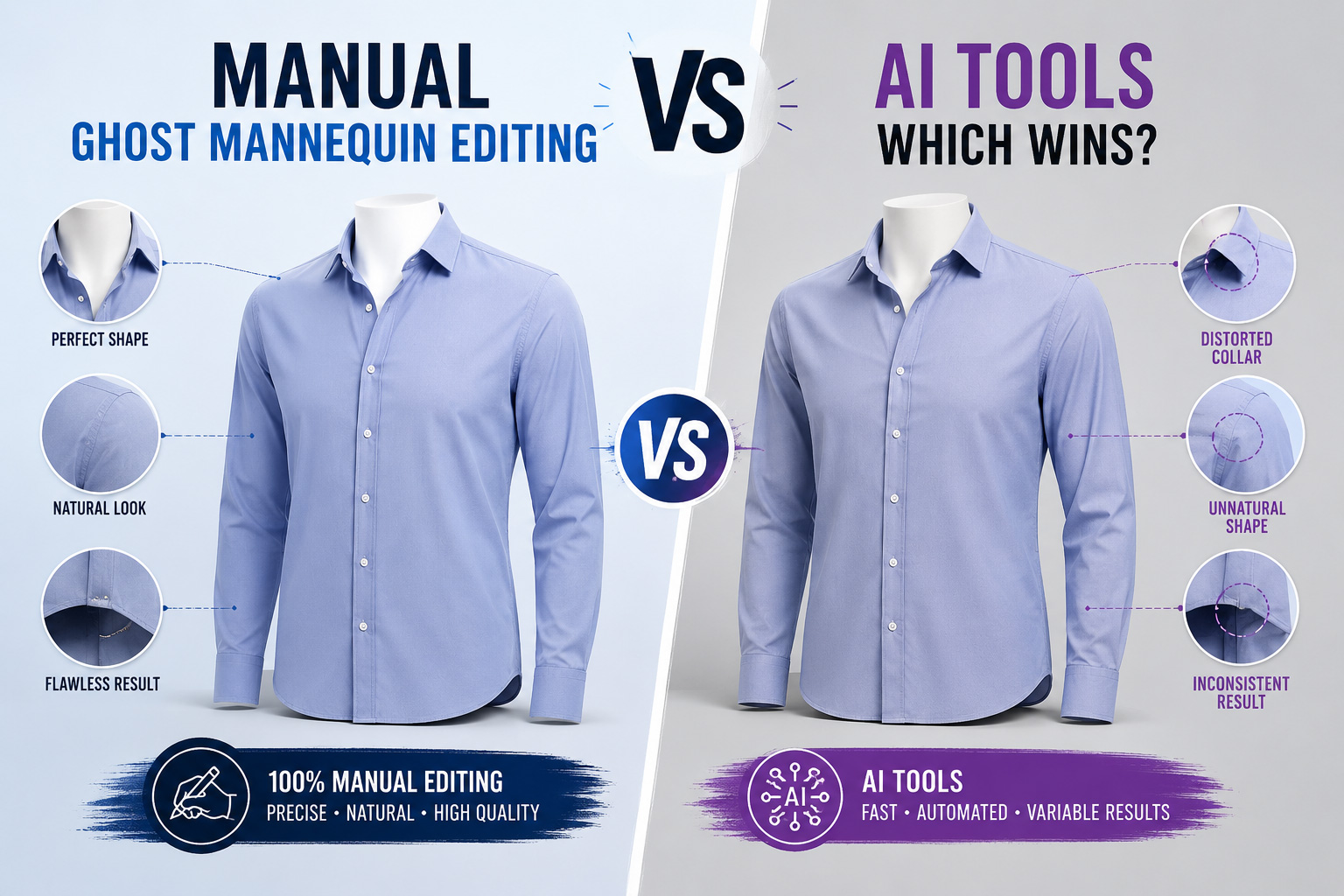
AI recolor tools are quick and can be handy for internal previews, such as testing which colors to produce. For images that go onto a listing, the result needs checking on fabric weave, stitching, shadows and the exact shade. Manual editors work from your color target and keep the texture intact, which is the safer route for the files customers will zoom into. We compare the two approaches in manual vs AI photo editing.
Marketplace Notes for Colorway Sets
Marketplaces expect each color to be its own image. On Amazon, every color variation needs its own main image showing that exact color, as our Amazon apparel image requirements guide explains. A recolored set makes that easy: the same crop, pose and shadow in every color, each file on its own clean background.
Test Your Own Garment First
Have a hoodie, tee or dress waiting for its other colors? Send 2 images and see the recolored result on your own garment before you plan a full range. Start your free trial.
Apparel Colorway Editing: Frequently Asked Questions
How much does it cost to recolor apparel photos?
PixelTrim Studio charges $0.99 per variant for a simple single-color garment, $1.99 for garments with 2 to 4 color zones, and $3.99 for reflective, leather or complex-texture pieces. Bulk variant orders are discounted.
Is recoloring cheaper than reshooting each color?
Usually, because a reshoot repeats the sample, steaming, studio time and editing for every color, while a recolor starts from one finished master image. Compare by adding up what your own shoot costs per colorway.
Which color should I shoot as the master?
A mid-tone color such as navy, grey or teal works best, because it keeps both highlights and shadows. Very white or very black masters carry less shading, which makes some target colors harder to match.
Can you match an exact Pantone or hex color?
Yes. Send the hex code, Pantone number or a photographed swatch for each color, and the editor will match it as closely as the fabric allows.
Does recoloring keep fabric texture, stitching and folds?
Yes. The color shift is applied without flattening the surface, so the weave, stitching, folds and shadows from the master stay in every variant.
How long does a colorway order take?
Standard delivery is 24 to 48 hours, and a batch of 5 color variants is usually delivered the same day. For a launch deadline, mention it in the order form.
Tags
Ready to get your images edited?
Upload 2 photos for a free trial edit — returned in under 24 hours.
Start free trial →