Amazon's clothing rule is not one rule. Whether your main image should be worn by a model or laid flat depends on who the garment is for: women's and men's clothing can go on-model or flat, while kids' and baby items, accessories and multipacks must be flat. Miss that, or miss one of the smaller model rules (standing pose, front view, shoes on), and the listing can be suppressed even though the photo looks professional. This guide puts the apparel rules in one place, including the crop each garment type needs and the ghost mannequin question most guides skip.
The requirements below follow two documents Amazon hosts publicly: the US Category Style Guide: Clothing & Accessories (2019) and the Selling Partner Style Guide: Clothing & Accessories (March 2022). Both are older than the live Seller Central rules and they disagree on a few numbers, which we flag as we go. Check the current guide for your marketplace in Seller Central before a big upload.
Which Apparel Needs On-Model and Which Needs Flat Lay
| Product group | Main image format | Notes |
|---|---|---|
| Women's and men's clothing | On-model or flat lay | The 2019 guide accepts either; the 2022 guide's crop pages are written around on-model shots |
| Women's and men's accessories (scarves, belts, hats, ties, cold-weather accessories) | Flat lay | Lay-down only |
| Kids and baby clothing | Flat lay, never on a model | Each color needs its own flat main image |
| Kids' underwear and swimwear | Flat lay only | Applies to main and alternate images; shooting these on children is prohibited |
| Multipacks and kids/baby sets | Off-figure, laid flat | Products cascade diagonally, darkest top left to lightest |
For the rules that apply to every category, see our full Amazon image requirements guide; this page covers what changes for clothing.
Main Image Requirements for Apparel
| Requirement | Standard |
|---|---|
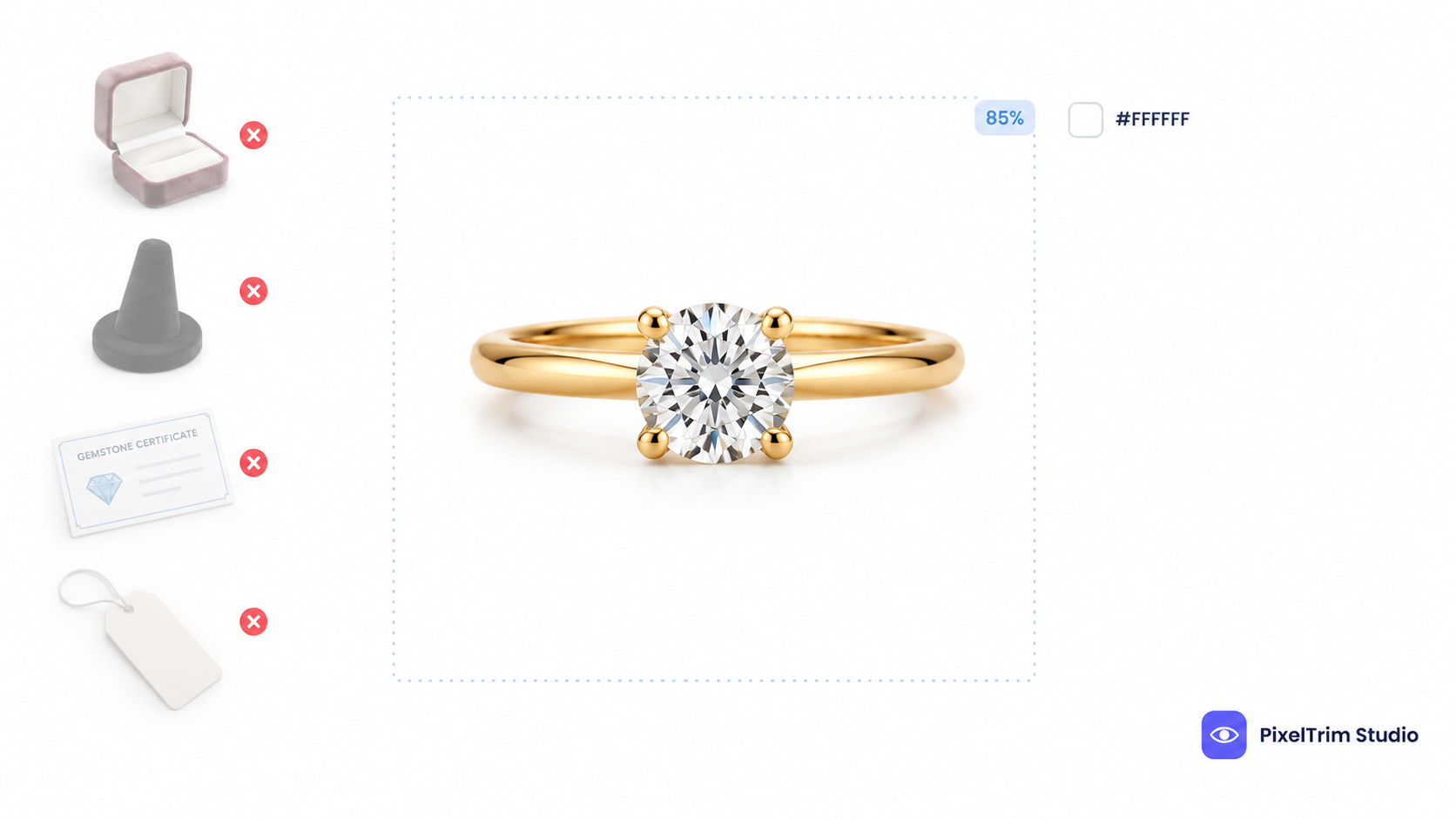
| Background | Pure white, RGB 255, 255, 255 (#FFFFFF) |
| Frame fill | Product fills 85% or more of the image (2019 guide) |
| Resolution | 1,500 px on the longest side in the 2019 guide; 1,000 px minimum and 3,900 px maximum in the 2022 guide. Export around 2,000 px to satisfy both |
| Aspect ratio | At least 190 by 246 px, which is 10:13 (close to 3:4) |
| File format | JPEG preferred; RGB preferred over CMYK |
| Color | Full color, not black and white |
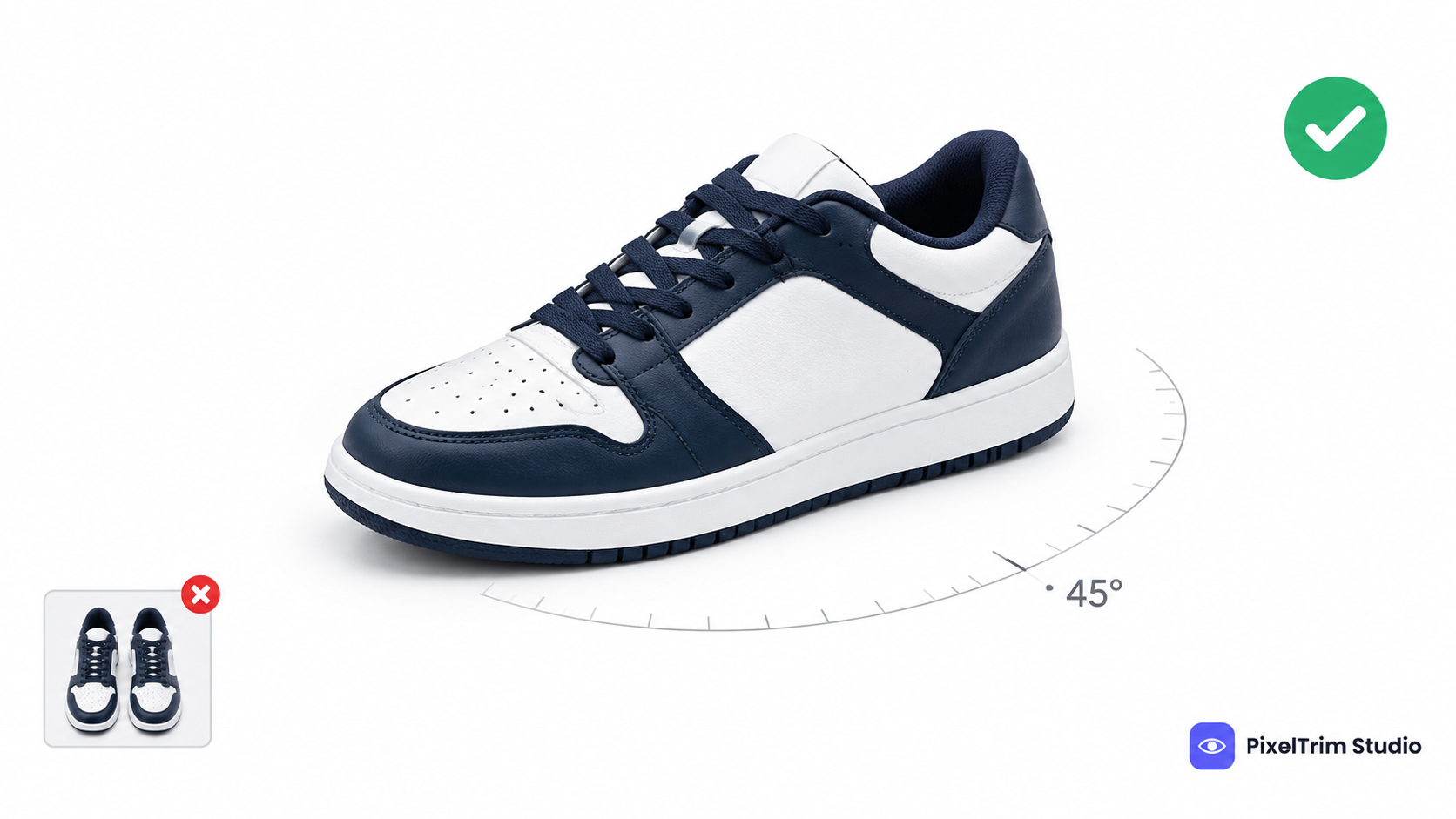
| View | Front of the product; back views belong in alternate images |
| Model pose | Standing only. Sitting, kneeling, leaning and lying down are not allowed |
| Model details | Model gender matches the listed department; shoes on, except for swimwear and sleepwear |
| Items in frame | One product only. No stacks or multi-view collages (multipacks are the exception) |
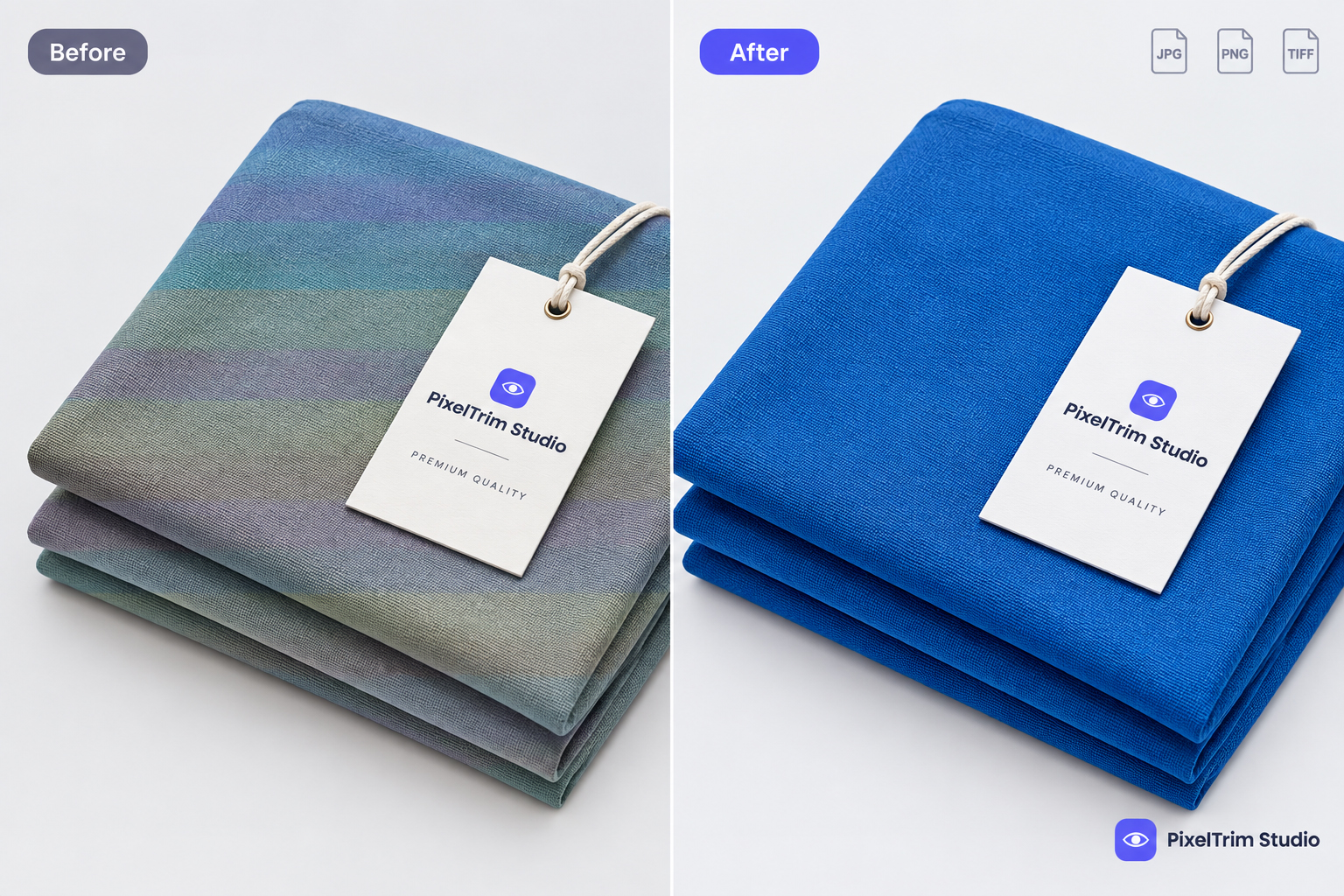
| Not allowed | Borders, logos, watermarks, inset images, text, color blocks, packaging, brand or swing tags, promotional text, and props not included in the sale (phones, drinkware, handbags) |
Everything in that table has to be true at once. The background line is the one that trips up most sellers, because a white that only looks white fails the check. Our pure white background guide shows how to test it with a color picker.
Model Crop Guide: Full Length, Upper Body or Waist Down
Amazon's 2022 guide sorts on-model main images into three crops by garment type:
| Crop | Garments |
|---|---|
| Full length | Maxi dresses, jumpsuits, tracksuits, pajama sets with trousers, dungarees and rompers, suits and tuxedos |
| Upper body | Tops, jumpers, outerwear, short skirts and shorts, two-piece underwear |
| Waist down | Trousers, jeans, long shorts, long skirts |
For a full-length crop, the top of the frame sits between the nose and the upper lip and the bottom of the frame sits below the feet. The same guide says a full-length crop is required for pieces that fall at or below the fingertips and for dresses of any length, which conflicts with its own upper-body list that includes short dresses. When in doubt, shoot dresses full length.
Keep the crop shape consistent across the whole set. If the main image is rectangular, every alternate should be rectangular too; if it is square, keep them all square.
Lay-Down (Flat Lay) Rules
Flat lay is the required format for kids and baby clothing, accessories and multipacks, and an option for adult clothing. Amazon's lay-down instructions are specific:
- Pin the garment and use liner or stuffing so it holds its shape, using the seams as a guideline
- Keep it symmetrical from left to right
- Steam it and remove loose threads and fabric imperfections before shooting
- Shoot from above with the item facing the camera; a square crop is acceptable for lay-down shots
- For multipacks, cascade the products diagonally from left to right, darkest on top left, or with the print featured at the front
Pins, liner and stuffing must not show in the final file. That is a cutout job: the garment is separated from the surface it was laid on and placed on a true #FFFFFF background.
Can You Use Ghost Mannequin Images on Amazon?
This is the question most apparel guides skip. Ghost mannequin (invisible mannequin) images are shot on a mannequin and then edited so the mannequin disappears. Amazon's 2019 US clothing guide lists images photographed on a mannequin, or digitally modified images, among the things not allowed in a main image, with an exception for stockings and socks. The 2022 guide describes only two main image formats: on-figure (a model) and off-figure lay-down. Neither document names ghost mannequin as an approved way to make a main image.
What we could not confirm is how that line is enforced today, because the current Seller Central help pages are behind a login. Amazon also does not define "digitally modified." Our reading is that cleaning a background to pure white is expected on every main image, while changing how the garment looks (its color, shape or fit) is what the rule targets. That is an interpretation, not Amazon's wording.
A cautious approach is to use an on-model or true flat-lay shot as the main image and keep ghost mannequin images for the alternate slots, where Amazon accepts any image that helps the buyer understand the product. If you want to try ghost mannequin as a main image, test one style first and watch your Suppressed Listings report before rolling it across a catalog. Everywhere else, including Shopify and your own site, ghost mannequin is a standard look, and our ghost mannequin service guide explains what a good edit includes.
Alternate Images: What to Shoot After the Main
Amazon's apparel guide recommends about five to seven images per listing, with at least a clear front and back view. You can upload up to eight alternates per parent or child listing.
- Back shot: whenever it is possible, and never as the main image
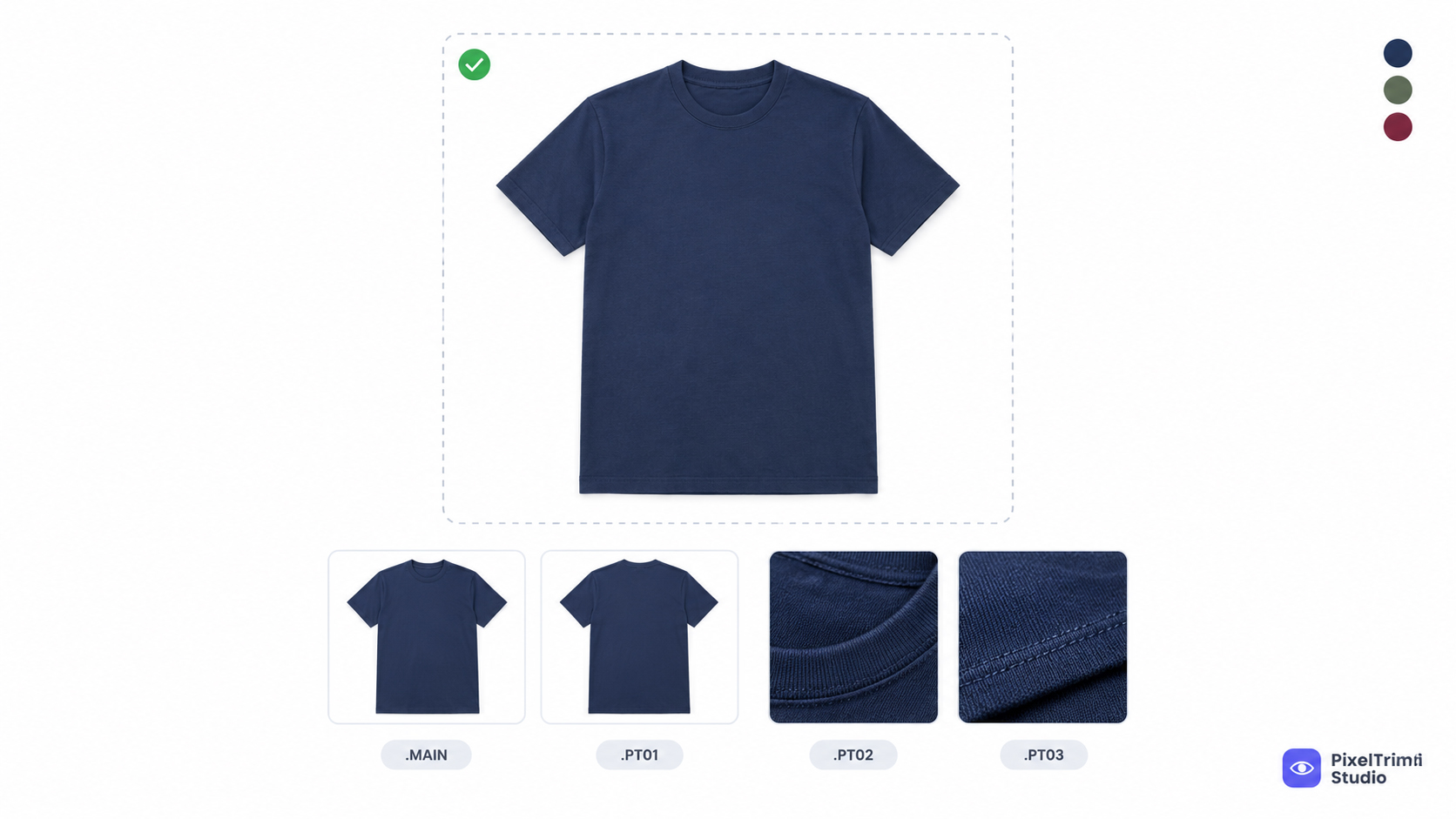
- Detail shots: fabric, stitching, labels, closures and cross-sections
- Styled shot: the product worn or used in context, with props and environments allowed
- Off-figure alternate: if your main image is on-model, Amazon recommends adding a flat alternate named with the FL01 code
The first alternate (PT01) is also the image used for the back or hover view on some Browse pages, so make it a strong one. Alternates can be more creative than the main image, but logos, watermarks, promotional text, shipping details and other websites' URLs are still not allowed.
Every Color Needs Its Own Main Image
Amazon requires a main image for the parent listing and for every child variation, and each child main image must show that exact color. A t-shirt in four colors is four main images before you count alternates. Shoot every color the same way, with the same crop, camera height and lighting, so the set reads as one catalog. The same color-by-color rule applies to footwear, covered in our Amazon shoe image requirements guide.
Lighting matters for consistency too. Amazon's guide recommends natural or soft continuous light, full color rather than black and white, and no heavy retouching, filters or collages.
What Editing Costs for Apparel (2026 Rates)
Getting a garment onto true white with clean edges is a clipping path job, and turning a mannequin shot into a ghost mannequin image is a separate edit. PixelTrim Studio prices both per image by complexity:
| Service | Simple | Medium | Complex |
|---|---|---|---|
| Clipping path | $0.39/image | $0.69/image | $0.99/image |
| Ghost mannequin | $1.49/image | $2.49/image | $3.49/image |
As a worked example, take a plain t-shirt in four colors at the Simple tier. Four flat-lay main images cost about $1.56 (4 × $0.39). Adding one ghost mannequin alternate per color at the Simple tier adds about $5.96 (4 × $1.49), for a total of about $7.52. Hoodies, jackets and dresses sit in the higher tiers. Turnaround is 24–48 hours with one free revision round. On-model shots with loose hair or sheer fabric usually need masking rather than a hard path, so send a sample for a quote.
Pre-Upload Checklist for Apparel Listings
- Product group checked: on-model or flat lay allowed for this department
- Background reads exactly #FFFFFF on a color picker
- Product fills 85% or more of the frame, front view, nothing cropped by the edge
- Model standing, gender matches the department, shoes on (except swimwear and sleepwear)
- Correct crop for the garment: full length, upper body or waist down
- Around 2,000 px on the longest side, JPEG, RGB
- No text, logos, watermarks, tags, packaging or props in the main image
- A separate main image for every color
- Back, detail and styled shots saved for the alternate slots
Not sure your apparel photos would pass? Send two sample images and we will edit them to Amazon's clothing spec, free.
FAQ
Does Amazon require a model for clothing main images?
Not for every product. Amazon's 2019 US clothing guide says women's and men's clothing can be photographed on a model or flat. Kids and baby items, accessories such as scarves, belts, hats and ties, and multipacks must be photographed flat, and kids' underwear and swimwear must never be shot on a child.
Can I use a ghost mannequin image as my Amazon main image?
Amazon's published apparel guides do not list it as an approved main image format. The 2019 US guide names images photographed on a mannequin, or digitally modified images, as not allowed in the main slot, with an exception for stockings and socks. We could not confirm current enforcement because Seller Central is login-gated, so the cautious route is an on-model or flat-lay main image and ghost mannequin images in the alternate slots.
What size should Amazon clothing images be?
Amazon's two apparel documents differ: the 2019 guide asks for at least 1,500 px on the longest side, while the 2022 guide gives a 1,000 px minimum and a 3,900 px maximum. Exporting around 2,000 px on the longest side satisfies both. The minimum aspect ratio is 190 by 246 px, which is 10:13.
Can the model sit or lean in the main image?
No. Amazon's apparel guides require the model to be standing in the main image. Sitting, kneeling, leaning and lying down are all listed as not allowed, and the model must also wear shoes in the main image, except for swimwear and sleepwear.
Does every color need its own main image?
Yes. Amazon requires a main image for the parent listing and a child main image for every color variation, and each child main image must show that exact color.
Tags
Ready to get your images edited?
Upload 2 photos for a free trial edit — returned in under 24 hours.
Start free trial →