Booking.com's own photo guidance and the other pages that quote it do not agree. The Booking.com Partner Help article asks for at least 2048 x 1080 px and prefers 4000 x 3000 px. Its developer docs list a 300 x 300 px floor and a 50 MB cap, and a channel manager's onboarding page asks for 2048 x 1536 px. This guide labels every number by where it comes from, so you know what to export for a Booking.com listing.
Booking.com Photo Requirements at a Glance
| Requirement | What to follow | Where it comes from |
|---|---|---|
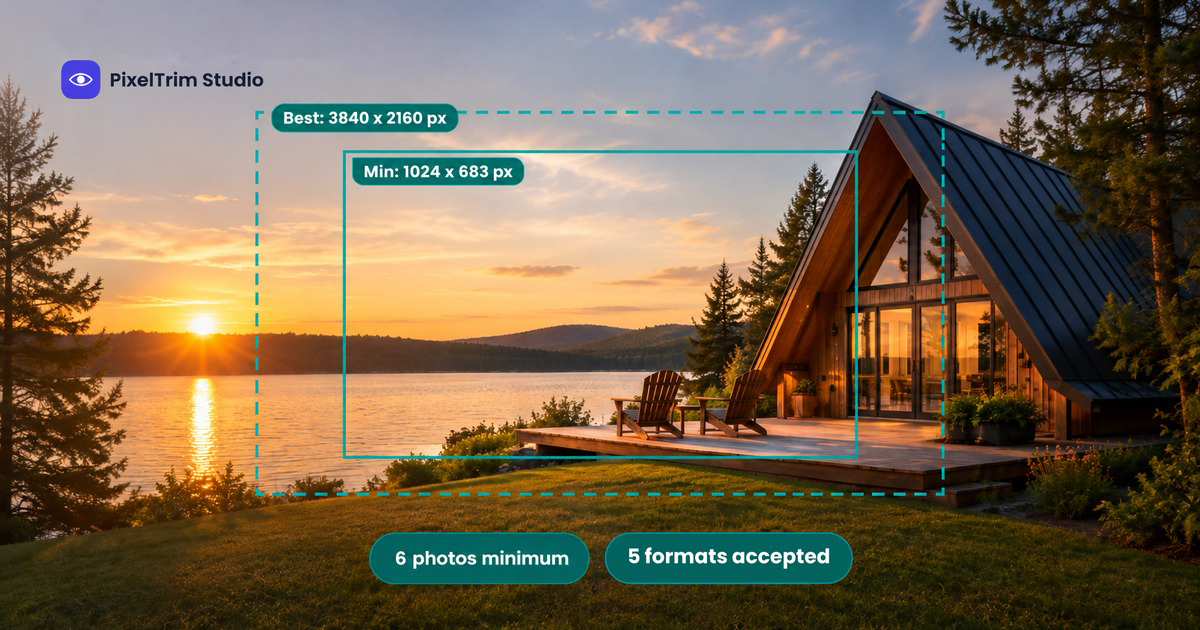
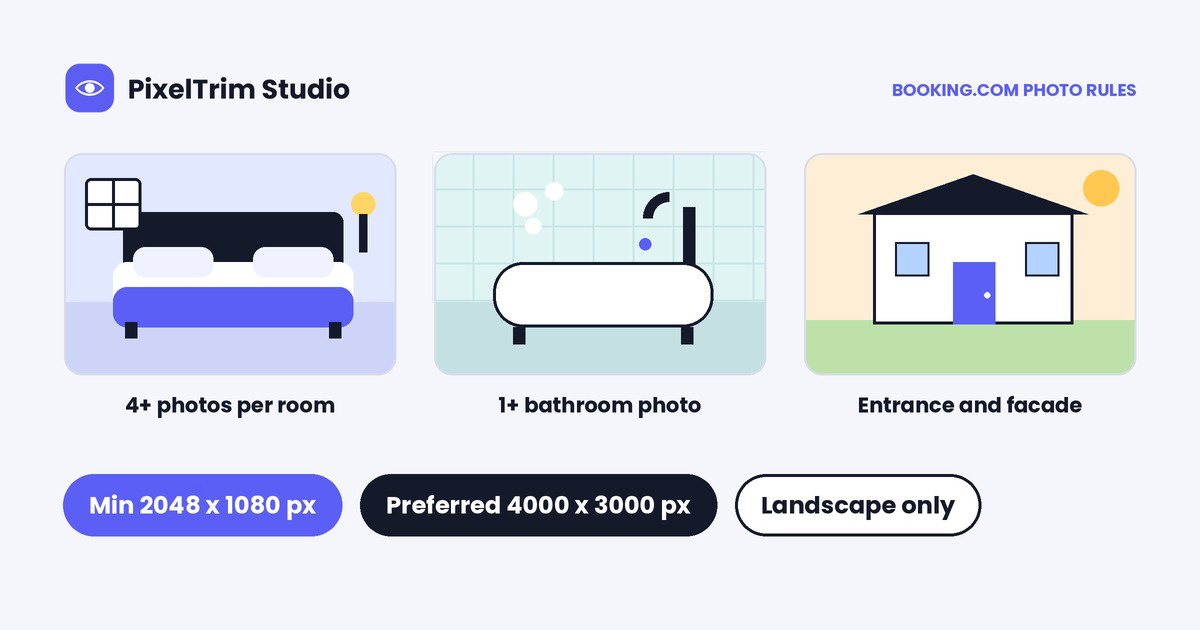
| Minimum size | At least 2048 x 1080 px | Booking.com Partner Help, photo requirements article |
| Preferred size | 4000 x 3000 px | Booking.com Partner Help |
| Aspect ratio | Not stated by Booking.com. 2048 x 1080 works out to roughly 19:10 and 4000 x 3000 to 4:3 | Our arithmetic |
| Orientation | Landscape (horizontal) only | Booking.com Partner Help |
| File types | Not stated on the help article we opened; JPEG is the safe choice | Our recommendation |
| Photo count | At least 10 photos; at least 4 per room or unit plus 1 bathroom photo; at least 24 for a condo hotel | Booking.com Partner Help |
| 360° photos | 2:1 ratio and at least 1280 x 900 px | Booking.com Partner Help |
| File size | No cap on the help article we opened; 50 MB maximum in the upload API | Booking.com connectivity developer docs, not the host article |
| Upload API limits | 300 x 300 px minimum, 14000 x 14000 px maximum, 299 photos per property | Booking.com connectivity developer docs |
| Other figure quoted | At least 10 images at 2048 x 1536 px (3.1 megapixels) | NextPax's Booking.com onboarding page, not Booking.com itself |
We could not open Booking.com's Image and editorial guidelines page, which the help article points to for the full content rules, so let the live upload screen have the final say.
Why Booking.com Photo Numbers Disagree
Three things stack up. The Partner Help article tells hosts what to shoot, while the developer docs only say what the upload system will physically accept, so 300 x 300 px will upload even though 2048 x 1080 px is what Booking.com asks for. Connectivity partners such as NextPax add their own target on top. And Booking.com's two sizes do not share a ratio, because 2048 x 1080 is roughly 19:10 while 4000 x 3000 is 4:3. You do not have to settle the argument: export to a size that clears every figure and it stops mattering.
What Booking.com Wants in Your Gallery
- At least 10 photos in total, shot in landscape.
- At least 4 photos of each room or unit, plus at least 1 photo of the bathroom and toilet.
- The exterior: the entrance and the building's facade in relation to the street.
- Rooms staged for the camera: curtains open, lamps on, beds freshly made, clean surfaces and no cables or laundry in view.
- Condo hotels: every unit type, the different rooms in each unit and the whole apartment, with at least 24 photos.
What Booking.com Says to Avoid
The help article says it is best to avoid the following. It is worded as guidance rather than a published rejection list, but treat it as the bar your photos are judged against:
- Grainy or pixelated files.
- Blurry or tilt-shift photos.
- Over-processed photos, including filters, strong contrast, over-saturation and excessive HDR.
- Collages of several photos.
- Watermarks or illustrations placed on the photo.
- Skewed, tilted, stretched or distorted frames.
- Black-and-white photos.
- Extreme wide-angle or fisheye shots.
The same article also says to keep road signs, parked cars and recognizable people out of the frame.
How Booking.com Crops Your Photos
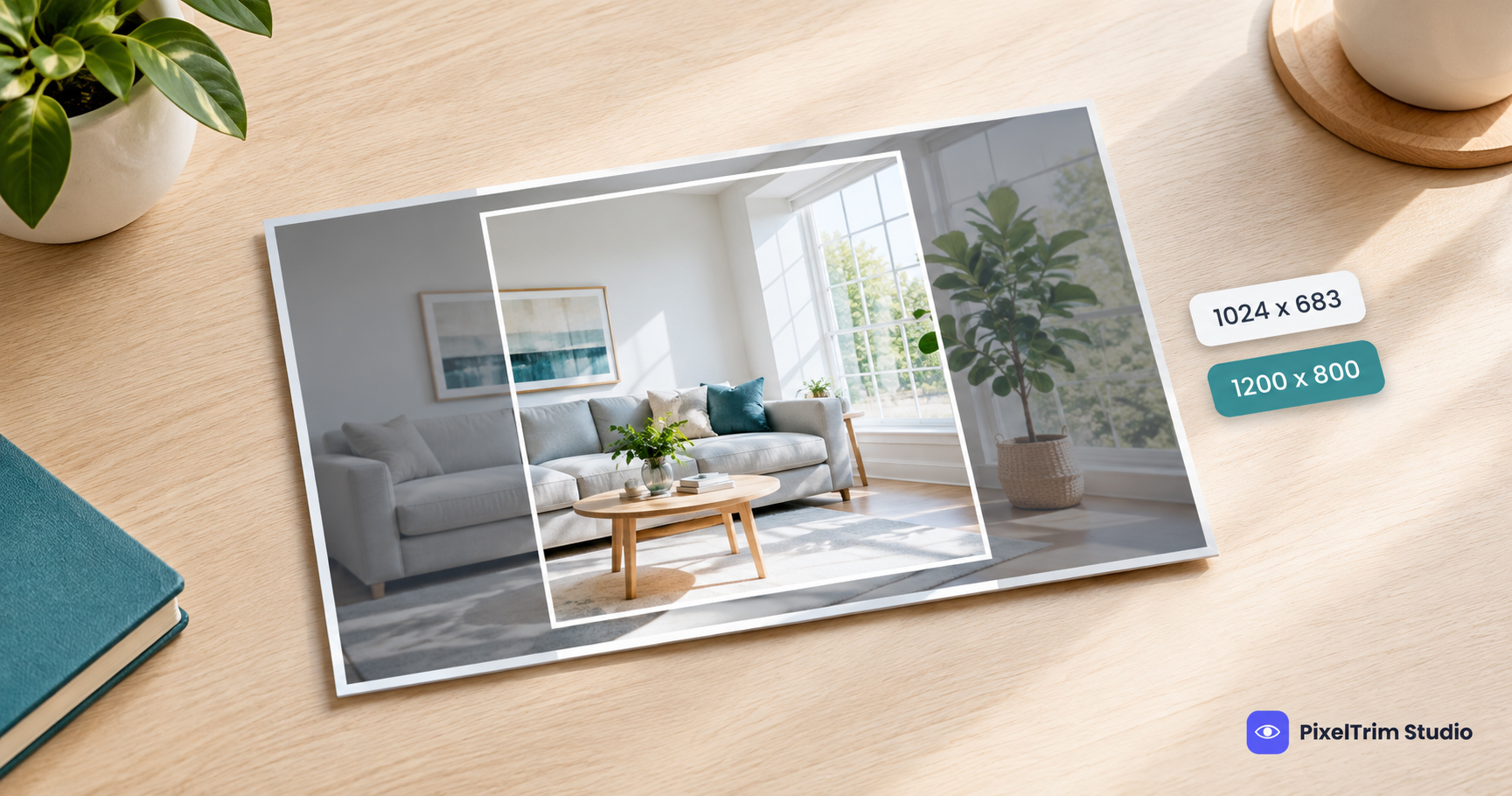
- Center the subject. Booking.com says to put the bed, window view or amenity in the middle of the frame, and leave space around it rather than shooting too close.
- You can crop on the platform. Booking.com lets you crop uploaded photos to re-center the subject.
- The Extranet gallery is pre-cropped. The help article warns that the image you see in your gallery is already cropped, so check the full frame before you judge it.
- Shoot from a sensible height. The article suggests 3 to 5 feet, from the corner of the room, to add depth.
One Master Spec for Booking.com (and Airbnb and Vrbo)
- Export JPEG, horizontal, at 4000 x 3000 px. That clears Booking.com's 2048 x 1080 px minimum and its 4000 x 3000 px preferred size, plus the 2048 x 1536 px figure NextPax quotes.
- Crop a 3:2 copy for Airbnb. The pixel sizes also clear the minimums in our Airbnb photo requirements guide and our Vrbo photo requirements guide, but Airbnb favours 3:2, so crop that version separately.
- Shoot at least 10 photos, with at least 4 for every room or unit and a bathroom photo.
- Keep the key detail in the center of the frame, with air around it, so a crop does not cut it.
- Leave out filters, collages, watermarks and heavy HDR. Shoot straight, with the lamps on and the curtains open.
- Keep an unedited original of every photo.
Fixing Booking.com Photos That Fail or Fall Flat
Most weak listing photos come down to two problems: the wrong size or file type, and bad light. Both are cheap to fix before you upload.
- Wrong size, format or file weight: our image conversion service resizes and reformats a batch to spec from $0.19 per image, or $0.39 when a color mode or DPI change is also needed.
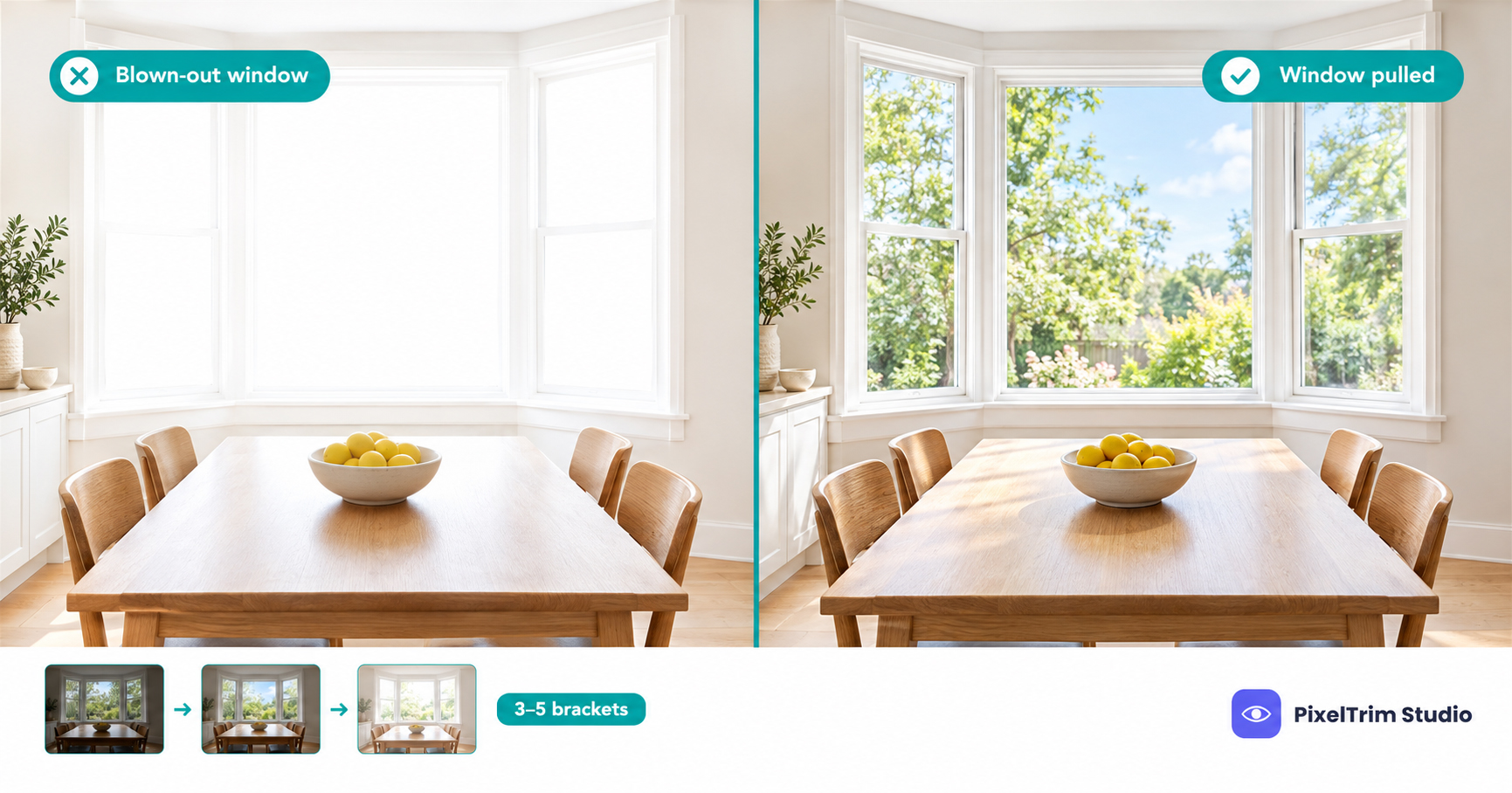
- Dark rooms, blown-out windows or a grey sky: our real estate photo editing service runs Basic HDR at $1.49 per image, Enhanced at $2.49 with sky replacement and window pull, and Virtual Twilight at $4.99. For what a window pull does, see our window pull guide. For HDR, sky and twilight edits, see our HDR, sky replacement and virtual twilight guide.
Booking.com asks you to avoid excessive HDR and over-processing, so ask for a natural blend: a bright room, a visible window view, and no halos around frames or heavy contrast.
As a worked example, a 20-photo gallery with Basic HDR is 20 x $1.49, so $29.80. Adding a resize and reformat pass on the same 20 files is 20 x $0.19, so $3.80, for $33.60 in total.
Edit the light, never the property. Booking.com says travelers want a clear and realistic representation of a property. Our recommendation: fix exposure, windows, color and perspective, and leave out anything that changes what a guest will find, such as removing a stain, a fixture or a view.
Not sure your current listing photos would pass? Send 1-2 sample images and we will edit them to spec, free.
FAQ
What size should Booking.com photos be?
Booking.com Partner Help says at least 2048 x 1080 pixels, and preferably 4000 x 3000 pixels, in landscape orientation. Export a horizontal JPEG at 4000 x 3000 px and you clear both figures, plus the 2048 x 1536 px that a channel manager quotes.
How many photos does a Booking.com listing need?
The help article says to take at least 10 photos, with at least 4 photos of each room or unit and at least 1 of the bathroom and toilet. A condo hotel should have at least 24 photos covering every unit type.
Is there a Booking.com photo file size limit?
The host help article we opened lists no file size cap. Booking.com's developer docs for its photo upload API list a 50 MB maximum and a 300 x 300 px minimum, but those are upload-system limits for software partners, not the quality bar for your listing.
Can I upload vertical photos to Booking.com?
Booking.com says to shoot landscape (horizontal) images only, because they look best on its platform. Keep portrait photos for other channels and shoot a horizontal version for Booking.com.
What kind of photos should I avoid on Booking.com?
Booking.com says it is best to avoid grainy or pixelated, blurry or tilt-shift, over-processed, filtered or heavily HDR photos, along with collages, watermarks, skewed or distorted frames, black-and-white photos and fisheye shots. It also says to keep road signs, parked cars and recognizable people out of the frame.
Tags
Ready to get your images edited?
Upload 2 photos for a free trial edit — returned in under 24 hours.
Start free trial →