Search for Shopify product image sizes and you get a pile of answers: 2048 px, 4472 px, 5000 px, 20 megapixels or 25 megapixels, plus file targets of 3 MB, 500 KB or 20 MB. They are not all wrong, but they do not all come from Shopify. This guide labels every Shopify product image number by its source, so you can tell a Shopify rule from a theme habit or a blogger's default.
Quick Answer: What Shopify Product Images Need
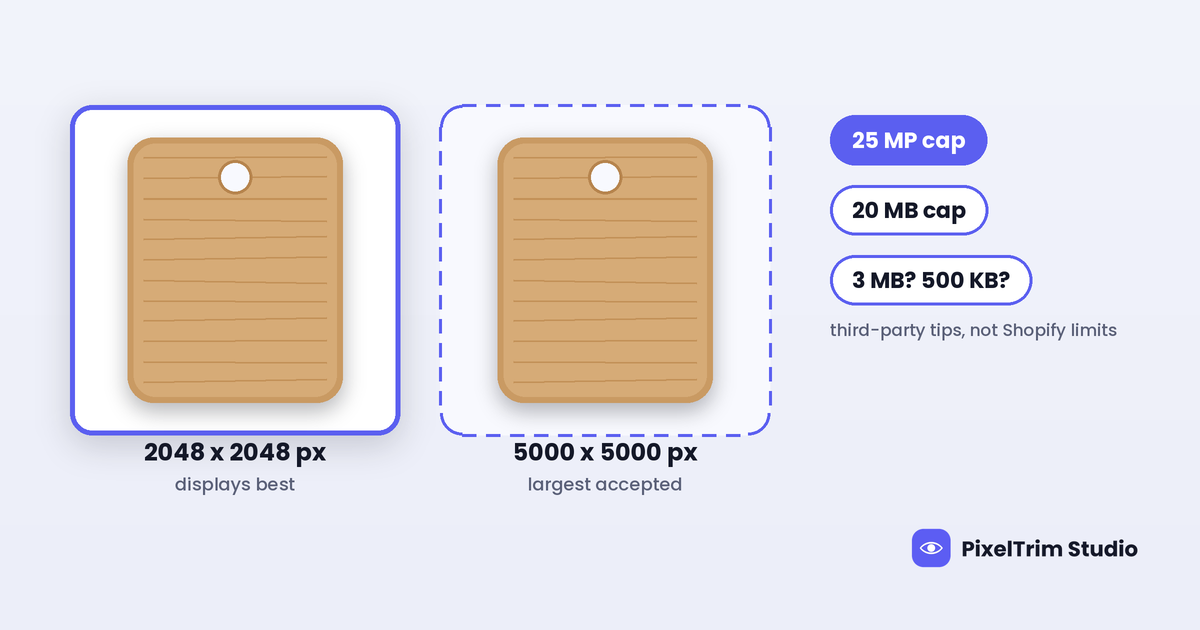
- Size ceiling: up to 5000 x 5000 px, or 25 megapixels, for product and collection images (Shopify Help Center)
- File size: under 20 MB per image (Shopify Help Center)
- Best-looking size: 2048 x 2048 px usually displays best for square product images (Shopify Help Center, advice and not a limit)
- Aspect ratio: between 100:1 and 1:100 is accepted, and one consistent ratio is advised for featured images (Shopify Help Center)
- Formats: JPEG, PNG, WEBP, HEIC and GIF on the Files page, while the product media page calls PNG best, then JPEG (Shopify Help Center)
- Zoom minimum, 3 MB and 500 KB: not stated on the Shopify pages we read, so they are third-party numbers
Which Number Comes From Where
Shopify spreads its image rules across two Help Center articles: one on product media types and one on uploading and managing files. Both give the same size and file caps, but they differ on formats. Here is how the numbers line up.
| Number | What it is | Source type |
|---|---|---|
| 5000 x 5000 px | Largest size for product and collection images | Shopify Help Center (official) |
| 25 MP | Resolution cap for images | Shopify Help Center (official, both articles) |
| 20 MB | File size limit for images | Shopify Help Center (official, both articles) |
| 100:1 to 1:100 | Accepted aspect ratio range | Shopify Help Center (official, Files page) |
| 2048 x 2048 px | Size that usually displays best for square product images | Shopify Help Center (official advice) |
| 4472 x 4472 px, 20 MP | Maximum size repeated in many guides | Third-party guides and theme help pages |
| 800 x 800 px | Minimum for zoom | Third-party guides |
| 3 MB | "Recommended" or "maximum" file size | Third-party guides |
| 500 KB | File size target for fast pages | Third-party guides |
| 1024 x 1024 px | Collection image size | Third-party guides |
Where the Numbers Disagree (and What to Do)
5000 px and 25 MP vs 4472 px and 20 MP
This is the number most guides get wrong. The Shopify Help Center pages we read give 5000 x 5000 px, or 25 megapixels, and the Files page lists a resolution cap of 25 MP. Many guides and theme help pages still say 4472 x 4472 px, or 20 megapixels. That figure is the 20 MP version of a square (4472 x 4472 is about 20 million pixels), so it looks like an older limit that keeps getting copied. That is our reading, not a Shopify statement, but the current pages are the ones to trust.
One gap is worth knowing. The Files page lists only the 25 MP cap and no limit per side. The product media page words it as 5000 x 5000 px, or 25 MP. A 6000 x 4000 px camera file is 24 MP, under the megapixel cap but wider than 5000 px, and the pages we read do not say which limit wins. Our suggestion, not a Shopify rule: resize to 5000 px on the long edge or less before you upload, so you never have to find out.
2048 px vs 5000 px
These answer different questions. 5000 px is the most Shopify will take. 2048 x 2048 px is what Shopify says usually displays best for square product images. Shopify also creates smaller versions of every upload automatically for different parts of your theme, so a huge original does not make the shop grid look better. It only makes the file heavier. Treat 2048 px as the target and 5000 px as the ceiling. A 2048 x 2048 px square is about 4.2 megapixels, far below the 25 MP cap.
20 MB vs 3 MB and 500 KB
These are not rivals. 20 MB is the most Shopify will accept for an image. Third-party guides cite 3 MB as a "limit" and 500 KB as a target. Neither figure appears on the Shopify pages we read, so read them as speed advice. A clean product shot on a plain background compresses well, so a few hundred KB is realistic for catalog photos, and staying under 20 MB keeps uploads from failing.
800 px for zoom
The 800 x 800 px zoom minimum shows up in many guides, but we did not find it on the Shopify pages we read. How zoom works depends on your theme. If zoom matters to you, upload at 2048 px and test one product on mobile and desktop before you re-export a catalog.
Square or Not? One Ratio for the Whole Store
Shopify accepts ratios from 100:1 to 1:100, so almost any shape uploads. The catch is what happens next. When product images sit side by side on a collection page, Shopify says they show at different sizes unless you use a consistent aspect ratio for all featured images. Themes can also use the Shopify CDN to request consistent sizing for images saved in different ratios.
Pick one canvas and apply it to every product. Square is the safest default (our suggestion, not a Shopify number), because it keeps the grid even and matches the 2048 x 2048 px advice. Center the product with an even margin so a theme crop never clips an edge. Mixed canvases are what make a store look unplanned, far more than any single pixel number.
Format: PNG, JPEG, WEBP and the Rest
Shopify's two articles do not give the same format list, and that is worth knowing before you batch export.
- Files page: JPEG, PNG, WEBP, HEIC and GIF (Shopify Help Center)
- Product media page: PNG is the best file type for most product images, followed by JPEG. TIFF, BMP, GIF, SVG, HEIC and WebP are also accepted, and animated GIF and WebP are supported (Shopify Help Center)
- Display: Shopify's Imagery service picks the best format your customer's browser supports and shows the image in that format (Shopify Help Center)
- Trial plans: only a shorter list of file formats is allowed, including GIF, JPEG, PNG, WebP and HEIC (Shopify Help Center)
Because the two pages disagree on TIFF, BMP and SVG, stay with JPEG or PNG and you will not hit an upload error. Our suggestion: use PNG for transparent cutouts, logos and images with text, and a clean JPEG for photos where file weight matters. Since Shopify serves the best format automatically, upload the cleanest file you have rather than a heavily compressed one. If your originals are TIFF, PSD or CMYK, convert them first. This step is our advice, not a Shopify rule.
File Names Can Break Resizing
This is the Shopify-only detail most size guides skip. According to the Files page, the Shopify CDN can read certain file name endings as an image transformation request, such as resizing. Image file names cannot end with these words: pico, icon, thumb, testing, small, compact, medium, large or grande. If you upload a file named test_medium.png, Shopify adds a suffix to the file name automatically so it does not clash.
Shopify also advises avoiding an underscore right before image dimensions, so product-image-5x4.jpeg is safer than product_image_5x4.jpeg. Keep every file name unique and descriptive, and a name cannot begin with a period. If you export hundreds of files, set the naming pattern before you start.
How Shopify Compares With Other Store Builders
Shopify's number is a ceiling, while several rivals list a minimum or an ideal width. Here is how the official figures line up.
| Platform | Size guidance | Our guide |
|---|---|---|
| Shopify | Up to 5000 x 5000 px or 25 MP, 2048 x 2048 px advised | This guide |
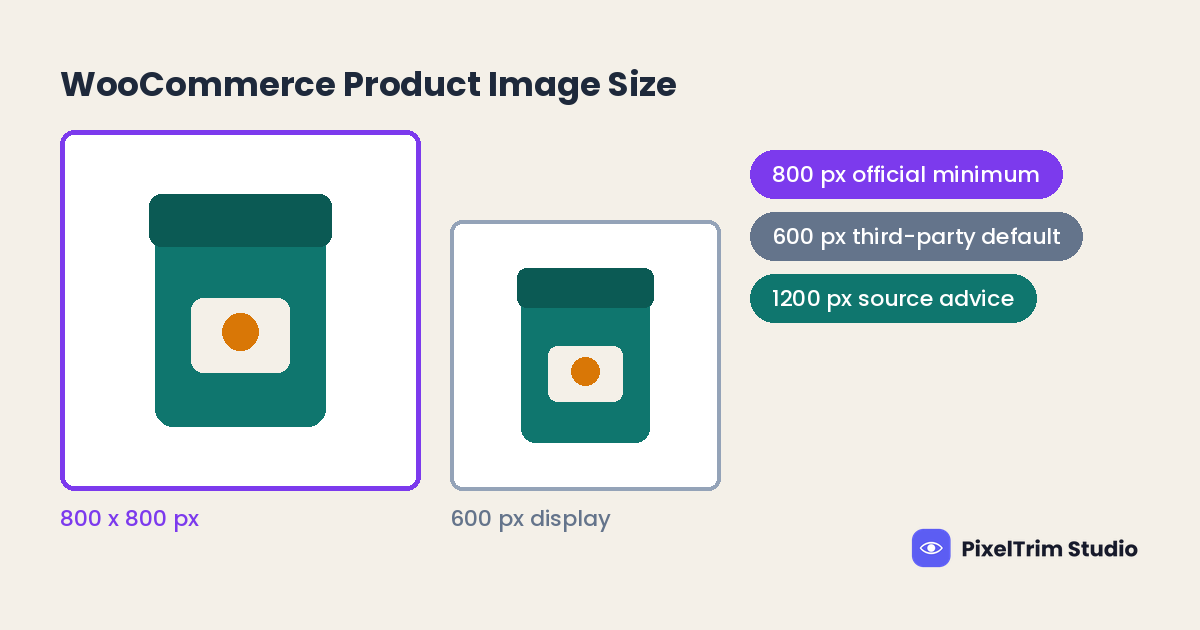
| WooCommerce | 800 x 800 px minimum upload | WooCommerce product image size |
| BigCommerce | 1280 x 1280 px recommended | BigCommerce product image requirements |
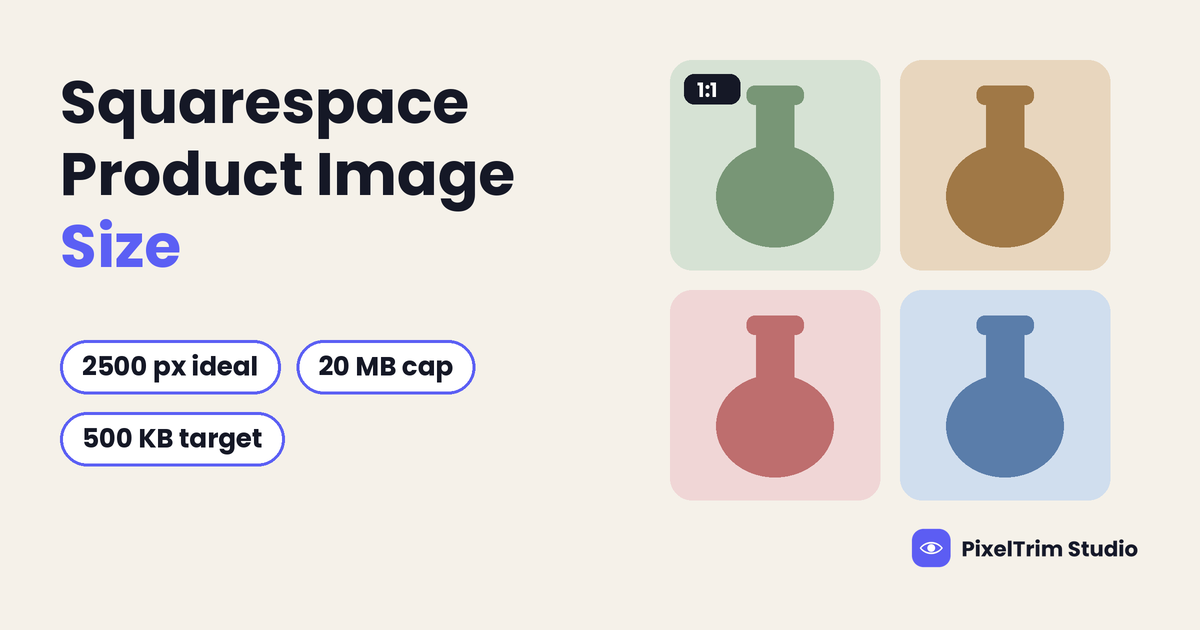
| Squarespace | 2500 px wide ideal | Squarespace product image size |
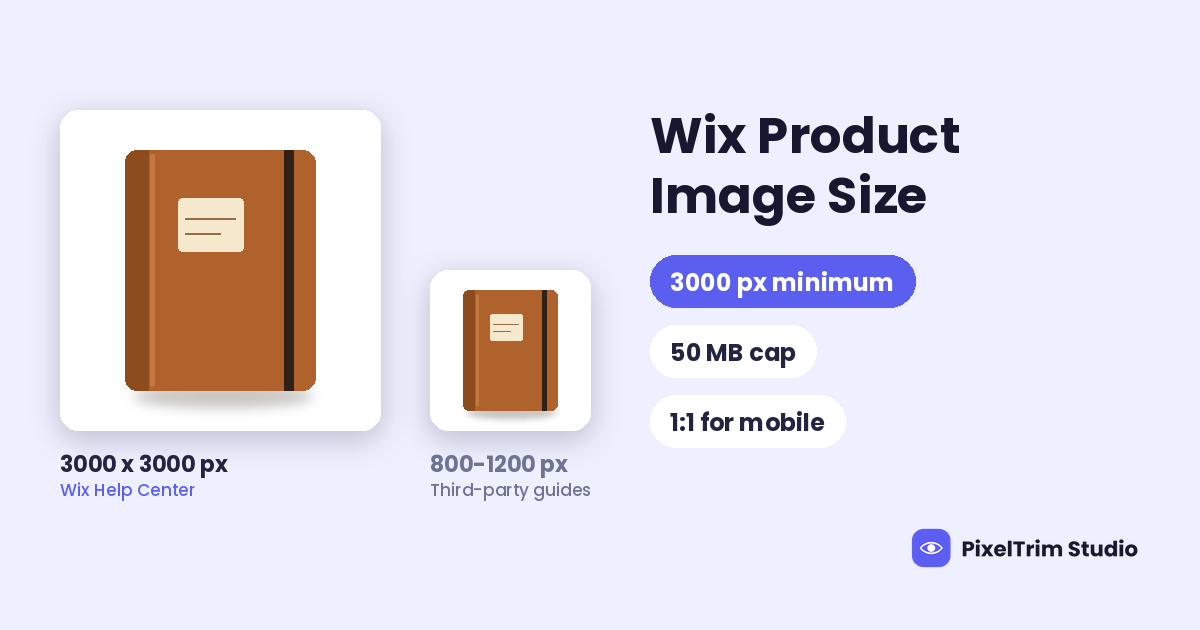
| Wix | 3000 x 3000 px minimum | Wix product image size |
If you sell on more than one platform, keep your largest original and export smaller copies for each one. That is our suggestion, not a platform rule.
Pre-Upload Checklist for Shopify
- Choose one ratio for the whole store before you export anything, and use square if you are unsure
- Export square product images at 2048 x 2048 px, and keep every file under 5000 px on its long edge
- Stay well under the 20 MB limit, and compress toward a few hundred KB where the photo allows
- Use JPEG for photos and PNG for transparent cutouts or images with text
- Name files with letters, numbers and hyphens, and avoid endings like small, medium, large or thumb
- Keep file names unique, and avoid an underscore right before image dimensions
- Add alt text to each product image, describing that specific image
- Check one product and one collection page on a phone and a desktop before you upload the rest
Fixing Photos That Do Not Match the Spec
Most uneven Shopify stores share the same causes: cluttered backgrounds, mixed canvases and originals in the wrong format or size. These are editing and conversion jobs, and they are cheaper to fix in one batch than product by product.
| Job | What it fixes | Price per image |
|---|---|---|
| Clipping path (Simple) | Plain background removal, clean edges | $0.39 |
| Clipping path (Medium) | Multi-part products, color correction | $0.69 |
| Clipping path (Complex) | Intricate shapes, holes, jewelry, footwear | $0.99 |
| Image conversion (Basic) | Format change, resize to spec, rename | $0.19 |
| Image conversion (Standard) | Format and color mode, DPI change | $0.39 |
As a worked example, take a Shopify store with 50 products and 4 photos each, which is 200 images. A Simple clipping path on all of them is 200 x $0.39 = $78.00, and Basic conversion to one square canvas at 2048 px is 200 x $0.19 = $38.00. The total is $116.00, or $2.32 per product. Orders of 500+ images get a volume rate on request.
Editing cannot add detail that was never captured. If an original is far below 2048 px, a reshoot beats upscaling.
Not sure your photos would pass? Send two sample images for a free trial edit at our free trial form, returned in under 24 hours.
Frequently Asked Questions
What size should Shopify product images be?
Shopify says product and collection images can be any size up to 5000 x 5000 px, or 25 megapixels, and that 2048 x 2048 px usually displays best for square product images. The 2048 px figure is advice, not a requirement.
What is the maximum Shopify product image size?
The Shopify Help Center pages we read give 5000 x 5000 px, or 25 megapixels, with a file size under 20 MB. Many guides and theme help pages still repeat 4472 x 4472 px, or 20 megapixels, which looks like an older figure.
What is the minimum Shopify product image size?
We found no minimum on the Shopify pages we read. The 800 x 800 px figure for zoom comes from third-party guides, and your theme decides how zoom behaves.
Do Shopify product images have to be square?
No. The Shopify Files page accepts aspect ratios between 100:1 and 1:100. Shopify advises one consistent aspect ratio for featured images so collection pages look even, and square is the safest default.
Is 3 MB or 500 KB a Shopify file size limit?
No. The upload limit on the Shopify pages we read is 20 MB. The 3 MB and 500 KB figures are speed advice from third-party guides, not Shopify rules.
Which image formats does Shopify accept?
The Shopify Files page lists JPEG, PNG, WEBP, HEIC and GIF. The product media page calls PNG the best file type for most product images, followed by JPEG, and also lists TIFF, BMP and SVG. Convert anything else before you upload.
Tags
Ready to get your images edited?
Upload 2 photos for a free trial edit — returned in under 24 hours.
Start free trial →