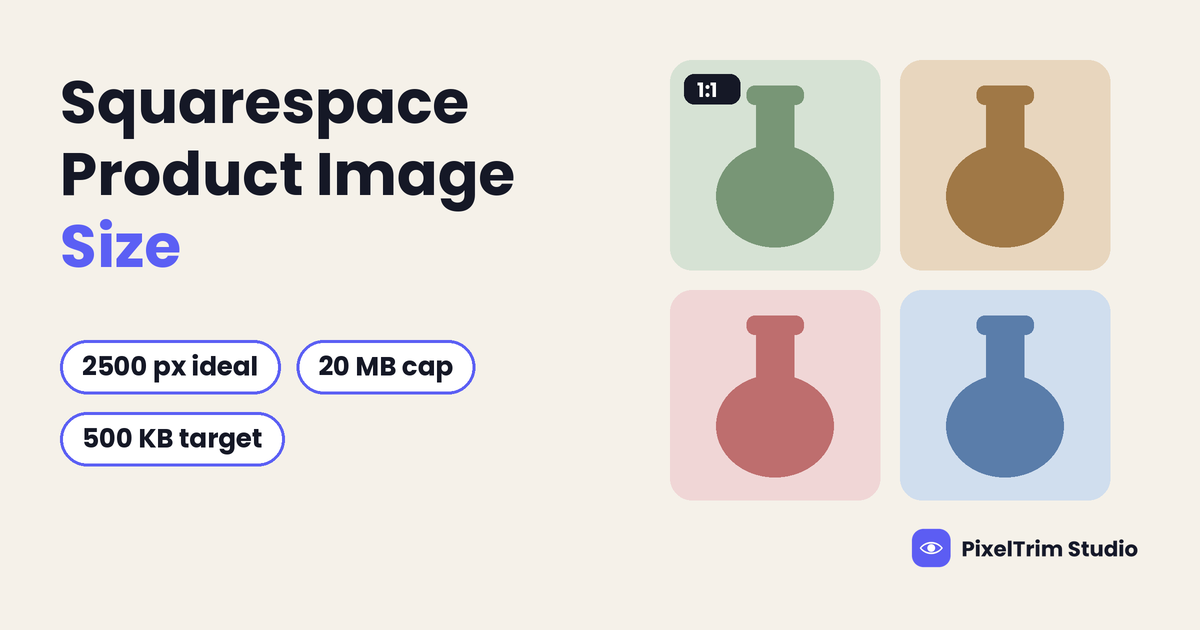
Search for Squarespace product image sizes and you get a pile of answers: 800 px, 1000 px, 1500 px, 2000 px and 2500 px, with file targets of 300 KB, 500 KB or 20 MB. The reason is simple. Squarespace publishes one size figure for images in general, but no pixel size of its own for product photos. Third-party guides fill that gap with their own numbers. This guide labels every Squarespace product image number by its source, so you can tell a platform rule from a blogger's habit.
Quick Answer: What Squarespace Product Images Need
- Width: 2500 px wide is ideal for most images, and images under 1500 px wide may look blurry (Squarespace Help Center)
- Upload cap: 20 MB per file and 120 megapixels (Squarespace Help Center)
- Speed target: 500 KB or less is recommended, not required (Squarespace Help Center)
- Formats: JPG, GIF, PNG or WebP (Squarespace Help Center)
- Per product: up to 100 images, with the page kept under 5 MB (Squarespace Help Center)
- Shape: no per-product ratio. Edit every image to the ratio you want before you upload it (Squarespace Help Center)
Which Number Comes From Where
Squarespace splits its image rules across two Help Center articles: one on formatting images for the web, and one on adding and styling product images. Neither names a pixel size for product photos. Here is how the numbers line up.
| Number | What it is | Source type |
|---|---|---|
| 2500 px wide | Ideal width for most images | Squarespace Help Center (official) |
| Under 1500 px | Images may look blurry | Squarespace Help Center (official) |
| 20 MB | File size limit per image | Squarespace Help Center (official) |
| 120 MP | Resolution limit | Squarespace Help Center (official) |
| 500 KB or less | Recommended file size for fast loading | Squarespace Help Center (official recommendation) |
| 100 images | Maximum images per product | Squarespace Help Center (official) |
| Under 5 MB | Suggested total page size | Squarespace Help Center (official) |
| 800, 1000, 1500, 2000 px | "Product image size" tips | Third-party guides |
| 300 KB | Product file target | Third-party guides |
Squarespace also says you do not need exact dimensions, because it creates up to seven versions of each upload (100, 300, 500, 750, 1000, 1500 and 2500 px wide) and serves the one that suits the visitor's screen.
Where the Numbers Disagree (and What to Do)
2500 px vs 1500 px vs 2000 px
Squarespace calls 2500 px wide ideal because that width gives you access to every resized version it creates. It also says you can upload a narrower image to cap the quality visitors can download, but under 1500 px wide may look blurry. The 1500 px and 2000 px figures in third-party guides are product-specific habits, not Squarespace rules. A 2500 x 2500 px square is 6.25 megapixels, far below the 120 MP limit, so size is never the blocker. File weight is.
20 MB vs 500 KB
These are not rivals. 20 MB is the most Squarespace will accept. 500 KB is the speed goal it recommends. A clean product shot on a plain background compresses well, so a 500 KB target is realistic for most catalog photos. Staying under 20 MB keeps uploads from failing, and compressing toward 500 KB keeps pages quick.
800 px and 1000 px
These appear as "minimum" sizes in third-party guides. They sit well below Squarespace's own 1500 px warning, so treat them as a floor you should not aim for. A product photo that is 800 px wide can look soft on a desktop screen.
BigCommerce shows the same pattern: an official upload cap, a separate speed target, and third-party sizes in between. Our BigCommerce product image requirements guide labels each number the same way.
Square or Not? One Ratio for the Whole Store
This is the rule that hurts most stores. In Squarespace, product image style changes apply to all products in the store, and you cannot set them for a single product. On Advanced store pages the Aspect Ratio setting in the Products: Layout section crops images to fit the shape you choose. So a tall product shot, a wide one and a square one will not all survive the same crop.
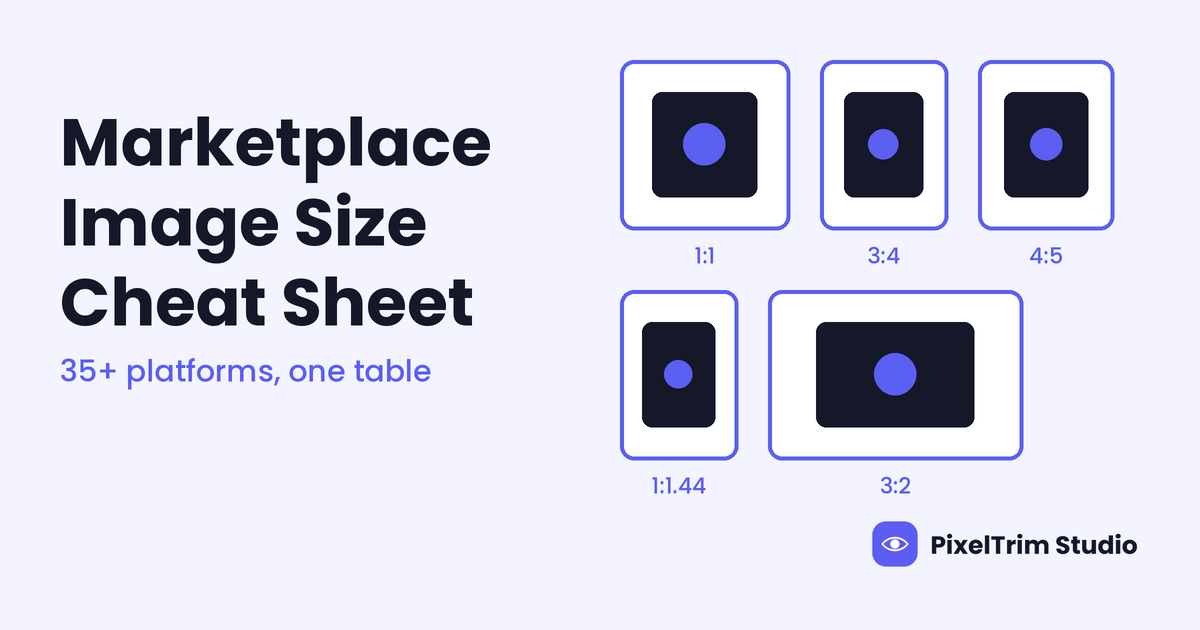
Pick one canvas and apply it to every SKU. Square is the safest default (our suggestion, not a Squarespace number), because it keeps the product grid even. Center the product with an even margin and keep the ratio identical across the catalog. Our marketplace image size cheat sheet shows how square, portrait and landscape rules differ across 35+ platforms, which helps if you also sell outside your own store.
How Many Product Images Can You Afford?
Squarespace allows up to 100 images per product but warns that too many images can slow the page, and it suggests keeping a page under 5 MB. Put those two official numbers together and the real limit is much lower than 100.
| Average file size | Images that fit in a 5 MB page (rough) |
|---|---|
| 500 KB | About 10 |
| 300 KB | About 16 |
| 1 MB | About 5 |
This is our arithmetic from the official 5 MB and 500 KB figures, and it ignores the rest of the page, so treat it as a ceiling. For most products, 5 to 10 well-chosen photos beat a long gallery.
Format: JPG, PNG, GIF and WebP
- JPG: best balance of quality and file size for product photos
- PNG: use for transparent cutouts, logos and any image with text, because text in a JPG often blurs
- GIF: simple animation, but large files
- WebP: supported as a static image. Animated WebP is not supported
By default Squarespace converts uploaded images to WebP for display, and the original stays in your asset library. You can switch this off in Image Settings. Files must be RGB with an sRGB profile, because CMYK may not display correctly. DPI does not affect web display. File names should use only letters, numbers, underscores and hyphens. PDF, PSD and DOC files cannot be used as images, so TIFF and PSD originals need converting first. Our image conversion explainer covers format, color mode and DPI in plain terms.
Pre-Upload Checklist for Squarespace
- Choose one ratio for the whole store before you export anything
- Export at 2500 px wide, and never below 1500 px wide
- Use JPG for photos and PNG for transparent cutouts or images with text
- Save in RGB with an sRGB profile, under 500 KB where you can and always under 20 MB
- Name files with letters, numbers and hyphens, such as blue-ceramic-vase-front.jpg
- Add alt text of up to 200 characters to each product image, describing that specific image
- Keep the original files on your computer, because you cannot edit a file after it is uploaded
Fixing Photos That Do Not Match the Spec
Most uneven Squarespace stores have the same causes: cluttered backgrounds, mixed canvases and oversized originals. These are editing and conversion jobs, and they are cheaper to fix in one batch than product by product.
| Job | What it fixes | Price per image |
|---|---|---|
| Clipping path (Simple) | Plain background removal, clean edges | $0.39 |
| Clipping path (Medium) | Multi-part products, color correction | $0.69 |
| Clipping path (Complex) | Intricate shapes, holes, jewelry, footwear | $0.99 |
| Image conversion (Basic) | Format change, resize to spec, rename | $0.19 |
| Image conversion (Standard) | Format and color mode, DPI change | $0.39 |
As a worked example, take a store with 40 products and 5 photos each, which is 200 images. A Simple clipping path on all of them is 200 x $0.39 = $78.00, and Basic conversion to one square canvas at 2500 px is 200 x $0.19 = $38.00. The total is $116.00, or $2.90 per product. Orders of 500+ images get a volume rate on request.
The same consistency principle applies on other store platforms. Our Shopify product photo editing guide explains why a uniform catalog matters more on your own store than on a marketplace.
Not sure your photos would pass? Send two sample images for a free trial edit at our free trial form, returned in under 24 hours.
Frequently Asked Questions
What size should Squarespace product images be?
Squarespace gives no pixel size just for product photos. Its general guidance is that 2500 px wide is ideal and that images under 1500 px wide may look blurry. Use the same ratio for every product.
What is the maximum file size for Squarespace images?
20 MB per file and 120 megapixels. Squarespace recommends 500 KB or less so pages load quickly.
Is 500 KB a Squarespace requirement?
No. 500 KB is a recommendation for fast loading. The upload limit is 20 MB.
How many images can a Squarespace product have?
Up to 100. Squarespace suggests keeping the page under 5 MB, so most products are better with 5 to 10 photos.
Does Squarespace support WebP?
Yes, for static images. Animated WebP is not supported, and Squarespace converts uploads to WebP for display by default.
Do all Squarespace product images need the same ratio?
Product image style settings apply to every product and cannot be set per product, so a single ratio gives the cleanest grid. Edit images to that ratio before you upload them.
Tags
Ready to get your images edited?
Upload 2 photos for a free trial edit — returned in under 24 hours.
Start free trial →