Upload the wrong file type to Amazon and it gets rejected. Send a web JPG to a print vendor and the colors shift the moment it's on paper. Most of these problems aren't editing problems — they're image conversion problems: the wrong format, color mode, or resolution for where the file is going.
This guide explains what image conversion actually covers, the formats you'll run into most, and when you need it done properly instead of just re-saving a file yourself.
What Is Image Conversion?
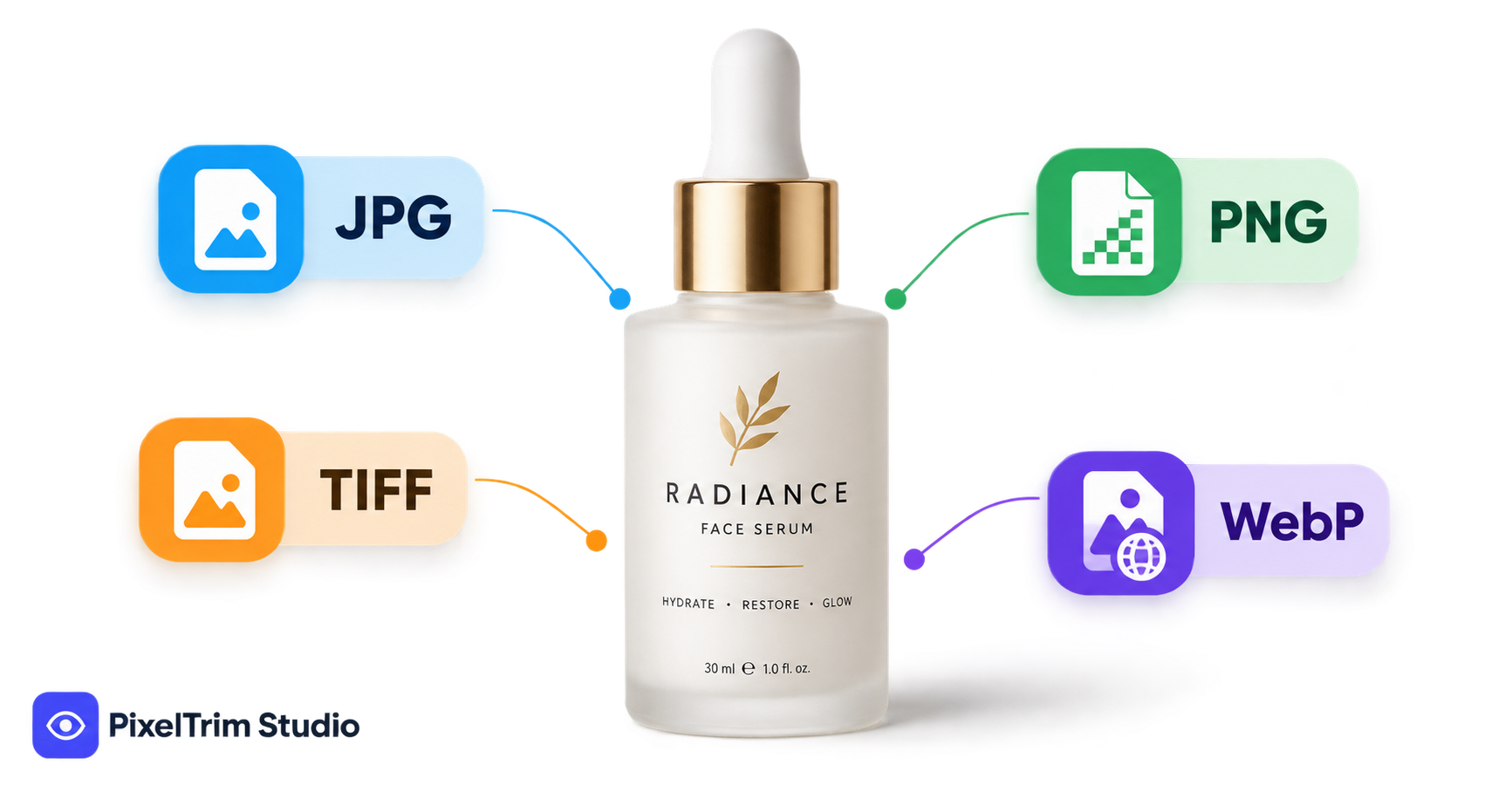
Image conversion is the process of changing an image's file format, color mode, or resolution so it matches the requirements of a specific platform — a marketplace, a print vendor, or a website. It includes format conversion (JPG, PNG, TIFF, WebP, PDF, PSD), color mode conversion (RGB to CMYK for print or CMYK to sRGB for web), resolution changes (72dpi for screens vs 300dpi for print), and batch file-size optimization without losing quality.
It's not a creative edit — the image itself doesn't change. What changes is the file so it opens, prints, or uploads correctly wherever it's headed.
Common Image File Formats Explained
| Format | Best For | Transparency |
|---|---|---|
| JPG | Web, marketplace listings, smaller file size | No |
| PNG | Transparent backgrounds, logos, product cutouts | Yes |
| TIFF | Print, archival quality, no compression loss | Yes (layered) |
| WebP | Fast-loading web images, modern browsers | Yes |
| PSD | Editable layered files for further editing | Yes (layered) |
| Print-ready delivery, catalogs, spec sheets | No |
If your product photo needs a transparent cutout background rather than a format change, that's usually a job for clipping path or, for hair and fine detail, image masking — conversion assumes the image is already edited and just needs the right file wrapper.
Color Mode: RGB vs CMYK
RGB (red, green, blue) is how screens display color — it's what every web image, marketplace listing, and social post should be in. CMYK (cyan, magenta, yellow, black) is the color model printers use. Sending an RGB file straight to print without conversion is the single most common reason printed colors look duller or shifted from what you saw on screen.
A proper conversion doesn't just relabel the file — it remaps the colors to stay as close as possible to the original within CMYK's smaller color range, and embeds the correct color profile so printers read it consistently.
Resolution and DPI: Web vs Print
72dpi is the standard for web and marketplace images — anything higher just slows page load with no visible benefit on screen. 300dpi is the minimum most print vendors require, since low-res images print blurry or pixelated at full size. Converting between the two isn't just changing a number in the file — resizing without the right resampling method can soften detail, so it's worth having it done properly rather than resaved in a hurry.
When You Actually Need Image Conversion
- A marketplace like Amazon or Etsy requires an exact pixel dimension or file format your camera/export doesn't produce
- A print vendor or packaging printer needs CMYK, 300dpi files and you only have web RGB versions
- Your website is loading slowly because product images are still full-size TIFFs or PSDs instead of optimized WebP/JPG
- You're switching marketplaces and each one has different format or transparency requirements
- You have layered PSD files from a photographer and need flat, delivery-ready JPGs or PNGs for your store
Image Conversion vs Other Editing Services
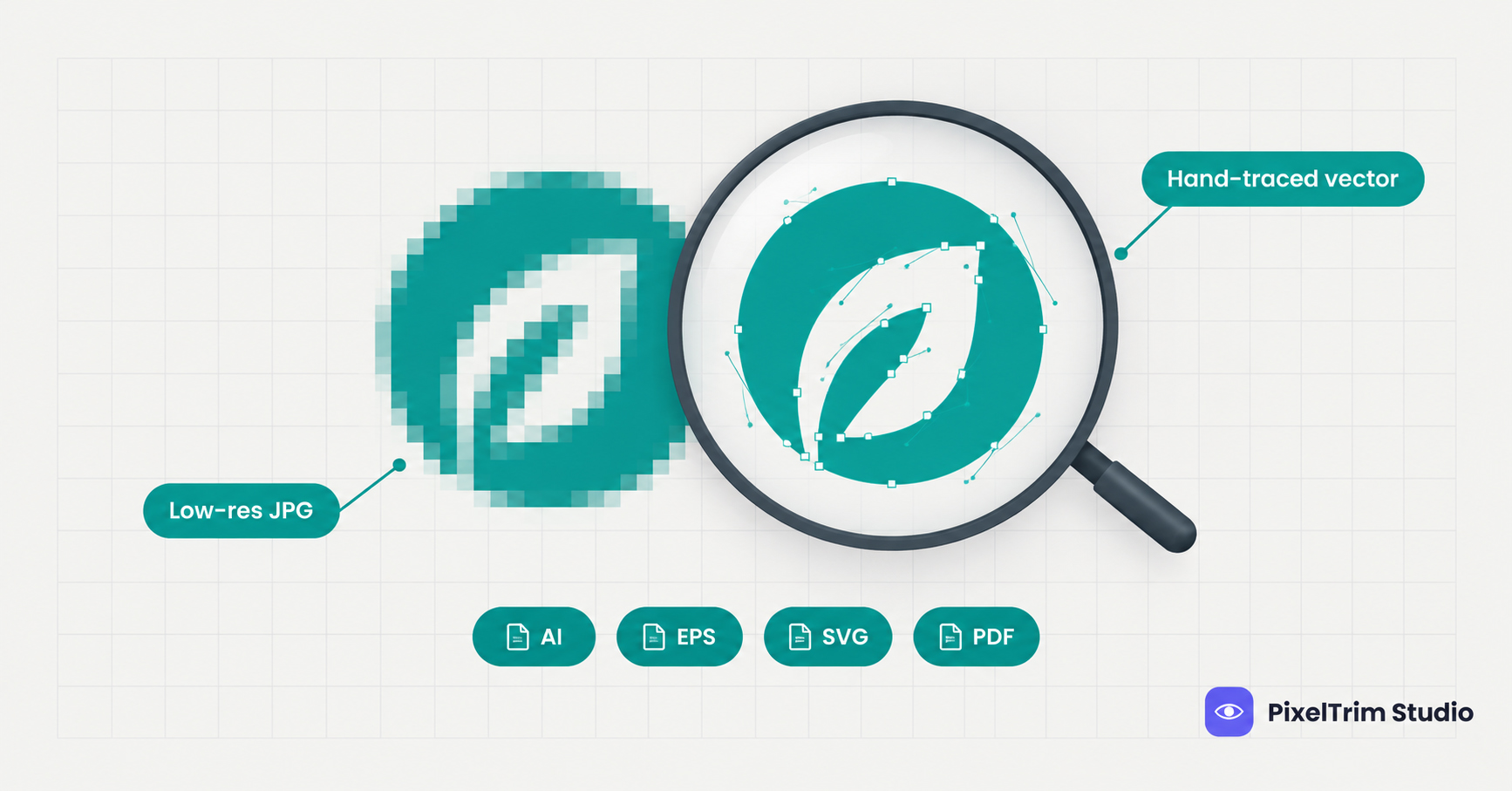
It's easy to lump conversion in with editing, but they solve different problems. Clipping path and image masking remove or isolate backgrounds. Vector tracing turns a raster image into a scalable vector file (a different kind of format change, built for logos and print artwork rather than photos). Image manipulation combines or alters image content entirely — compositing, adding, or removing elements. Image conversion assumes none of that editing is needed — it's purely about the file's format, color mode, and resolution matching where it's going.
What Does Image Conversion Cost?
Conversion is priced lower than cutout or retouching work since there's no creative editing involved — basic format and resize conversion typically runs a few cents per image, with color-mode and DPI conversion (RGB↔CMYK, profile embedding) priced slightly higher. For how this compares against clipping path, masking, and retouching pricing, see our Product Photo Editing Pricing Guide.
How to Choose a Provider
- Confirm they can match an exact spec sheet — marketplace or printer requirements, not just "standard" sizing
- Ask whether ICC color profiles are embedded on CMYK/print conversions, not just color-mode switched
- Check they handle your specific formats — not every provider works with layered PSD or TIFF batches
- Get a small batch tested first if you're converting thousands of files at once
Need images converted to exact marketplace or print specs? PixelTrim Studio handles format, color mode and DPI conversion by hand — try 2 images free, no commitment.
See our Image Conversion service →FAQ
What is image conversion in photo editing?
Image conversion is changing a photo's file format, color mode, or resolution — for example JPG to PNG, RGB to CMYK, or 72dpi to 300dpi — so it matches what a platform, printer, or website requires.
What is the difference between RGB and CMYK?
RGB is the color model screens use for web and marketplace images. CMYK is what printers use. Converting RGB to CMYK properly remaps colors and embeds a print color profile so printed output matches what you see on screen as closely as possible.
What DPI do I need for print vs web?
Web and marketplace images only need 72dpi — higher just increases file size with no visible benefit. Print typically needs a minimum of 300dpi, or images will look blurry or pixelated when printed at full size.
Can PSD files be converted to JPG or PNG?
Yes — layered PSD files can be flattened and exported to JPG, PNG, TIFF, or other delivery formats while the original layered file is kept intact.
How much does image conversion cost?
Basic format and resize conversion is priced lower than editing services like clipping path or retouching since no creative work is involved. Color-mode and DPI conversion with profile embedding costs slightly more. See our Product Photo Editing Pricing Guide for a full comparison.
Tags
Ready to get your images edited?
Upload 2 photos for a free trial edit — returned in under 24 hours.
Start free trial →