Search "Alibaba.com image size" and the answers split. Alibaba's own product-information rules, as quoted by its rule centre and a partner guide, set a floor of just 350 x 350 px. Third-party guides say 800 px, 1000 px, or "max 1000 x 1000". One says the background must be transparent, others say white. Most guides repeat each other, and Alibaba's own pages on this are short and dated.
This guide separates what Alibaba-hosted pages state from what only third-party guides report, and ends with one master spec that clears every reading. We could open an Alibaba Gold Supplier photo page, which carries a 1999-2016 copyright footer, but we could not open the Alibaba rule centre page directly. The size, ratio and file-weight rule below comes from its search snippet, matched by two independent guides. Selling on the consumer site too? AliExpress is a different platform with different numbers, covered in our AliExpress image requirements guide.
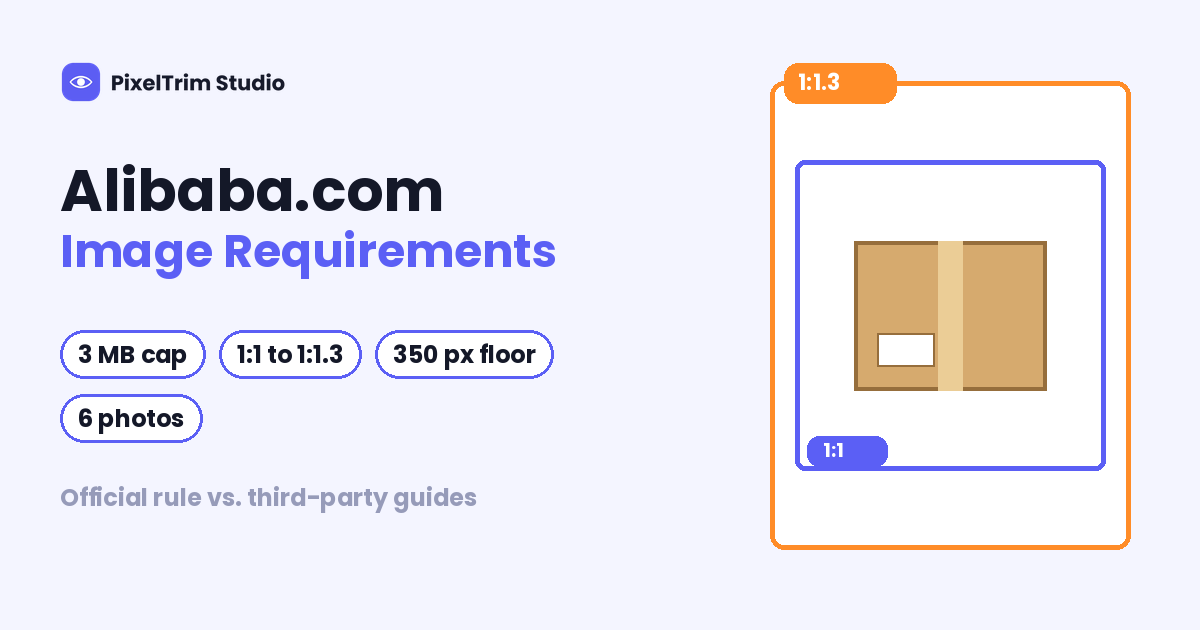
Alibaba.com Image Requirements at a Glance
| Requirement | What to follow | Where it comes from |
|---|---|---|
| Minimum size | Above 350 x 350 px; build to 1,000 px or more | The 350 px floor is from Alibaba's rule; the 1,000 px advice is from guides |
| Shape | Ratio between 1:1 and 1:1.3; square is safest | Alibaba's rule; Alibaba's photo page lists a non-square photo as a common problem |
| File size | Under 3 MB per image | Alibaba's rule and Alibaba's Gold Supplier photo page |
| Format | JPEG, GIF or PNG | Alibaba's photo page (one guide says JPG and PNG only) |
| File name | English letters or numbers | Alibaba's photo page and guides |
| Photos per product | 6 gallery photos, plus up to 15 more in the Detailed Description | Alibaba's photo page (dated) |
| Background | Clear mono-colour background; pure white is the safe pick | Alibaba's photo page says mono-colour; guides say white or plain |
| Accuracy | Every image must match the listing and show the product as it is | Alibaba's rule |
| Image ownership | Publish images created by you or your agent | Alibaba's photo page |
| Upload behaviour | Images outside the size, ratio or weight rule do not upload | Alibaba's rule |
Rules can change by category and seller plan, and guides often copy each other. Treat this table as a starting point and let your product-posting screen have the final say.
350 px Is a Floor, Not a Target
Alibaba's rule says an image must be larger than 350 x 350 px, and images outside the specification will not upload at all. That is the upload gate, not a quality standard. A 400 px photo passes the gate, then turns soft the moment a buyer zooms in. Third-party guides suggest uploading square files between 1,000 and 2,000 px, and one points out that past about 2,000 px you are spending your 3 MB budget on pixels nobody sees. Those figures are guide recommendations, not Alibaba values.
Where the Numbers Disagree
Six gaps cause most of the confusion:
- Minimum size. Alibaba's rule says above 350 px. One guide says the main image should be at least 800 px on the longest side, another recommends 1,000 x 1,000 px, and an older guide says the maximum is 1,000 x 1,000 px. Build to 1,500 px square and every reading passes.
- Square or a ratio range. The rule allows 1:1 to 1:1.3, so a slightly tall photo is legal. Alibaba's photo page still lists "photo is not square in shape" under common problems, and guides say square. Use 1:1.
- File format. Alibaba's photo page lists JPEG, GIF or PNG. One guide says JPG and PNG only and another says JPEG. Export JPEG.
- Background. Alibaba's photo page tip is a clear mono-colour background. One guide says transparent and monochrome, and others say white or plain. We found no Alibaba page that requires transparency, so do not rely on it. Pure white (RGB 255, 255, 255) is a mono-colour, and our pure white background guide shows how to check that it is truly 255, 255, 255.
- How many photos. Alibaba's photo page says 6 per product, plus up to 15 more in the Detailed Description. One guide says 4 photos in the banner, another says Gold Supplier can add 15, and a third says there is no limit. Plan 6 gallery shots and check your upload screen.
- Watermarks. Alibaba's photo page describes an optional watermark setting that stamps your Alibaba.com address on the photo, and one guide says watermarks are permitted. Keep clean masters either way, and apply a stamp only if you choose to.
One Master Spec That Clears Every Reading
You do not have to settle the argument. Shoot and edit to the strictest reading of each number and every version is covered. The sizes below are our recommendation, not Alibaba values.
- Square 1:1 at 1,500 x 1,500 px. It clears the 350 px floor, the 800 px and 1,000 px guide figures, and stays well below the 2,000 px point where extra pixels stop helping.
- Export a JPEG in sRGB under 2 MB. That clears the 3 MB cap with room to spare, and the same file passes the stricter 2 MB reading on other marketplaces.
- Main image on pure white or one plain colour, with the product centred and fully in frame. No smearing marks, and nothing unrelated covering the product.
- Fill six gallery slots with the same square ratio: main image, two angles, a close-up, a scale or in-use shot, and packaging.
- Name files with English letters and numbers only, for example
valve-brass-01.jpg. - Show the real product. Every image must match the title and attributes of the listing, so use your own photos or your agent's.
- Test one product through the product-posting screen before you export a whole catalog.
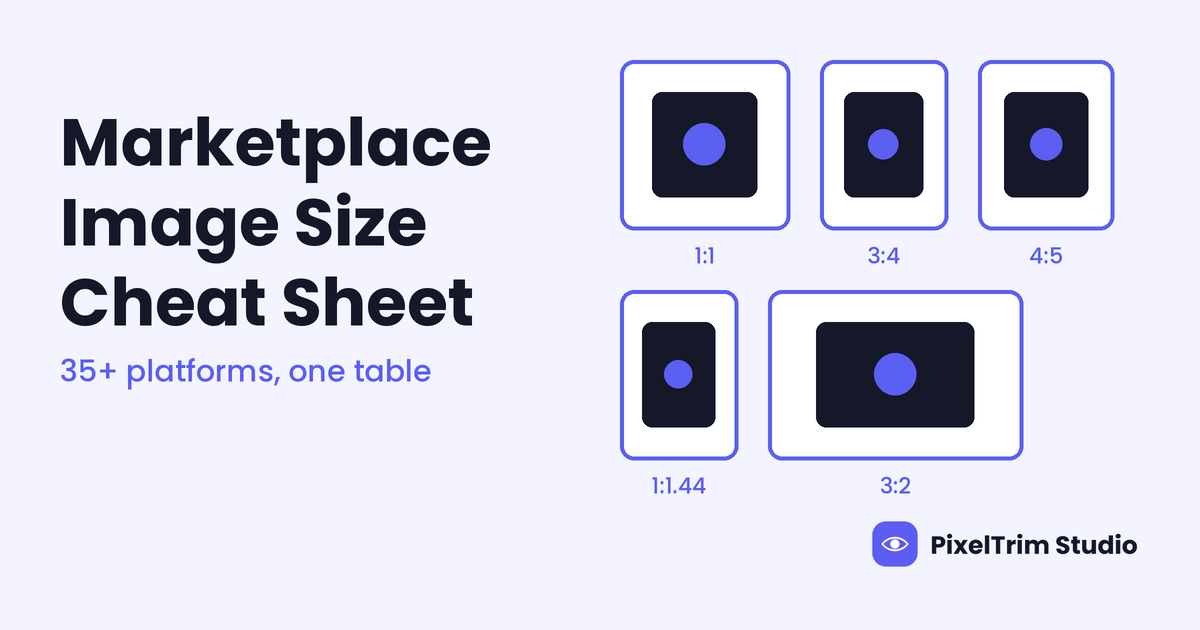
The same 1,500 px square under 2 MB also clears the guide readings in our Meesho image requirements guide, so one export can serve several marketplaces. For platforms that need portrait or landscape files, our marketplace image size cheat sheet lists the headline numbers for 35+ platforms.
Why Alibaba.com Uploads Fail
- The image will not upload. Alibaba's rule says images that miss the size, ratio or weight specification are blocked. Check all three: above 350 x 350 px, under 3 MB, and a ratio between 1:1 and 1:1.3. A wide landscape crop is the easiest one to miss.
- The listing is flagged after publishing. The rule says images must match the text information and reflect the product's actual condition. A different colour or model from the title is a mismatch.
- The product is hidden or marked. The rule also says there must be no smearing on the product or its packaging, and unrelated items must not cover it.
- The photos are not yours. Alibaba's photo page reminds sellers to publish images created by themselves or their agent. Do not reuse a competitor's or another supplier's photos.
- The photos are weak, not blocked. Alibaba's photo page compares a dull background and a blurry outline against a clear mono-colour shot, and says photos should fit the product name, keyword and description. A photo can clear the 350 px gate and still lose the buyer.
Fixing Photos That Fail Without a Reshoot
Most failed Alibaba.com photos come down to two jobs: a clean cutout on one plain background, and a correct export.
- Busy, grey or off-white background: a clipping path cuts the product out and places it on true white. Pricing is $0.39 per image for simple products, $0.69 for medium and $0.99 for complex shapes.
- Wrong ratio, oversized file or wrong format: image conversion resizes and reformats a batch to spec from $0.19 per image, or $0.39 when a colour mode or DPI change is also needed.
As a worked example, take a B2B supplier with 50 products and 6 images each, which is 300 files. A simple clipping path on the 50 main images costs 50 x $0.39 = $19.50, and resizing and exporting all 300 files at the basic conversion rate adds 300 x $0.19 = $57.00, for $76.50 in total, or $1.53 per product. Batches of 500+ images get a volume rate on request. Turnaround is 24 to 48 hours with one free revision round, and a combined quote is available for large batches.
Not sure your current Alibaba.com photos would pass? Send 2 sample images and we will edit them to spec, free.
Pre-Upload Checklist for Alibaba.com
- Square 1:1 files at 1,500 x 1,500 px, never wide landscape
- JPEG in sRGB, each file under 2 MB
- Main image on pure white or one plain colour, product centred and fully visible
- Six gallery images with angles, a close-up, a scale shot and packaging
- File names in English letters and numbers only
- Every image matches the title, colour and model of the listing
- No smearing marks, and nothing unrelated covering the product
- Clean masters saved separately from any watermarked copy
- One test product checked on the posting screen before the full batch
FAQ
What size should Alibaba.com product images be?
Alibaba's product-information rule says images must be larger than 350 x 350 px, with a ratio between 1:1 and 1:1.3 and a file size under 3 MB. Guides recommend square files between 1,000 and 2,000 px so buyers can zoom. A 1,500 x 1,500 px square JPEG under 2 MB clears every reading we found.
What is the maximum file size for Alibaba.com images?
3 MB. Both Alibaba's rule and its Gold Supplier photo page state it. Export under 2 MB to leave headroom.
Does Alibaba.com require a white background?
We found no Alibaba page that requires white. Alibaba's photo page recommends a clear mono-colour background, and guides say white or plain. One guide says transparent, but we found no Alibaba page that says so. Pure white (RGB 255, 255, 255) is a mono-colour and is the safe choice.
How many photos can I add to an Alibaba.com listing?
Alibaba's Gold Supplier photo page says 6 photos per product, plus up to 15 more in the Detailed Description. That page is dated, and some guides quote 4 photos or no limit, so check your upload screen. Plan six gallery shots.
Why does my image fail to upload on Alibaba.com?
Alibaba's rule says images that do not meet the size, ratio or weight specification will not upload. Check all three: above 350 x 350 px, under 3 MB, and a ratio between 1:1 and 1:1.3. A wide landscape crop is the easiest one to miss.
Are Alibaba.com and AliExpress image requirements the same?
No. Alibaba.com is the B2B platform and AliExpress is the consumer marketplace. Alibaba's rule states a 350 px floor and a 3 MB cap, while AliExpress guides quote 800 px and 5 MB. Check each platform on its own.
Tags
Ready to get your images edited?
Upload 2 photos for a free trial edit — returned in under 24 hours.
Start free trial →