Search "Zillow photo size" and you get 330 x 220 px, 415 x 330 px, 1024 x 768 px and 1536 x 1152 px, plus file caps of 5 MB, 10 MB, 25 MB and 50 MB. They are not all wrong. They describe different routes onto Zillow: a direct feed, an MLS feed, Zillow help text and older blog copy. This guide labels every number by where it comes from, so you know which one applies to your upload.
Zillow Photo Requirements at a Glance
| Requirement | What to follow | Where it comes from |
|---|---|---|
| Minimum size | 330 x 220 px; smaller photos may not display | Zillow Group Image Feed page; an MLS help article repeats it |
| Suggested size | 1536 x 1152 px (4:3) for best quality | Zillow help text, seen through a third-party FAQ mirror |
| File format | JPG, GIF, PNG or TIF on Zillow; many MLS boards take JPEG only | Zillow help text via mirror; MLS rules vary by board |
| File size | Under 50 MB, 10 MB suggested; 5 MB per photo in the Image Feed | Zillow help text via mirror; Zillow Group Image Feed page |
| Watermarks and branding | None on photos sent through the Image Feed | Zillow Group Image Feed page |
| Photo count | No limit in the Image Feed; MLS feeds follow the board's own cap | Zillow Group Image Feed page; MLS rules |
| Other quoted figures | 415 x 330 px minimum; 1024 x 768 px minimum, 2048 x 1536 px preferred, 25 MB | Third-party guides, they disagree |
We could not open Zillow's own help page, so the help-text figures above come from a third-party mirror. Use this table as a starting point and let the live upload screen have the final say.
Which Route Your Photos Take Onto Zillow
The rule that applies depends on how the photos arrive.
- MLS feed. Many for-sale listings reach Zillow through an MLS feed. Zillow's help text says feed photos must be updated at the feed source, not on Zillow, and an MLS help article says Zillow picks up new files on its next refresh. Your board's MLS photo rules come first.
- Direct upload on Zillow. Zillow's help text lists the formats and the 50 MB cap, and says a "wrong size" error means the photo must be resized before uploading again.
- Direct-to-Zillow Image Feed. Photographers, agents and brokers can send photos straight to Zillow Group. It covers for-sale listings that already come through an MLS feed, not rentals, and Zillow Group says a new feed takes at least 4 to 6 weeks to go live. Photos sent this way replace those from other feed sources.
Why Every Guide Gives Different Numbers
Three things cause the gaps. Each MLS sets its own limits, and Zillow only displays what the feed passes along. Older numbers keep being copied into new posts after policies change. And some guides describe a minimum that still displays while others describe what looks good. You do not have to settle the argument. Shoot and export to the strictest version of every number and all of them are covered.
One Master Spec That Clears Every Version
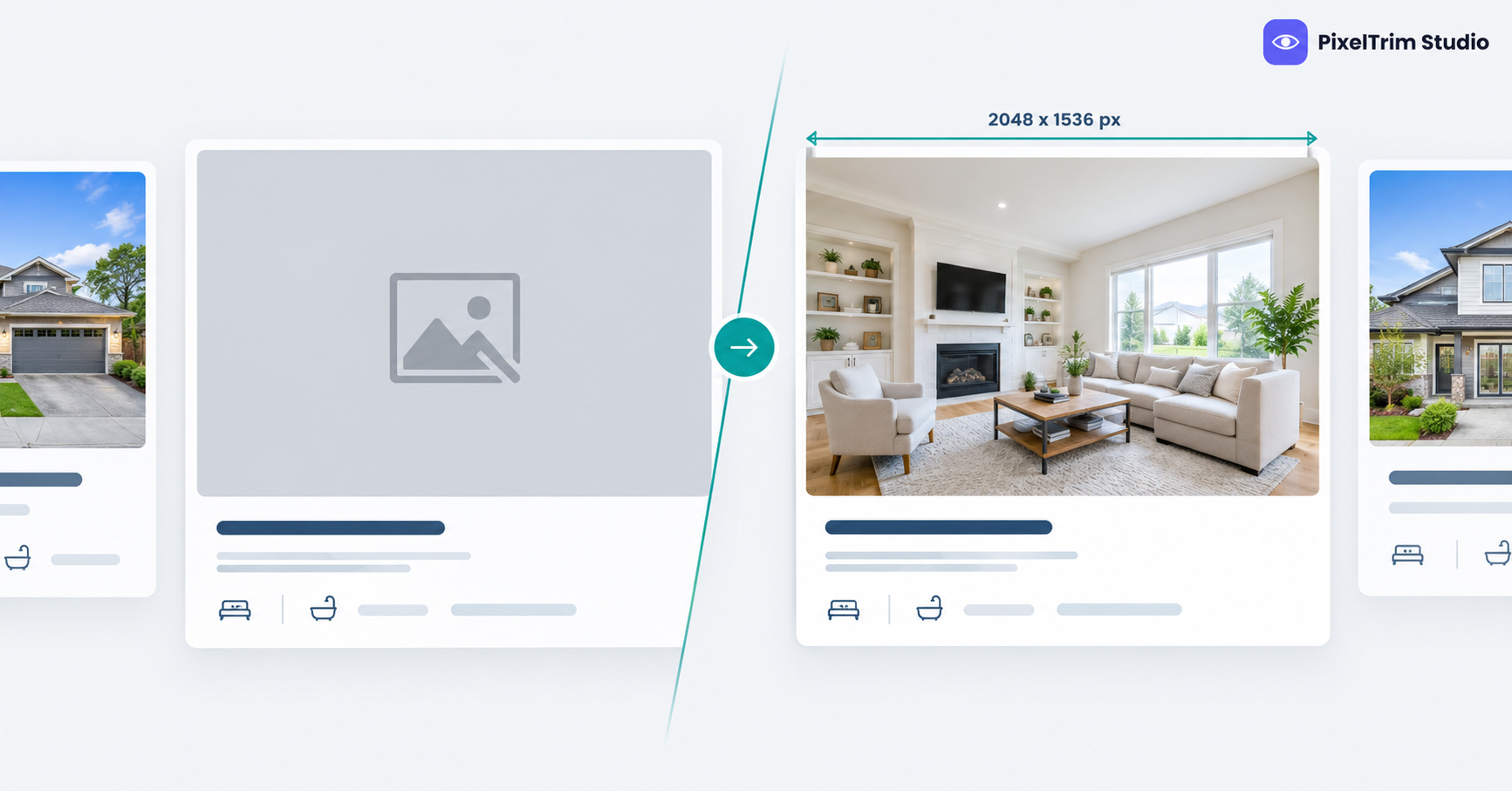
- Export JPEG, horizontal, 4:3, at 2048 x 1536 px. That clears every minimum quoted above and matches the highest preferred size we found.
- Keep each file under 5 MB. That is the tightest cap quoted. If your board sets a lower limit, follow the board.
- No watermark, logo or contact text burned into the image.
- Put the front exterior first. Check your board for its own rule on the primary photo.
- Keep an unedited original of every photo in case a board or brokerage asks for it.
Fixing Zillow Photos That Will Not Show
Missing photos usually come down to size, format or file weight, and the fix is to re-export and upload the corrected file at the source of the feed.
- Wrong size, format or weight: our image conversion service resizes and reformats a batch to spec from $0.19 per image, or $0.39 when a colour mode or DPI change is also needed.
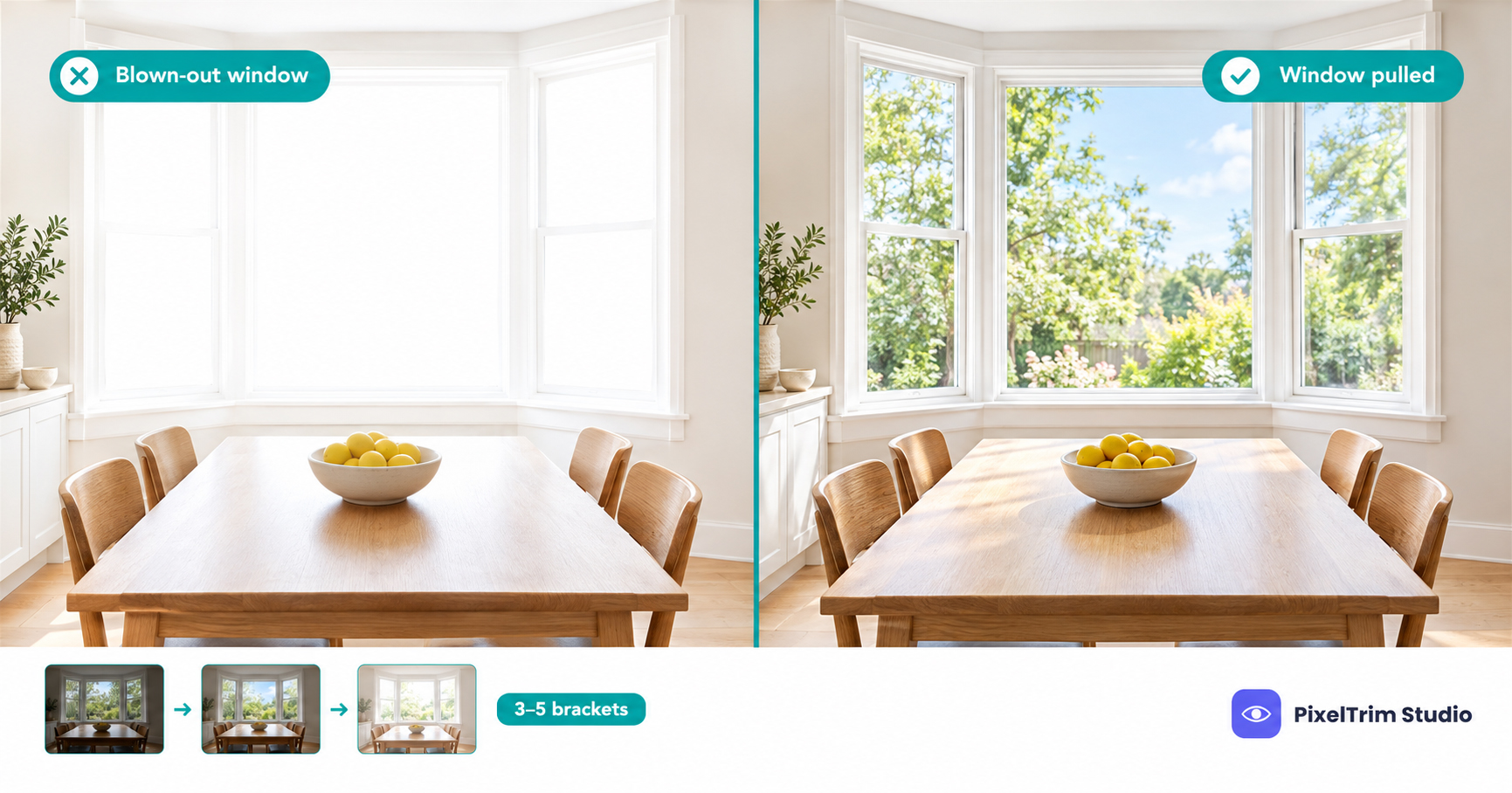
- Dark rooms, blown-out windows or a flat sky: our real estate photo editing service runs Basic HDR at $1.49 per image, Enhanced with sky replacement at $2.49 and Virtual Twilight at $4.99. For what each edit does, see our HDR, sky replacement and virtual twilight guide.
As a worked example, 25 interior photos with Basic HDR is 25 x $1.49, so $37.25. Adding a resize and reformat pass on the same 25 files is 25 x $0.19, so $4.75, for $42.00 in total. For the full pricing picture, see our real estate photo editing cost guide, and for how to pick a provider, our real estate photo editing service guide.
Not sure your current listing photos would pass? Send 1-2 sample images and we will edit them to spec, free.
FAQ
What size should photos be for Zillow?
Zillow Group states a 330 x 220 px minimum for its Image Feed, and Zillow help text quoted by a third-party FAQ suggests 1536 x 1152 px for best quality. Export at 2048 x 1536 px (4:3) and you clear every figure quoted in the guides we found.
What is the minimum photo size Zillow will display?
Zillow Group's Image Feed page gives 330 x 220 px, and an MLS help article repeats it. One syndication help page quotes 415 x 330 px instead, so a photo near the minimum is a risk. Stay well above both.
What file format and file size does Zillow accept?
Zillow help text, as quoted by a third-party FAQ, lists JPG, GIF, PNG and TIF under 50 MB, with 10 MB suggested. The Image Feed caps each photo at 5 MB, and many MLS boards accept JPEG only, so export JPEG under 5 MB.
Why are my photos not showing on Zillow?
The usual cause is a photo below the minimum size or in the wrong format. Photos that arrive through an MLS feed have to be fixed at the MLS, not on Zillow. Upload the corrected file there and give it time to refresh.
Can I add a watermark or logo to Zillow listing photos?
Not on photos sent through Zillow Group's Image Feed, which states that no watermarks or branding are permitted. Most MLS boards also prohibit watermarks and burned-in contact text, so keep them off the file.
Tags
Ready to get your images edited?
Upload 2 photos for a free trial edit — returned in under 24 hours.
Start free trial →