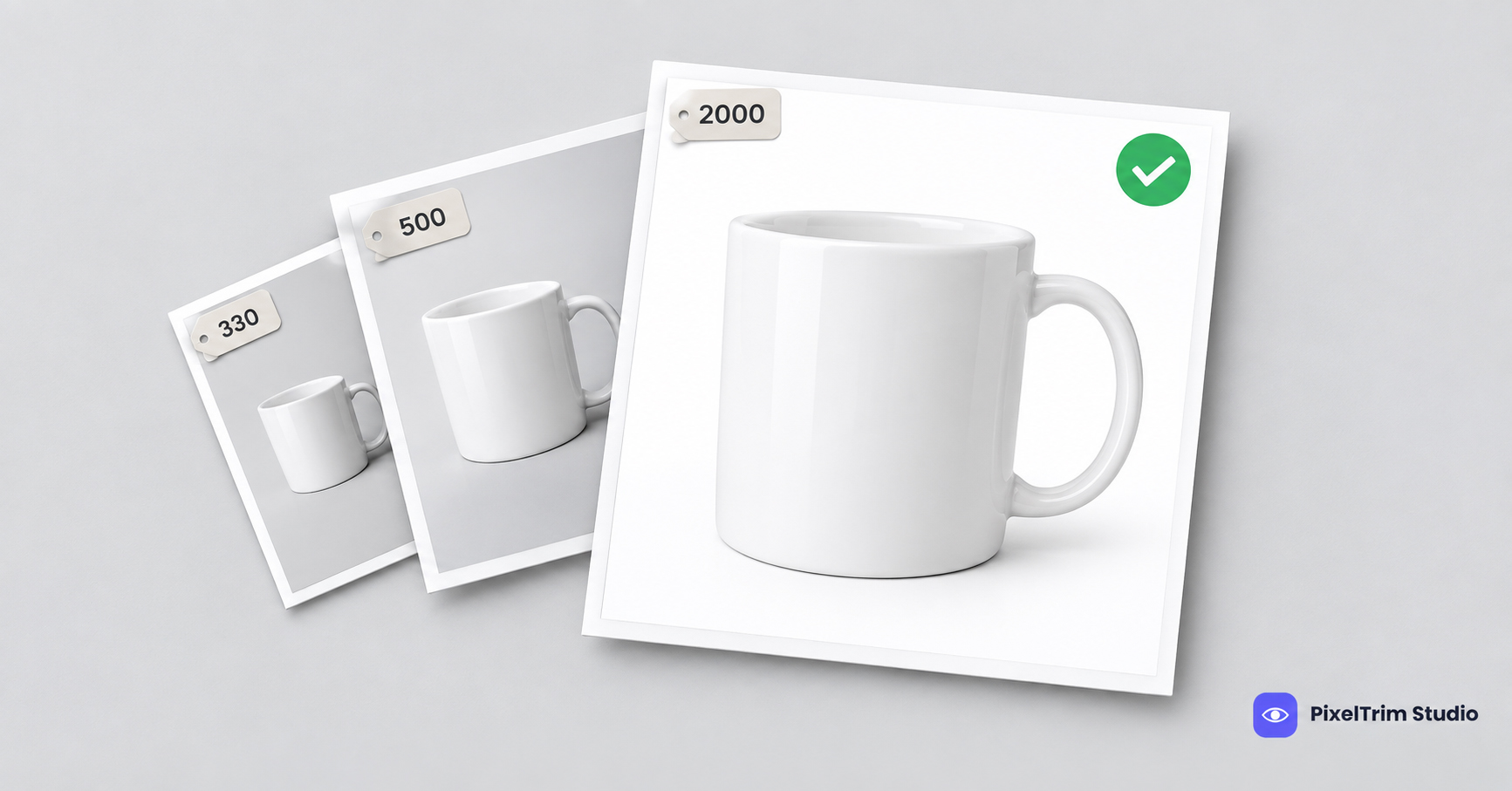
Search "Lazada image size" and you get a 330 px minimum, a 500 px minimum, a 1,600 px maximum and a 2,000 px maximum, often in the same week. White background is "required" in one guide and "recommended" in the next. Some of it comes from Lazada's own seller guidance. Some is copied forward from older blog posts. This guide labels every number by where it comes from, so you know which ones to trust and which to check in Seller Center.
Lazada Image Requirements at a Glance
| Requirement | What to follow | Where it comes from |
|---|---|---|
| Images per listing | Minimum 3, maximum 8 | Lazada University guidance, repeated by several seller guides |
| File format | JPEG or JPG | Third-party guides |
| Image size | Square 1:1 up to 2,000 x 2,000 px; minimum quoted anywhere from 330 px to 500 px | Third-party guides, they disagree |
| File size | Up to 3 MB per image | One third-party guide only |
| Main image background | White; some guides say required, others say recommended | Third-party guides, they disagree |
| Product fill on main image | About 80% of the canvas; one older guide says "more than half" | Third-party guides, they disagree |
| Text, graphics, watermarks | Keep them off the main image | Lazada University guidance, repeated by third-party guides |
| Product state | Unwrapped and clearly in focus | Lazada University guidance, repeated by third-party guides |
Lazada runs separate sites per country and its guides are rarely dated. Use this table as a starting point and let the live upload screen in Seller Center have the final say.
Lazada Main Image Rules
The main image is the one shoppers see in search results next to your competitors, so it carries most of the rules.
- White background. Shoot to pure white, RGB 255,255,255. Even where a guide calls white "recommended", a clean white cover is the safe default and matches Amazon and Walmart.
- Product fills about 80% of the canvas. A common mistake is a product floating in a big white field, which makes it look smaller than every neighbour in the grid.
- No extra text, badges or graphics around or over the product.
- Real photo of the actual item, not a drawn illustration, and unwrapped so the product is the clear focus.
The other slots, up to eight in total, are where lifestyle shots, angles, scale and detail close-ups belong.
Why Every Guide Gives Different Numbers
Three things cause the gaps. Lazada's country sites do not always match each other. Older numbers keep being copied into new posts after policies change. And some guides describe what Lazada recommends while others describe what it enforces.
You do not have to settle the argument. Shoot to the strictest version of every number and all of them are covered.
One Master Spec That Clears Every Version
- Shoot and edit square (1:1) at 2,000 x 2,000 px. That clears every quoted minimum and sits at the top of the quoted range. Export a bit smaller if a file runs heavy.
- Put the main image on pure white, RGB 255,255,255. It satisfies both the "required" and "recommended" readings.
- Fill about 80% of the frame. That clears the "more than half" reading too.
- Keep the main image clean: no text, border, badge or collage.
- Export JPEG under 3 MB. Check the file size, not just the pixels.
- Upload at least three images, and use up to eight for angles, scale and in-use context.
The same master spec also works for Shopee, so one edited set can go to both marketplaces.
Fixing Photos That Fail Without a Reshoot
Most failed Lazada covers come down to two jobs: a clean cutout on true white and a correct export.
- Busy, grey or off-white background: a clipping path cuts the product out and places it on true white. Pricing is $0.39 per image for simple products, $0.69 for medium and $0.99 for complex shapes. For fine edges such as mesh, fur or glass, image masking is the better method.
- Wrong format, oversized file or wrong dimensions: image conversion resizes and reformats a batch to spec from $0.19 per image, or $0.39 when a colour mode or DPI change is also needed.
As a worked example, a full eight-image listing with one cutout on a simple product and eight files resized to spec is $0.39 plus 8 x $0.19, so $1.91 per listing.
To check that a background is truly white and not just white-looking, use the colour-picker method in our pure white background guide. It is written for Amazon, but the pixel check is the same on any marketplace. Selling on several platforms? Our four-marketplace comparison shows how to build one master shot that clears several at once.
Not sure your current Lazada photos would pass? Send 1-2 sample images and we will edit them to spec, free.
FAQ
What size should Lazada product images be?
Use square 1:1 images. Guides quote a minimum between 330 px and 500 px and a maximum of 2,000 x 2,000 px, and we could not confirm the exact figures in a current Lazada document. Shoot at 2,000 x 2,000 px and check the Seller Center upload screen before a big batch.
How many images can I upload to a Lazada listing?
Seller guidance says at least three and at most eight images per product. Add the angles, scale shots and detail close-ups after the main image.
Does Lazada require a white background?
Guides disagree. Some say the main image must have a white background and others say white is recommended. Pure white is the safest choice either way.
How much of the frame should the product fill?
Most guides cite about 80% of the canvas for the main image, and one older guide says more than half. Fill about 80% and you clear both.
What file format and file size does Lazada accept?
Third-party guides list JPEG or JPG files, and one gives a 3 MB cap. Keep every file in JPEG under 3 MB.
Tags
Ready to get your images edited?
Upload 2 photos for a free trial edit — returned in under 24 hours.
Start free trial →

