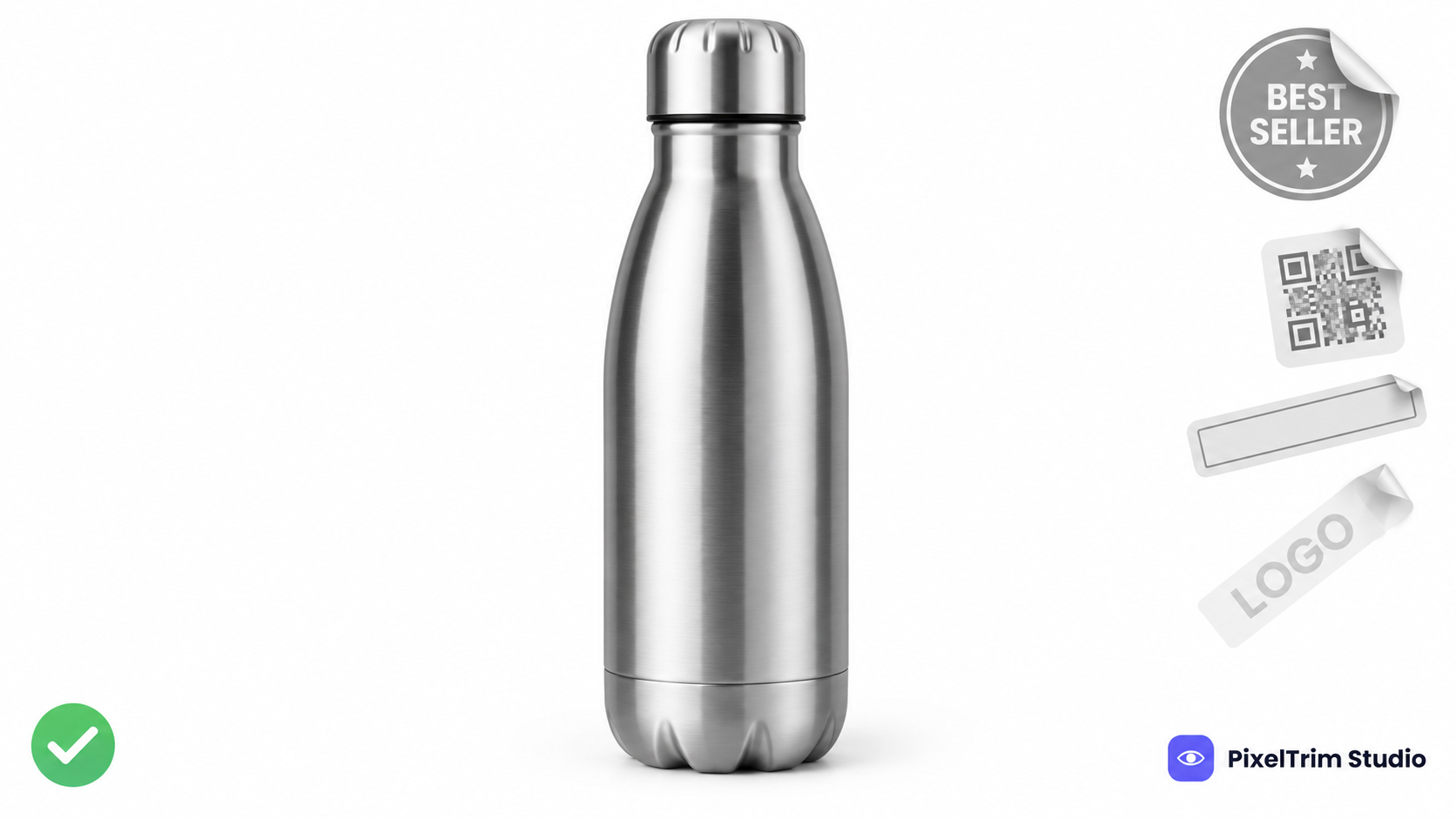
Search "Mercado Libre image size" and the numbers do not agree: different minimums, different file caps, and a fill rule that swings between 80% and 95%. Some of it is real Mercado Libre policy and some is copied forward from older posts. This guide sticks to Mercado Libre's own seller help page and developer documentation, and flags every figure that comes from somewhere else.
Mercado Libre Image Requirements at a Glance
| Requirement | What to follow | Where it comes from |
|---|---|---|
| Background | White, created digitally with a photo editor | Seller help page |
| Product fill | Centered, about 95% of the image, no margins | Seller help page and developer docs |
| Minimum size | 500 x 500 px | Seller help page and developer docs |
| Recommended size | 1,200 x 1,200 px so buyers can zoom | Seller help page and developer docs |
| Maximum size | 1,920 x 1,920 px; larger files are resized down, smaller ones are not enlarged | Developer docs |
| Shape | Width equal to height; square or close to it | Seller help page |
| File type and color | JPG, JPEG or PNG; RGB preferred over CMYK | Developer docs |
| File size | Up to 10 MB per upload | Developer docs |
| Zoom | Images wider than 800 px get a zoom widget; recommended for apparel and real estate | Developer docs |
| Images per listing | Set per category, so check the listing form | Developer docs |
The developer page was last updated in February 2024 and the image moderation page in July 2025, and Mercado Libre runs separate country sites. Use this table as the starting point and let the live upload screen have the final say.
What Mercado Libre Does Not Allow on a Product Photo
The seller help page is blunt about what stays off the image. Anything below can pull a listing into moderation:
- Watermarks. Any logo, text or signature laid over the photo, even semi-transparent.
- Extra elements: your business logo, purchase or delivery instructions, QR codes, borders, contact details and text that is not part of the product.
- Mercado Libre-only labels such as Bestseller, Full, MercadoLeader or Lightning Deal. Only the platform may assign these.
- Several products in one photo. For other colors or models, create variations instead.
- Photos you do not own or have no permission to use.
Packaging, context and alternate angles are welcome, but the help page says they belong from the second photo onward so buyers see exactly what is for sale.
How Bad Photos Cost You Exposure
Mercado Libre does not just reject photos at upload. Its developer documentation says listings can be moderated for image quality problems while they are active or paused, and flags them with a poor_quality_thumbnail tag. The example reason it documents is a watermark on the cover photo, with the instruction to fix it to recover exposure.
Its seller guidance describes the same ladder: depending on how serious the problem is, a listing loses visibility in search results, is paused, or is cancelled, and a listing with photos below the quality criteria stays paused until they improve. The documentation does not publish a full checklist of automatic triggers, so the safest approach is to meet every rule in the table above on the first photo.
Where the Numbers Disagree
Three conflicts show up most often:
- Minimum size. The seller help page and the current English developer page say 500 x 500 px. An older version of the developer documentation lists a much smaller minimum. Follow 500 x 500 px, or better, 1,200 x 1,200 px.
- File size. The developer documentation says up to 10 MB. Some third-party guides quote 12 MB. Stay under 10 MB.
- Product fill. Mercado Libre's own pages say 95%. Some third-party guides say at least 80%. Fill the frame to 95% and the argument disappears.
One Master Spec That Clears Mercado Libre and Other Marketplaces
- Shoot and edit square (1:1) and export at 1,200 x 1,200 px. That hits the recommended size and stays under the 1,920 px ceiling.
- Put the product on pure white, RGB 255,255,255. It satisfies Mercado Libre's white-background rule and matches Amazon and Walmart.
- Center the product and fill about 95% of the frame. That is tighter than Amazon's 85% minimum, so one 95% master clears both.
- Keep the first photo clean: no text, logo, QR code, border, badge or watermark.
- Export JPEG or PNG in RGB and keep each file well under 10 MB.
- Use the remaining slots for angles, packaging and in-use context, from the second photo onward.
Selling on several platforms? Our four-marketplace comparison, Shopee image guide and TikTok Shop image guide show how the same master shot clears other platforms too.
Fixing Non-Compliant Photos Without a Reshoot
Most failed Mercado Libre photos come down to two jobs: a clean background and a correct export.
- Off-white or busy background, or a product that floats in empty space: a clipping path cuts the product out and places it on true white, with the product scaled to fill the frame. Pricing is $0.39 per image for simple products, $0.69 for medium and $0.99 for complex shapes.
- Wrong dimensions, format or color mode: image conversion resizes and reformats a batch to spec from $0.19 per image, or $0.39 when a color mode or DPI change is also needed.
As a worked example, a main photo plus three angle shots on a simple product is four clipping paths at $0.39 ($1.56) plus four basic conversions at $0.19 ($0.76), so $2.32 per listing.
To confirm a background is truly white rather than just looking white, use the color-picker check in our pure white background guide. It is written for Amazon, but the pixel check is the same on any marketplace.
Not sure your current Mercado Libre photos would pass? Send 1-2 sample images and we will edit them to spec, free.
FAQ
What size should Mercado Libre product images be?
Mercado Libre's seller help page sets a 500 x 500 px minimum and recommends 1,200 x 1,200 px so buyers can zoom. Its developer documentation says images larger than 1,920 x 1,920 px are resized down, and smaller ones are never enlarged. Export square at 1,200 x 1,200 px.
Does Mercado Libre require a white background?
Yes. The seller help page says photos must have a white background created digitally with a photo editor. It also says context shots and original packaging belong from the second photo onward, so treat the first photo as the strict one and check the upload screen for the rest.
How much of the frame should the product fill on Mercado Libre?
Mercado Libre asks for the product to be centered and to take up 95% of the image with no margins. Some third-party guides quote 80%, but the 95% figure appears on both the seller help page and the developer documentation.
What happens if my Mercado Libre photos break the rules?
Listings can be moderated for image quality problems while active or paused, tagged poor_quality_thumbnail in the developer documentation. Mercado Libre's seller guidance says a listing can lose search exposure or be paused until the photos improve. A watermark on the cover photo is one documented reason.
Can I add a logo, watermark or text to Mercado Libre photos?
No. The seller help page rules out watermarks, business logos, QR codes, borders, contact details, delivery instructions and any text that is not part of the product. It also bans Mercado Libre-only labels such as Bestseller, Full, MercadoLeader and Lightning Deal.
Tags
Ready to get your images edited?
Upload 2 photos for a free trial edit — returned in under 24 hours.
Start free trial →

