A single clipping path works fine for simple products — a solid-color mug, a plain box, a basic phone case. But the moment your product has multiple parts, colors, or openings, one path stops being enough. That's where multi clipping path service comes in.
If you sell jewelry with open chain links, apparel with buttons and cutouts, or electronics with multiple visible components, this guide explains exactly why multi clipping path matters and how it protects your product photos from looking flat, inaccurate, or unprofessional.
What Is Multi Clipping Path?
Multi clipping path (also called compound or complex clipping path) uses several separate paths within a single image instead of one continuous outline. Each part of the product — a strap, a gap, a button, a transparent section — gets its own path, so it can be edited, recolored, or masked independently without affecting the rest of the image.
This is different from a basic clipping path, which traces one continuous outline around a product to separate it from its background. For more on that distinction, see our guide on types of clipping path.
When Do You Actually Need Multi Clipping Path?
1. Jewelry With Open Spaces
Necklace chains, hoop earrings, and open bangles have gaps where the background shows through. A single path can't isolate the product and preserve those internal gaps at the same time — multi clipping path handles both. This is one of the most common requests we get alongside our jewelry photo editing work.
2. Apparel With Buttons, Zippers, or Cutouts
A jacket with visible buttons, a dress with a cutout back, or shoes with eyelets all have multiple distinct sections that may need separate color correction or background treatment. Multi clipping path keeps each element clean and separately editable.
3. Multi-Colored or Multi-Material Products
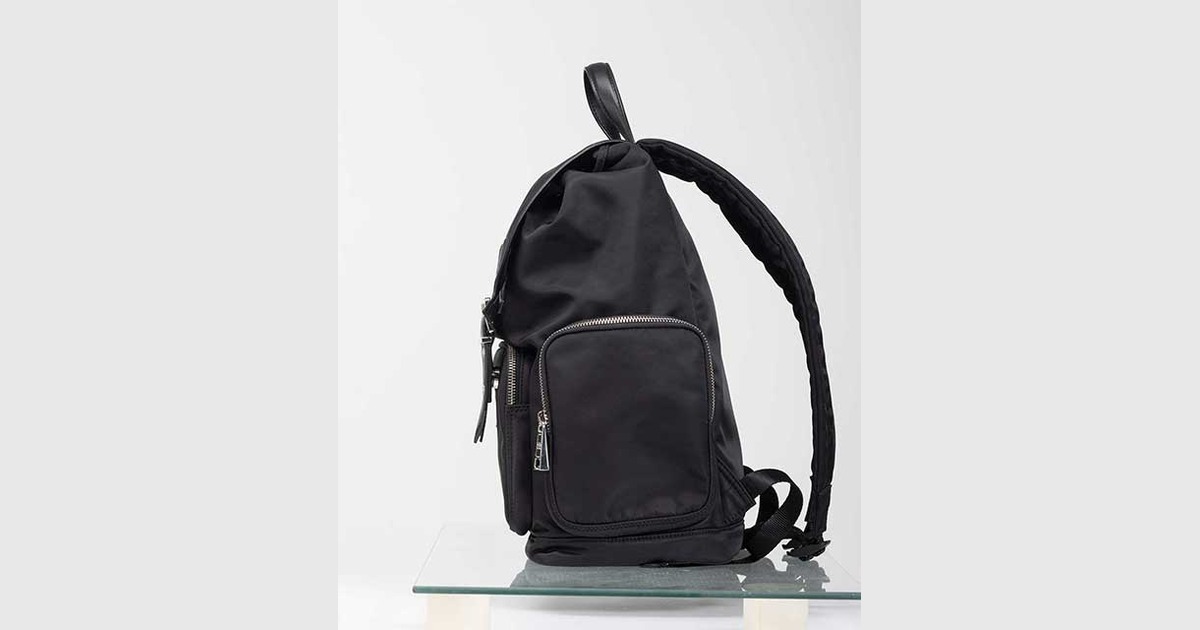
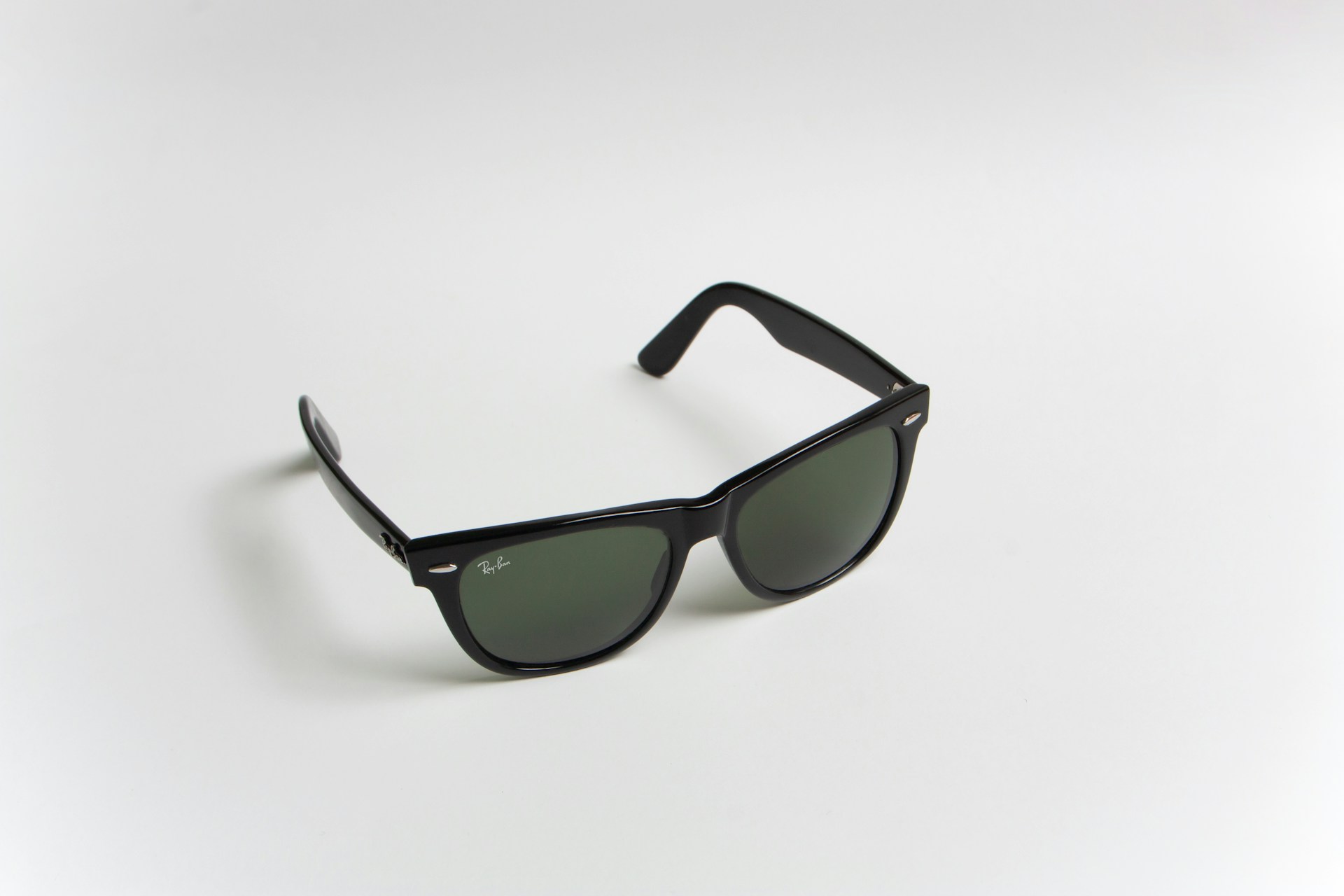
A shoe with a different sole color, a bag with mixed leather and metal hardware, or a watch with a separate strap and face — each material often needs its own color correction pass. One path would force uniform treatment across materials that don't behave the same way under editing.
4. Products Photographed in Groups
Flat-lay shots with multiple items — a jewelry set, a stationery bundle, a shoe pair — need each object isolated individually so they can be repositioned, resized, or placed on different backgrounds independently for different listings.
Multi Clipping Path vs Basic Clipping Path
Basic Clipping PathMulti Clipping Path One continuous outlineMultiple independent paths Best for simple, solid shapesBest for complex, multi-part products Faster turnaroundMore detailed, slightly longer turnaround Single background treatmentSection-by-section editing control Why This Matters for Your Listings
Getting this wrong shows up in ways buyers notice immediately: chain links that look "filled in," background color bleeding through gaps, or mismatched tones across a multi-material product. On marketplaces like Amazon and Etsy, these small inconsistencies can quietly hurt conversion — buyers zoom in, and edited-looking gaps or halos are an easy reason to click away.
If you're comparing manual precision against automated tools for this kind of work, our breakdown on manual clipping path vs AI background removal covers exactly where automated tools tend to fail on complex shapes like these.
FAQ
Is multi clipping path more expensive than basic clipping path?
Typically yes, since it involves more manual path work per image. The cost difference depends on how many separate sections the product has.
Which products usually need multi clipping path?
Jewelry with open links, apparel with cutouts or hardware, multi-material accessories, and grouped product shots are the most common cases.
Can multi clipping path be combined with color correction?
Yes — in fact this is one of its main advantages. Because each section is isolated separately, individual materials or colors can be corrected without affecting the rest of the image.
Does multi clipping path work for transparent or reflective products?
It helps, but transparent or heavily reflective materials (glass, acrylic) often need additional masking techniques alongside multi clipping path for a fully clean result.
Need multi clipping path done right on your product catalog? Get in touch with PixelTrim Studio for a free sample edit.
Tags
Ready to get your images edited?
Upload 2 photos for a free trial edit — returned in under 24 hours.
Start free trial →