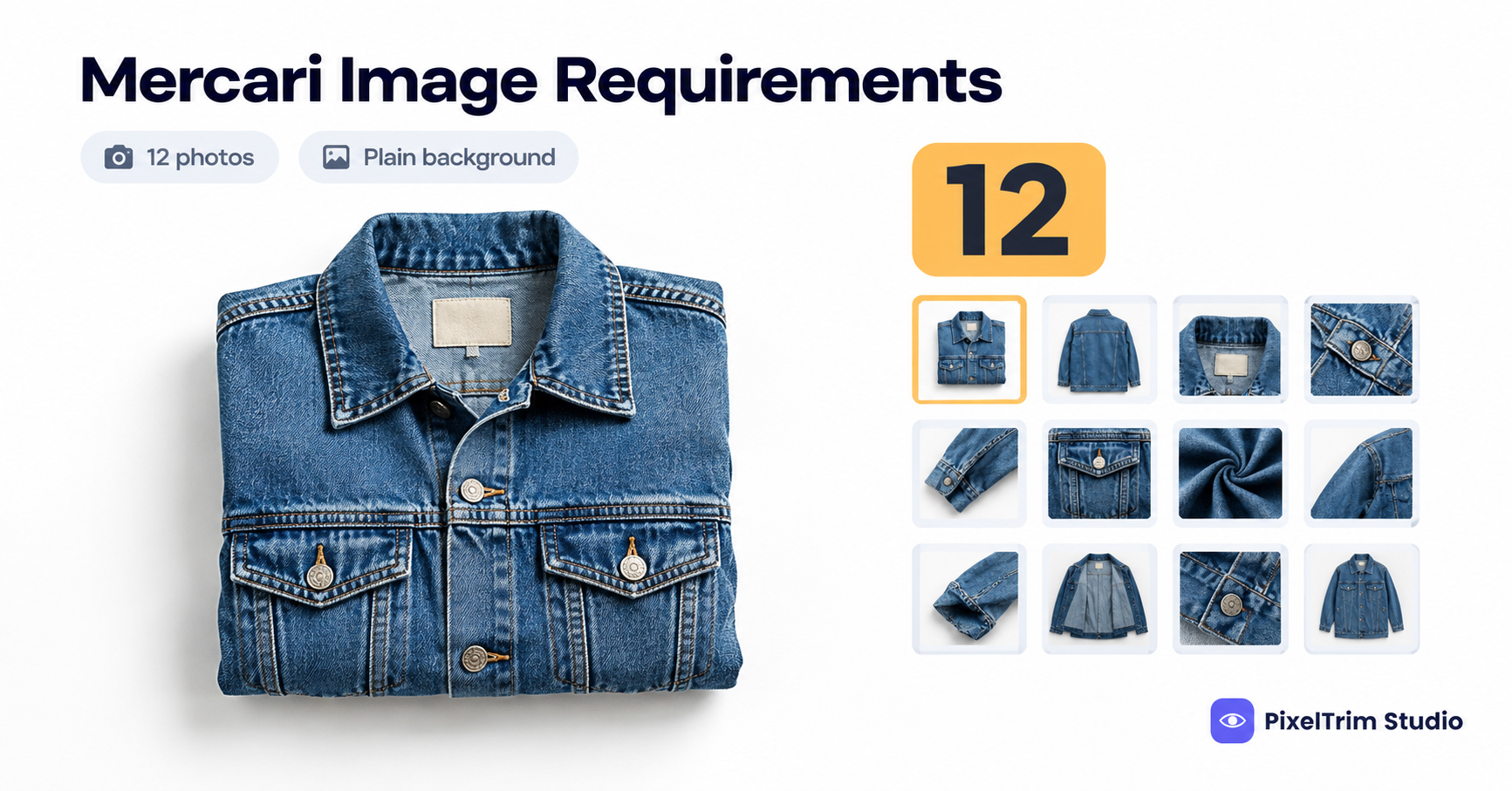
Search "Mercari image requirements" and you get plenty of confident numbers. Most of them do not come from Mercari. The Help Center pages we checked state a photo limit and some shooting advice, but no pixel size, file-size cap or aspect ratio. This guide separates what Mercari says from what third parties claim, then shows how to prep one photo set that works.
What Mercari Officially Says About Listing Photos
The first group of rows below comes from Mercari's own "Creating a Listing" Help Center page. The last column shows where each point comes from, so you can tell a rule from a rumor.
| Requirement | What we found | Where it comes from |
|---|---|---|
| Photos per listing | Up to 12 | Mercari Help Center |
| First photo | The first thing shoppers see; photos can be reordered at any time | Mercari Help Center |
| Lighting | Natural light recommended, so color looks true | Mercari Help Center |
| Background | Plain backgrounds recommended, so nothing distracts | Mercari Help Center |
| Flaws | Photograph and call out flaws; shoot every side of the item | Mercari Help Center |
| Minimum pixel size | Not stated on the pages we checked | Not stated |
| Maximum file size and format | Not stated on the pages we checked | Not stated |
| Aspect ratio | Not stated; some third-party tools say 1:1 | Third party, unverified |
| Overlay text and watermarks | Not stated; one third-party tool says they are rejected | Third party, unverified |
| Suggested master file | 2,000 x 2,000 px square JPEG, sRGB | Our recommendation, not a Mercari number |
Heads-up: Mercari can change its help pages or upload screen at any time. Treat the pixel and ratio rows as safe defaults, and confirm anything strict in the app when you upload.
What Mercari Does Not Publish, and What to Do About It
With no stated pixel minimum, the safest move is to upload more resolution than you need and let the app handle resizing. A square 2,000 x 2,000 px JPEG clears the stricter marketplaces too, which is why we suggest it. If an upload is ever rejected, the fix is usually a resize or a format change, which is a conversion job rather than a re-edit. Our image conversion service handles exactly that, and our cross-marketplace comparison shows how one master file feeds several platforms.
A 12-Slot Shot List That Fits Mercari's Cap
Twelve slots go quickly. This order is our suggestion, built around Mercari's own advice to lead with your best photo and show every side:
- Slot 1: front of the item, plain background, centered. This is the thumbnail.
- Slots 2 to 4: back, left side and right side.
- Slot 5: brand tag or label.
- Slot 6: size tag, or a ruler next to the item.
- Slots 7 to 9: close-ups of texture, hardware, stitching or any special feature.
- Slots 10 and 11: every flaw, photographed up close.
- Slot 12: the item in use or styled, if it helps a buyer picture it.
Which Edits Are Safe on Mercari, and Which Are Not
Mercari's marketplace guidelines ask sellers to represent themselves and their items accurately, and they describe the community as everyday people rather than professional retailers. The listing page also asks you to photograph and call out flaws. So the line is simple: clean up the photo, never the item.
- Safe: background clean-up, straightening and cropping, exposure and white-balance correction so the color matches the real item.
- Not safe: erasing a stain, tear, scratch or fading, changing the item's color, or reshaping it. A photo that hides a flaw is a misrepresentation risk, not a style choice.
Slot 1 is where editing pays off most. If your home setup leaves a cluttered or gray backdrop, a clipping path cutout on a clean white background fixes the thumbnail without a reshoot. Mercari asks for a plain background; white is simply the easiest plain background to match across a batch. Our pure white background guide shows how to check a background is truly white.
Cross-Listing: Why One Master Set Beats Two
Most resellers list on more than one site. eBay publishes a 500 x 500 px minimum and recommends 1,600 px on the longest side (see our eBay image requirements guide), while Mercari publishes neither number. Shoot once to the stricter standard, then export. The mistakes that make this harder, such as uneven lighting across a batch and cluttered backgrounds, are covered in our product photography mistakes guide.
What Cleaning Up Mercari Photos Costs
Prices below are from our live service pages:
- Clipping path: $0.39 simple, $0.69 medium, $0.99 complex per image
- Image conversion: $0.19 basic (format and resize), $0.39 standard (adds color mode or DPI change)
Most resellers only need slot 1 cleaned up. A simple cutout plus a basic resize is $0.39 + $0.19 = $0.58 per listing, or $58 for 100 listings. Cutting out all 12 photos at the simple rate would be 12 x $0.39 = $4.68 per listing before conversion, which is rarely necessary.
Want your first Mercari photo to look right? Send two sample images and we'll edit them free. Start the free trial →
Frequently Asked Questions
How many photos can I add to a Mercari listing?
Mercari's Help Center says you can add up to 12 photos to a listing. You can rearrange them at any time, and the first photo is the one shoppers see first, so lead with your best one.
What size should Mercari photos be?
The Mercari Help Center pages we checked do not state a minimum or maximum pixel size. A square 2,000 x 2,000 px JPEG in sRGB is our own suggested safe default, not a Mercari number. Confirm in the upload screen if a file is ever rejected.
Does Mercari require a white background?
Mercari recommends plain backgrounds so nothing distracts from the item, but the pages we checked do not require white. White is the easiest plain background to keep consistent across a batch, and it also works on stricter marketplaces if you cross-list.
Does Mercari require square photos?
Mercari does not state an aspect ratio on the pages we checked. Some third-party listing tools say 1:1, but that is unverified. Cropping to a square is the safe choice, especially if you cross-list to eBay or Etsy.
Can I edit a flaw out of my Mercari photo?
No. Mercari asks sellers to photograph and call out flaws and to represent their items accurately. Edit the background, crop and lighting, but leave stains, tears and wear visible so the photo matches the item the buyer receives.
Tags
Ready to get your images edited?
Upload 2 photos for a free trial edit — returned in under 24 hours.
Start free trial →

