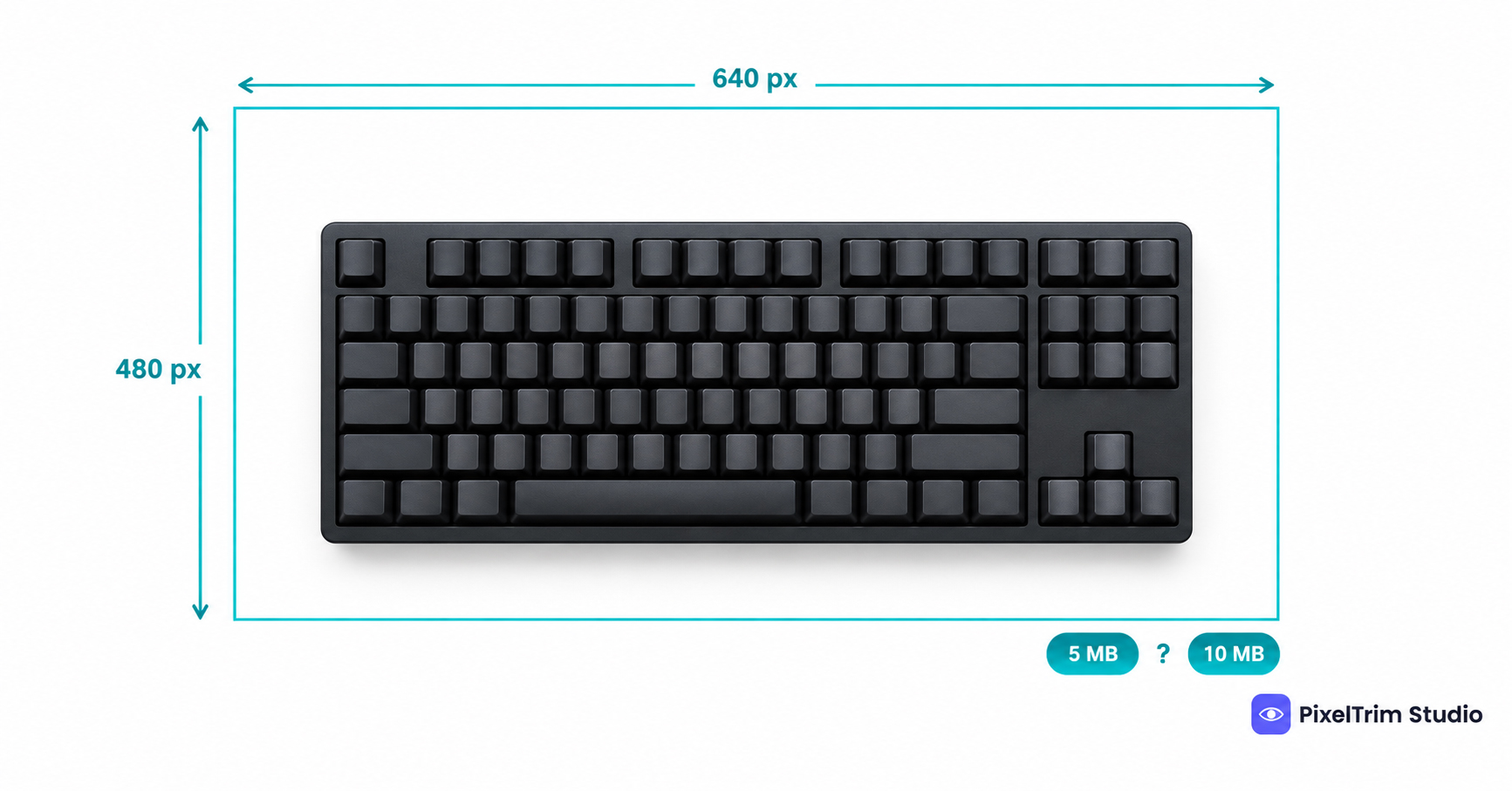
Search "Newegg image requirements" and the file size limit changes depending on who you ask. Newegg's own Seller Academy policy says every image must meet two of three criteria: 640 px wide, 480 px high, and no more than 5 MB. Two marketplace integration guides say the cap is 10 MB. Newegg Marketplace is a curated programme that sellers apply to join, but unlike Best Buy and Target Plus, its image policy is public. This guide labels every number by where it comes from, so you know which ones to trust.
Newegg Image Requirements at a Glance
| Requirement | What to follow | Where it comes from |
|---|---|---|
| Minimum size | 640 x 480 px | Newegg Seller Academy. Its wording is "two of three": 640 px wide, 480 px high, no more than 5 MB |
| Maximum file size | 5 MB, or 10 MB | Newegg says 5 MB. ChannelEngine and Feedonomics say 10 MB. They disagree |
| File format | JPEG or PNG | Feedonomics only. Newegg's policy names no format |
| Background | White, product on a clean backdrop | Newegg says white usually looks best. ChannelEngine lists white or transparent for the main image |
| Aspect ratio | Not stated | No source gives one |
| Primary image | No collage, no person, no model, no body parts | Newegg Seller Academy |
| Clean image | Borderless, no watermark, logo, extra text or seller information | Newegg Seller Academy |
| Extra images | Main image plus up to 9 extra | ChannelEngine only |
| Video | 1280 x 720 minimum, MP4, AVI, WMV or FLV, files not URLs | Newegg Seller Academy |
Newegg's policy page shows an update date of February 19, 2025. We could not confirm the update dates of the ChannelEngine and Feedonomics guides, so treat their numbers as secondary. Let the policy page and your live upload screen have the final say.
Newegg Main Image Rules
The primary image is the first one a shopper sees and usually the one that appears in search results, so it carries most of the rules.
- Clean background, white is safest. Newegg asks for an appropriate background and says white usually looks best. Shoot or edit to pure white, RGB 255,255,255, because that satisfies any reading of "white".
- No collage. A collage is allowed on secondary images only when it shows an important variance such as colour or size, and never as the primary image.
- No people. Newegg bars any image of a real person, body parts or a model from being the primary image.
- Borderless and unmarked. No border, watermark, logo, extra text, or copyright and seller-specific information on any image.
- The actual product. No placeholders such as "Image Coming Soon", and no identical images.
- Colour must match the listing. Newegg names a colour that does not match the specifications as the most common error.
Extra Images and Video
Newegg recommends showing included accessories only when they matter, labelling important parts, adding one image that shows scale, and adding a sizing or conversion chart for unconventional sizes. ChannelEngine lists up to 9 extra image fields beside the main image.
For video, Newegg asks for a minimum of 1280 x 720 in MP4, AVI, WMV or FLV. It takes video files, not URLs, and the video must be informative rather than a pure lifestyle commercial. Keep seller information out of it.
Why the Numbers Disagree
Three things are likely behind the gap. The policy page is Newegg's own rulebook, while the integration guides describe what a feed or upload field accepts, and those can carry a different cap. The policy sentence itself is oddly worded: it lists three criteria and asks for two, so a reader can take the 5 MB cap as optional. And 640 x 480 px is a floor, not a target, so it says nothing about the quality Newegg would like to receive.
You do not have to settle the argument. Build your files to the strictest version of each number and every version is covered.
One Master Spec That Clears Every Version
- Edit square at 2,000 x 2,000 px. That clears the 640 x 480 floor with room to spare. The square shape and the 2,000 px figure are our recommendation, not a Newegg number.
- Put the main image on pure white, RGB 255,255,255, with the product centred and no border.
- Export JPEG in sRGB under 5 MB. The lower cap covers both versions, and Feedonomics lists JPEG and PNG as accepted.
- Keep every image clean. No watermark, logo, added text, packaging or accessory that is not in the box.
- Make every image unique and true to the listing, with the colour matching the specification sheet.
The same square, pure-white master travels well. Our Amazon, eBay, Walmart and Etsy comparison shows how one shoot covers several platforms. Best Buy and Target Plus hide their rules behind onboarding, and our Best Buy marketplace image requirements guide and Target Plus image requirements guide use the same source-labelled approach.
Fixing Photos That Fail Without a Reshoot
Most failed Newegg photos come down to two jobs: a clean cutout on true white and a correct export.
- Grey, busy or off-white background: a clipping path cuts the product out and places it on true white. Pricing is $0.39 per image for simple products, $0.69 for medium and $0.99 for complex shapes. To check that a background is really white and not just white-looking, use the colour-picker method in our pure white background guide. It is written for Amazon, but the pixel check is the same on any marketplace.
- Wrong size, format or file weight: image conversion resizes and reformats a batch to spec from $0.19 per image, or $0.39 per image when a colour mode change, DPI change or profile embedding is also needed.
As a worked example, take one simple product with a main image cutout and four files resized and exported to the master spec. That is $0.39 plus 4 x $0.19, so $1.15 per listing.
Not sure your current Newegg photos would pass? Send 1-2 sample images and we will edit them to spec, free.
Frequently Asked Questions
What size should Newegg product images be?
Newegg's Seller Academy policy says every image must meet two of three criteria: 640 px wide, 480 px high, and no more than 5 MB. It states no aspect ratio. Export at 2,000 x 2,000 px square to clear the 640 x 480 floor with room to spare, and check your upload screen before a big batch.
What is the Newegg image file size limit?
Newegg's own policy page says 5 MB. Two marketplace integration guides, ChannelEngine and Feedonomics, list 10 MB. Keep every file under 5 MB and both versions are covered.
Does Newegg require a white background?
Newegg's policy asks for an appropriate background and says white usually looks best. ChannelEngine lists white or transparent for the main image. Pure white, RGB 255,255,255, is the safest choice under either reading.
What cannot be used as a Newegg main image?
Newegg's policy bars a collage, and any image of a real person, body parts or a model, from being the primary image. Every image must also be clear, borderless and free of watermarks, logos, extra text and seller-specific information.
What video does Newegg accept for a product page?
Newegg asks for a minimum resolution of 1280 x 720 in MP4, AVI, WMV or FLV format. It accepts video files, not URLs. The video must be informative, not a pure lifestyle commercial, and must not include seller information.
Tags
Ready to get your images edited?
Upload 2 photos for a free trial edit — returned in under 24 hours.
Start free trial →

