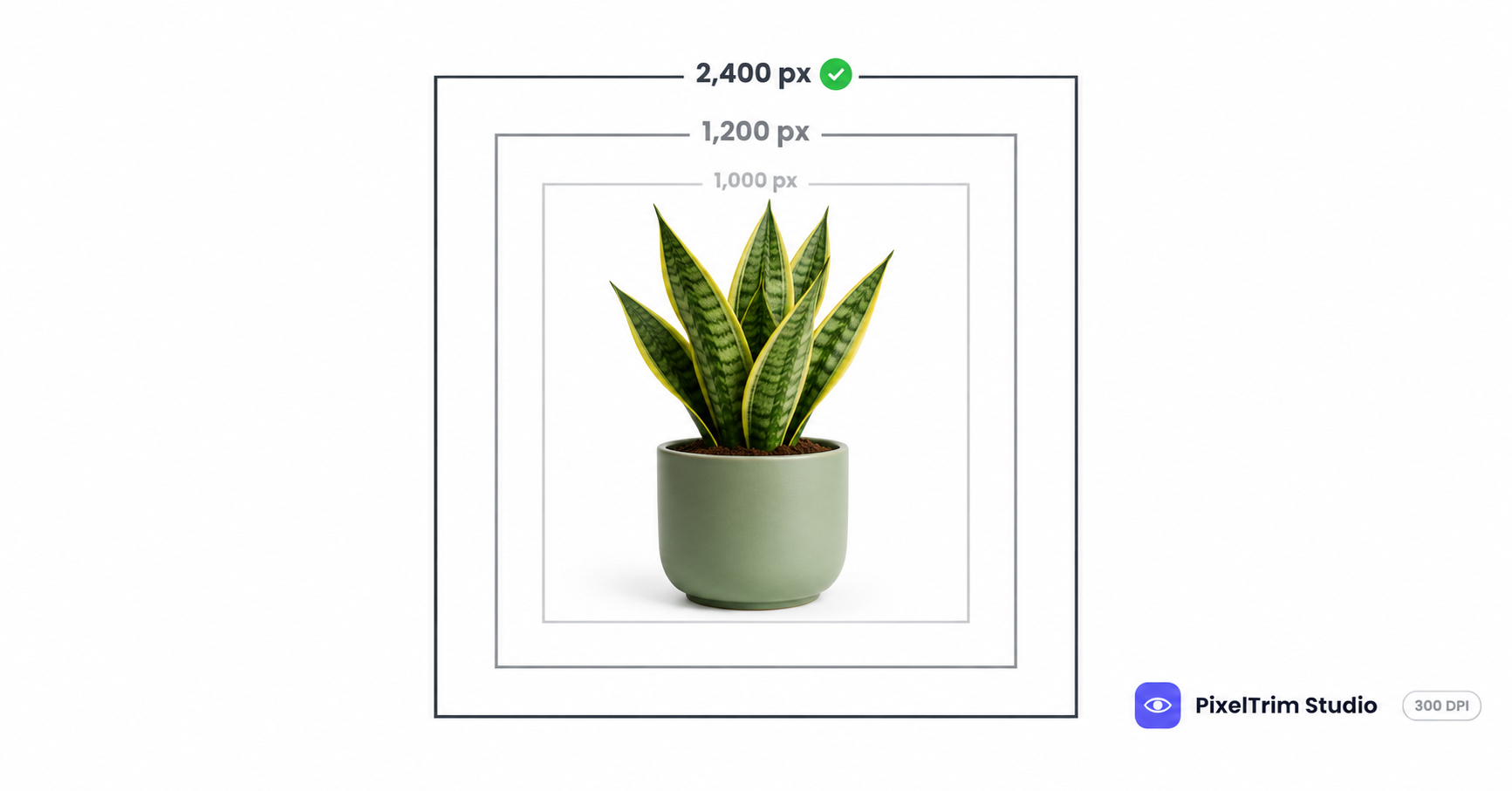
Search "Target Plus image size" and the numbers do not agree. One partner guide says the minimum is 1,000 x 1,000 px and the maximum is 5,000 px. Another says the minimum is 1,200 x 1,200 px, the preferred size is 2,400 px and the maximum is 6,000 px. Target Plus is a curated marketplace that sellers apply to join, and the Target Plus Portal where the real rules live sits behind a partner login, so we could not open it. This guide labels every number by where it comes from, so you know which ones to trust and which to check on the upload screen.
Target Plus Image Requirements at a Glance
| Requirement | What to follow | Where it comes from |
|---|---|---|
| Images per listing | At least 1 to launch, 3 or more preferred, up to 8 additional images | Both partner guides, the 8 extra fields from ChannelEngine |
| File format | JPG or JPEG preferred, PNG, TIF and PSD accepted | Both partner guides |
| Colour mode | RGB, with Adobe RGB (1998) preferred and sRGB acceptable | ChannelEngine, the other guide says RGB only |
| Minimum size | 1,000 x 1,000 px or 1,200 x 1,200 px | Zentail and ChannelEngine, they disagree |
| Maximum size | 5,000 x 5,000 px or 6,000 x 6,000 px | Zentail and ChannelEngine, they disagree |
| Preferred size | 2,400 x 2,400 px | ChannelEngine only |
| Resolution | 300 dpi minimum | Zentail only |
| Crop and ratio | Square 1:1, with the product filling the frame | Both partner guides |
| Main image background | White | Zentail only, ChannelEngine does not state a colour |
| Text on additional images | Must follow ADA accessibility guidelines | Zentail only |
Zentail's seller checklist is dated April 30, 2026, and ChannelEngine's marketplace guide was last updated on October 1, 2026. Treat this table as a starting point and let the Target Plus Portal and the live upload screen have the final say.
Target Plus Main Image Rules
The main image is the one shoppers see first on the product page, so it carries most of the rules.
- White background. Zentail's checklist asks for the primary image on white. Shoot to pure white, RGB 255,255,255, because that satisfies any reading of "white".
- Square and full. Both guides call for a 1:1 crop. ChannelEngine adds that the product should maximise the space in the frame. A couple of third-party guides quote about 80% frame fill, but neither partner guide gives a percentage, so treat that as a rule of thumb, not a spec.
- One file per image. ChannelEngine says each image needs its own unique image URL, so do not reuse one file in two slots.
- One image launches, three are preferred. Both guides say the same, so a single main image is enough to go live, but a thin gallery will look thin.
Additional Images and the Text Rule
Zentail's checklist says text on additional images has to follow ADA accessibility guidelines. It does not spell out what passes. An older agency guide goes further and says text beyond what is printed on the packaging is prohibited. The two statements are not the same rule, so before you bake marketing text into infographic-style secondary images, ask your integration contact or check the Target Plus Portal.
Use the extra slots for angles, material close-ups, scale and in-use context, and keep any added text short and legible.
Why the Numbers Disagree
Three things are likely behind the gaps. The guides were written for different jobs, one as a seller pre-onboarding checklist and the other as a feed-mapping guide. They were updated at different times, and older guides keep repeating the 1,000 px and 5,000 px figures. And some numbers describe what is accepted while others describe what is preferred: 1,000 or 1,200 px is the floor, and 2,400 px is the target.
You do not have to settle the argument. Shoot and export to the strictest version of every number and all of them are covered.
One Master Spec That Clears Both Versions
- Edit square (1:1) at 2,400 x 2,400 px. That clears both minimums, matches the preferred size and sits well under both maximums.
- Put the main image on pure white, RGB 255,255,255, with the product centred and filling the frame.
- Export JPEG in RGB. Use sRGB unless your workflow handles Adobe RGB (1998), since both guides accept RGB and one prefers Adobe RGB.
- Set 300 dpi in the export. It is a metadata tag and does not change the pixel count, but the checklist asks for it.
- Upload at least three images, each as its own file, with minimal text on the secondary ones.
The same square master works on other US marketplaces. Walmart also wants a strict 1:1 square, and our Walmart Marketplace image requirements guide covers its 2,200 px recommendation. For furniture and home catalogs, our Wayfair supplier image guide covers a similar 1,000 px floor with extra shot types. Temu hides its rules behind a seller login too, and our Temu image requirements guide uses the same source-labelled approach.
Fixing Photos That Fail Without a Reshoot
Most failed Target Plus photos come down to two jobs: a clean cutout on true white and a correct export.
- Busy, grey or off-white background: a clipping path cuts the product out and places it on true white. Pricing is $0.39 per image for simple products, $0.69 for medium and $0.99 for complex shapes. To check that a background is truly white and not just white-looking, use the colour-picker method in our pure white background guide. It is written for Amazon, but the pixel check is the same on any marketplace.
- Wrong size, colour mode or dpi: image conversion resizes and reformats a batch to spec from $0.19 per image, or $0.39 per image when a colour mode change, DPI change or profile embedding is also needed.
As a worked example, take one simple product with a main image cutout and three files converted to the master spec with 300 dpi and a colour profile. That is $0.39 plus 3 x $0.39, so $1.56 per listing.
Not sure your current Target Plus photos would pass? Send 1-2 sample images and we will edit them to spec, free.
Frequently Asked Questions
What size should Target Plus product images be?
Use square 1:1 images. One partner guide lists a minimum of 1,000 x 1,000 px and a maximum of 5,000 x 5,000 px, and another lists a minimum of 1,200 x 1,200 px, a preferred 2,400 x 2,400 px and a maximum of 6,000 x 6,000 px. Export at 2,400 x 2,400 px to clear both, and check the Target Plus Portal before a big batch.
Does Target Plus require a white background?
One partner checklist says the primary image should be on a white background and square, filling the frame equally. The other guide does not state a background colour. Pure white, RGB 255,255,255, is the safest choice under either reading.
How many images do I need for a Target Plus listing?
Both partner guides say one image is the minimum to launch and three or more are preferred. One of them also lists up to eight additional image fields, so plan on a main image plus extra angles, close-ups and scale shots.
What file format and colour mode does Target Plus accept?
Both guides list JPG or JPEG, PNG, TIF and PSD files in RGB, with JPG preferred in one of them. That guide also prefers the Adobe RGB (1998) profile and accepts sRGB. One checklist also asks for a minimum of 300 dpi.
Can I reuse my Amazon or Walmart photos on Target Plus?
Often yes, if the file is square, at least 1,200 px, in RGB and on a pure white background. Check the 300 dpi setting, and check any text on secondary images against Target's accessibility rule.
Tags
Ready to get your images edited?
Upload 2 photos for a free trial edit — returned in under 24 hours.
Start free trial →

