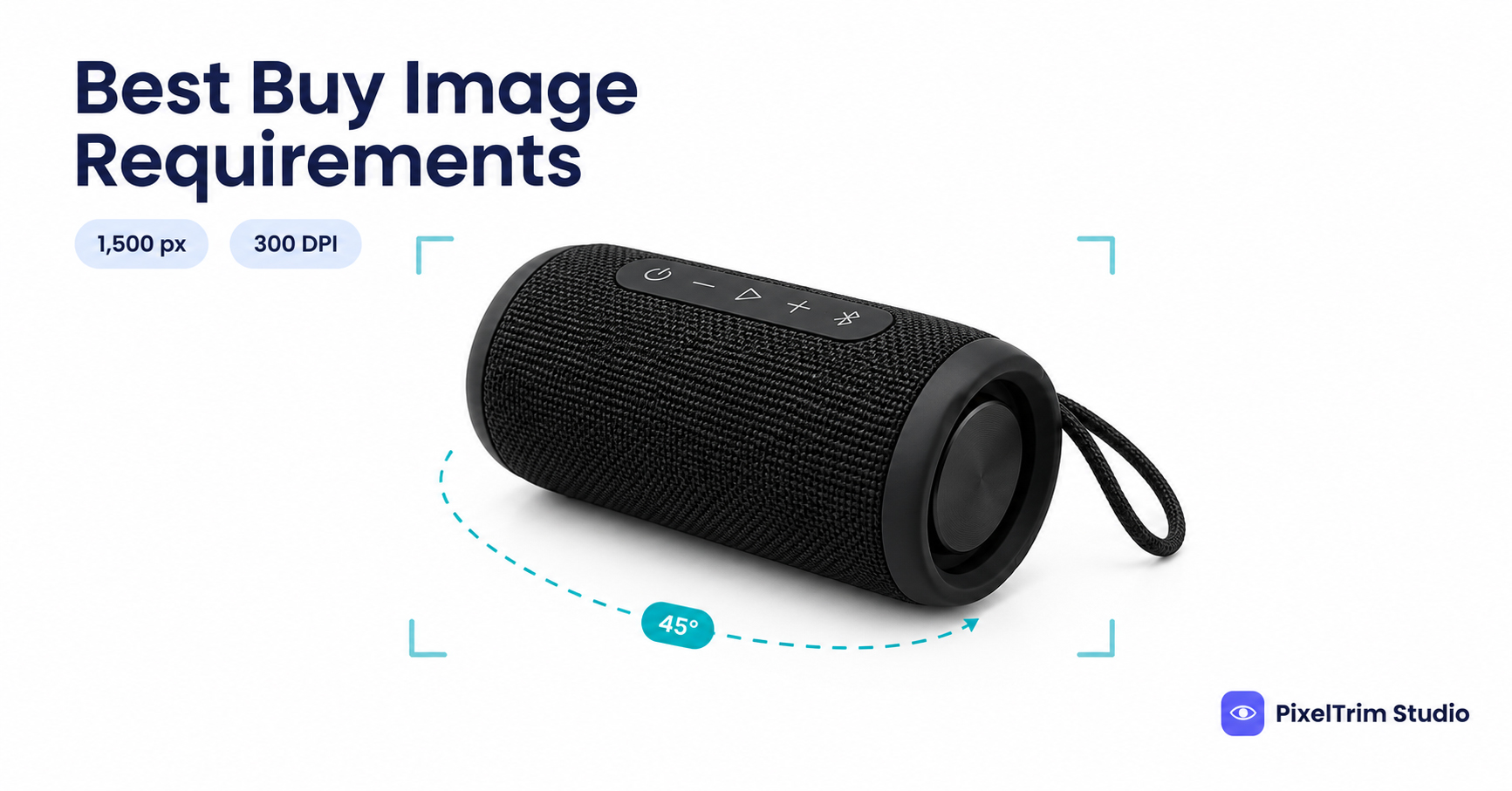
Search "Best Buy image requirements" and you get two different answers. Best Buy's own vendor Product Shot Guide asks for at least 1,500 x 1,500 px at 300 DPI. A marketplace feed guide for Best Buy Canada lists a main image minimum of just 500 x 500 px. Best Buy US is a curated marketplace that sellers apply to join, and its image guidelines are handed over during onboarding, so we could not open them. This guide labels every number by where it comes from, so you know which ones to trust and which to check on your own upload screen.
Best Buy Marketplace Image Requirements at a Glance
| Requirement | What to follow | Where it comes from |
|---|---|---|
| Minimum size | 1,500 x 1,500 px, or 500 x 500 px | Vendor Product Shot Guide, and the Canada feed guide. They disagree. The US feed guide states no size |
| Resolution | 300 DPI | Vendor Product Shot Guide only |
| Background | White, product cropped close | Vendor guide and Canada feed guide. The US feed guide does not state a colour |
| Colour mode | RGB or CMYK | Vendor guide only |
| File format | EPS, TIFF, JPEG, PSD in order of preference, or PNG, JPG, GIF | Vendor guide, and the Canada feed guide for the second set |
| Maximum file size | 10 MB | Canada feed guide only. Not stated elsewhere |
| File name | UPC for the default image, then _1, _2, _3 for the rest | Vendor guide only |
| Main image angle | Dynamic 45°, or front-facing | Vendor guide only |
| Extra images | Up to 9 more in Canada, and 10 alternate views plus angle, back and left fields in the US | The two ChannelEngine feed guides |
| 360° view | A .MOV file, or 20 to 50 photos to the same specs | Vendor guide only |
The two ChannelEngine guides were last updated on September 3, 2026. The Product Shot Guide PDFs carry no date, and their studio contact is a Best Buy Canada address, so they may describe the Canadian vendor programme more than the US marketplace upload screen. Treat this table as a starting point and let your Best Buy seller onboarding and the live upload screen have the final say.
Best Buy Main Image Rules
The main image is the first thing a shopper sees on the product page, so it carries most of the rules.
- White background, cropped close. The vendor guide asks for the product cropped close on white, and says a cropped image must still meet the minimum size. Shoot or edit to pure white, RGB 255,255,255, because that satisfies any reading of "white".
- Preferably 45° or front-facing. The vendor guide names the default image angle, and the generic shot list opens with a "Dynamic 45°" main image.
- No models, badges, icons, logos or text. The US feed guide leaves these out of the first image, with an exception for text printed on the product or on a screen that is part of it.
- Only what is in the box. The same guide says to avoid packaging and any accessory that is not included with the product.
- Named by UPC. The vendor guide wants the default file named with the UPC and no suffix, for example 601603120572.eps, and each extra image numbered _1, _2, _3.
The Nine-Shot List Best Buy Asks For
The generic Product Shot Guide lists nine shots: a dynamic 45° main image, front, side, back, top, a close-up or feature shot, a size reference, a lifestyle or in-use shot, and a 360° video. It also separates minimum from enhanced shots, but the text we could read does not make that split fully clear, so plan for all nine. Best Buy also publishes category guides for items such as speakers, drones, ranges and furniture bundles, and they follow the same file rules with a different shot list. Check yours before a shoot.
The US feed guide lists its own image fields: a first image, an angle view, a back view, a left view and up to 10 alternate views.
Why the Numbers Disagree
Three things are likely behind the gaps. The vendor guide is a print-and-digital asset spec, written for a studio handing over files, while the feed guides describe what a marketplace upload field will accept. The Canada and US marketplaces are separate programmes with separate guides. And some numbers describe a floor, while others describe the quality Best Buy would like to receive: 500 px is what an upload field takes, and 1,500 px at 300 DPI is what the vendor guide asks for.
You do not have to settle the argument. Build your files to the strictest version of each number and every version is covered.
One Master Spec That Clears Every Version
- Edit at 2,000 x 2,000 px. That clears the 1,500 px vendor minimum and the 500 px feed minimum. The square shape and the 2,000 px figure are our recommendation, not a Best Buy number.
- Put every photo on pure white, RGB 255,255,255, with the product cropped close and centred.
- Shoot the main image at 45° or front-facing, with no props, logos, badges or packaging.
- Export JPEG in RGB under 10 MB. TIFF is the next choice on the vendor list. Ask for EPS only if your Best Buy contact specifically wants it.
- Set 300 DPI in the export, and name the default file with the UPC.
The same white-background master travels well. Walmart wants a strict 1:1 square, recommended at 2,200 px, covered in our Walmart Marketplace image requirements guide. Target Plus has the same kind of disagreement between partner guides, and our Target Plus image requirements guide uses the same source-labelled approach.
Fixing Photos That Fail Without a Reshoot
Most failed Best Buy photos come down to two jobs: a clean cutout on true white and a correct export.
- Grey, busy or off-white background: a clipping path cuts the product out and places it on true white. Pricing is $0.39 per image for simple products, $0.69 for medium and $0.99 for complex shapes. To check that a background is really white and not just white-looking, use the colour-picker method in our pure white background guide. It is written for Amazon, but the pixel check is the same on any marketplace.
- Wrong size, colour mode or DPI: image conversion resizes and reformats a batch to spec from $0.19 per image, or $0.39 per image when a colour mode change, DPI change or profile embedding is also needed. Our guide to what image conversion is explains RGB versus CMYK and DPI in plain terms. Our conversion service lists JPG, PNG, TIFF, WebP, PDF and PSD, so ask us before ordering if you need EPS.
As a worked example, take one simple product shot from five angles: 45°, front, side, back and top. Each file gets a cutout at $0.39 and a conversion to the master spec with 300 DPI at $0.39, so $0.78 per file and $3.90 per product.
Not sure your current Best Buy photos would pass? Send 1-2 sample images and we will edit them to spec, free.
Frequently Asked Questions
What size should Best Buy product images be?
Best Buy's Digital Assets Product Shot Guide asks for a minimum of 1,500 x 1,500 px at 300 DPI. A ChannelEngine guide for Best Buy Canada lists a lower marketplace feed minimum of 500 x 500 px, and the US guide states no pixel size. Export at 2,000 x 2,000 px to clear all of them.
Does Best Buy require a white background?
Yes in the two places that state a colour. The vendor Product Shot Guide asks for the product cropped close on a white background, and the Best Buy Canada feed guide lists a white background for every image. The US feed guide does not name a colour, so use pure white, RGB 255,255,255.
What is the 45 degree main image rule at Best Buy?
The Product Shot Guide names Main Image: Dynamic 45° as the first shot and says the default image should preferably be 45° or front-facing. It is a shot angle, not a file setting, so it needs to be shot or chosen before editing.
What file format does Best Buy accept for product images?
The vendor guide lists EPS, TIFF, JPEG and PSD in order of preference. The Best Buy Canada feed guide lists PNG, JPG and GIF with a 10 MB cap. JPEG in RGB is the safest overlap for a marketplace upload, but confirm in your seller onboarding.
What should not appear in a Best Buy main image?
The Best Buy US feed guide says to leave out models or people using the product, badges, icons, logos and text, unless the text is printed on the product or on a screen that is part of it. It also says to avoid packaging and any item or accessory that is not included with the product.
Tags
Ready to get your images edited?
Upload 2 photos for a free trial edit — returned in under 24 hours.
Start free trial →

