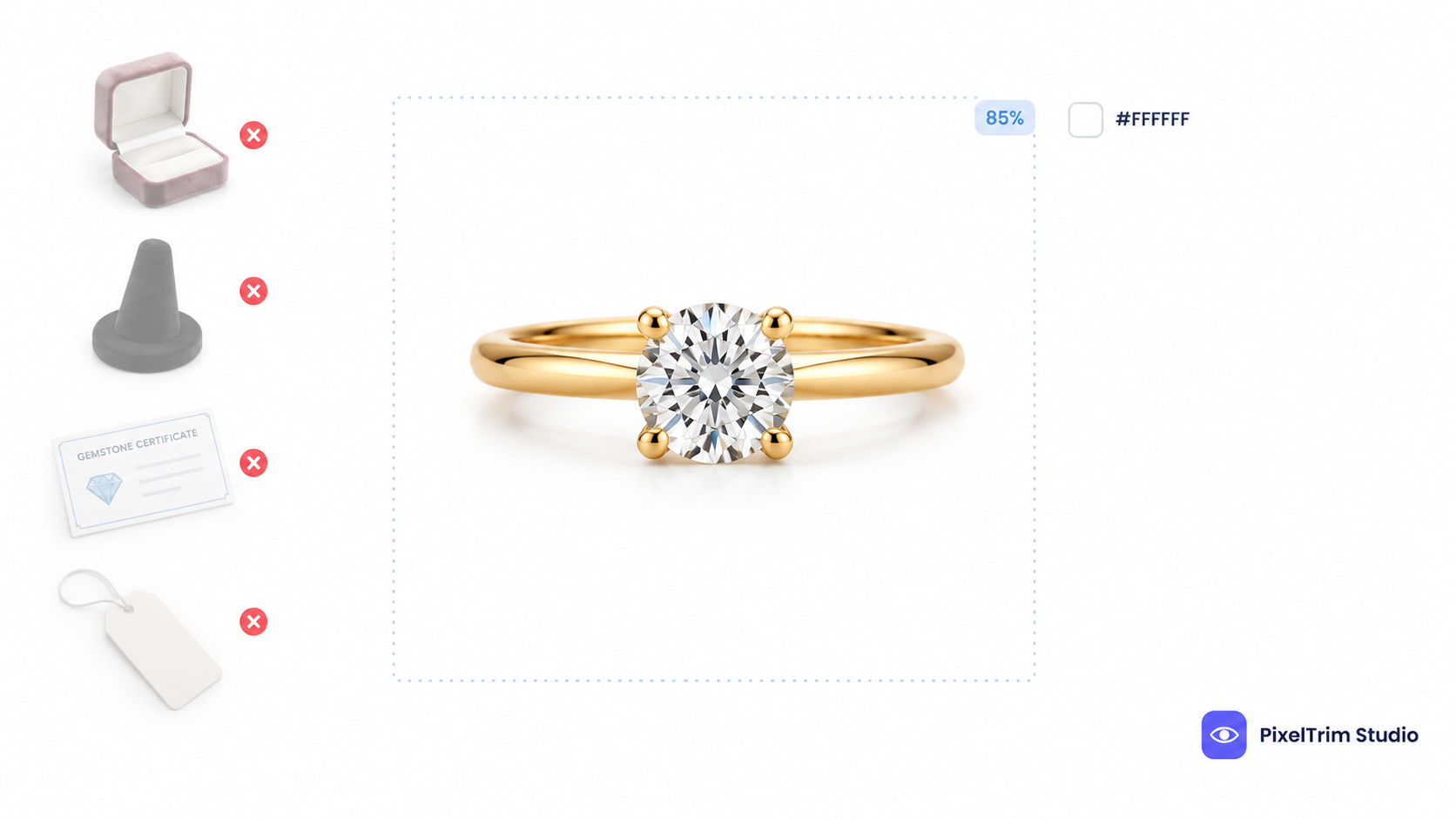
Amazon's jewelry rule is stricter than most sellers expect: the main image is one front view, shot flat, on pure white, with no model, no bust, no ring stand and no box in the frame. Show a ring on a holder, a necklace on a mannequin or a gemstone next to its certificate, and the listing can be suppressed even though the photo looks great. This guide lays out the exact jewelry rules, what fails most often, and which shots belong in the alternate slots instead.
The numbers below follow Amazon's Jewellery category style guide (the copy Amazon hosts publicly is the Amazon.co.uk edition, dated April 2020) together with Amazon's general image rules. Amazon can revise category rules by marketplace, so check the current style guide for your category in Seller Central before a big upload.
Main Image Requirements for Jewelry
| Requirement | Standard |
|---|---|
| Views | One product view only, and it must be the front view |
| Presentation | Shot flat, with no visible mannequin, bust, hanger, holder or human model |
| Background | Pure white, RGB 255, 255, 255 (#FFFFFF), never a colored, landscape or black backdrop |
| Frame fill | Piece filling at least 85% of the image area, aspect ratio close to 3:4 |
| Resolution | 1,600 px or larger on the longest side for zoom (Amazon's general minimum is 1,000 px) |
| File format | JPEG preferred; PNG, TIFF and GIF also accepted |
| Content | Only the piece for sale, with no extra accessories, packaging, boxes, tags, certificates or brochures |
| Not allowed | Text, logos, borders, watermarks, color blocks, inset images, sketches, black-and-white photos |
| Color | Metal and stone color must match the real product |
Everything in that table has to be true at once. For the rules that apply to every category, see our full Amazon image requirements guide; this page covers what changes for jewelry.
What Gets Jewelry Images Rejected
| Mistake | Why It Fails | Fix |
|---|---|---|
| Ring on a visible stand, clip or holder | The main image cannot show a holder | Paint out the support in editing, or reshoot with the piece floating |
| Necklace or earrings on a bust or mannequin | Visible mannequins are prohibited in the main image | Reshoot flat, or edit the bust out completely |
| A model wearing the piece | Human models are not allowed in the main image | Move the worn shot to an alternate slot |
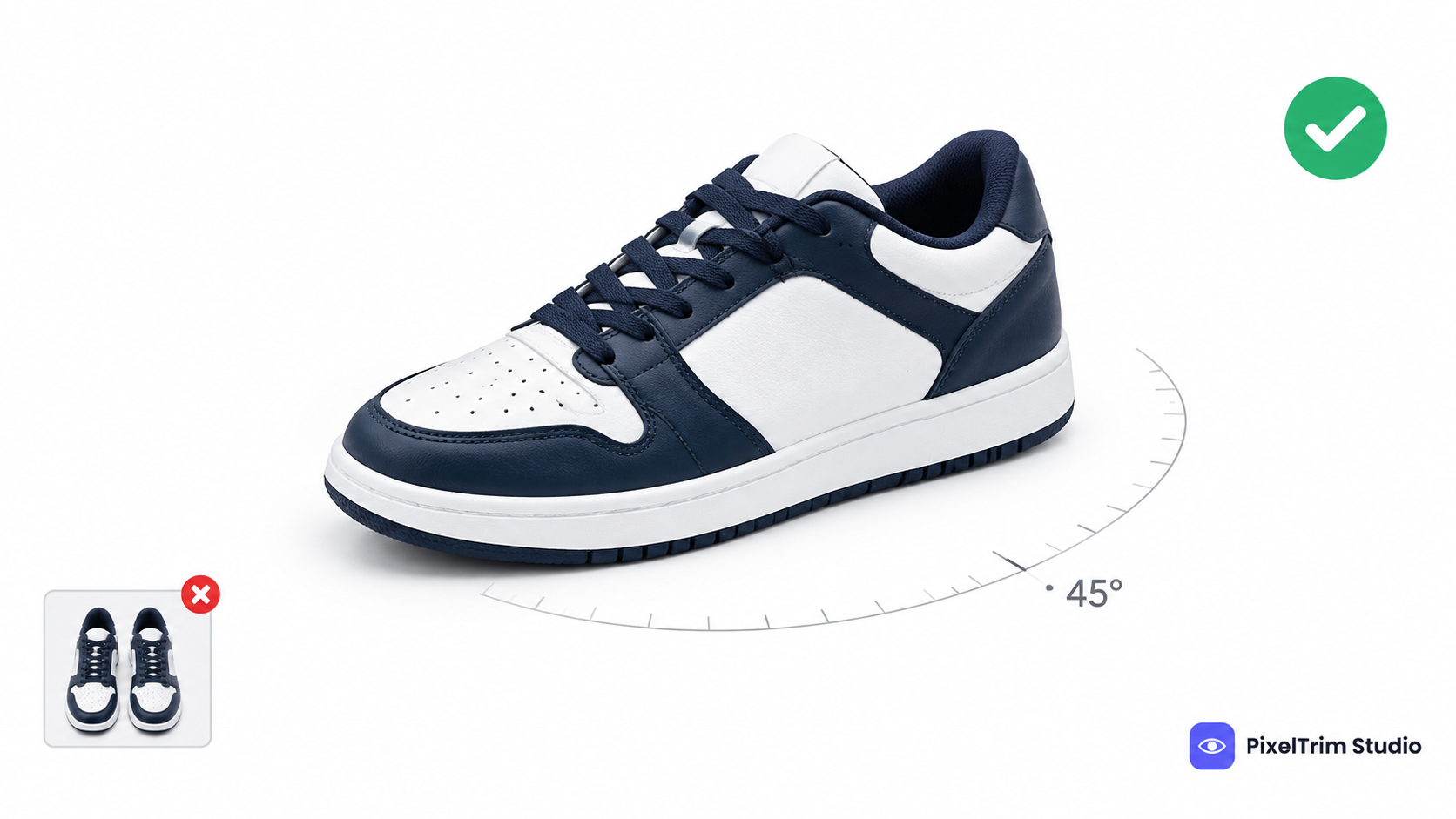
| Side, back or top view, or a second view in an inset | The main image allows one front view only | Use the extra angles as alternate images |
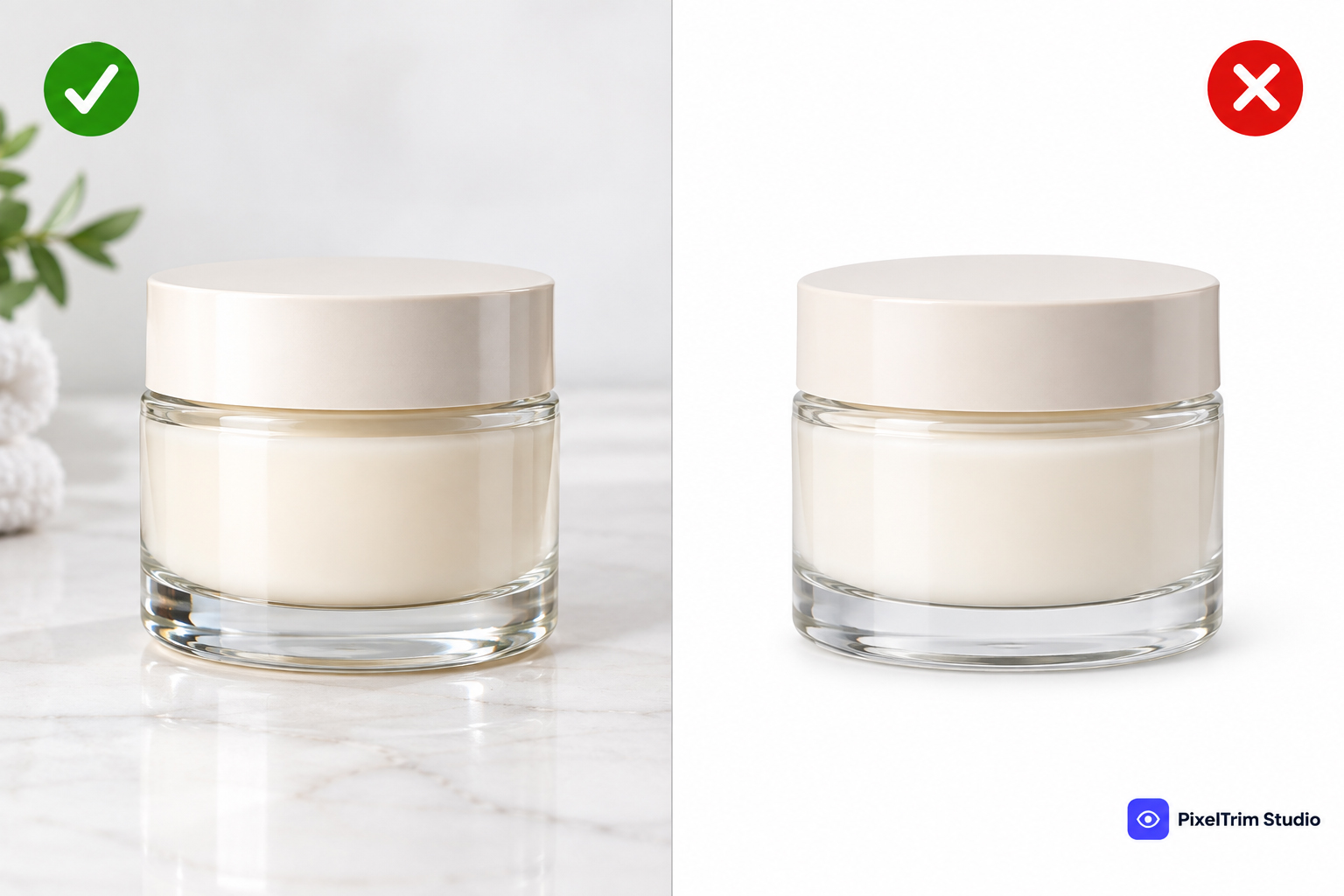
| Off-white or gray background, or a shadow running past the frame | Anything short of #FFFFFF fails, and shadows extending past the side or top are prohibited | Cut the piece out onto true white and keep any shadow inside the frame |
| Box, pouch, tag or gemstone certificate in frame | Only the item for sale may appear | Reshoot or remove in editing |
| Black background for a loose stone | Black is prohibited for main images | Use it in an alternate slot only |
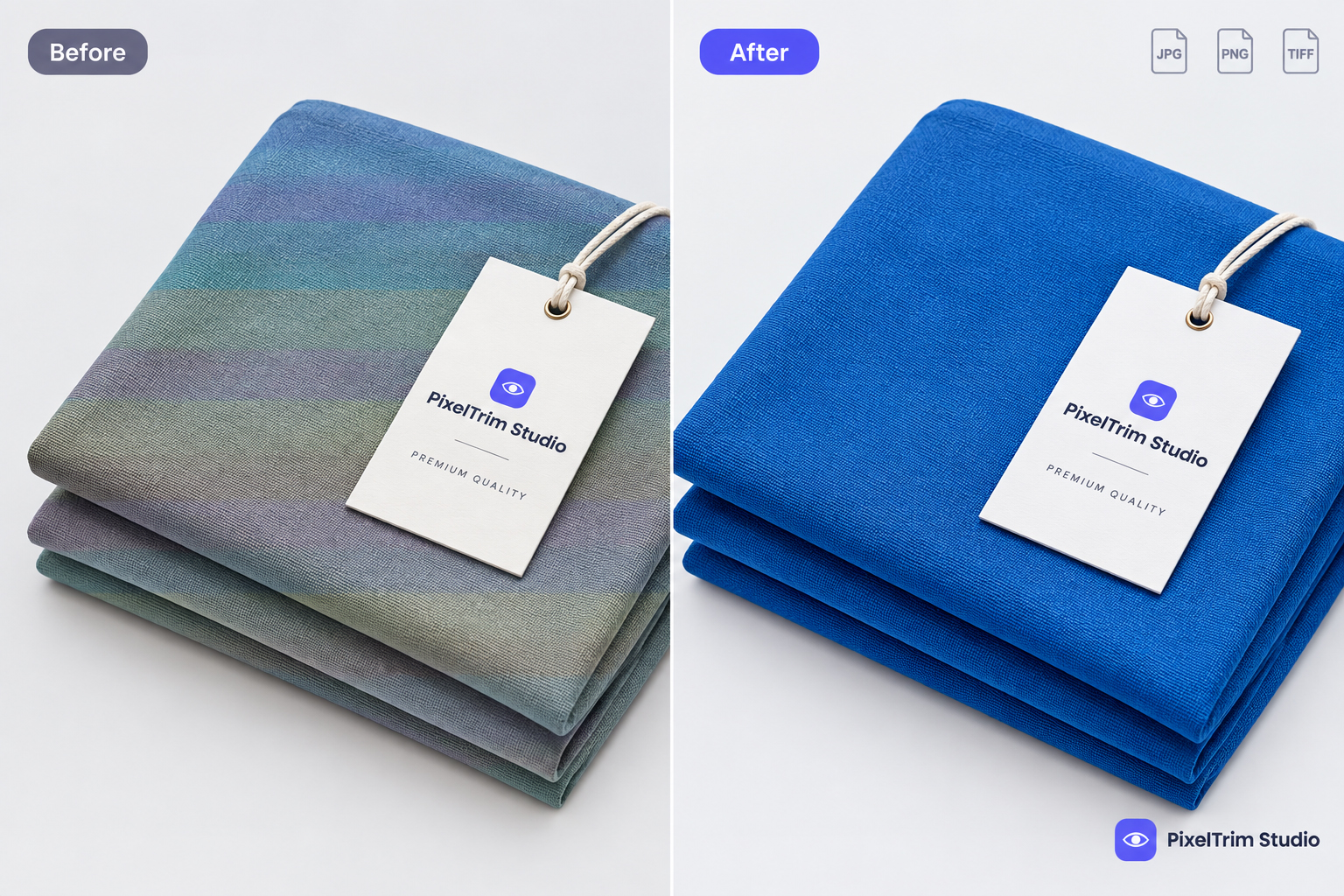
| Gold that photographs orange | Image color must match the product | Correct the color against a reference swatch |
| Two metals or colorways in one image | Each main image shows one color option only | Shoot and edit each metal separately |
A background that only looks white is the sneakiest of these, because polished metal throws reflections and studio shadows that turn a white sweep gray near the edges. Our pure white background guide shows how to check it with a color picker. Selling footwear as well? The rules are different again, and we cover them in our Amazon shoe image requirements guide.
The Necklace Cropping Question
Amazon's Jewellery style guide asks for the entire product in the main image, with no parts clipped by the frame. Amazon's general image guidance on some marketplaces carves out a limited exception for jewelry, which is why you will see necklaces running slightly past the edge of the frame on live listings. Rules differ by marketplace and edition, so treat the exception as permission you have confirmed in Seller Central, not as something to rely on. If you are unsure, keep the whole piece inside the frame with a clean margin.
Alternate Images: What Goes Where the Main Cannot
Amazon's jewellery guide allows up to eight alternate images per listing and names only a few: extra product angles, a silhouette or size-scale image that can reduce returns, and black backgrounds for loose stones. Beyond that the slots are open, so here is a practical set:
- Angle: a side or 3/4 view that shows the profile of a ring or pendant
- Detail: a close-up of the setting, clasp, engraving or hallmark
- Worn: the piece on a model, which is fine here even though it is banned in the main image
- Scale: a silhouette or sizing image so buyers can judge dimensions
- Loose stones: a black-background shot that shows fire and clarity
- Presentation: the gift box or pouch, which cannot appear in the main image
Unlike the main image, these slots are recommendations rather than pass-or-fail rules, but a consistent set across every SKU makes a catalog look far more professional.
Every Metal and Color Needs Its Own Main Image
Amazon requires a main image for the parent listing and for each child variation, and each child main image must show only that one color option. A ring sold in yellow, white and rose gold is three main images before you count a single alternate, and Amazon's wording also covers size options, so check what Seller Central asks for on ring-size variations. Consistency matters more than perfection on any single shot: same angle, same fill, same white background on all of them. Shooting every metal under the same setup also keeps the tones believable, and our jewelry photography tips cover the diffusion and lighting habits that keep reflections easy to clean up.
What Editing Costs for Jewelry (2026 Rates)
Getting a piece onto true white with clean edges, no dust and accurate metal color is jewelry retouching work rather than a plain cutout. PixelTrim Studio prices it per image by how much retouching the piece needs:
| Tier | Price | What's Included |
|---|---|---|
| Basic | $1.99/image | Dust and lint removal, basic background cleanup, color correction |
| Standard | $3.99/image | Full surface polish, sparkle enhancement, gemstone color boost, 1 revision round |
| Premium | $7.99/image | High-end metal retouching, micro-scratch removal, setting and prong cleanup, layered PSD |
As a worked example, a ring sold in three metals with a main image plus five alternates per metal is 18 images, or about $35.82 at the Basic rate and $71.82 at the Standard rate before any bulk pricing. Turnaround is 24 to 48 hours with one free revision round. If you are comparing providers for a full jewelry line, our jewelry retouching service guide covers what to check before you commit.
Pre-Upload Checklist for Jewelry Listings
- One front view of the piece in the main image
- No bust, mannequin, ring stand, holder or model visible
- Background reads exactly #FFFFFF on a color picker
- Piece filling 85% or more of the frame, aspect ratio close to 3:4
- At least 1,600 px on the longest side
- No box, tag, certificate, text, watermark or shadow running off the frame
- Metal and stone color matching the real piece
- A separate main image for every metal or color option
- Side views, worn shots, scale images, boxes and black-background stone shots saved for the alternate slots
Not sure your jewelry photos would pass? Send two sample images and we will edit them to Amazon's jewelry spec, free.
FAQ
Can I use a model in the main image for jewelry?
No. Amazon's Jewellery style guide says the main image must not be shot with a human model, and it also bans visible mannequins, hangers and holders. Put worn shots in the alternate image slots instead.
What size should Amazon jewelry images be?
Amazon's Jewellery guide asks for at least 1,600 px on the longest side so zoom works, with the piece filling at least 85% of the frame and an aspect ratio close to 3:4. Amazon's general minimum is 1,000 px, so shooting at 1,600 px or larger satisfies both.
Can I use a black background for jewelry on Amazon?
Not in the main image, which must be pure white (RGB 255, 255, 255). Amazon's guide does allow a black background in alternate images for loose stones, where it helps show the diamond.
Can a necklace be cropped at the edge of the main image?
Amazon's Jewellery style guide asks for the entire product with no clipped parts, while Amazon's general guidance on some marketplaces makes a limited exception for jewelry. Rules vary by marketplace, so confirm the current wording in Seller Central, and when in doubt keep the whole necklace inside the frame.
Do I need a separate main image for each metal color?
Yes. Every color variation needs its own main image showing only that option, in addition to the main image for the parent listing. A ring in yellow, white and rose gold needs three.
Tags
Ready to get your images edited?
Upload 2 photos for a free trial edit — returned in under 24 hours.
Start free trial →