Selling a car on eBay Motors is not like listing a phone case. The number of photos you get is tied to the vehicle package you buy, and eBay's help pages publish no vehicle-specific pixel spec at all. That leaves dealers and private sellers guessing which numbers actually apply.
This guide separates what eBay states from what is third-party advice, then turns the package limits into a shot plan and an editing budget. For the general rules that apply to every category, see our eBay image requirements guide.
What eBay Publishes for Vehicle Photos
Vehicle listings follow eBay's general photo rules, with one big difference: the photo count depends on the package. Here is each number and where it comes from.
| Rule | Number | Source |
|---|---|---|
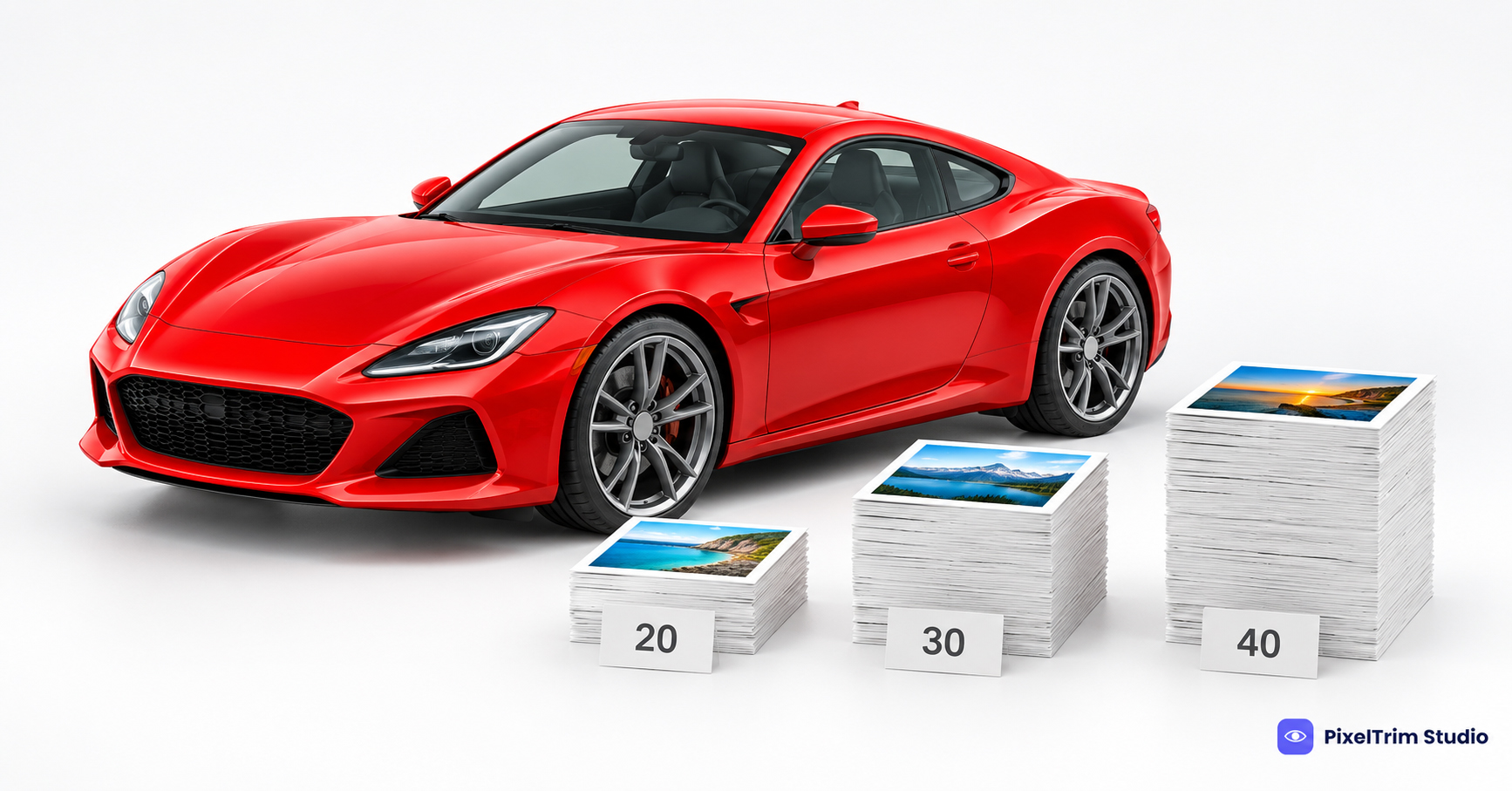
| Photos per vehicle listing | 20 (Basic), 30 (Plus), 40 (Premium) | eBay Motors vehicle fees help page |
| Photos in most other categories | Up to 24 | eBay "Adding pictures" help page |
| Minimum photo size | 500 x 500 px | eBay "Adding pictures" help page |
| Recommended photo size | About 1600 x 1600 px | eBay "Adding pictures" help page |
| Maximum file size | 12 MB each | eBay "Adding pictures" help page |
| Aspect ratio | 1:1 or 16:9 generally looks best | eBay "Adding pictures" help page |
| Graphics, logos, watermarks | Avoid; they can hurt search placement | eBay "Adding pictures" help page |
eBay does not publish a separate pixel size for vehicles, so the general 500 px minimum and roughly 1600 px recommendation are the numbers to work from. Package details change over time, so confirm the photo count for your package in Seller Hub before you plan a shoot. This guide quotes photo counts only, not package prices.
Why the Package Sets Your Photo Plan
A Basic listing gives you 20 slots, a Premium listing gives you 40. Dealers typically shoot 15 to 25 photos per vehicle, so the 20-photo Basic limit is the one that forces choices. Decide what earns a slot before you upload, because the first photo is the one that appears in search results.
Here is a suggested split for a 20-photo budget. This is our recommendation, not an eBay rule.
| Group | Slots | What to include |
|---|---|---|
| Exterior | 8 | Front 3/4 (main photo), rear 3/4, both side profiles, direct front, direct rear, one wheel, roof or trunk |
| Interior | 6 | Dashboard, front seats, rear seats, center console, infotainment, cargo area |
| Proof | 3 | Odometer, VIN plate, engine bay |
| Condition | 3 | Close-ups of any dents, scratches, or worn spots |
With 30 or 40 slots, add more exterior detail, tires, and under-hood shots rather than near-duplicate angles. For how to shoot each angle so it edits cleanly, see our car photography tips.
What You Can Edit and What You Should Not
eBay expects the photo to show the actual item being sold. That rule decides what editing is safe on a vehicle.
- Safe: glare and reflection reduction, a cleaner or consistent background, color correction so the paint matches the real car, sky replacement on exterior shots, and license plate blur.
- Not safe: removing dents, scratches, rust, or interior wear. Buyers bid on what the photos show, and hidden damage turns into disputes and returns.
- Be careful with AI backgrounds: eBay's own app offers AI-generated backgrounds, but a vehicle is a high-value purchase. A real, clean background keeps the photo honest.
Our car retouching for dealership listings guide explains how consistent editing helps buyers trust a listing without changing the car itself.
Preparing Photos for the eBay Upload
- Export every photo at about 1600 px on the long edge, JPEG, under 12 MB.
- Keep the main photo centered with margin on every side. eBay shows a square thumbnail in search results, and a tight crop can cut off a bumper. Our eBay photo size guide covers the thumbnail crop in detail.
- Use the same background, lighting, and crop for the whole set so the gallery looks like one shoot.
- Number the files in the order you want them to appear, since the first photo you add becomes the main photo.
What Editing a Full Vehicle Set Costs
PixelTrim Studio's car retouching is priced per image: Basic at $2.99 (background cleanup, plate blur, basic color correction), Standard at $5.99 (background removal or swap, glare and reflection reduction, sky replacement, 1 revision round), and Advanced at $9.99 (full paint panel retouch, wheel and tyre shine, lot clutter removal, layered PSD). Dealer batch rates are available.
| eBay Motors package | Photos | Basic edit | Standard edit |
|---|---|---|---|
| Basic | 20 | $59.80 | $119.80 |
| Plus | 30 | $89.70 | $179.70 |
| Premium | 40 | $119.60 | $239.60 |
Those totals assume every photo gets the same tier. In practice you can edit the exterior set at Standard and send simple interior shots at Basic. Standard turnaround is 24 to 48 hours. For general market ranges across edit types, see our car photo editing cost guide.
Pre-Upload Checklist
- Photo count matches your package limit
- Main photo is a front 3/4 with clean margin on all sides
- Every file is JPEG, about 1600 px on the long edge, under 12 MB
- No logos, text overlays, or watermarks on any photo
- Odometer, VIN plate, and every flaw are shown clearly
- Plates are blurred if privacy matters for your listing
Get Your Vehicle Set Listing-Ready
Need a full lot cleaned up for eBay Motors? PixelTrim Studio's car retouch service is 100% manual, with a free 2-image trial before you commit to a batch.
FAQ
How many photos can I upload to an eBay Motors vehicle listing?
It depends on the package. eBay's Motors fees page lists 20 photos for Basic, 30 for Plus, and 40 for Premium. Other categories allow up to 24.
What size should eBay Motors photos be?
eBay publishes general numbers rather than a vehicle-specific size: 500 x 500 px minimum, about 1600 x 1600 px recommended, and 12 MB maximum per file.
Does eBay require a white background for car photos?
No. eBay suggests a neutral, uncluttered background in general, and white is common for small items. For a vehicle, a clean, consistent lot or studio-style background works. What matters is that it shows the real car.
Can I edit glare and background on eBay Motors photos?
Yes. Reducing glare, cleaning the background, and correcting color are normal retouching. Removing dents, scratches, or interior wear is not, because the photos must represent the vehicle accurately.
How much does it cost to edit a full set of eBay Motors photos?
At PixelTrim Studio's Standard car retouch rate of $5.99 per image, a 20-photo Basic package set comes to $119.80, and a 40-photo Premium set to $239.60. Basic edits are $2.99 per image.
Tags
Ready to get your images edited?
Upload 2 photos for a free trial edit — returned in under 24 hours.
Start free trial →

