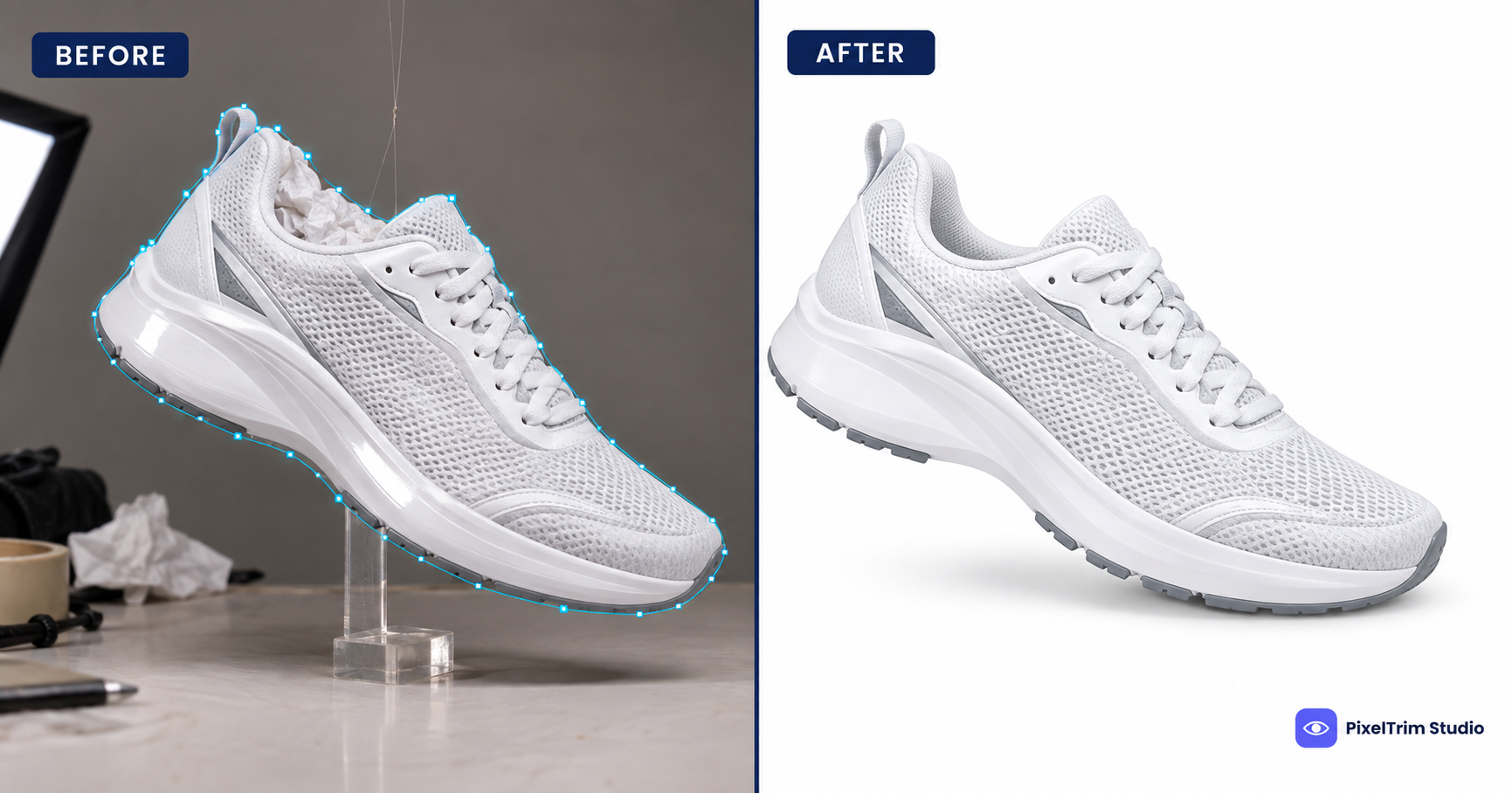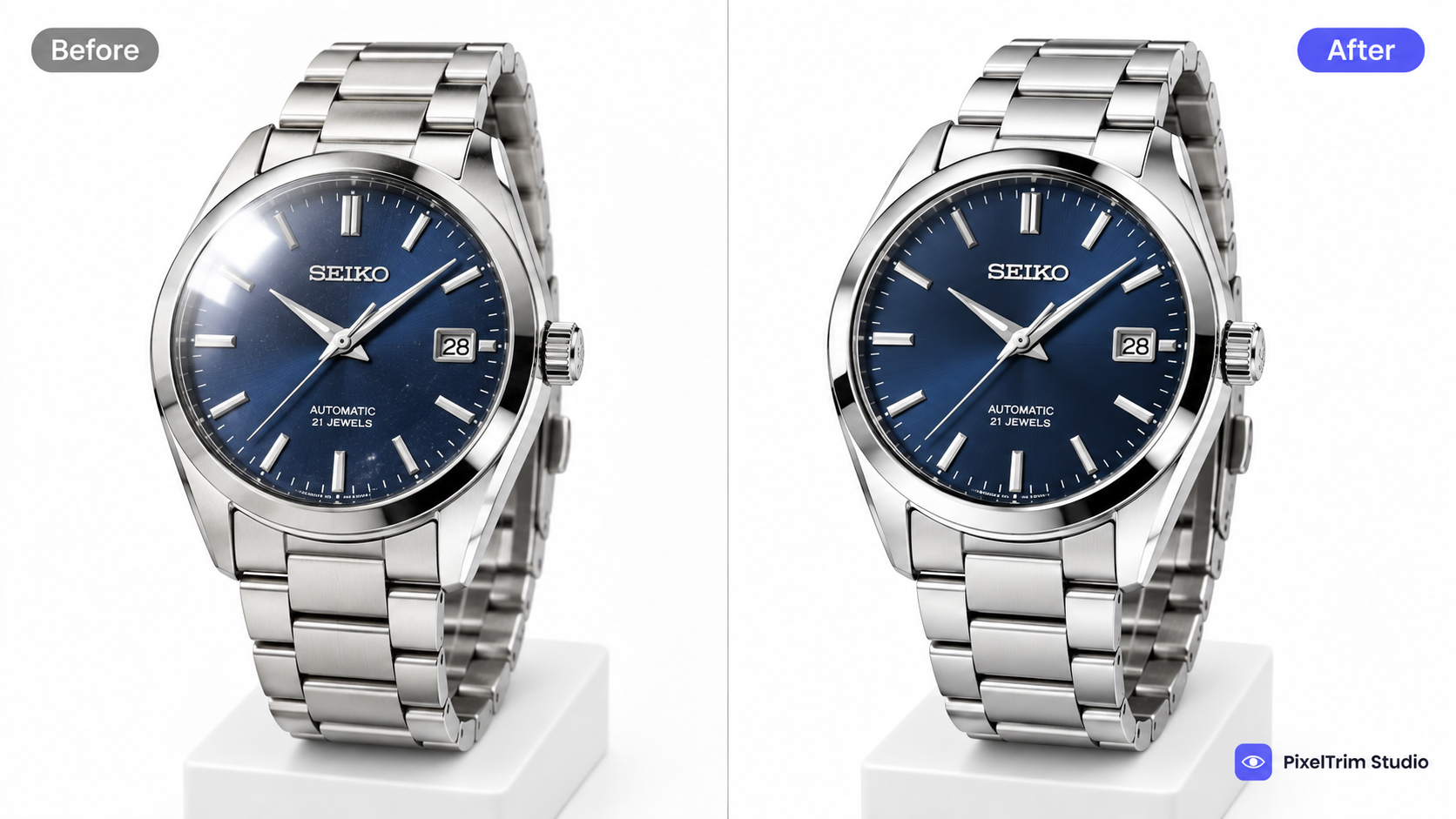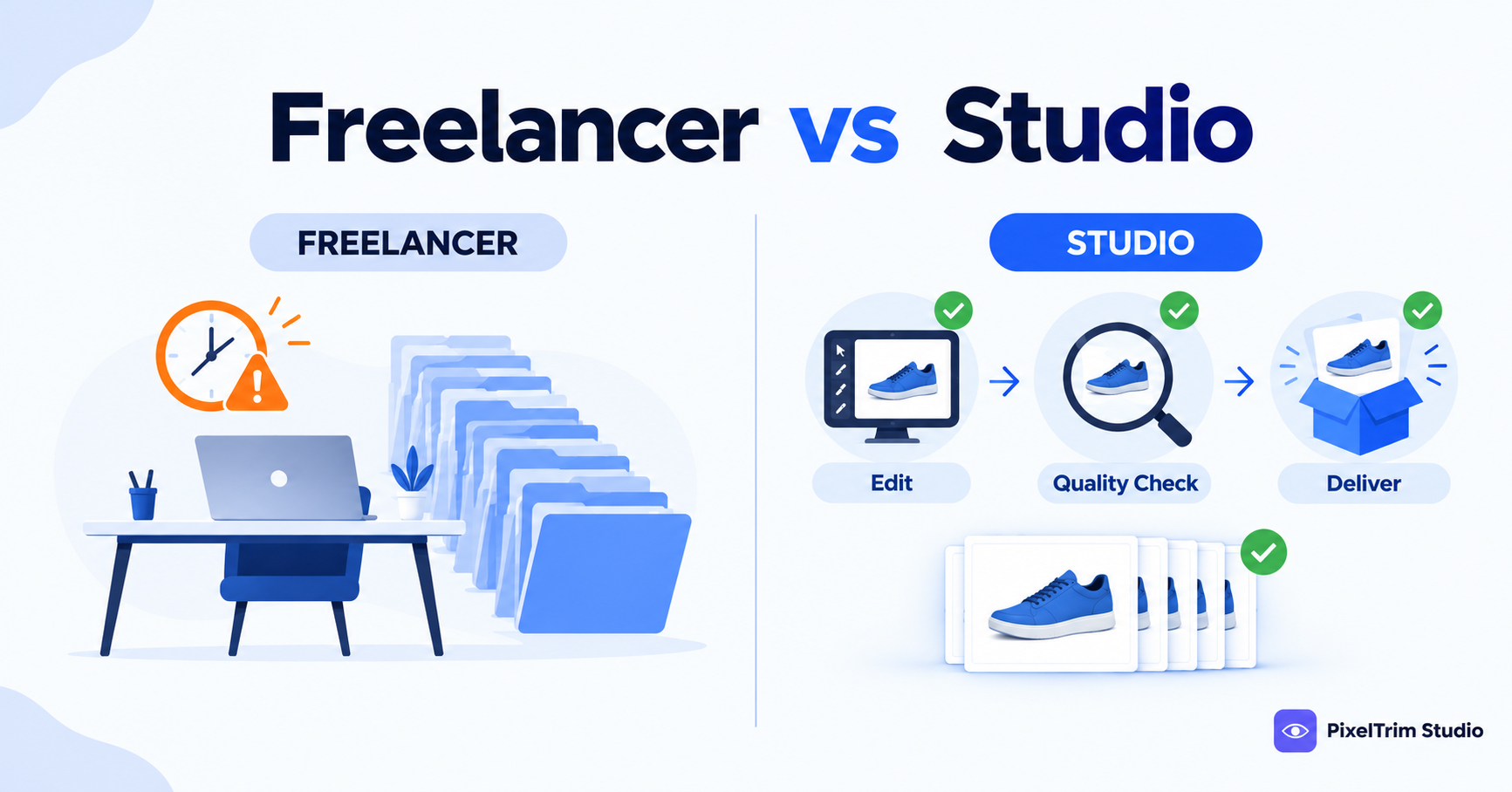
Hiring a freelancer is usually the first move when a seller needs product photos edited: it is quick to set up, the per-image price looks low, and you can message the person directly. A studio costs a bit more per image on paper. So which one is actually the better hire? It depends on what you are editing, how much of it there is, and what happens on the day something goes wrong. This guide compares a freelancer vs a photo editing studio on the things that matter for an eCommerce catalog: cost, consistency, turnaround, capacity, and risk.
Quick Answer: Which One Should You Hire?
- Freelancer — fits a small one-off job, a tight budget, or a single product type where you have already found someone whose work you trust.
- Studio — fits a growing catalog, recurring monthly batches, mixed edit types (cutouts, shadows, retouching, ghost mannequin), or any store where inconsistent images would hurt sales.
Neither is automatically better. The mistake is picking based on the lowest per-image quote instead of the workflow you will actually need three months from now.
Freelancer vs Photo Editing Studio: Side-by-Side
| Factor | Freelancer | Studio |
|---|---|---|
| Per-image price | Often the lowest quote you will see | Slightly higher, usually tiered by edit complexity |
| Capacity | One person: fine at 20 images, slow at 500 | A team splits a large batch, so turnaround holds at volume |
| Consistency across a batch | Good within one sitting, can drift over weeks | Shared style guide plus a second-pair-of-eyes check |
| If the editor is unavailable | Your batch stops | Another editor picks it up |
| Range of services | Usually strong at one or two edit types | Cutouts, shadows, retouching and ghost mannequin under one account |
| Communication | Direct and fast when they are online | Account or support channel, more process |
| Revisions | Whatever you negotiate, often informal | Written revision policy |
| Best for | Small, occasional, single-type jobs | Recurring, growing or multi-type catalogs |
Where a Freelancer Genuinely Wins
A good freelancer is not a risky choice. There are real situations where one is the better fit:
- Small, occasional batches — a few dozen images every now and then does not need a team.
- A very specific style — if you have found someone who nails a particular look, a direct working relationship is hard to beat.
- Tight budgets at the start — early-stage stores with limited SKUs can keep costs low and learn what they need.
- Quick back-and-forth — one person you can message directly is faster for small tweaks than a support queue.
Where Freelancers Start to Break Down
The problems rarely show up on the first ten images. They show up when the catalog grows:
- Single point of failure — illness, a holiday or a busier month, and your launch date moves with them.
- Capacity ceiling — one editor working through 800 SKUs takes days longer than a team splitting the same batch.
- Style drift — shadow softness, white point and crop can slowly change between batches, and it is far more visible across a full storefront than in a sample.
- Edit types outside their strength — someone excellent at clipping path may be average at ghost mannequin or jewelry retouching, and you end up managing several freelancers.
- No fallback on quality — when the only reviewer is the editor, small errors reach you unchecked.
What a Studio Adds (and What It Costs You)
A studio trades a little flexibility for structure: a team, a repeatable process, and someone accountable when a batch is late or wrong. The trade-offs are honest ones:
- The per-image rate is usually a little higher than the cheapest freelancer quote.
- You often work through an order form or account manager instead of chatting with one person.
- Setup takes a short brief: background, shadow style, crop ratio and naming, but that brief is what keeps image 1 and image 500 matching.
In return, turnaround stays predictable as volume grows. At PixelTrim Studio, standard turnaround is 24–48 hours, one free revision round is included, and all editing is done manually by a team, not a filter pass.
What It Costs in Practice
Per-image price is only part of the cost. A cheap quote that needs three rounds of fixes, or a delayed batch that pushes back a listing launch, is not cheap. For reference, PixelTrim Studio's current per-image tiers are:
| Tier | Price | Typical Work |
|---|---|---|
| Simple | $0.39 / image | Single clipping path, plain background |
| Standard | $0.99 / image | Masking or multi-path, shadow, color correction |
| Complex | $1.99 / image | Ghost mannequin, hair or fur masking, heavy retouching |
For a wider view of what drives price up or down, see our product photo editing pricing guide. Always confirm current rates directly with any provider you compare.
How to Decide: A Simple Checklist
- Count your images per month. Under about 50 and steady, a freelancer can work. Hundreds, or growing, points to a studio.
- List your edit types. One type favors a specialist freelancer. Three or more favors a studio that covers all of them.
- Ask what happens if they are unavailable. If the honest answer is "the batch waits," factor that into your launch dates.
- Check consistency, not just quality. Ask for a small trial batch of 5 to 10 images, not a single showcase edit.
- Get revision and turnaround terms in writing before sending a full catalog.
If you are still unsure, run the same 2 to 5 images through both and compare. Our product photo editing service guide covers what a full provider should include, and the bulk editing guide for Shopify explains what tends to break at catalog scale.
Freelancer, Studio, or AI Tool?
A third option sits next to both: an AI background remover. It is cheap and fast for simple, high-contrast products, but it still struggles with fine edges, transparency and marketplace compliance. Whichever route you take for the human part, our manual vs AI photo editing comparison shows where each approach holds up.
FAQ
Is a freelancer cheaper than a photo editing studio?
Per image, often yes. But the real cost includes revision rounds, delays and time you spend managing the work. For small, simple jobs a freelancer is usually cheaper overall; for large or mixed catalogs the gap tends to narrow or reverse.
When should I switch from a freelancer to a studio?
Common signs are a catalog growing past a few hundred images, deadlines slipping because one person is the bottleneck, inconsistent looks between batches, or needing edit types your freelancer does not do well, such as ghost mannequin or jewelry retouching.
Can I use both a freelancer and a studio?
Yes. Some sellers keep a freelancer for a signature style or small urgent jobs and send recurring bulk batches to a studio. Just share one written style guide so both produce matching images.
How do I test an editor before committing?
Send the same 5 to 10 real images from your catalog, including at least one difficult one, and compare edges, shadows and color across the set. PixelTrim Studio offers 2 images edited free so you can check quality on your own products.
Is a studio more reliable than a freelancer for marketplace listings?
Not automatically, but a team with a review step and a written revision policy usually handles marketplace specs and large batches more predictably than a single person working alone.
Not sure which route fits your catalog? Send 2 images for a free trial edit and compare the result yourself: start your free trial or get a free quote.
Tags
Ready to get your images edited?
Upload 2 photos for a free trial edit — returned in under 24 hours.
Start free trial →