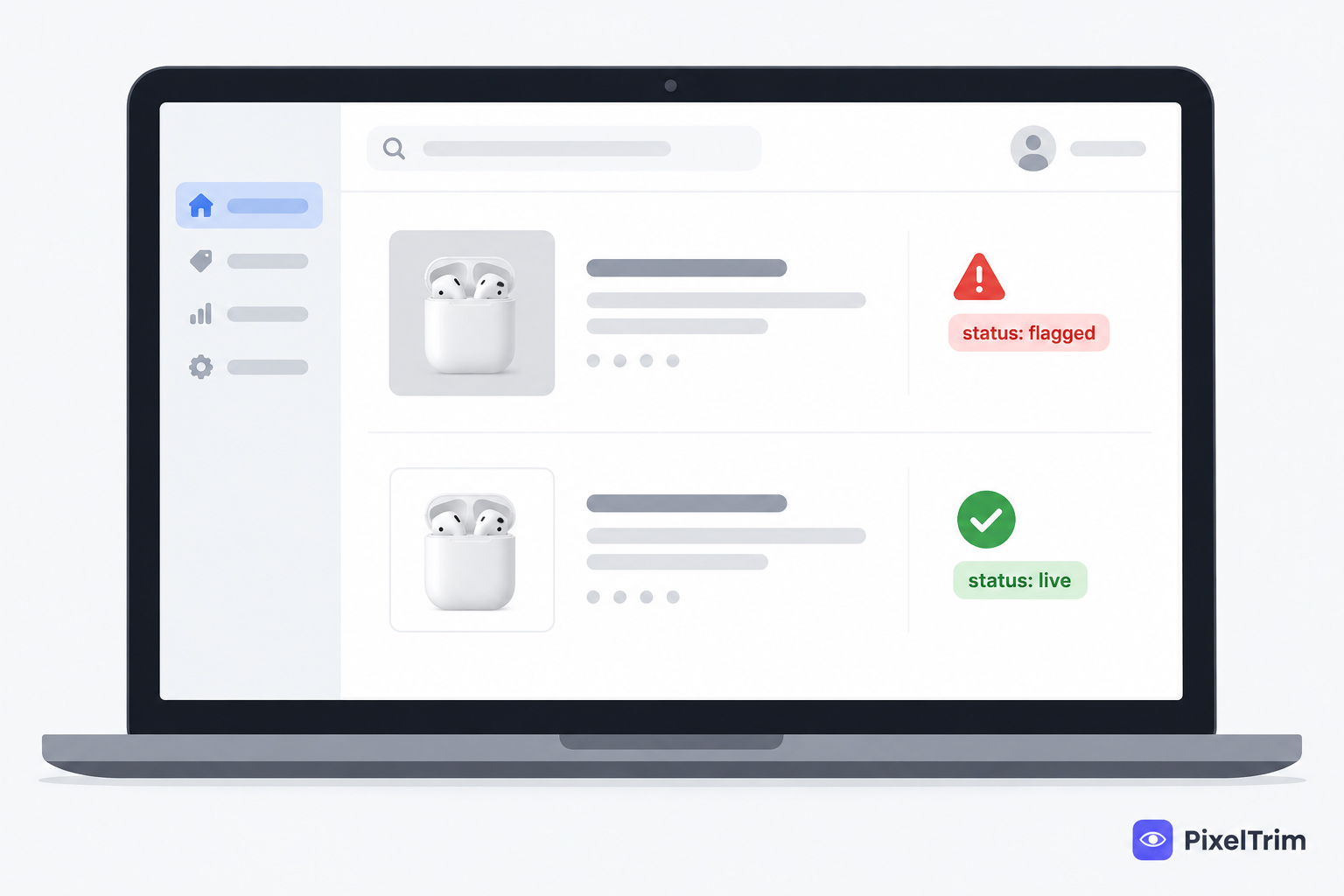
If you sell on Google Shopping, a rule change is already showing up in your Merchant Center account, even if you haven't noticed it yet. Since April 2026, Google has been issuing warnings on product images under 500x500 pixels. Starting January 31, 2027, those same images get disapproved outright, pulled from Shopping ads and free listings the moment enforcement kicks in.
This guide covers the exact spec Google expects, the deadline timeline, why images get disapproved even when they "look fine," and how to fix a catalog before the enforcement date hits.
What Changed in Google Merchant Center
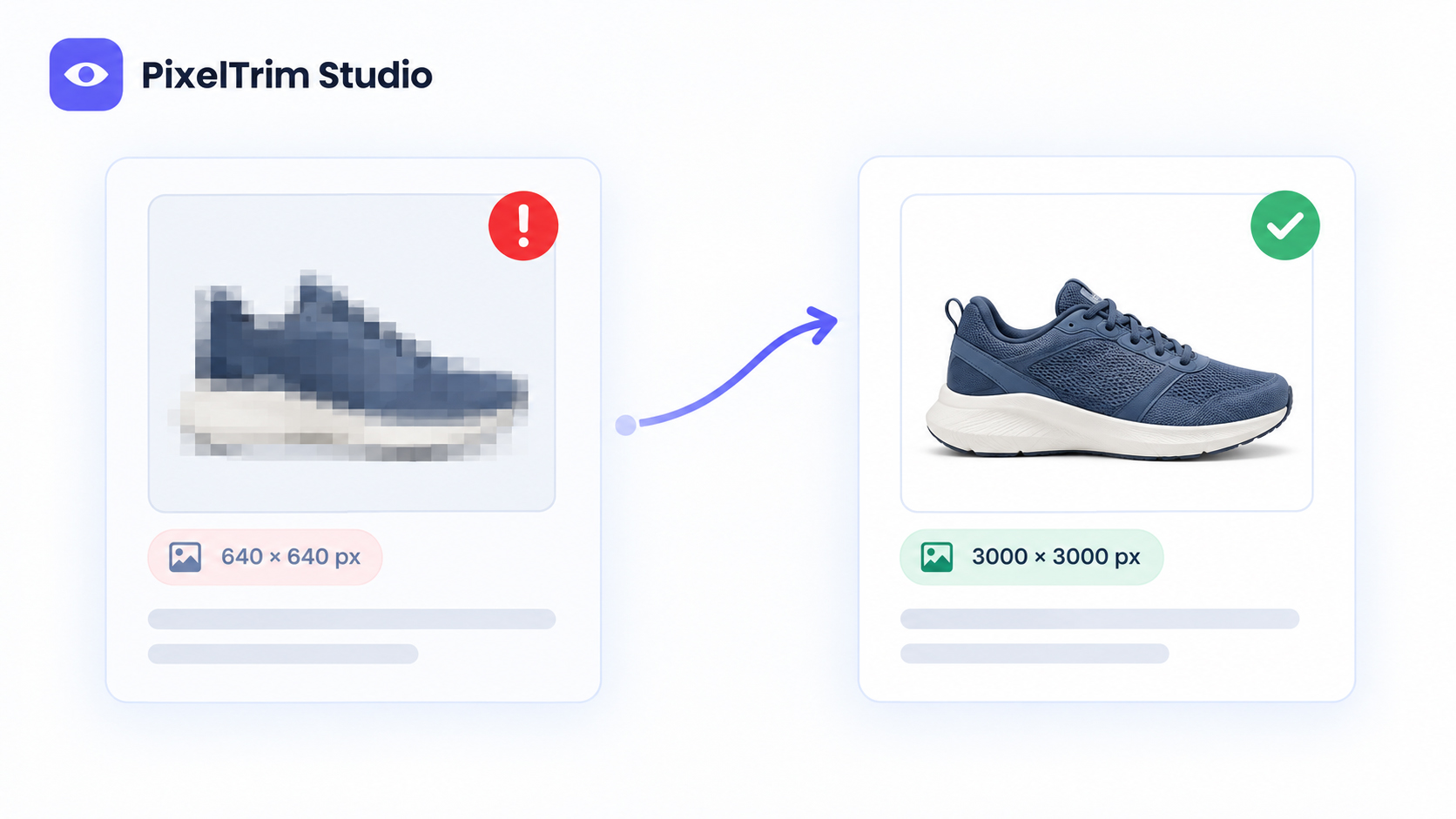
Google's product data specification update introduced a new minimum resolution requirement for the image_link and additional_image_link attributes: 500 x 500 pixels, across every product category. Previously, minimums varied by category, as low as 100x100px for general products and 250x250px for apparel.
The rollout has two phases:
| Phase | Date | What Happens |
|---|---|---|
| Warning phase | Since April 14, 2026 | Merchant Center flags undersized images in "Needs attention," but listings still serve |
| Enforcement phase | Starts January 31, 2027 | Images under 500x500px are disapproved, removed from Shopping ads and free listings |
Google will auto-optimize some undersized images as a stopgap, marking them with a warning. But auto-optimization doesn't fix a genuinely low-quality source photo, it just upscales what's there, and a blurry or grainy image stays blurry after upscaling.
The Full Spec (Not Just the Minimum)
Treating 500x500px as your target is a mistake. It's the floor, not the goal:
| Requirement | Spec |
|---|---|
| Minimum resolution | 500 x 500 px (all categories, enforced Jan 31, 2027) |
| Recommended resolution | 1500 x 1500 px or above |
| Maximum resolution | 64 megapixels |
| Maximum file size | 16 MB |
| Supported formats | JPEG, PNG, WebP, non-animated GIF, BMP, TIFF |
| Product fill | 75–90% of the image frame |
| Background | Solid white or transparent recommended |
| URL protocol | HTTP or HTTPS, RFC 3986-compliant |
Image quality feeds into Google's Quality Score for Shopping ads the same way it does for organic listing rank, a sharp, correctly-sized image isn't just about avoiding disapproval, it affects your cost-per-click and how often your product surfaces in the carousel.
Why Images Get Disapproved Even When They "Look Fine" on Screen
Most disapprovals aren't about the pixel count alone. Google's most common rejection reasons are:
- Blurry or grainy images — soft focus or heavy JPEG compression, especially after resizing up from a small source file
- Placeholder images — generic stock or "coming soon" graphics used as a stand-in
- Promotional text or watermarks overlaid on the image — banners, discount badges, or logos baked into the product photo itself
- Product not filling enough of the frame — too much empty background space around a small product
- Non-compliant background — busy, colored, or lifestyle backgrounds where Google expects a clean white or transparent one
A photo can clear the 500x500px bar and still get flagged for any of these, which is why sellers who fix only the pixel dimensions sometimes see disapprovals continue.
AI-Generated Images: What Google Requires
If any of your product images are AI-generated or AI-edited, Google asks that they retain IPTC DigitalSourceType metadata identifying them as such. This isn't currently a hard disapproval trigger, Google states there's no rejection for missing values, but it's worth building into your workflow now, since marketplace policy on AI-image disclosure is tightening broadly (Etsy and TikTok Shop have both moved on this in 2026 as well).
How to Fix a Catalog Before the Deadline
- Audit your current feed. Check the "Needs attention" section in Merchant Center for existing image-size warnings, this shows you exactly which SKUs are already flagged.
- Re-shoot or re-export at source, not by upscaling. A 400x400px JPEG stretched to 1500x1500px is still a 400x400px photo underneath, it will look soft. Start from the original high-resolution file where possible.
- Crop to hit the 75–90% fill target. Too much white space around the product is one of the most common quality flags after size issues.
- Standardize the background. A clean cutout onto a true white or transparent background, the same clipping path work used for Amazon and eBay listings, clears Google's background preference and the "product not clearly shown" rejection at the same time.
- Re-upload to a new image URL, not the same URL in place. Google recrawls a new URL in 24–72 hours; updating the same URL with new content can take up to six weeks to re-index. If your deadline is close, changing the file path matters.
Google Shopping vs. Amazon, eBay, and Walmart
The core idea, a clean, correctly-sized, mostly-white-background product shot, is consistent across every major channel, but the exact numbers differ enough to trip up a seller cross-listing in multiple places:
| Platform | Minimum | Recommended | Background |
|---|---|---|---|
| Google Shopping | 500 x 500 px | 1500 x 1500 px+ | White or transparent |
| Amazon | 1000 x 1000 px | 2000 x 2000 px+ | Pure white (#FFFFFF), main image |
| eBay | 500 x 500 px | 1600 x 1600 px | No strict rule, white recommended |
| Walmart | 1500 x 1500 px | 2200 x 2200 px | Pure white, main image |
If you're already compliant with Amazon or Walmart's stricter main-image specs, your files easily clear Google's requirement too, the reverse isn't automatically true. See our Amazon image requirements guide and pure white background guide for exact process.
Getting a Full Catalog Compliant Before January 2027
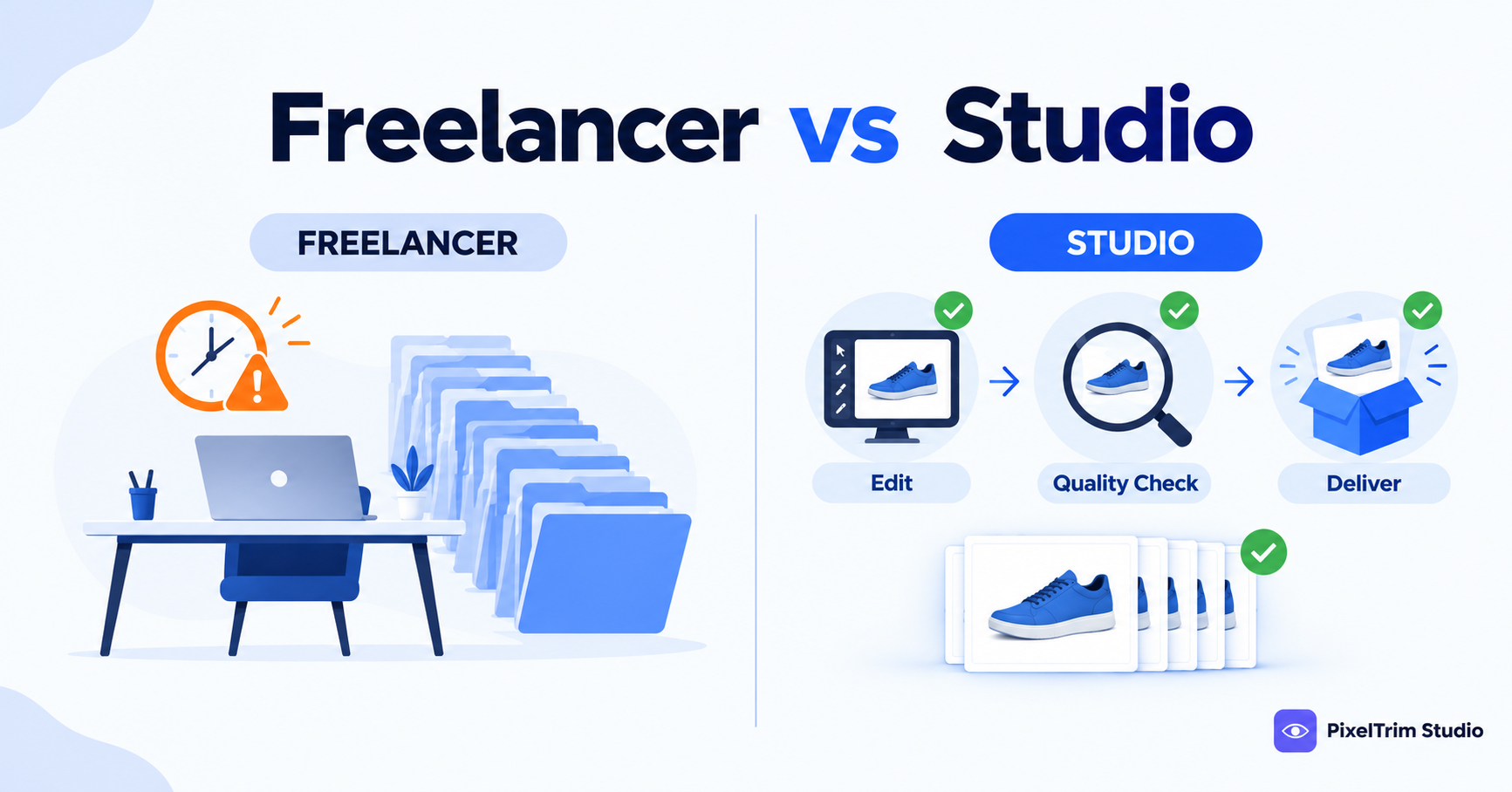
For sellers with more than a handful of SKUs, manually checking every image's dimensions, cropping to the fill ratio, and swapping backgrounds is exactly the kind of batch work worth outsourcing rather than doing product-by-product. See our product photo editing pricing guide for how per-image costs scale across a catalog, and our manual vs AI photo editing comparison if you're deciding between a batch AI tool and manual review before the deadline.
Need your catalog resized and background-corrected for Google Shopping compliance? Get a free sample edit from PixelTrim Studio and see the difference before committing to a full batch.
Frequently Asked Questions
What is the minimum image size for Google Shopping in 2027?
Starting January 31, 2027, Google Merchant Center requires a minimum of 500 x 500 pixels for all product images, across every category. This replaces the older category-based minimums, which went as low as 100x100px for general products.
What happens if my images don't meet the new requirement?
After January 31, 2027, images under 500x500 pixels will be disapproved, removing the product from Shopping ads and free listings. Some undersized images may be automatically optimized by Google as a stopgap, but this doesn't fix underlying quality issues like blur.
Is 500x500 pixels a good size to target, or just the minimum?
500x500px is only the enforced floor. Google recommends 1500x1500 pixels or higher for better ad performance and Quality Score, since image quality affects both cost-per-click and how often a product appears in the Shopping carousel.
Why do my images get flagged even though they look fine to me?
Common causes beyond pixel size include blurry or grainy images, placeholder graphics, text or watermarks overlaid on the photo, the product not filling enough of the frame, and non-white or busy backgrounds.
Do AI-generated product images need special labeling for Google Shopping?
Google asks that AI-generated or AI-edited images retain IPTC DigitalSourceType metadata identifying them as such. There is currently no disapproval for missing this metadata, but marketplace policy on AI-image disclosure is tightening broadly across platforms.
Tags
Ready to get your images edited?
Upload 2 photos for a free trial edit — returned in under 24 hours.
Start free trial →