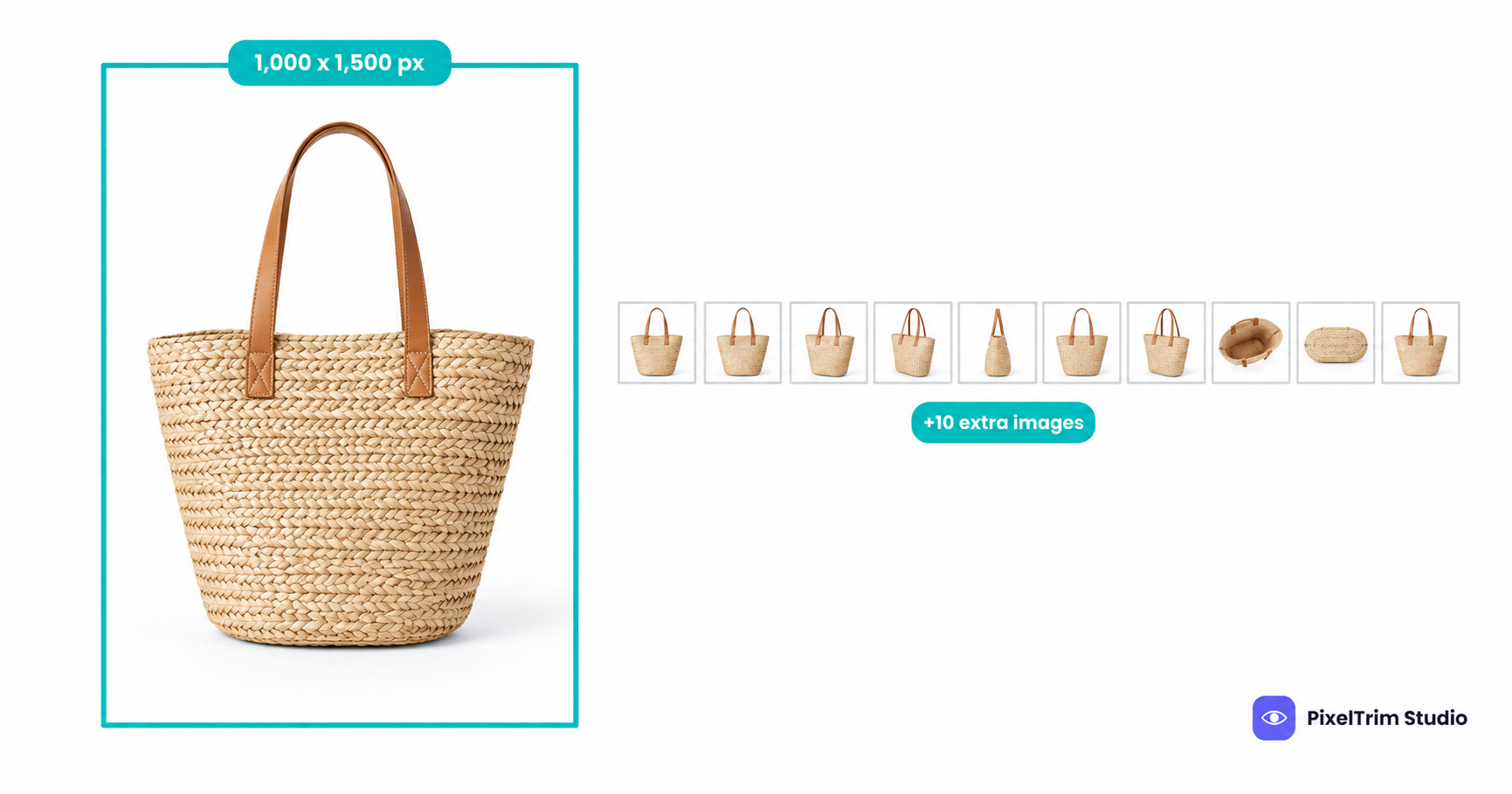
Pinterest is built around tall images, and its product catalog minimum reflects that: the main image is asked to be at least 1000 x 1500 px, a portrait shape that most Amazon-style square photo sets do not match. This guide sorts what Pinterest's own catalog help page states from what only third-party guides claim, shows how extra images quietly multiply into extra Pins, and lists the edits that bring a catalog into line.
Quick Answer: What Pinterest States
These rows come from Pinterest's public help page for retail catalogs. Anything the page does not state is marked as such rather than guessed.
| Question | What Pinterest's page says |
|---|---|
Main image (image_link) | At least 1000 x 1500 px, reachable by Pinterest's crawler, no template or placeholder images |
Extra images (additional_image_link) | Up to 10, each at least 75 x 75 px; a new Pin is created for every extra image link |
| Changing an image later | Use a different link, or the image will not update |
| Image URL | Starts with http:// or https://, up to 2,000 characters |
Alt text (alt_text) | Optional; the number of values should match the number of images in image_link |
Video (video_link) | .mp4, .mov or .m4v, up to 2 GB |
| Maximum image file size, accepted image formats, aspect ratio, overlay and watermark rules | Not stated on this page |
Where Sources Disagree
Search for Pinterest image sizes and you will find numbers from several different surfaces mixed together. Four points matter for a catalog:
- Minimum size. Pinterest's help page says 1000 x 1500 px. One older third-party setup guide lists a far lower minimum with 1000 x 1500 px only as a recommendation. Follow Pinterest's own page.
- Aspect ratio. Pinterest gives a minimum size, not a ratio. Our recommendation is 2:3 portrait, the same shape as the stated minimum, so nothing gets cropped awkwardly in the feed.
- Overlays and watermarks. The catalog page is silent. A third-party disapproval reference says the main image should show only the product, with no watermarks, retailer logos or text callouts. Treat that as likely and keep main images clean.
- File size. Size guides for regular Pins often quote about 20 MB, but that is a different surface from catalog product images, and Pinterest's catalog page gives no cap. Do not assume the number carries over.
Extra Images Become Extra Pins
This is the rule most sellers miss. Pinterest states that it creates a new Pin for every additional image link, so one product row with ten extras can produce several public Pins. Whatever you put in additional_image_link is not a hidden gallery: it can appear on its own, without the main photo beside it.
The stated minimum for extras is only 75 x 75 px, which is far too small to look good as a Pin. Our recommendation is to export extras at the same size and shape as the main image, and to leave out cluttered size charts, box shots with a messy backdrop or anything you would not want as a standalone Pin.
The AI Disclosure Field
Pinterest's catalog includes an optional ai_disclosures field. It is meant for realistic images or videos, and for AI-generated humans that could be confused with a real person or event. You list the URL of the AI-made file and mark it ai_modified or synthetic_performer. A cutout, color fix or cleanup on a real photograph creates no synthetic content, which is why the labeling rules across platforms are aimed at generated material. Our AI image disclosure rules guide compares how Amazon, Etsy, TikTok Shop and Google handle the same question.
Before Images Matter: Account Requirements
Pinterest's page lists what to have in place before a catalog works: a Pinterest business account, a claimed website, the Pinterest tag installed, and a website that meets its merchant guidelines, including easy-to-find contact details, a shipping policy and a refund policy. The page also notes that Catalogs is not available in every region, so check Pinterest's availability list for your country first.
Pinterest vs Google Merchant Center
Pinterest's catalog uses the same image_link and additional_image_link field names as Google Merchant Center, so a Google feed is a natural starting point. The size floor is very different, though. Our Google Shopping image requirements guide covers Google's 500 x 500 px minimum, and files sitting at that floor fall short of Pinterest's minimum on both sides. A feed built to Google's recommended 1,500 x 1,500 px passes on paper, but it is square rather than portrait. If the same photos also feed an Etsy shop, Etsy's own-photo and watermark rules apply separately; see our Etsy image requirements guide.
How to Fix a Catalog for Pinterest
- Audit the feed. List every
image_linkand flag files under 1000 x 1500 px. - Do not upscale small files. A 600 x 600 px image stretched to portrait is still 600 x 600 px underneath. Start from the original high-resolution photo.
- Recompose to portrait. Extend the canvas around the product rather than cropping into it, so a square or landscape shot becomes 2:3 without cutting off edges.
- Clean the background. A real cutout on a pure white or plain solid background keeps the product as the only subject. Our pure white background guide shows how to check the result.
- Re-upload under new URLs. Pinterest says a changed image needs a different link, so give corrected files new file names and update the feed.
- Review every extra image. Each one can become its own Pin, so check them one by one.
Pre-Upload Checklist
- Main image at least 1000 x 1500 px, with 2:3 portrait as the working target
- Extra images (up to 10) exported at a usable size, not the 75 x 75 px floor
- Product alone in the main image, with no text callouts, badges or logos
- No placeholder or template images anywhere in the feed
- New file names for any image that was edited after a previous upload
alt_textvalues counted to match the images inimage_linkai_disclosuresfilled in for any realistic AI-generated image or person
Where Manual Editing Fits
Most of the fixes above are batch jobs. PixelTrim Studio's clipping path service is drawn by hand with the pen tool and costs $0.39 per image for simple shapes, $0.69 for medium and $0.99 for complex, with 24-48 hour delivery and one free revision. The image conversion service handles resizing to your spec sheet and format changes from $0.19 per image, or $0.39 per image when color mode, DPI change and a verification pass are included. Want to see it on your own photos? Upload 2 images for a free trial edit and compare the result before you commit to a full catalog.
FAQ
What is the minimum image size for a Pinterest product catalog?
Pinterest's catalog help page asks for a main image of at least 1000 x 1500 pixels, reachable by Pinterest's crawler and not a template or placeholder. Additional images need to be at least 75 x 75 pixels. The page does not state a maximum file size.
Do extra product images create separate Pins?
Yes. Pinterest's help page says it creates a new Pin for every additional image link, and a product can carry up to 10 additional images. Each extra image should therefore look good on its own.
Can I replace a product image at the same URL?
Not reliably. Pinterest's help page says that if you change an image later you need to use a different link, or the image will not update. Upload the corrected file under a new file name and update the feed.
Does Pinterest require AI disclosure on product images?
Pinterest's catalog feed has an optional ai_disclosures field for realistic images or videos and AI-generated humans that could be confused with a real person or event. You list the image URL and mark it ai_modified or synthetic_performer. Routine editing of a real photograph, such as a cutout or color fix, does not create synthetic content.
Does a square 2,000 x 2,000 px image meet Pinterest's minimum?
On paper it exceeds both stated dimensions, and Pinterest's page gives a minimum size rather than an aspect ratio. Because the stated minimum is portrait-shaped, a 2:3 file such as 2,000 x 3,000 px is the safer choice and avoids awkward cropping.
Do Pinterest product images need a white background?
Pinterest's catalog page does not mandate one. A third-party disapproval reference says the main image should show only the product, with no watermarks, logos or text callouts. A clean cutout on white or a plain solid color keeps you inside that guidance.
Tags
Ready to get your images edited?
Upload 2 photos for a free trial edit — returned in under 24 hours.
Start free trial →

