Free online converters and "batch resize" scripts promise to fix a file format problem in one click. For a quick web thumbnail, that's often fine. But once a file is heading to a printer, a marketplace's exact spec sheet, or an embroidery digitizer, the gap between an automated tool and a manual conversion pass starts to show up as banding, color shift, or a rejected upload.
Here's where automated image conversion tools genuinely hold up, where they quietly break, and when it's worth having a human check the file before it ships.
What Counts as "AI" or Automated Image Conversion?
Automated conversion covers free online converters, browser extensions, Photoshop batch actions, and command-line tools like ImageMagick that reformat, resize, or recompress images with no human reviewing each file. We covered what conversion itself includes — format, color mode, and DPI changes — in our image conversion guide.
These tools apply the same rule to every file in a batch. That's exactly what makes them fast, and exactly what makes them miss the files that don't fit the rule.
Where Automated Conversion Tools Do Fine
- Simple format swaps on a uniform batch — PNG to JPG on product shots that are all the same size and mode already
- Resizing a large batch of already-correct-mode web images down for faster page load
- Quick, low-stakes conversions where a print or marketplace rejection isn't a real risk
- Renaming and reorganizing files alongside a basic format change
Where Automated Conversion Breaks Down
Color Mode Conversion (RGB to CMYK)
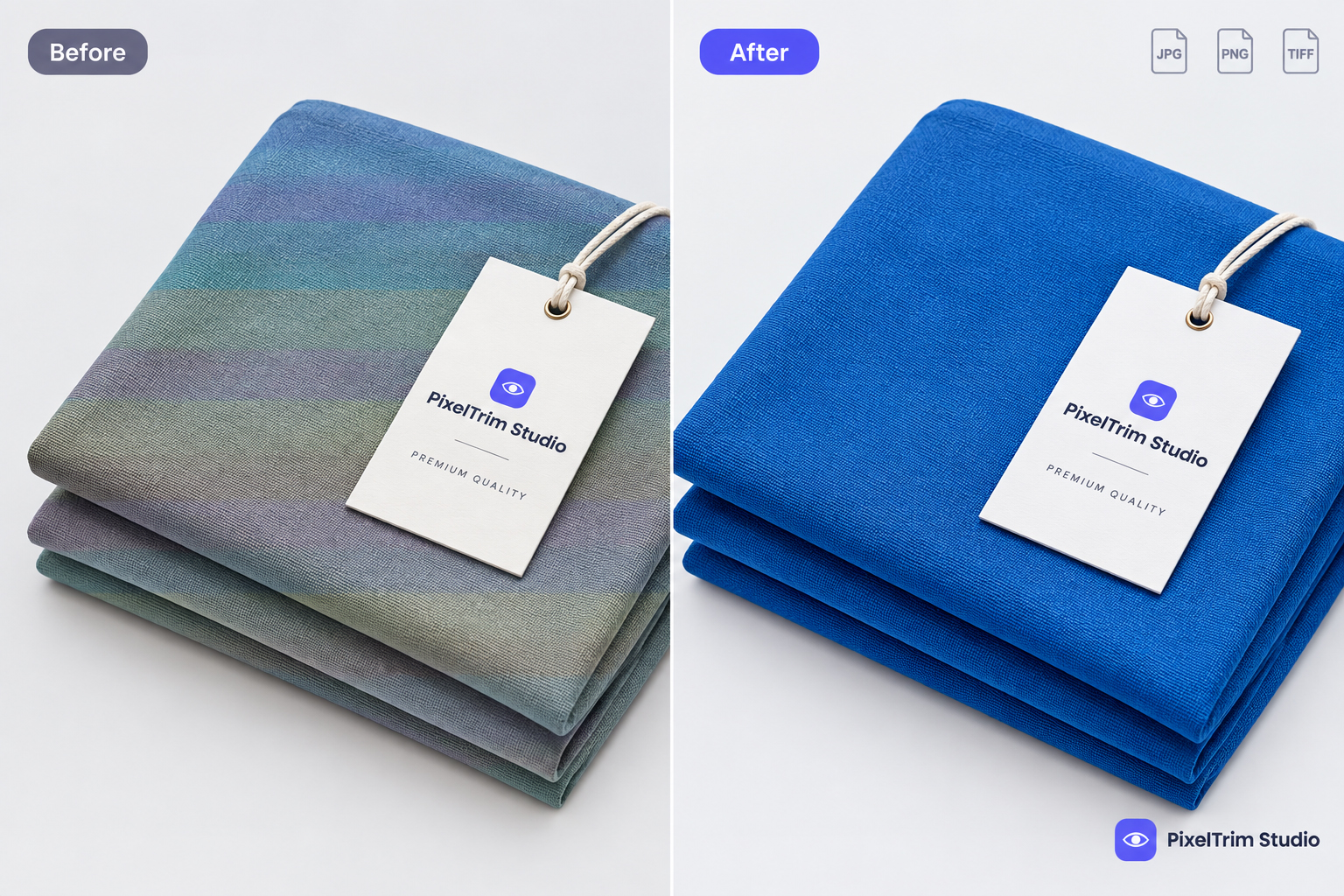
A generic RGB-to-CMYK conversion applies a default profile without checking what the image actually needs. Saturated colors — reds, deep blues, some greens — often shift noticeably once printed, because the tool never remapped them to stay as close as possible within CMYK's smaller range. A trained editor checks the result against the original and adjusts before it goes to print, not after a batch of flyers comes back the wrong color.
ICC Profile Embedding
Automated batch tools frequently skip embedding the correct color profile, or embed a generic one regardless of destination. Without the right profile, the same file can look correct on one screen or printer and off on another — and most free converters give no way to check.
Exact Marketplace Spec Matching
Amazon, Etsy, and Walmart each require specific pixel dimensions, aspect ratios, and minimum frame-fill percentages. A batch resize tool set to "1000x1000" will happily crop or stretch an image to hit that number without checking whether the product now fills too little of the frame or gets awkwardly cropped — a mistake that gets listings flagged during review.
Resampling Quality on Upscale or Downscale
Resizing isn't just changing a number. The wrong resampling method softens fine detail, especially when scaling up a smaller source image to hit a marketplace's minimum size. Automated tools default to one resampling method for every file; a manual pass picks the right method for each image and catches the ones that shouldn't be upscaled at all.
Transparency and Layered Files
Flattening a layered PSD to a delivery format automatically can silently drop transparency, merge layers incorrectly, or leave halo edges around a product that was previously on a clipping path or masked cutout. A manual check catches this before the file ships, not after a customer notices a white box around a product.
Batch Consistency Across a Mixed Source Set
If a batch of source images isn't already uniform — some already RGB, some CMYK, some at different resolutions — an automated tool applies the same setting to all of them anyway, which can leave some files under-converted. A manual pass sorts by what each file actually needs first.
Side-by-Side Comparison
| Factor | Automated / AI Tools | Manual Conversion |
|---|---|---|
| Color accuracy on RGB→CMYK | Generic remap, can shift saturated colors | Checked and adjusted against the original |
| ICC profile embedding | Often skipped or generic | Correct profile embedded per destination |
| Exact marketplace spec matching | Hits the number, ignores frame-fill or cropping | Matches the full spec sheet, not just pixel count |
| Resampling quality | One method for every file | Method chosen per image |
| Turnaround per image | Instant | 24–48h (batch) |
| Cost per image | Free or near-free | Low — from $0.19/image |
| Best for | Uniform batches, low-stakes web use | Print files, marketplace uploads, mixed-source batches |
A Practical Rule of Thumb
If the file is going straight to a print vendor, a marketplace spec review, or an embroidery digitizer, have it checked or converted manually — the cost difference is small compared to the cost of a rejected print run or a suppressed listing. If you're just resizing a batch of already-correct web images for faster loading, an automated tool is fine.
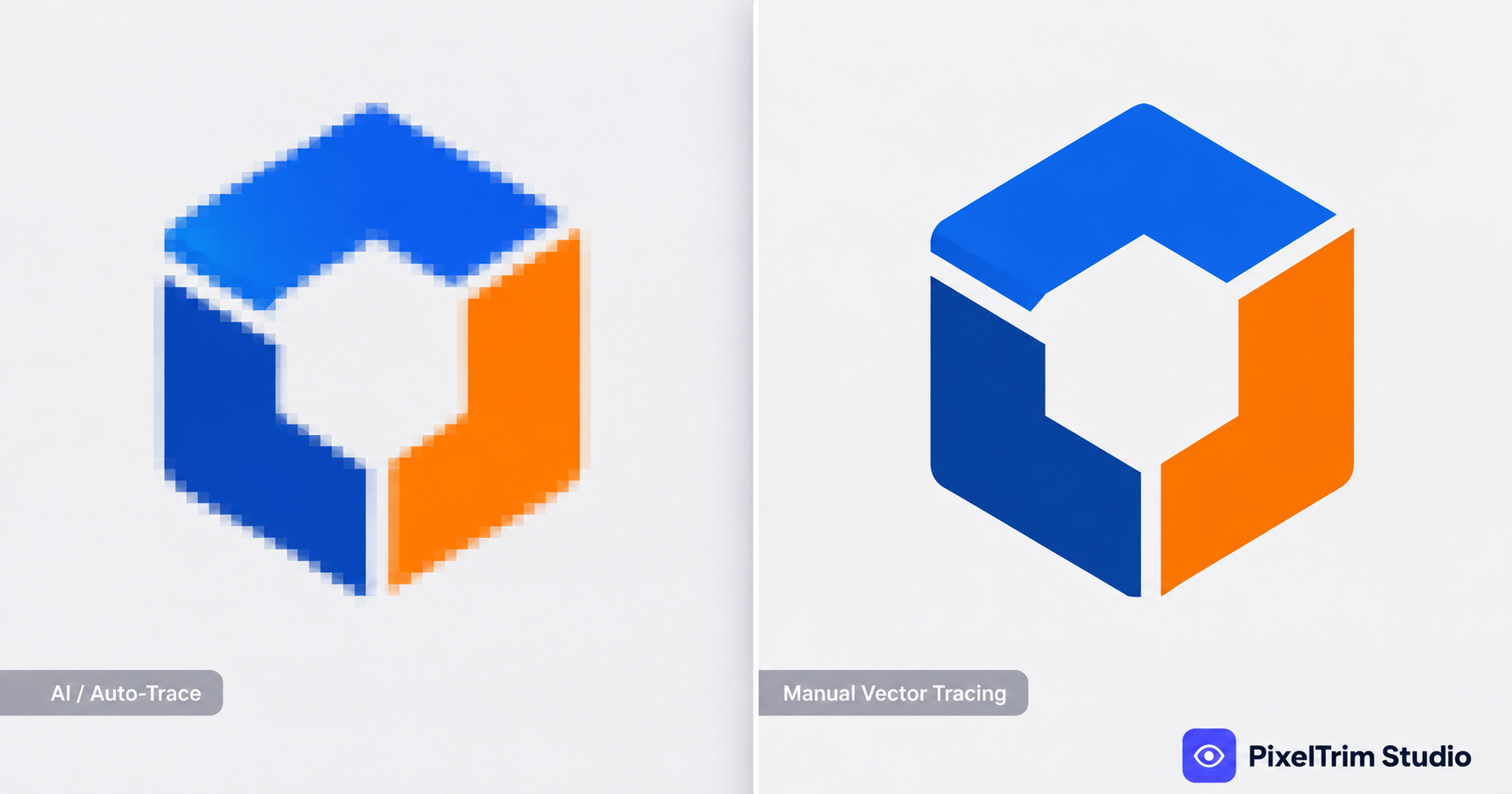
This is the same trade-off we cover more broadly in Manual vs AI Photo Editing — automated tools are genuinely useful for simple, uniform, low-stakes work, and start to cost more than they save once accuracy actually matters. The same pattern shows up in manual vector tracing vs AI vectorization: instant and free for a rough draft, but a human still checks it before it goes to production.
What Manual Image Conversion Costs
Real per-image pricing at PixelTrim Studio: Basic conversion is $0.19/image (format conversion, resize to spec, rename, batch delivery), and Standard conversion is $0.39/image (format plus color mode conversion, DPI change, profile embedding, and a verification pass). Batches of 500+ images get a bulk rate on request. Every order — 2 images or 5,000 — gets the same manual review before delivery.
Need files converted correctly the first time — no color shift, no failed spec check? PixelTrim Studio handles format, color mode, and DPI conversion by hand, with a verification pass included. Try 2 images free, no commitment.
See our Image Conversion service →
FAQ
Can AI or automated tools convert RGB images to CMYK for print?
They can technically apply the conversion, but generic tools often shift saturated colors and skip embedding the correct ICC profile — which is why printed colors can look noticeably off from what a batch tool produced. A manual pass checks and corrects both.
Are free online image converters safe to use for marketplace listings?
For basic format changes, usually fine. For exact pixel dimensions and frame-fill requirements on platforms like Amazon or Etsy, free converters can hit the pixel count while still cropping or stretching the product incorrectly — a manual check catches what the tool doesn't.
Does automated batch conversion handle layered PSD files well?
Not reliably. Flattening a layered file automatically can drop transparency or introduce halo edges around a previously cut-out product. Manual flattening checks each file before delivery.
Is manual image conversion worth it for a small batch?
For a handful of images headed to print or a strict marketplace spec, yes — the cost is a few cents to under a dollar per image, far less than the cost of a rejected print run or a suppressed listing.
Can automated and manual conversion be combined?
Yes. A common workflow uses an automated tool for a fast first-pass resize on a uniform batch, then a manual verification pass on files headed to print, a strict marketplace spec, or delivery as layered files.
Tags
Ready to get your images edited?
Upload 2 photos for a free trial edit — returned in under 24 hours.
Start free trial →