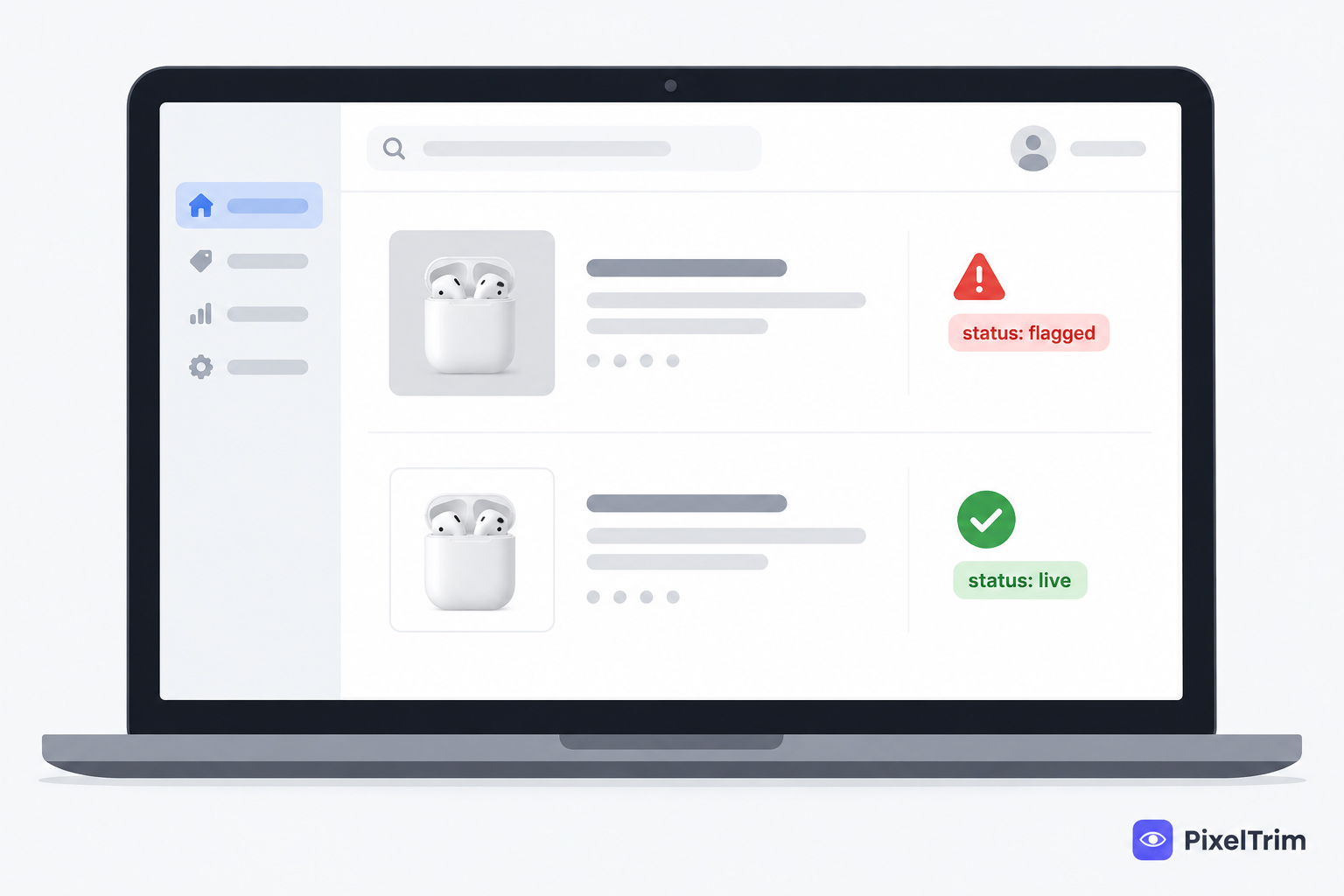
You log into Seller Central and see it: a red "Suppressed" flag on a listing that was selling fine yesterday. The product page still loads if someone has a direct link, but it's gone from search, and the Buy Box is missing or grayed out. Nine times out of ten when the cause is image-related, it traces back to one specific thing about the main image — not a policy strike, not inventory. Here's how to find out which, and fix it without waiting on a slow support ticket.
Suppressed, Inactive, or Something Else? Check This First
Sellers often lump these together, but Amazon treats them differently, and the fix is different for each:
| Status | What It Means | Image the Likely Cause? |
|---|---|---|
| Suppressed | Listing exists, inventory is assigned, but it's missing from search results and often missing the Buy Box | Yes — main image non-compliance is one of the most common triggers |
| Inactive | A sellable offer exists but isn't live on the site — usually a missing required field, not an image | Rarely — check Product ID, Condition, or category fields first |
| Policy violation flag | Account Health shows a specific policy issue, not a generic suppression | Sometimes — misleading images or watermarks count as a policy issue, not just a spec miss |
Find the exact status in Seller Central under Inventory → Manage All Inventory → Suppressed, or the newer Listing Quality dashboard. If a "Suppressed" filter shows nothing, there's no suppression at the moment and the issue is something else — check Inactive or Account Health instead.
Decision Tree: Which Image Problem Is Actually Causing It
Suppression notices rarely spell out the exact pixel-level reason. Work through these in order — they cover the large majority of image-related suppressions:
- Is there a main image at all? A missing or placeholder main image causes immediate suppression on its own — check this before anything else.
- Is the background actually pure white? "Looks white" isn't the standard — Amazon requires exact RGB 255,255,255. Off-white, cream, or a faint gray cast from indoor lighting all fail. See our pure white background guide for how to check this yourself with a color picker.
- Does the product fill roughly 85% or more of the frame? Too much empty space around the product is a separate, common trigger.
- Is there text, a logo, or a watermark baked into the image? This one is treated as a policy issue, not just a spec miss, and can affect Account Health beyond the single listing.
- Was a transparent PNG uploaded as the main image? Amazon can render transparent pixels as black or gray instead of white, which fails the background check even though the file looked fine on your screen.
- Are there props or accessories in frame that aren't part of the sale? The main image must show only the product being sold.
For the complete technical spec behind each of these — minimum resolution, color space, file size — see our full Amazon image requirements guide.
How to Actually Fix a Suppressed Listing
- Go to Inventory → Manage All Inventory, click the Suppressed filter to confirm which SKU or ASIN is affected
- Open the listing and go to the Images section — replace the main image with a corrected version rather than trying to edit the existing upload in place
- Upload the corrected image and click Save
- Amazon typically re-reviews within 24–72 hours — the listing doesn't reappear instantly
- If the red flag persists after a review cycle, the issue may be a policy flag rather than a simple spec miss — check Account Health for a more specific reason before re-uploading again
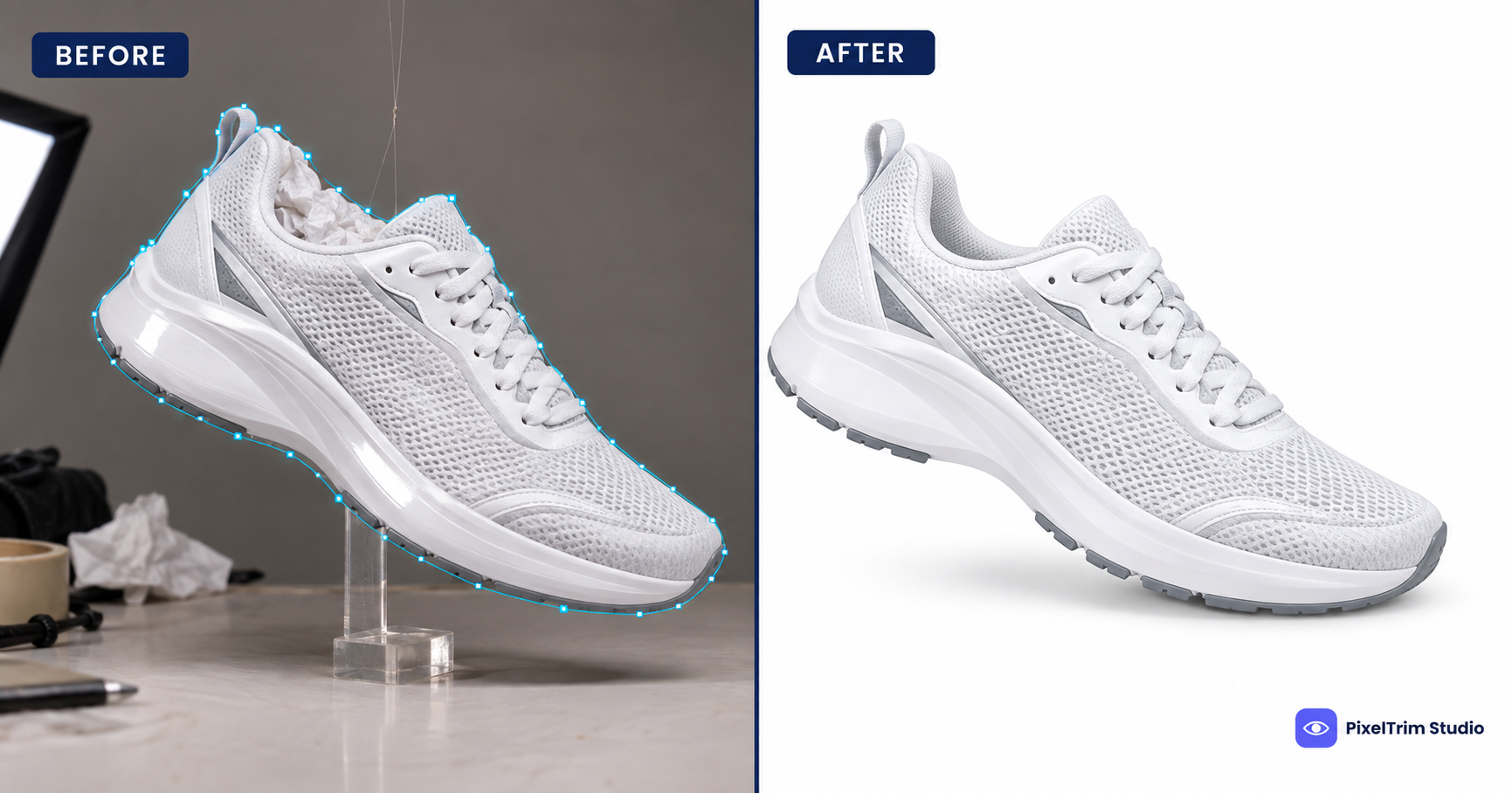
The most reliable fix for a background or edge issue isn't brightening the existing photo — that shifts an off-white background closer to white without hitting an exact #FFFFFF read, and it can wash out the product. A proper clipping path cutout onto a genuine pure-white background clears the check every time, on the first re-upload.
Getting It Fixed Fast
PixelTrim Studio's current per-image rates for exactly this kind of fix:
| Tier | Price | Typical Work |
|---|---|---|
| Simple | $0.39 / image | Single clipping path, plain background |
| Standard | $0.99 / image | Masking or multi-path, shadow, color correction |
| Complex | $1.99 / image | Ghost mannequin, hair or fur masking, heavy retouching |
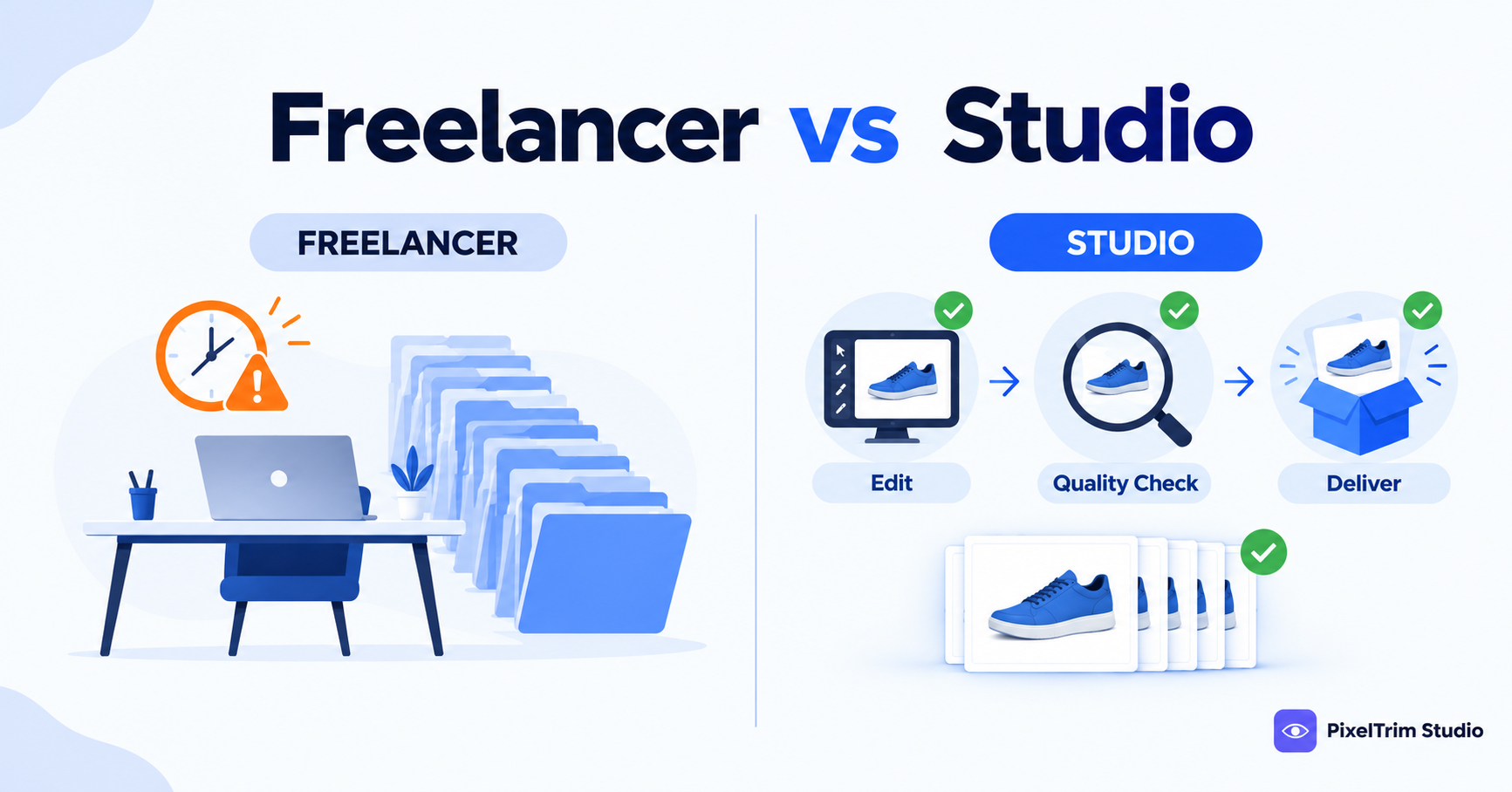
Turnaround is 24–48 hours, so a suppressed listing can usually be re-uploaded well within Amazon's own review window. If more than one listing is affected, our Amazon listing image editing service covers batch fixes across a whole catalog in one pass instead of correcting images one by one.
Why AI Cutouts Sometimes Cause This
A common pattern: a seller runs a batch through a free AI background remover, the preview looks white on screen, and a portion of the batch still gets suppressed. AI tools frequently leave a faint gray fringe or halo around fine edges that reads as non-white to Amazon's automated check even though it's barely visible to the eye. See our manual vs AI photo editing comparison for where this specific failure mode shows up most.
Preventing This on Future Uploads
- Check the background with an actual color picker before uploading, not just by eye — see the pure white background guide above for the exact steps
- Confirm product-to-frame ratio (85%+) on every new listing, not just the first one in a batch
- Flatten any transparent PNG to a solid white background before it goes near the main image slot
- A lot of what causes this traces back to the original shoot — see our common product photography mistakes guide for what to fix at the camera stage, before editing even starts
- Re-check older listings periodically — a policy or spec enforcement change can retroactively flag images that passed when first uploaded
FAQ
How long does it take for a listing to come back after fixing the image?
Amazon typically re-reviews within 24–72 hours after you save a corrected image. It isn't instant, so budget for at least a day of downtime even after the fix is uploaded.
Can I just brighten my existing photo instead of re-editing it?
Not reliably. Brightening pushes an off-white background closer to white but rarely hits an exact RGB 255,255,255 read, and it can wash out the product itself. A proper cutout onto a true white background is the more dependable fix.
Is a suppressed listing the same as an inactive one?
No. Suppressed means the listing exists and has inventory but is missing from search, usually due to a content issue like the main image. Inactive usually means a required field is missing entirely, unrelated to image quality.
Can a watermark on a secondary image cause suppression?
The strict pure-white and no-watermark rule applies to the main image specifically. A watermark on a secondary or lifestyle image is less likely to trigger suppression on its own, but it's still against Amazon's policy and worth removing.
Will this keep happening if I don't change anything?
If the root cause was a specific photo (bad lighting, a color cast, an AI cutout halo), yes — the same issue tends to repeat across future uploads from the same shoot setup unless the shooting or editing process changes, not just the one flagged image.
Have a listing showing "Suppressed" right now? Send the flagged image for a free trial edit and get a compliant, pure-white version back in 24 hours: start your free trial or get a free quote.
Tags
Ready to get your images edited?
Upload 2 photos for a free trial edit — returned in under 24 hours.
Start free trial →