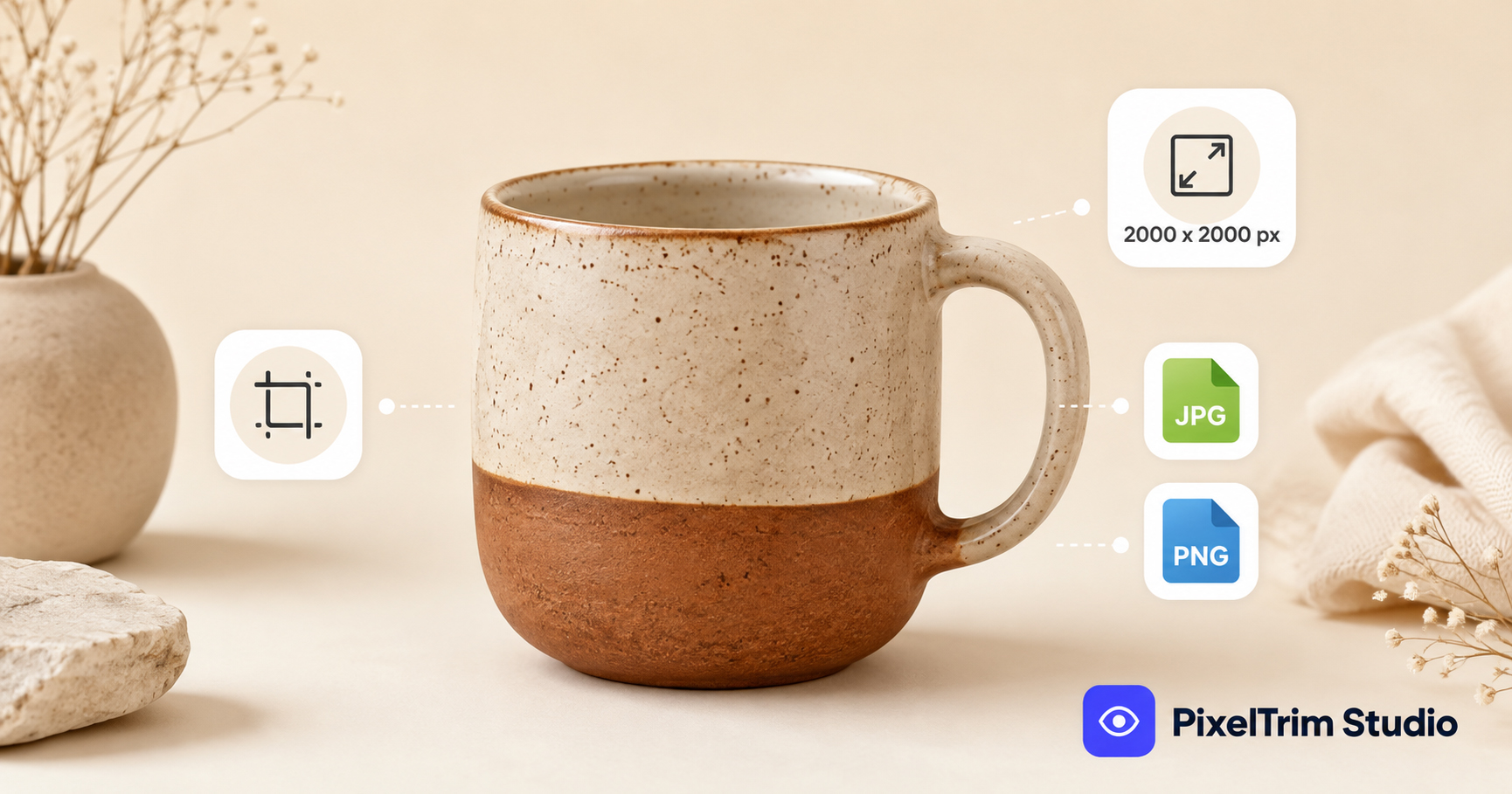
Etsy buyers judge a listing in about two seconds, and pixel dimensions are part of that first impression — an undersized photo looks soft the moment a shopper zooms in, and Etsy's own thumbnail crop can chop off part of the product if the file isn't sized right to begin with. This guide covers the exact photo spec Etsy expects, separate from the editing side we already covered in our Etsy background removal guide.
Etsy's Exact Image Size Requirements
- Minimum: 2,000 pixels on the shortest side — this is Etsy's own recommended floor, not a hard technical minimum, but anything smaller displays soft on Etsy's zoom view
- Recommended: 2,000 x 2,000 px, square (1:1) — the safest ratio, since it's what Etsy's zoom and search thumbnails are built around
- Alternate ratios accepted: 4:3 landscape (2700 x 2025 px) or 4:5 portrait also display cleanly if a square crop doesn't suit the product
- File formats: JPG, PNG, or GIF — PNG is best reserved for items needing transparency (digital downloads, flat graphics)
- File size limit: keep individual photos under 10MB
Why 2,000px Is the Number That Matters
Etsy displays your primary photo at full zoom around 2,000 x 2,000px. Upload below that and the platform has to stretch the file, which is what causes the "why does my photo look blurry after upload" problem most sellers run into. It's rarely a camera-quality issue — it's almost always a source file that started too small. Shoot at your camera's highest resolution and downsize for upload, never the other way around.
Etsy Does Not Require a White Background
This is the biggest spec difference from other marketplaces. Amazon and Walmart both mandate a pure white RGB (255,255,255) background on the main image — Etsy has no such rule. In fact, natural or lifestyle backdrops often perform better on Etsy, since the platform's audience expects a more handmade, artisanal feel than a clinical catalog shot. A clean white or transparent hero photo still works well for the first slot, but it's a style choice here, not a compliance requirement.
Photo Slots and Thumbnail Cropping
Etsy gives each listing up to 10 photo slots. Most shops under-use this and upload only 3–4, leaving conversion on the table — buyers who scroll through more angles and detail shots convert at a noticeably higher rate.
| Slot | What Happens | What to Upload |
|---|---|---|
| Photo 1 (primary) | Auto-cropped to a square thumbnail for search results | Product centered with even margin on all sides |
| Photos 2–4 | Shown in the listing carousel, full size on zoom | Alternate angles, scale reference, packaging |
| Photos 5–10 | Same carousel treatment | Detail close-ups, lifestyle/in-use shots, size charts |
The most common slot-1 mistake is uploading a rectangular shot as the primary photo — Etsy force-crops it to square, which can cut off part of the product if it isn't centered before upload.
Getting a Consistent Shop Grid Without Manual Resizing
Cross-listing the same catalog on Etsy, eBay and Amazon means juggling different specs per platform — our eBay photo size guide covers eBay's 1600px zoom threshold, which is close but not identical to Etsy's. Rather than manually resizing and centering every shot per platform, a clipping path and background removal service can crop, center, and export each photo to the exact canvas size each marketplace expects — so your whole shop grid looks consistent without touching Photoshop. See our product photo editing pricing guide for what that typically costs per image.
Quick Pre-Upload Checklist
- Shoot or export at 2,000px+ on the shortest side, not the bare minimum
- Pre-crop photo #1 to a centered square before upload
- Save at 85% JPEG quality or higher — don't over-compress before Etsy's own CDN compresses it again
- Use all 10 photo slots where the product allows it, not just 3–4
- Confirm current specs against Etsy's own Seller Handbook before a bulk re-upload, since marketplace requirements do get revised
FAQ
What is the minimum image size for Etsy listings?
Etsy recommends at least 2,000 pixels on the shortest side. There's no strict technical minimum enforced at upload, but anything smaller will look soft once a buyer zooms in.
Does Etsy require a white background like Amazon?
No. Unlike Amazon or Walmart, Etsy has no background-color requirement. Natural, lifestyle, or white backgrounds are all accepted, and natural backdrops often suit Etsy's handmade/artisanal audience better.
How many photos can I upload per Etsy listing?
Up to 10. Most shops under-use this and upload only 3–4 — using more slots for angles, scale reference, and detail shots tends to improve conversion.
What file format does Etsy accept for listing photos?
JPG, PNG, or GIF. JPG is the safest default for regular product photos; PNG is best reserved for items that need a transparent background, like digital downloads.
Why do my Etsy photos look blurry after uploading?
Almost always because the source file was smaller than 2,000px and Etsy had to stretch it to display size. Export at your camera's full resolution and resize down, not up.
Need your whole Etsy catalog resized and centered to spec? See our Clipping Path service → — 100% manual editing, 24–48h turnaround, 1 free revision included.
Tags
Ready to get your images edited?
Upload 2 photos for a free trial edit — returned in under 24 hours.
Start free trial →

