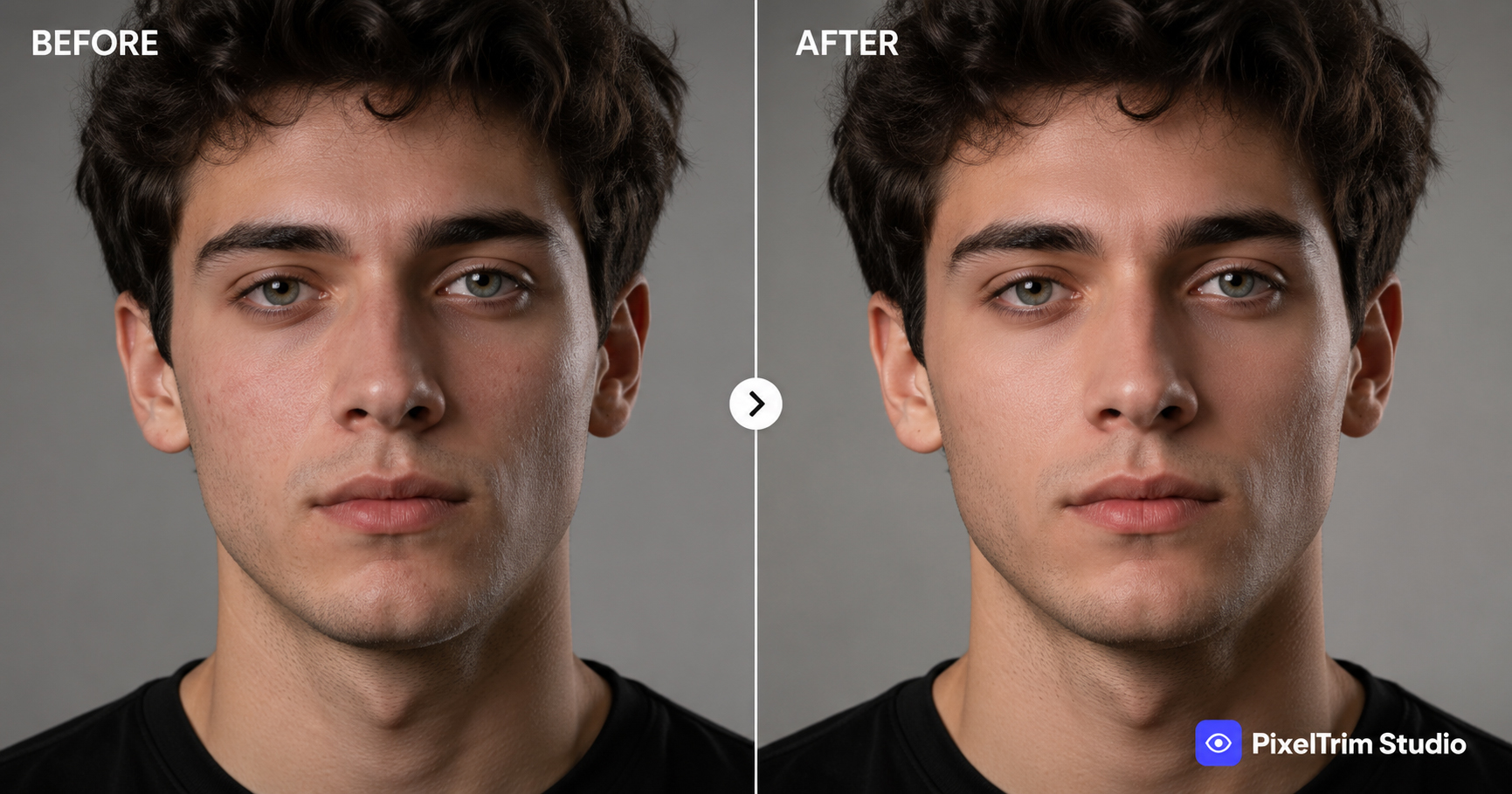
If you have ever seen a product photo with perfectly even color, clean skin tones on a model, or a portrait with distracting dust spots gone — that is image retouching. It is one of the most widely used editing services in both commercial and personal photography, yet most people only know it as "the thing that makes photos look better" without understanding what actually happens behind the edit.
This guide breaks down what image retouching includes, who uses it, how it is priced, and how it compares to a more automated, AI-driven approach.
What Is Image Retouching?
Image retouching is the process of manually correcting and enhancing a photo after it is taken — fixing skin tone, removing dust or blemishes, correcting color and exposure, and cleaning up small imperfections so the final image looks polished and natural. Unlike a single-purpose technique like clipping path (which isolates a subject from its background), retouching works within the image itself, refining what is already there.
Good retouching is meant to be invisible. The goal is not a "filtered" look — it is a photo that looks like the best possible version of the original shot, not an artificial one.
What Image Retouching Actually Includes
"Retouching" covers a broad set of fixes depending on the type of photo:
- Skin and tone correction — evening out redness, blemishes, and patchy lighting on models or portrait subjects
- Blemish and dust removal — spots on skin, lint or dust on products, sensor dust marks
- Color and exposure correction — fixing white balance shifts and inconsistent lighting across a batch
- Texture-preserving smoothing — done with frequency separation so skin or surfaces stay natural, not plastic-looking
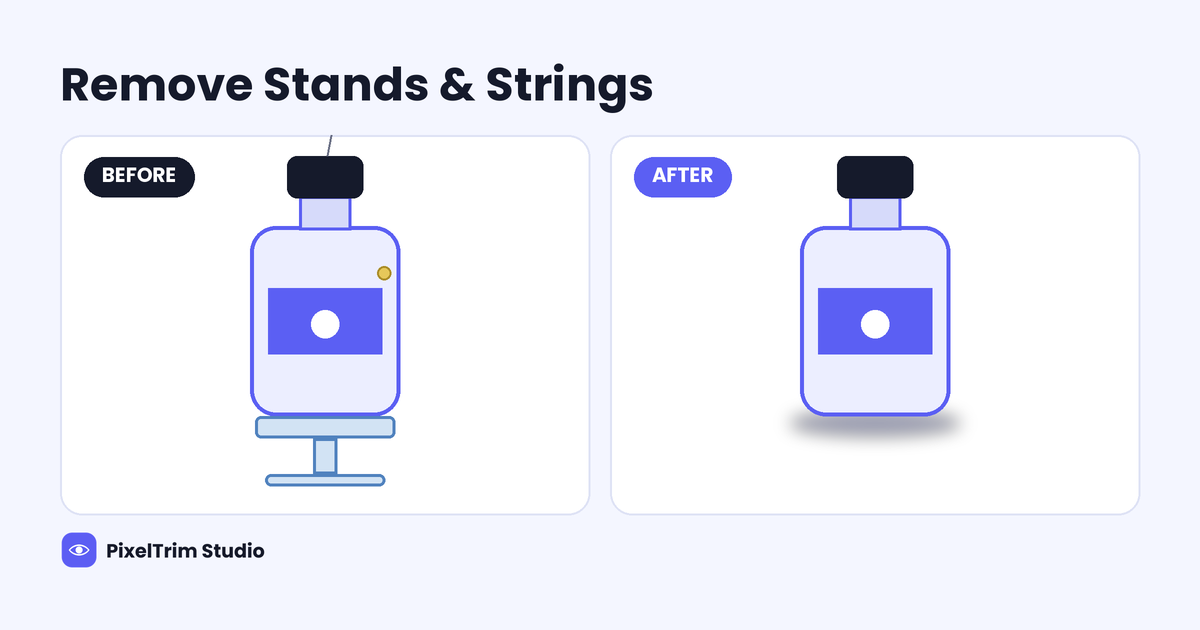
- Background and detail cleanup — removing distracting elements without altering the subject
- Batch consistency — making sure tone, exposure and color match across an entire shoot or catalog
It generally does not include reshaping body proportions or changing facial features — that crosses from "retouching" into heavier digital manipulation, and most professional editors will flag that distinction upfront.
Who Actually Uses Image Retouching
Retouching is one of the most cross-industry editing services, used by:
- Wedding and portrait photographers processing full gallery batches
- eCommerce sellers cleaning up product detail shots before listing
- Fashion and apparel brands preparing lookbook or model imagery
- Jewelry sellers needing dust and micro-scratch cleanup — see our jewelry photo editing guide for how this applies to fine-detail products
- Beauty and cosmetics brands requiring flawless, natural-looking skin work
Image Retouching vs Skin Retouching
These terms get used interchangeably, but they are not the same thing. Skin retouching is a subset of image retouching — it focuses only on skin tone, texture and blemishes. General image retouching is broader and also covers product detail cleanup, color correction across a batch, and background consistency. If you specifically shoot on models and want the skin-focused breakdown, see our dedicated skin retouching service guide.
What Image Retouching Costs
Pricing is almost always per image and scales with how much correction is needed:
| Tier | Typical Price | What's Included |
|---|---|---|
| Basic | $0.79 / image | Exposure and white balance fix, blemish/spot removal, color correction |
| Standard | $1.99 / image | Full skin retouching, background cleanup, frequency separation |
| Advanced | $3.99 / image | High-end beauty retouching, dodge and burn contouring, layered PSD delivery |
For a wider view of how retouching pricing compares against other services like clipping path, ghost mannequin and shadow creation, see our full product photo editing pricing guide.
Manual vs AI Image Retouching
AI retouching tools are fast and cheap, but skin and fine detail are exactly where they tend to fall short — auto-smoothing often blurs texture unevenly, or "fixes" natural features like freckles while missing an actual blemish. Manual, layer-based retouching (frequency separation) keeps real texture intact and only corrects what actually needs it.
For a broader comparison of where AI holds up and where it does not across different editing types, see our Manual vs AI Photo Editing guide.
How to Choose an Image Retouching Provider
- Ask for a retouching-specific before/after sample — not just a product cutout sample
- Confirm it is manual work, not an automated AI filter pass
- Check turnaround time — rushed retouching tends to look over-smoothed
- Ask about revisions — retouching is subjective, so at least one free revision round matters
- Clarify pricing tiers upfront so a "light" edit does not turn into a surprise "heavy" bill
FAQ
What is the difference between image retouching and photo editing?
Photo editing is a broad term covering everything from cropping to background removal. Image retouching is a specific subset focused on correcting and enhancing what is already in the frame — skin, color, exposure and small imperfections — rather than isolating or replacing elements.
Is image retouching only for portraits and models?
No. While skin and portrait work is common, retouching is also widely used for product photography — dust removal, color correction and batch consistency across eCommerce catalogs.
How much does image retouching cost per image?
It typically ranges from under $1 for basic exposure and blemish fixes up to $4 or more per image for advanced beauty retouching with layered PSD delivery, depending on the depth of work required.
Can AI tools do image retouching well?
AI tools handle basic smoothing and color correction quickly, but they often blur natural texture unevenly and miss the exact areas that need fixing. Manual, layer-based retouching stays more reliable for skin and fine detail.
How is skin retouching different from general image retouching?
Skin retouching is one part of image retouching, focused specifically on skin tone, texture and blemishes. General image retouching also covers product detail, color correction and consistency across a full batch of images.
Need natural-looking retouching without the plastic look? See our Image Retouching service — 100% manual editing, 24–48h turnaround, 1 free revision included.
Tags
Ready to get your images edited?
Upload 2 photos for a free trial edit — returned in under 24 hours.
Start free trial →